
1. Introduction
Thank you for choosing the HelloBaby HB6550Plus Baby Monitor. This system is designed to provide a secure and reliable way to monitor your children, featuring a 6-inch IPS split-screen display, two remote pan-tilt-zoom cameras, two-way audio, night vision, and a range of smart features. This manual will guide you through the setup, operation, and maintenance of your baby monitor.

Image 1.1: The HelloBaby HB6550Plus monitor and two cameras.
2. Product Components
The HelloBaby HB6550Plus package includes the following items:
- 6-inch IPS Split-Screen Monitor (x1)
- Remote Pan / Tilt / Zoom Plug-in Cameras (x2)
- HelloBaby AC Chargers (x3)
- Wall Mounting Screws (x2)
- User Manual (x1)
3. Setup Guide
3.1 Powering the Devices
- Connect one AC charger to the monitor and plug it into a power outlet.
- Connect the other two AC chargers to each camera and plug them into power outlets.
- The monitor and cameras will power on automatically.
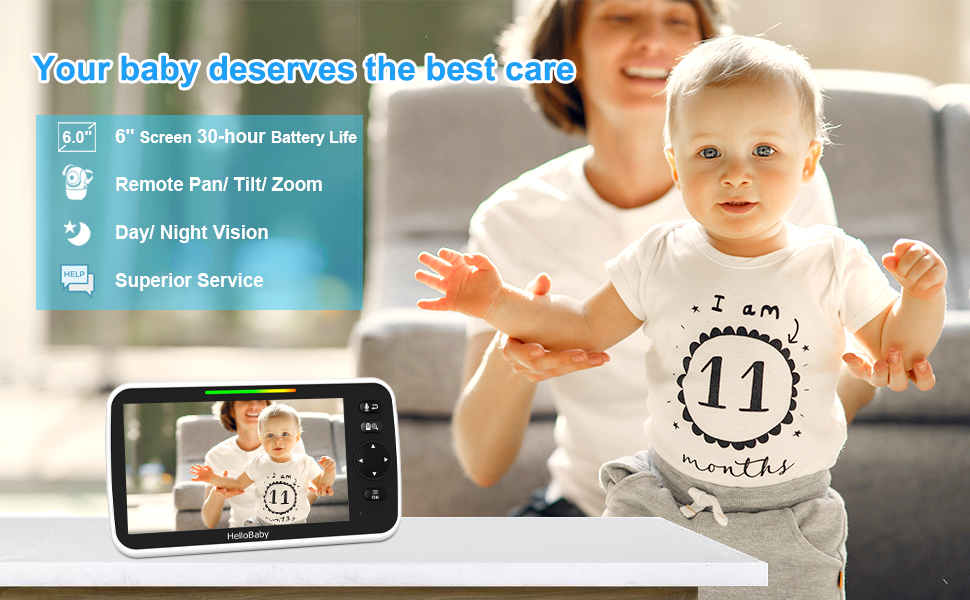
Image 3.1: Monitor and camera connected to power.
3.2 Camera Placement
- Place the camera at a distance of 5-6 feet (1.5-2 meters) from your child for optimal audio and video quality. Placing it too close may result in buzzing or beeping sounds.
- Ensure the camera has a clear line of sight to the monitoring area.
- The cameras can be placed on a tabletop or mounted on a wall using the provided screws.
- For optimal signal, ensure the antenna on the monitor is lifted.
3.3 Secure Connection
The HelloBaby HB6550Plus uses 2.4GHz FHSS and digital encryption technology for a secure, private connection. No Wi-Fi or app is required, eliminating hacking risks.

Image 3.2: The system operates on a secure 2.4GHz wireless transmission without Wi-Fi or an app.
4. Operating Instructions
4.1 Monitor Overview
The 6-inch IPS display provides a clear view of your children. The monitor features control buttons for navigation, volume, talk-back, and menu access.
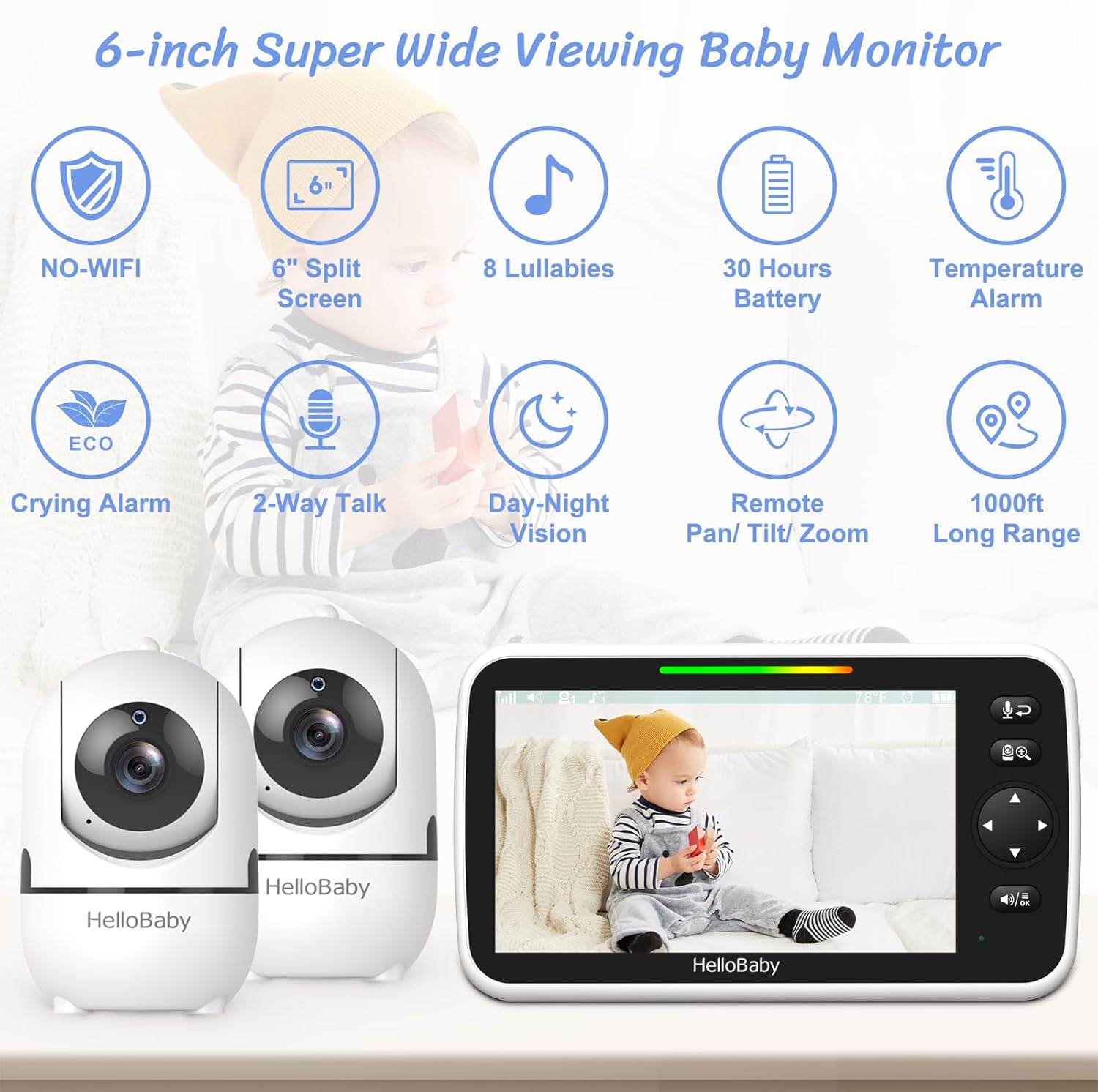
Image 4.1: Overview of monitor features.
4.2 Split-Screen View
To view both cameras simultaneously, activate the split-screen function through the monitor's menu. This allows you to monitor two children or two different areas at once.

Image 4.2: Split-screen functionality for monitoring two areas.
4.3 Remote Pan, Tilt, and Zoom (PTZ)
Use the directional buttons on the monitor to remotely control the camera's movement. The camera offers 355 degrees horizontal pan and 120 degrees vertical tilt. Digital zoom (2x optical zoom) is also available to get a closer look.

Image 4.3: Remote Pan, Tilt, and Zoom capabilities.
4.4 Two-Way Audio
Press and hold the talk button on the monitor to speak to your child through the camera. Release the button to hear your child. This feature allows for clear communication as if you were in the same room.
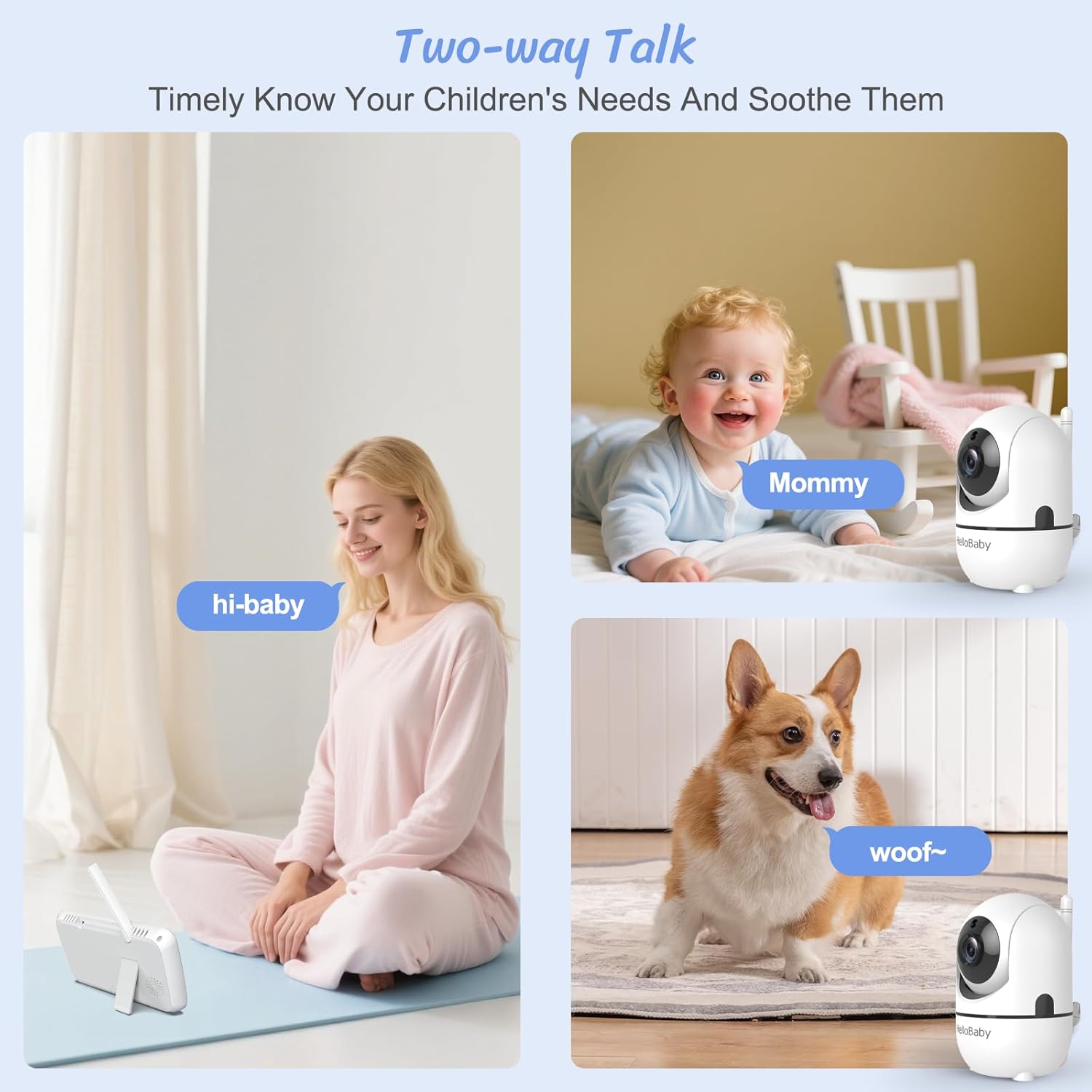
Image 4.4: Using the two-way talk feature.
4.5 VOX Mode (Sound Activated)
In VOX mode, the monitor's screen will automatically activate and transmit video when it detects sound, such as your baby crying. This conserves battery life while ensuring you are alerted to your child's needs. Colored bars on the monitor indicate sound levels, even when muted.

Image 4.5: VOX mode activation and sound level indicators.
4.6 Night Vision
The cameras are equipped with automatic infrared night vision, providing a clear view of your child in low-light or dark conditions without disturbing them.
4.7 Lullabies
The monitor includes 8 pre-programmed lullabies to help soothe your child. Access and control lullaby playback through the monitor's menu.

Image 4.6: Temperature monitoring and lullaby features.
4.8 Temperature Monitoring and Feeding Timer
The camera includes a room temperature sensor, displayed on the monitor. You can set alerts for temperature fluctuations. A feeding timer function is also available to remind you of feeding schedules.
5. Maintenance
5.1 Cleaning
- Wipe the monitor and camera surfaces with a soft, dry cloth.
- Do not use abrasive cleaners or solvents.
5.2 Battery Care
- The monitor's battery provides 16-30 hours of operation depending on usage (16 hours in screen-on mode, 30 hours in ECO/VOX mode).
- Charge the monitor fully before first use and whenever the low battery indicator appears.
- Avoid exposing the battery to extreme temperatures.
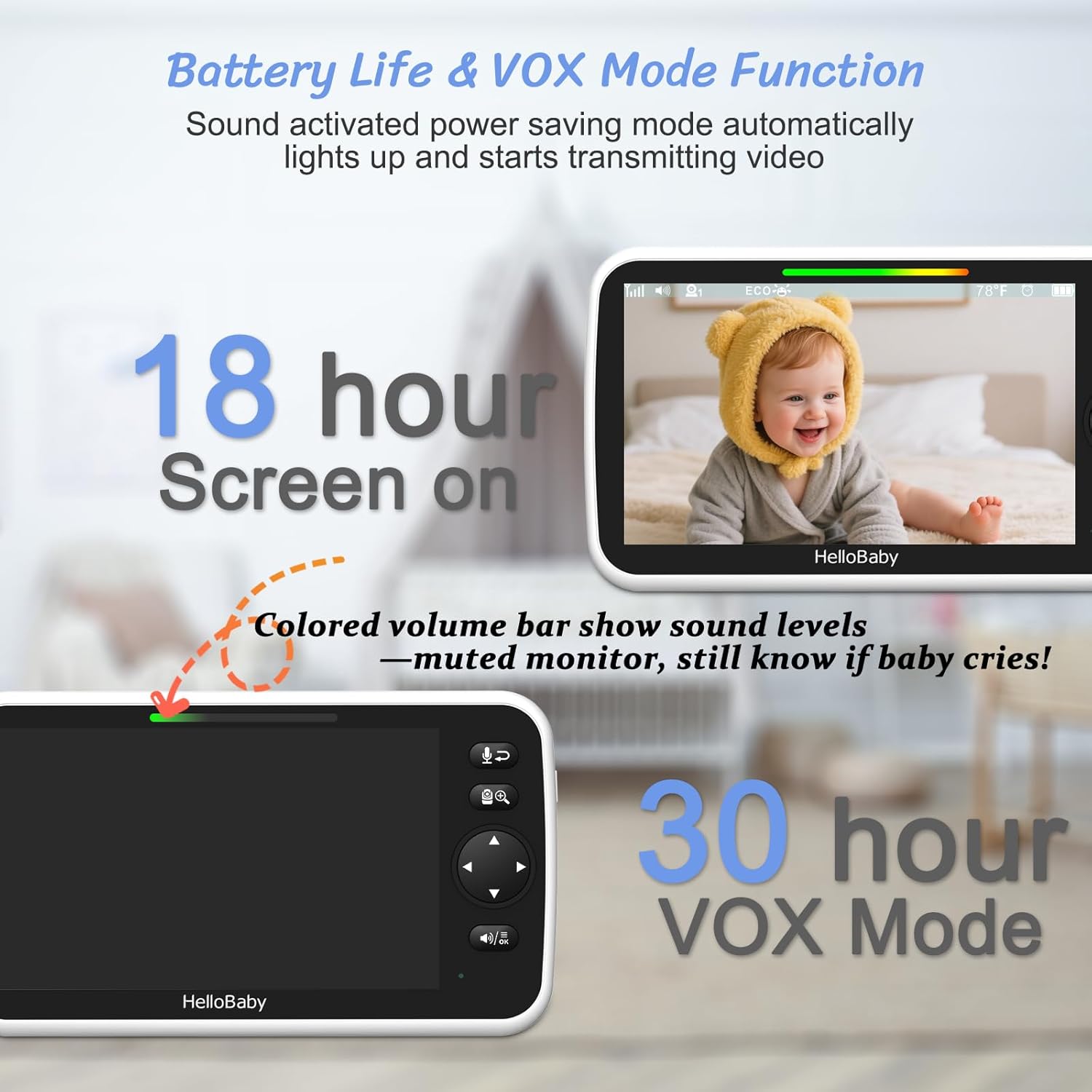
Image 5.1: Battery life in different operating modes.
6. Troubleshooting
- No Signal/Poor Signal: Ensure the monitor's antenna is fully extended. Try moving the monitor closer to the camera. Obstructions like thick walls or other electronic devices can interfere with the signal. The system has a range of up to 1000 feet in open areas.
- Buzzing or Beeping Sound: This can occur if the camera and monitor are too close to each other. Maintain a distance of 5-6 feet (1.5-2 meters) between the camera and the monitor.
- Inaccurate Temperature Reading: The camera's internal temperature sensor may read 2-4°F (1-2°C) warmer than the actual room temperature, especially after being plugged in for extended periods, as the camera itself generates some heat during operation.
- VOX Mode Not Activating: Check the VOX sensitivity settings in the monitor's menu. Adjust to a higher sensitivity if your child's sounds are not consistently triggering the screen.
- Sound Cuts Out: Ensure both the monitor and camera are fully charged or connected to power. Check for any physical obstructions or interference sources between the units.

Image 6.1: The system offers a range of up to 1000 feet.
7. Specifications
| Feature | Specification |
|---|---|
| Model Name | HB6550Plus |
| Screen Size | 6-inch IPS Split-Screen |
| Connectivity Technology | No WiFi 2.4GHz FHSS Technology |
| Camera Pan Angle | 355 Degrees Horizontal |
| Camera Tilt Angle | 120 Degrees Vertical |
| Optical Zoom | 2x |
| Battery Life (Screen On) | 16 hours |
| Battery Life (ECO/VOX Mode) | 30 hours |
| Wireless Range | Up to 1000 feet (line of sight) |
| Included Components | Monitor (x1), Cameras (x2), AC Chargers (x3), Wall Mounting Screws (x2), Manual (x1) |
| Power Source | Battery Powered (1 9V battery included for monitor) |
| Item Weight | 2.14 pounds (0.97 Kilograms) |
| Product Dimensions | 18.7 x 13.3 x 4.2 inches |
| Special Features | Night Vision, 2-Way Audio, Long Battery Life, Portable, Hack Proof, PTZ Technology, Cry Detection, Time Display, Lullabies, Room Temperature Monitor |
8. Warranty and Support
HelloBaby provides a 1-Year Guarantee for the HB6550Plus baby monitor system. This includes a 3-month replacement policy and a 1-year quality guarantee. Life-time technology support is also available.
To activate an additional year of warranty, please contact the seller directly.
For any questions or technical assistance, please contact our 24-hour professional Service Center at service@hellobaby.net.cn.


