
Introduction
This user manual provides comprehensive instructions for the ARENTI Baby Monitor B2 Set. It covers setup, operation, maintenance, and troubleshooting to ensure you get the most out of your smart baby camera system. The B2 Set includes two cameras and a 5-inch wireless display, offering features such as Super Night Vision, Temperature Sensor, Sound Detection, Auto Motion Tracking, 2-Way Audio, and VOX Mode.
For optimal performance and safety, please read this manual thoroughly before using the product and retain it for future reference.
What's in the Box
Verify that all components are present in your package:
| Component | Quantity |
|---|---|
| Camera | 2 |
| Monitor (5-inch Wireless Display) | 1 |
| Power Adapter | 2 |
| Power Cable | 2 |
| Mounting Bracket | 2 |
| Screws | Set |
| Quick Guide | 1 |
| Reset Pin | 1 |
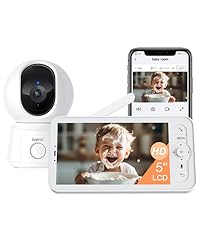 Image: Visual representation of the items included in the ARENTI Baby Monitor B2 Kit packaging.
Setup
Initial Setup (LCD Screen)
- Power On: Connect the power adapter to the baby camera and the monitor. Ensure both devices are fully charged or connected to a power source.
- Automatic Pairing: The camera and monitor are pre-paired at the factory. Once powered on, the monitor should automatically display the camera's feed.
- Positioning: Place the camera in a location that provides a clear view of your baby. Ensure it is out of reach of children and cords are safely secured.
Smartphone App Setup (Optional)
For remote monitoring and advanced features, download the ARENTI app:
- Download App: Search for "ARENTI" in your smartphone's app store (iOS or Android) and download the application.
- Create Account: Open the app and follow the on-screen instructions to create a new account or log in if you already have one.
- Add Device: In the app, select "Add Device" or the "+" icon. Follow the prompts to connect your baby camera to your 2.4G Wi-Fi network. Note: The camera only supports 2.4G Wi-Fi, not 5G.
- Remote Control: Once connected, you can remotely control the camera, view live feed, and access additional features through the app.
 Image: The ARENTI Baby Monitor B2 Set, illustrating both the physical monitor and the smartphone app for dual usage.
Operating Features
Dual Usage: At Home & On-the-Go
The ARENTI B2 Set offers flexible monitoring options:
- At Home: Use the dedicated 5-inch LCD screen for direct, local monitoring without needing Wi-Fi or an app.
- On-the-Go: Connect the camera to your home Wi-Fi and use the smartphone app to monitor your baby from anywhere with an internet connection.
 Image: Demonstrates the flexibility of the monitor for both local viewing via the screen and remote viewing via the smartphone app.
High Resolution & 4X Zoom
The 5-inch 720p LCD screen provides clear visuals. You can zoom in up to 4 times to see finer details of your baby. The smartphone app offers 2K resolution video for even sharper images.
 Image: Highlights the 5-inch screen size and 4X zoom capability of the monitor for detailed viewing.
Super Night Vision
Monitor your baby clearly even in low-light conditions or complete darkness with the enhanced night vision feature. The camera automatically switches to night vision mode when the light is insufficient.
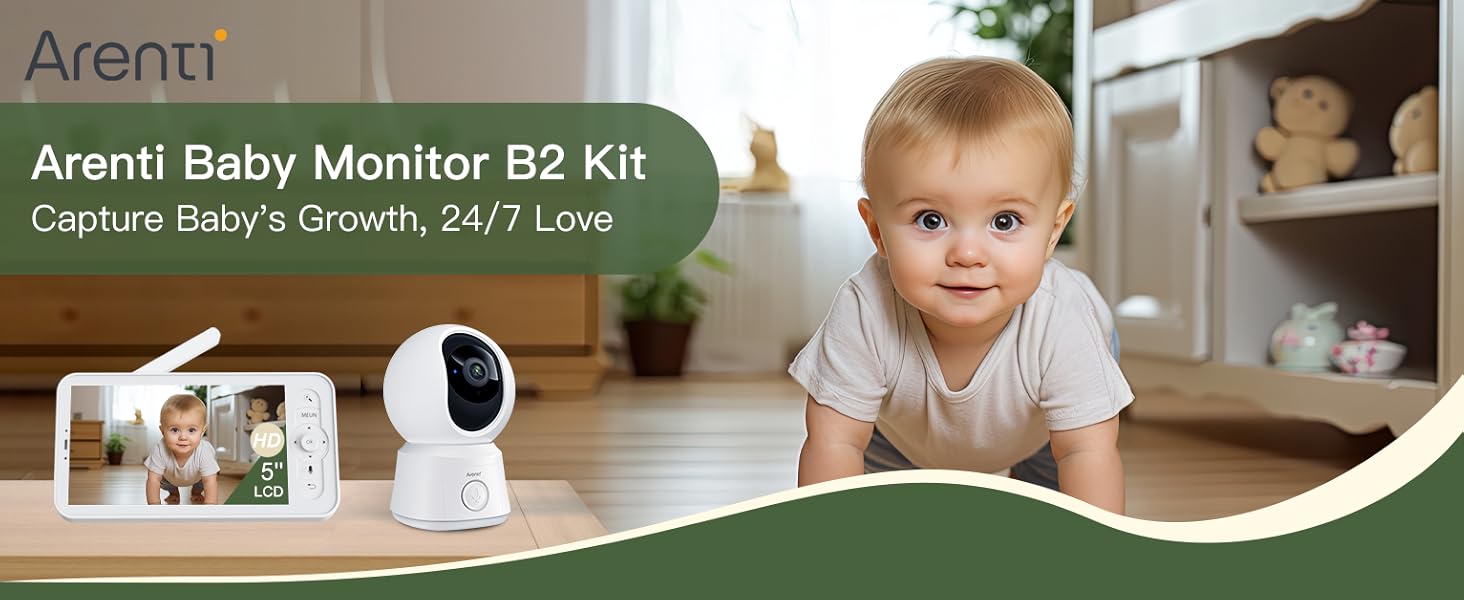 Image: Illustrates the clarity of the night vision feature, allowing parents to see their baby even in dark rooms.
360° View & Auto Motion Tracking
The camera offers a comprehensive 360° view with 355° horizontal and 60° vertical rotation. You can remotely pan and tilt the camera using either the LCD screen or the mobile app. The auto motion tracking feature ensures the camera follows your baby's movements within its field of view.
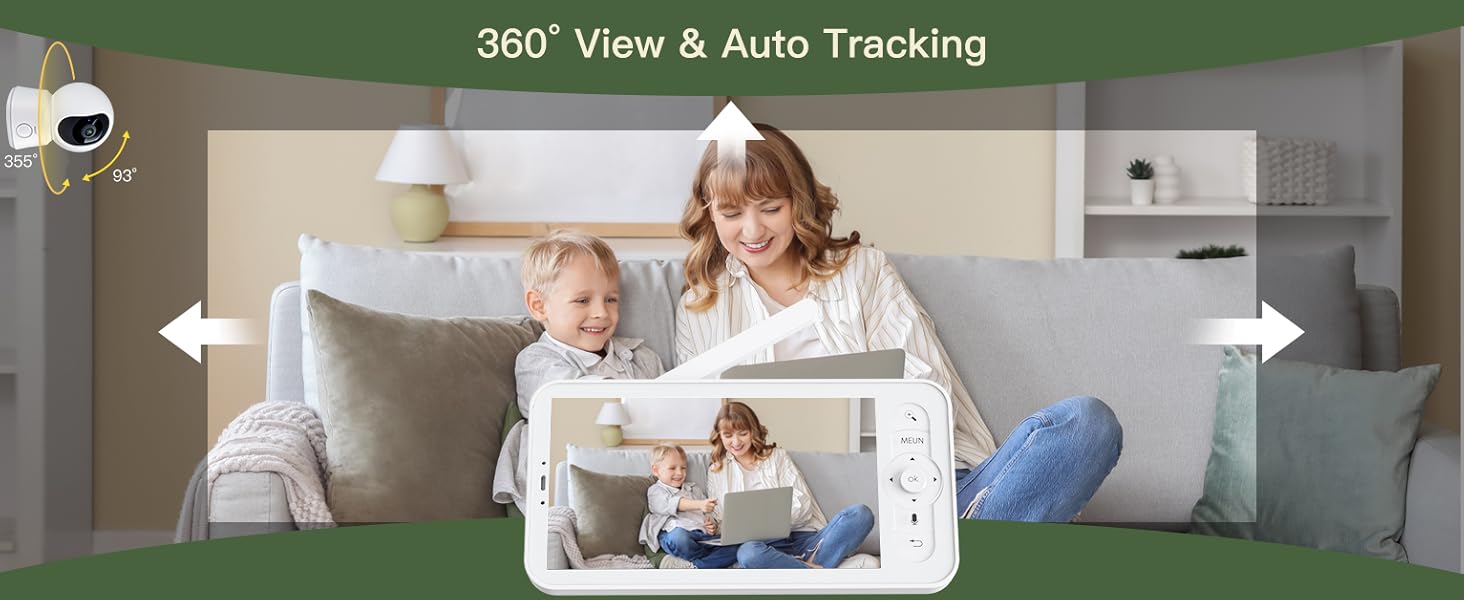 Image: Shows the camera's wide viewing angle and ability to track movement across a room.
Smart Detection & Instant Alerts
The baby monitor features advanced detection capabilities for motion, crying, and specific area monitoring. Adjustable sensitivity allows you to customize alerts. When an abnormality is detected, alerts are sent directly to your smartphone app.
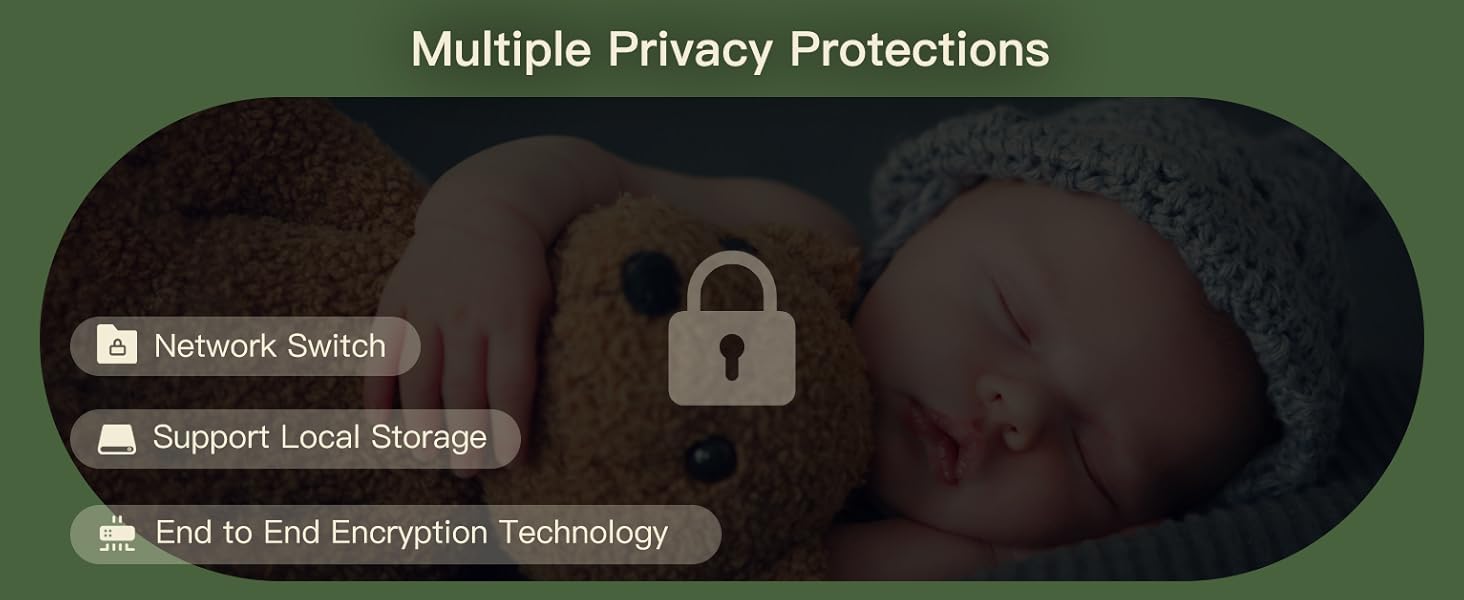 Image: Illustrates the smart detection features, including motion and crying detection, and how alerts are sent to the user's phone.
Two-Way Audio & Lullabies
The built-in microphone and speaker allow for clear two-way communication with your baby. You can also play soothing lullabies directly from the monitor or app to comfort your child.
 Image: Shows the one-touch call feature, enabling instant communication with your baby.
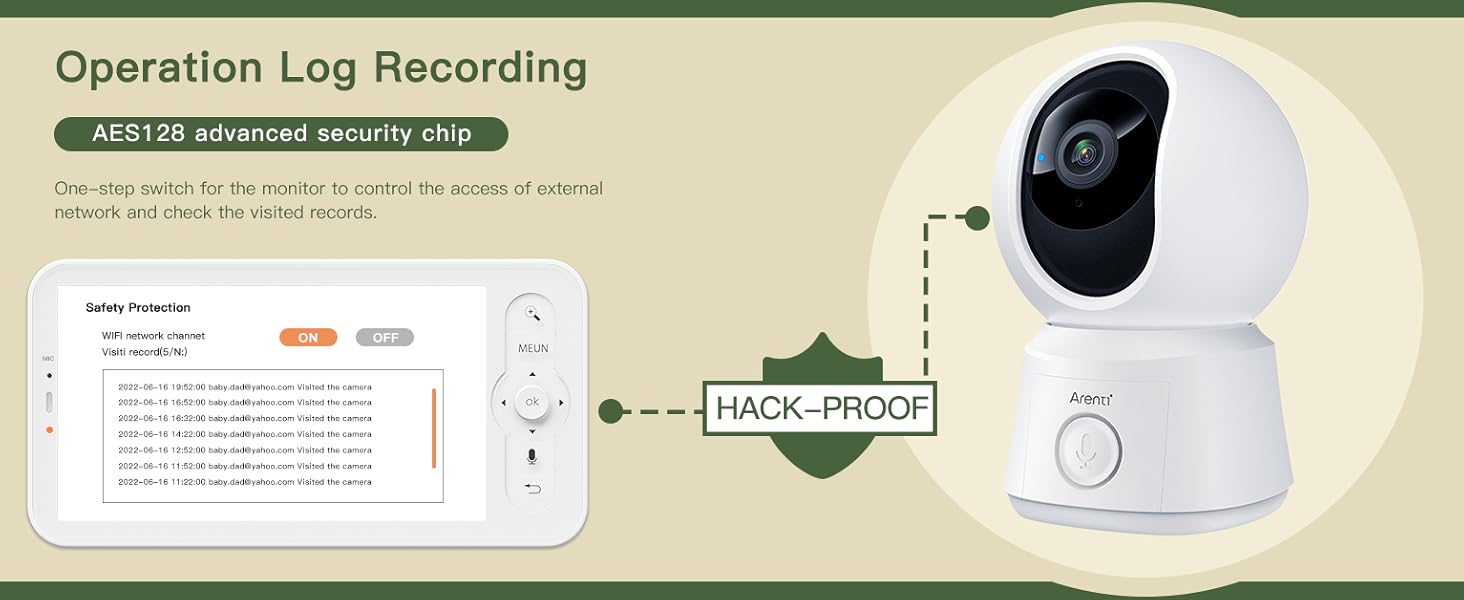 Image: Illustrates the soothing lullaby feature to help your baby sleep.
VOX Mode & Feeding Reminders
VOX (Voice Operated eXchange) mode conserves battery by keeping the monitor screen off until sound is detected. You can also set nursing reminders to help maintain a feeding schedule.
 Image: Highlights friendly features like feeding reminders and temperature sensing for comprehensive baby care.
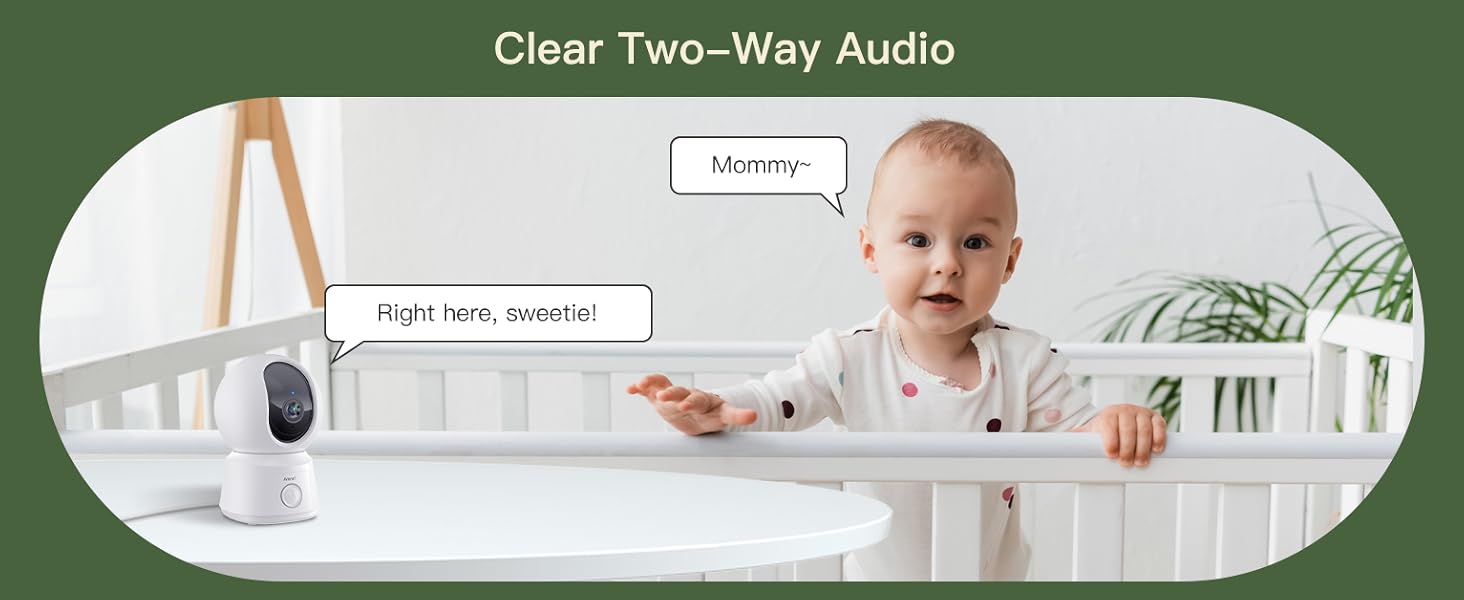 Image: Explains the VOX mode, which helps conserve battery by activating the screen only when sound is detected.
Temperature Sensor
The integrated temperature sensor monitors the room temperature, ensuring your baby's environment is comfortable. Alerts can be set if the temperature goes outside a predefined range.
Multiple Camera Support & Account Sharing
The system supports connecting up to 4 cameras, allowing you to monitor different rooms simultaneously. You can also share access to your baby monitors with family and friends through the app, with the option to revoke access at any time.
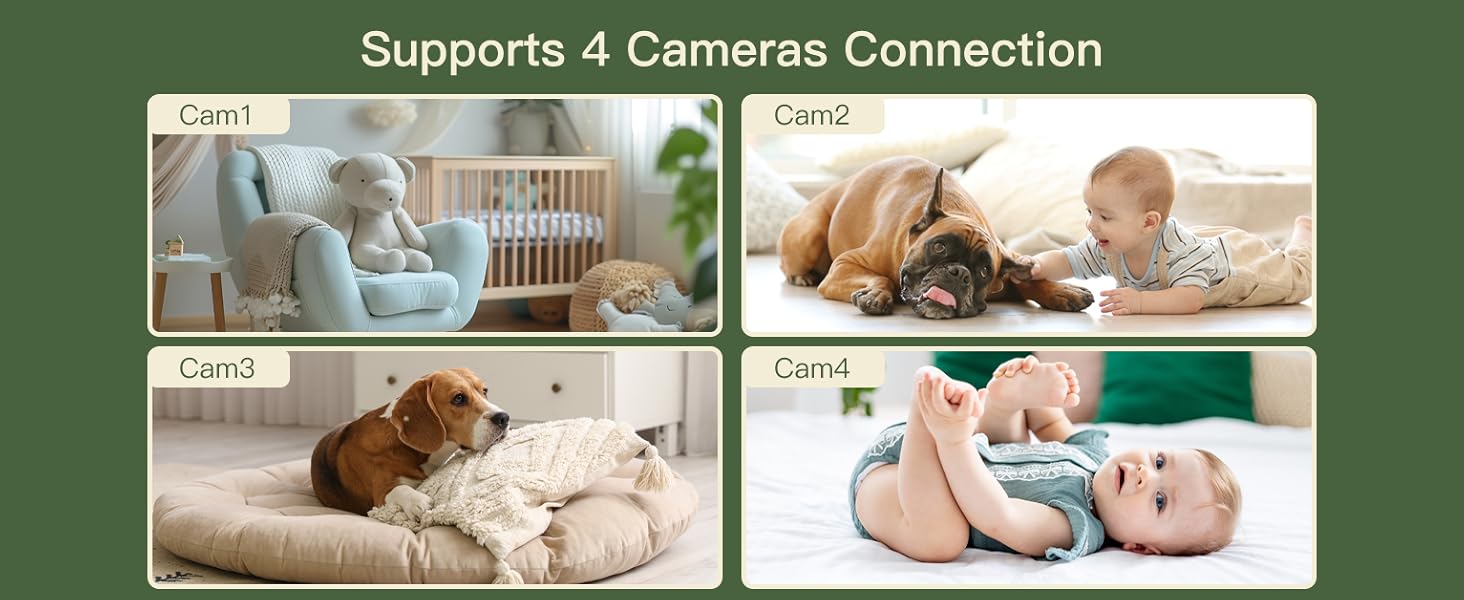 Image: Demonstrates the ability to connect and monitor up to four cameras simultaneously.
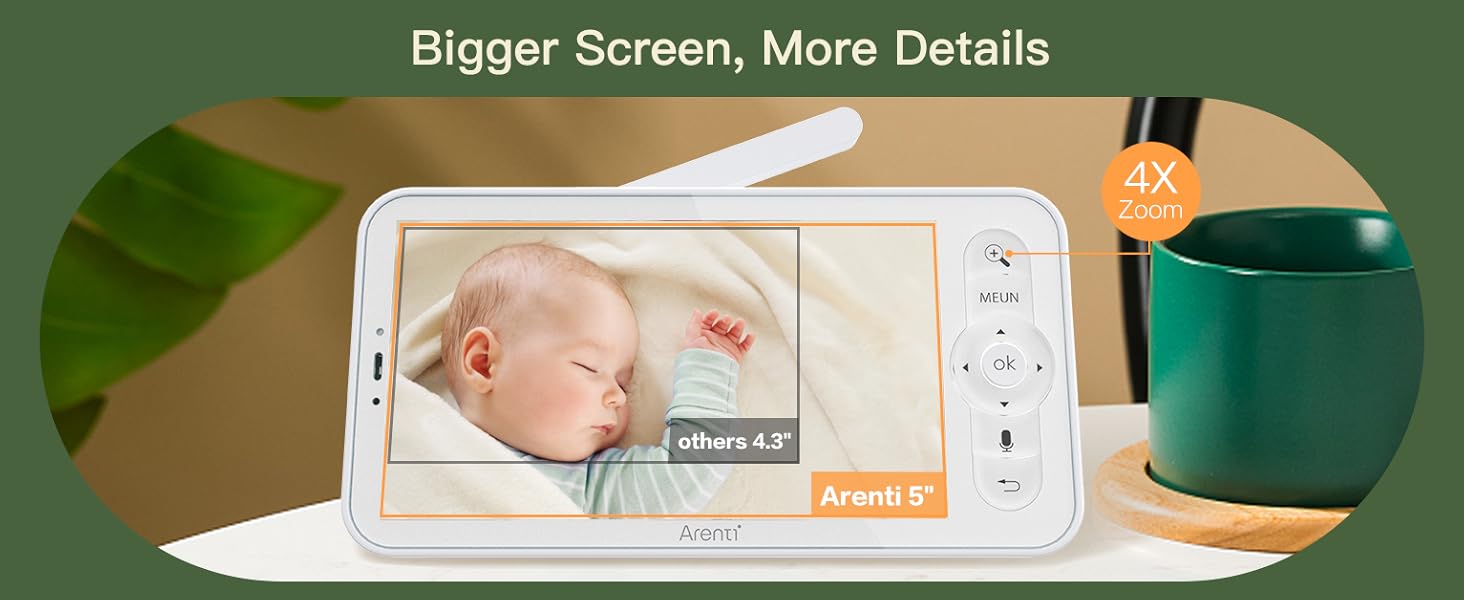 Image: Illustrates various features including humidity and temperature detection, feeding reminders, and account sharing across multiple devices and users.
Safety & Privacy
ARENTI prioritizes your privacy and data security:
- Secure Storage: Your data is securely stored on Amazon's AWS cloud, utilizing end-to-end encryption (E2EE) to ensure only you can access your footage with a unique decryption key.
- AES 128 Advanced Security Chip: The system incorporates an AES 128 advanced security chip for robust data protection.
- Wi-Fi Network Channel Control: Manage and control network access for enhanced security.
- Access Logs: Monitor who has accessed the camera feed with detailed access logs.
- Local Storage Option: Supports micro SD cards (up to 128 GB for the screen and 256 GB for the camera) for local video footage storage.
- Free Event Recording: Each camera includes free 6-second event recordings with a 7-day loop in the app.
 Image: Details the quad security protection features, including advanced encryption and access logs.
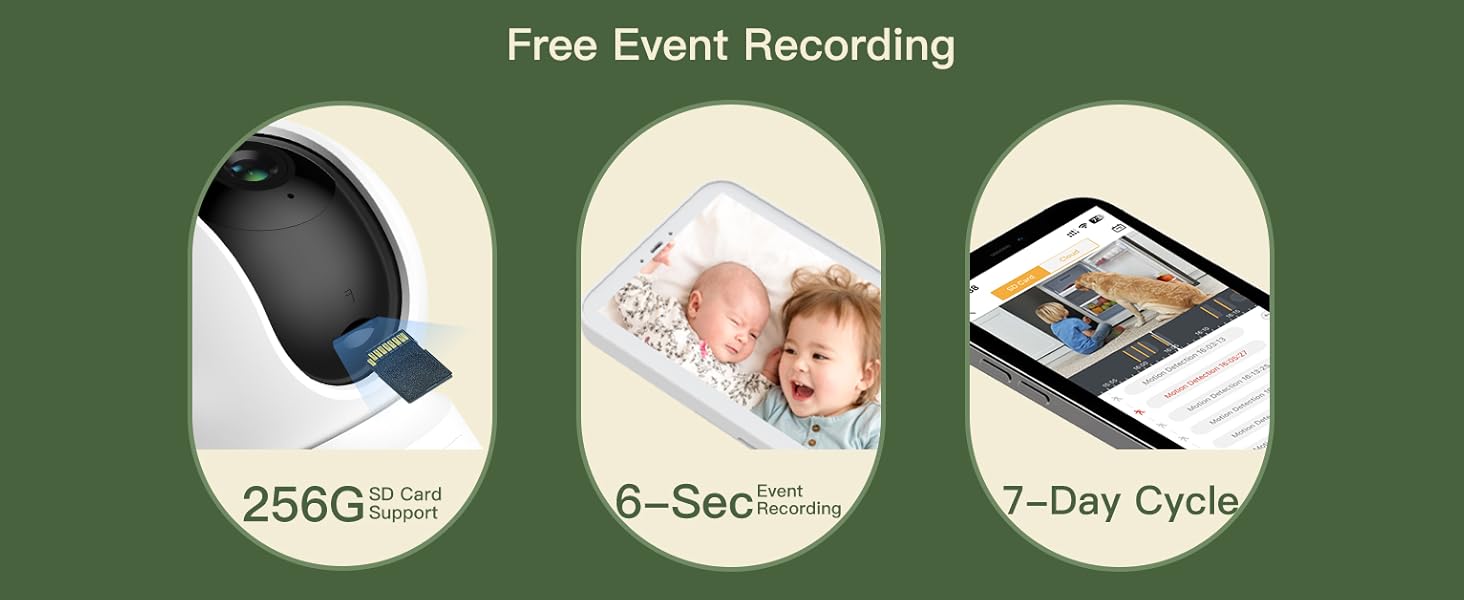 Image: Emphasizes the multiple privacy protection measures implemented in the baby monitor system.
Maintenance
- Cleaning: Use a soft, dry cloth to clean the camera lens and monitor screen. Do not use liquid cleaners or aerosols.
- Placement: Avoid placing the camera in direct sunlight or near heat sources. Ensure proper ventilation.
- Battery Care: For the monitor's built-in battery, avoid extreme temperatures and prolonged periods of full discharge or full charge to maximize battery life.
- Software Updates: Regularly check for and install firmware updates through the ARENTI app to ensure optimal performance and security.
Troubleshooting
| Problem | Possible Solution |
|---|---|
| No image on monitor screen. |
|
| Poor video quality. |
|
| No sound or distorted sound. |
|
| App connection issues. |
|
Specifications
| Feature | Detail |
|---|---|
| Model Number | Baby12SM+3M |
| Power Source | Corded Electric |
| Connectivity Protocol | Wi-Fi (2.4G only) |
| Monitor Display Size | 5-inch LCD |
| Monitor Resolution | 720p |
| App Video Resolution | 2K |
| Camera Pan Angle | 355 degrees |
| Camera Tilt Angle | 60 degrees |
| Digital Zoom | 4x |
| Local Storage | Micro SD card (Monitor: up to 128 GB, Camera: up to 256 GB) |
| Cloud Storage | Supported (Amazon AWS, E2EE) |
| Dimensions (L x W x H) | 3.15 x 3.94 x 4.72 inches |
| Item Weight | 2.35 pounds |
| Batteries Required | Yes (1 C battery included for monitor) |
| Compatible Devices | Amazon Alexa, Google Assistant |
Warranty & Support
ARENTI offers a one-year warranty for this product. For any technical assistance, troubleshooting, or warranty claims, please contact ARENTI customer support:
- Online Support: Visit the official ARENTI website for FAQs and support resources.
- Email Support: Refer to your quick guide or the ARENTI website for the dedicated support email address.
- Telephone Support: Contact numbers may be available on the ARENTI website or in your product documentation.
 Image: Highlights key benefits of choosing Arenti, including warranty and app support.
 Image: Encourages downloading the free Arenti app for full functionality.


