
1. Introduction
The OnePlus 13 is a cutting-edge unlocked Android smartphone designed for exceptional performance and user experience. Powered by the latest Qualcomm Snapdragon 8 Elite chipset and equipped with up to 16GB of RAM and 512GB of storage, it delivers lightning-fast speeds and seamless multitasking. Its 120Hz Super Fluid AMOLED display with Dynamic Refresh Rate offers vibrant colors and ultra-smooth visuals. The device features an advanced 5th Generation Hasselblad Camera System for stunning photography and supports 80W SUPERVOOC fast charging and 50W AIRVOOC wireless charging for rapid power-ups. Running on OxygenOS 15, the OnePlus 13 provides a smarter, more intuitive smartphone experience.

The OnePlus 13 in Midnight Ocean color, showcasing its sleek design and prominent camera module.
An official video highlighting the overall features and design of the One Plus 13.
2. What's in the Box
Upon unboxing your OnePlus 13, please ensure all components are present:
- Handset
- Charger (80W SUPERVOOC power adapter)
- USB data cable (Type-C)
- SIM ejector tool
- Quick Guide
- Safety Guide
- Membership card
- Brand sticker
- Welcome Letter

All items included in the OnePlus 13 retail packaging.
3. Setup
- Power On: Press and hold the Power button (located on the right side) until the OnePlus logo appears.
- Initial Setup: Follow the on-screen prompts to select your language, connect to Wi-Fi, and set up your Google account.
- Insert SIM Card: Use the provided SIM ejector tool to open the SIM tray. Insert your Nano-SIM card(s) into the tray and reinsert it into the phone. The OnePlus 13 supports Dual SIM functionality.
- Fingerprint Setup: Configure the built-in ultrasonic fingerprint sensor for secure and effortless unlocking. Navigate to Settings > Security & lock screen > Fingerprint to add your fingerprints.
- Charge Battery: For optimal performance, fully charge your device using the included 80W SUPERVOOC charger and USB data cable.

Side view of the OnePlus 13, highlighting the power and volume buttons.

The OnePlus 13 features Aqua Touch technology, allowing for seamless interaction even with wet hands.
4. Operating Your Device
Display and Navigation
The OnePlus 13 features a stunning 120Hz ProXDR display, offering a smooth and responsive touch experience. Navigate through OxygenOS 15 using intuitive gestures or traditional navigation buttons. The display's Dynamic Refresh Rate optimizes power consumption while providing fluid visuals.

The vibrant 120Hz ProXDR display of the OnePlus 13.
Camera System
Capture professional-grade photos and videos with the 5th Generation Hasselblad Camera System. The advanced triple-camera setup, including a 50MP main lens, ensures breathtaking detail in any lighting condition. Explore various shooting modes like Portrait, Night, and Pro mode for enhanced creativity.
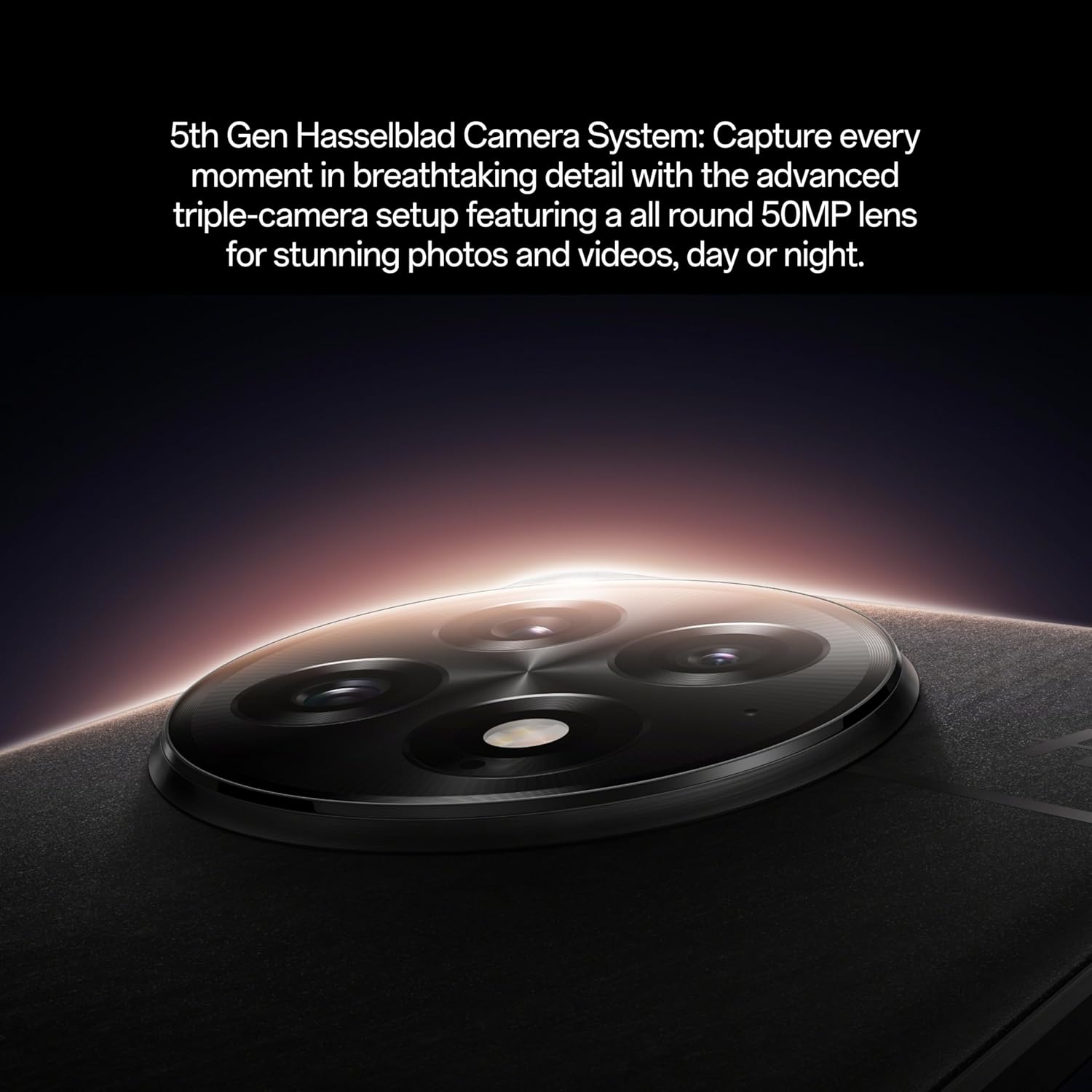
The sophisticated 5th Generation Hasselblad Camera System on the OnePlus 13.

Utilizing the OnePlus 13's camera for capturing moments.
Official video showcasing the camera capabilities of the OnePlus 13.
Learn how to shoot like a pro with the OnePlus 13's intuitive camera features.
Demonstration of the OnePlus 13's camera performance in various scenarios.
Performance
The Snapdragon 8 Elite processor ensures exceptional speed and efficiency for all your tasks, from gaming to productivity. With 16GB RAM, the OnePlus 13 handles demanding applications and multitasking with ease.

The powerful Snapdragon 8 Elite processor and 16GB RAM inside the OnePlus 13.
Charging
The massive 6000mAh battery provides all-day power. Utilize 80W SUPERVOOC fast charging for incredibly quick wired charging, or enjoy the convenience of 50W AIRVOOC wireless charging.


