
Introduction
The TREBLAB U5 headphones are designed to provide a superior audio experience with advanced features for various activities. These over-ear headphones combine hybrid active noise cancellation, powerful audio drivers, and extended battery life to deliver immersive sound and clear communication. They are built for comfort, durability, and versatile connectivity, making them suitable for travel, workouts, and daily use.
What's in the Box
- TREBLAB U5 Headphones
- Carrying Case
- Type-C to 3.5 mm Audio Cable
- USB Type-C / A Charging Cable
- User Manual
- Quick Start Guide

Product Features
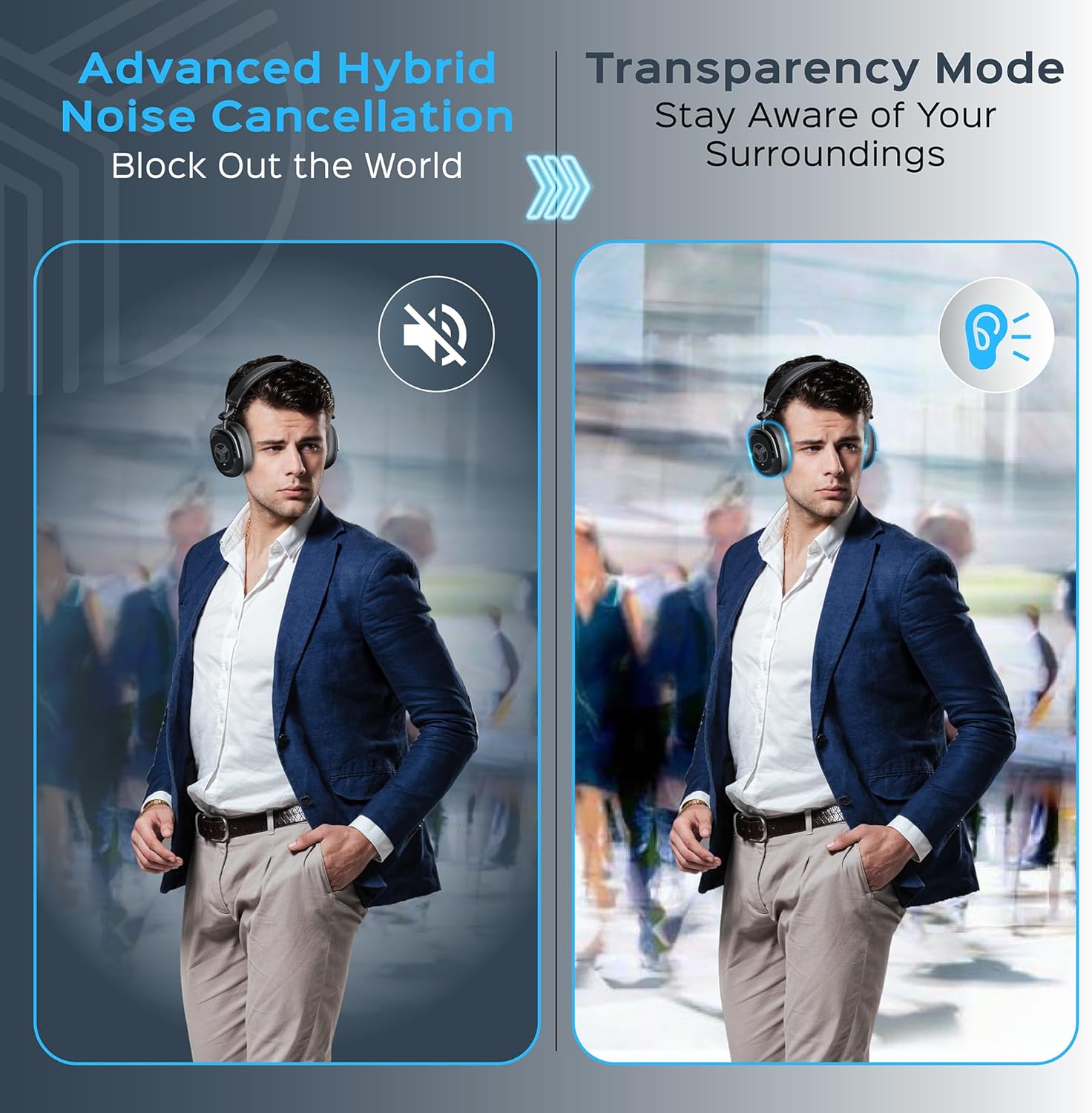
- Hybrid Active Noise Cancellation (ANC): Reduces up to 30dB of ambient noise for focused listening.
- Transparency Mode: Allows you to hear your surroundings without removing the headphones.
- Powerful Audio: Equipped with Neodymium-backed 40mm dynamic drivers for deep bass and clear highs.
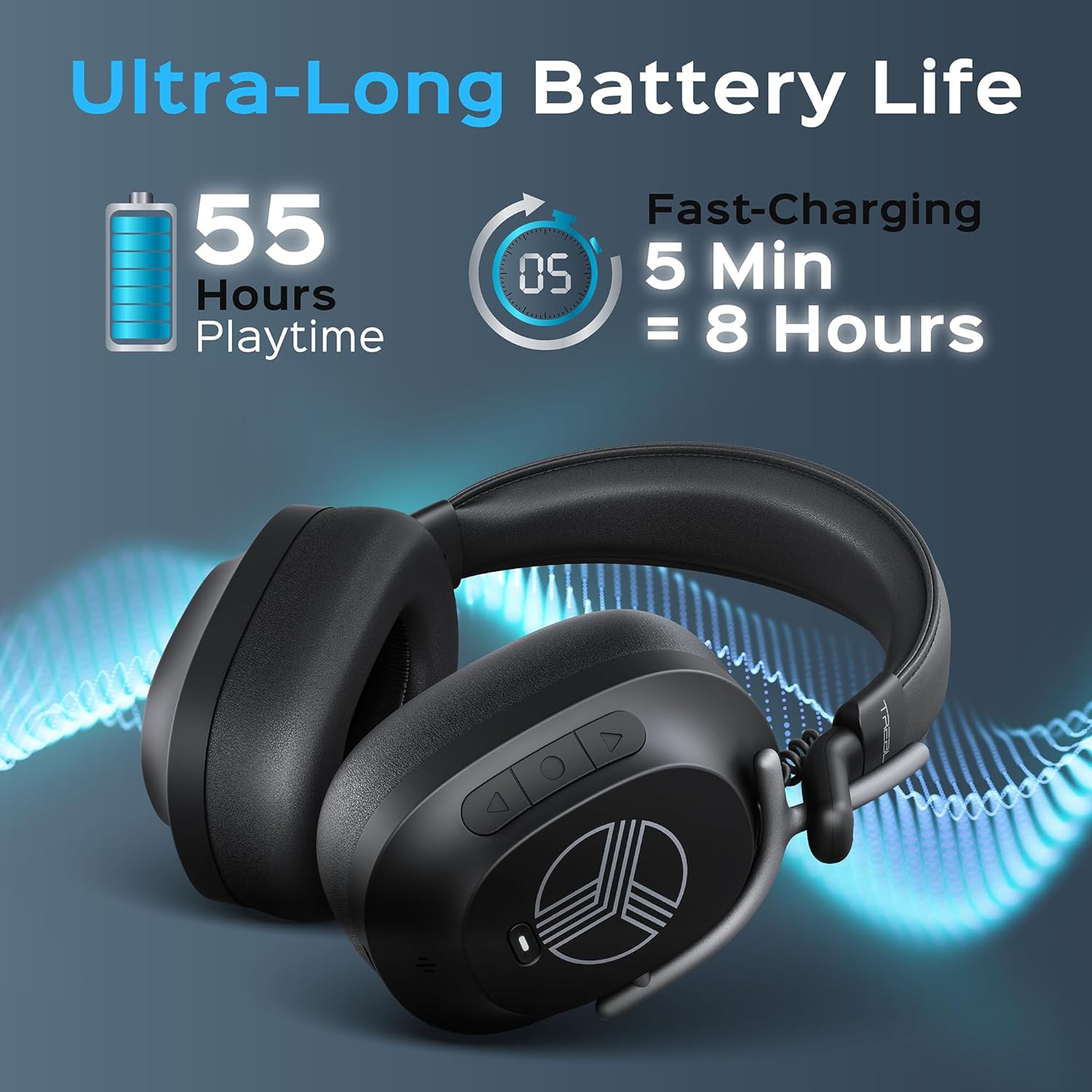
- Extended Battery Life: Up to 55 hours of playtime on a single charge.
- Fast Charging: 5 minutes of charge provides up to 8 hours of playtime. Full charge in approximately 3.5 hours via USB-C.
- Crystal-Clear Calls: Four built-in microphones with AI noise cancellation ensure clear voice transmission.
- Bluetooth 5.3: Provides stable and efficient wireless connectivity up to 10 meters (33 feet).
- Multipoint Connection: Connects to two devices simultaneously, allowing seamless switching between them.
- Gaming Mode: Low 65ms latency for an optimized gaming experience.
- Water-Resistant (IPX4): Protected against splashing water from any direction, suitable for workouts and outdoor use.
- Comfortable & Foldable Design: Soft ear cushions, adjustable headband, and a foldable structure for portability.

Controls and Functions
The TREBLAB U5 headphones feature intuitive controls located on the earcups for easy management of audio, calls, and noise cancellation modes.

| Function | Operation |
|---|---|
| Power On | Press and hold the POWER button for 2 seconds. |
| Power Off | Press and hold the POWER button for 3 seconds. |
| Play/Pause | Press the POWER button. |
| Volume + | Press the VOLUME + button. |
| Volume - | Press the VOLUME - button. |
| Next Track | Press and hold the VOLUME + button for 1 second. |
| Previous Track | Press and hold the VOLUME - button for 1 second. |
| Answer/End a Phone Call | Press the POWER button during an incoming call or active call. |
| Reject a Phone Call | Press and hold the POWER button for 1 second during an incoming call. |
| Voice Assistant | Double-press the POWER button. |
| Switch between ANC modes | Press the ANC button. |
Setup
Charging the Headphones
Before first use, fully charge your TREBLAB U5 headphones. Use the provided USB Type-C / A charging cable. A full charge takes approximately 3.5 hours and provides up to 55 hours of playtime. A quick 5-minute charge can provide up to 8 hours of playback.
Bluetooth Pairing
- Ensure your TREBLAB U5 headphones are charged and the AUX cable is not plugged in.
- Press and hold the POWER button for 2 seconds. You will hear several sound prompts, and a white blinking light will indicate the headphones are in pairing mode.
- Activate the wireless communication function on your smart device and keep it within 1 meter (3 feet) from your TREBLAB U5 while pairing.
- Scan/search for available devices in your smart device's Bluetooth settings. Select "TREBLAB U5" from the device list.
- If prompted for a password, enter "0000".
- Once successfully paired, the headphones will indicate a successful connection.
This video demonstrates the folding mechanism and basic setup of the TREBLAB U5 headphones, including the included accessories and initial pairing process.
Operating Instructions
Active Noise Cancellation (ANC) and Transparency Mode
The TREBLAB U5 headphones feature Hybrid ANC to block out distractions and a Transparency Mode to stay aware of your surroundings. Press the dedicated ANC button to cycle through these modes.
Making and Receiving Calls
With four built-in microphones and AI noise cancellation, the U5 headphones ensure clear call quality. Use the POWER button to manage calls as described in the 'Controls and Functions' table.

Gaming Mode
Activate Gaming Mode for a low 65ms latency, providing a more synchronized audio experience during gameplay. Refer to the 'Controls and Functions' table for activation.
Voice Assistant
Access your device's voice assistant by double-pressing the POWER button.
Comfort and Design
The TREBLAB U5 headphones are designed for all-day wear. They feature soft ear cushions and an adjustable headband to ensure a comfortable and secure fit. The foldable design allows for easy storage and portability in the included carrying case.

This short video demonstrates the foldable design of the TREBLAB U5 headphones, showcasing their compact nature for travel and storage.
Water Resistance
With an IPX4 rating, the TREBLAB U5 headphones are resistant to splashes of water. This makes them suitable for use during intense workouts, light rain, or other situations where they might encounter moisture. However, they are not designed for submersion in water.
Specifications
| Feature | Detail |
|---|---|
| Model Name | U5 |
| Noise Control | Hybrid Active Noise Cancellation |
| Audio Driver Type | Dynamic Driver |
| Audio Driver Size | 40 Millimeters |
| Frequency Response | 20 Hz - 20 KHz |
| Sensitivity | 110 dB |
| Impedance | 32 Ohm |
| Connectivity Technology | Wireless (Bluetooth) |
| Bluetooth Version | 5.3 |
| Bluetooth Range | 10 Meters (33 feet) |
| Audio Latency | 65 Milliseconds (Gaming Mode) |
| Battery Life | Up to 55 Hours |
| Charging Time | 3.5 Hours |
| Charging Port | USB Type-C |
| Headphones Jack | 3.5 mm Jack (for wired connection) |
| Microphones | 4 Built-in Mics with AI Noise Cancellation |
| Water Resistance Level | IPX4 |
| Item Weight | 9.3 ounces |
| Special Features | Hybrid Active Noise Cancelling, Fast Charging, Multipoint Connection, Touch Control, Voice Control, IPX4 Water Resistance, Foldable |
Maintenance
- Cleaning: Wipe the headphones with a soft, dry cloth. Do not use abrasive cleaners or solvents.
- Storage: When not in use, store the headphones in their protective carrying case to prevent damage. Avoid storing in extreme temperatures or high humidity.
- Battery Care: To prolong battery life, avoid fully discharging the headphones frequently. Charge them regularly, even if not in constant use.
- Water Exposure: While IPX4 rated, avoid prolonged exposure to water or submersion. If wet, ensure they are completely dry before charging or using.
Troubleshooting
- Cannot Power On: Ensure the headphones are fully charged. Connect to a power source using the USB-C cable.
- Cannot Pair via Bluetooth:
- Make sure the headphones are in pairing mode (white blinking light).
- Ensure Bluetooth is enabled on your device and it's within 1 meter of the headphones.
- Forget "TREBLAB U5" from your device's Bluetooth list and try pairing again.
- Restart both your device and the headphones.
- No Sound/Low Volume:
- Check the volume levels on both the headphones and your connected device.
- Ensure the headphones are properly paired.
- If using the 3.5mm audio cable, ensure it is securely connected to both the headphones and the audio source.
- Poor Call Quality:
- Ensure the microphones are not obstructed.
- Move closer to your connected device to improve signal strength.
- Check for excessive background noise; ANC helps but extreme noise can still affect clarity.
- ANC Not Working Effectively: Ensure the earcups form a good seal around your ears. Adjust the fit if necessary.
Warranty and Support
Your TREBLAB U5 product is covered by a 1-year full warranty. To register your warranty and for more details, please visit the official TREBLAB website. This warranty typically includes:
- Up to 3 free replacement accessories within the warranty period.
- 30-day return window with no questions asked.
- Lifetime advisory support for your device.
For further assistance, technical support, or to inquire about accessories, please contact TREBLAB customer service through their official website or the contact information provided in your product packaging.


