
Introduction
This manual provides detailed instructions for the proper setup, operation, and maintenance of your BAOFENG UV-5RM PRO GPS Ham Radio. Please read this manual thoroughly before using the device to ensure safe and efficient operation.
The BAOFENG UV-5RM PRO is a 10W multi-band handheld ham radio featuring GPS functionality, a 2500mAh rechargeable battery, and Type-C charging. It supports a wide frequency range and offers up to 640 storage channels.
Package Contents
Verify that all items are present in your package:
- 2 x BAOFENG UV-5RM PRO Ham Radios
- 2 x Antennas (771 antennas)
- 2 x 2500mAh Batteries
- 1 x Programming Cable
- 2 x US Base Chargers
- 2 x Earpieces
- 2 x Belt Clips
- 2 x Hand Straps
- 1 x User Manual
Setup
1. Battery Installation
To install the 2500mAh battery:
- Align the battery with the grooves on the back of the radio.
- Slide the battery upwards until it clicks into place.
- Ensure the battery is securely fastened.
To remove the battery, press the release latch (if present) and slide the battery downwards.
2. Antenna Attachment
Attach the 771 antenna to the top of the radio by screwing it clockwise onto the antenna connector until it is finger-tight. Do not overtighten.
3. Charging the Battery
The radio can be charged using the included US base charger or via the Type-C port.
- Using the Base Charger: Place the radio into the charging cradle. Ensure the charging indicator light illuminates.
- Using the Type-C Port: Connect a Type-C cable to the radio's Type-C port and to a compatible USB power source.
A full charge typically takes several hours. The 2500mAh battery provides extended usage time.

Figure 1: Multiple charging methods for the BAOFENG UV-5RM PRO, including base charger and Type-C port.
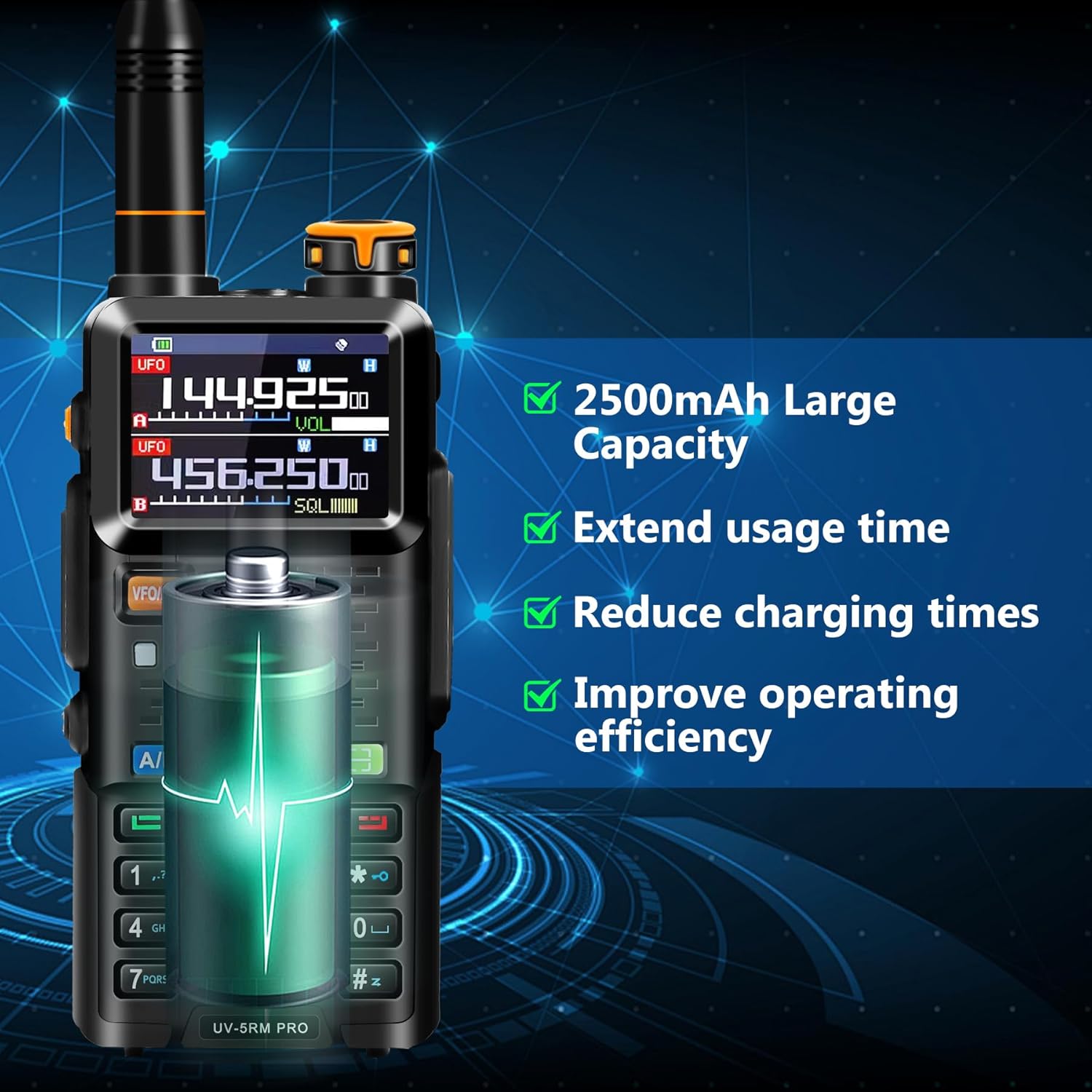
Figure 2: The 2500mAh battery provides extended usage and reduces charging frequency.
4. Initial Programming
While the radio can be operated manually, it is recommended to program channels and settings using the included programming cable and software. Contact BAOFENG support to obtain the official programming software.

Figure 3: Connecting the radio to a computer for programming using the dedicated cable.
Operating Instructions
1. Power On/Off
Rotate the volume knob clockwise to power on the radio. Rotate it counter-clockwise until it clicks to power off.
2. Frequency and Channel Selection
The UV-5RM PRO supports a wide range of frequencies and up to 640 channels. Use the VFO/MR button to switch between Frequency Mode (VFO) and Channel Mode (MR).
- Frequency Mode (VFO): Allows direct frequency input.
- Channel Mode (MR): Allows selection of pre-programmed channels. Use the up/down arrow keys or the keypad to navigate channels.
Supported frequency ranges include: FM65-108MHz (RX), AM108-136MHz (RX), 136-174MHz (RX/TX), 220-260MHz (RX/TX), 350-390MHz (RX), 400-480MHz (RX/TX), and 480-520MHz (RX).

Figure 4: Overview of the BAOFENG UV-5RM PRO's key features and display.
3. GPS Functionality
The integrated GPS allows for location viewing, sharing, and requesting. Access GPS functions through the radio's menu.
- My Position: View your current GPS coordinates.
- Share Position: Transmit your location to another radio.
- Request Position: Request the location from another radio.

Figure 5: GPS Info menu on the radio display.

Figure 6: GPS functionality for accurate positioning and sharing.
4. Frequency Copy Feature
This feature allows you to quickly copy frequencies from other ham radios, simplifying setup without complex manual programming.
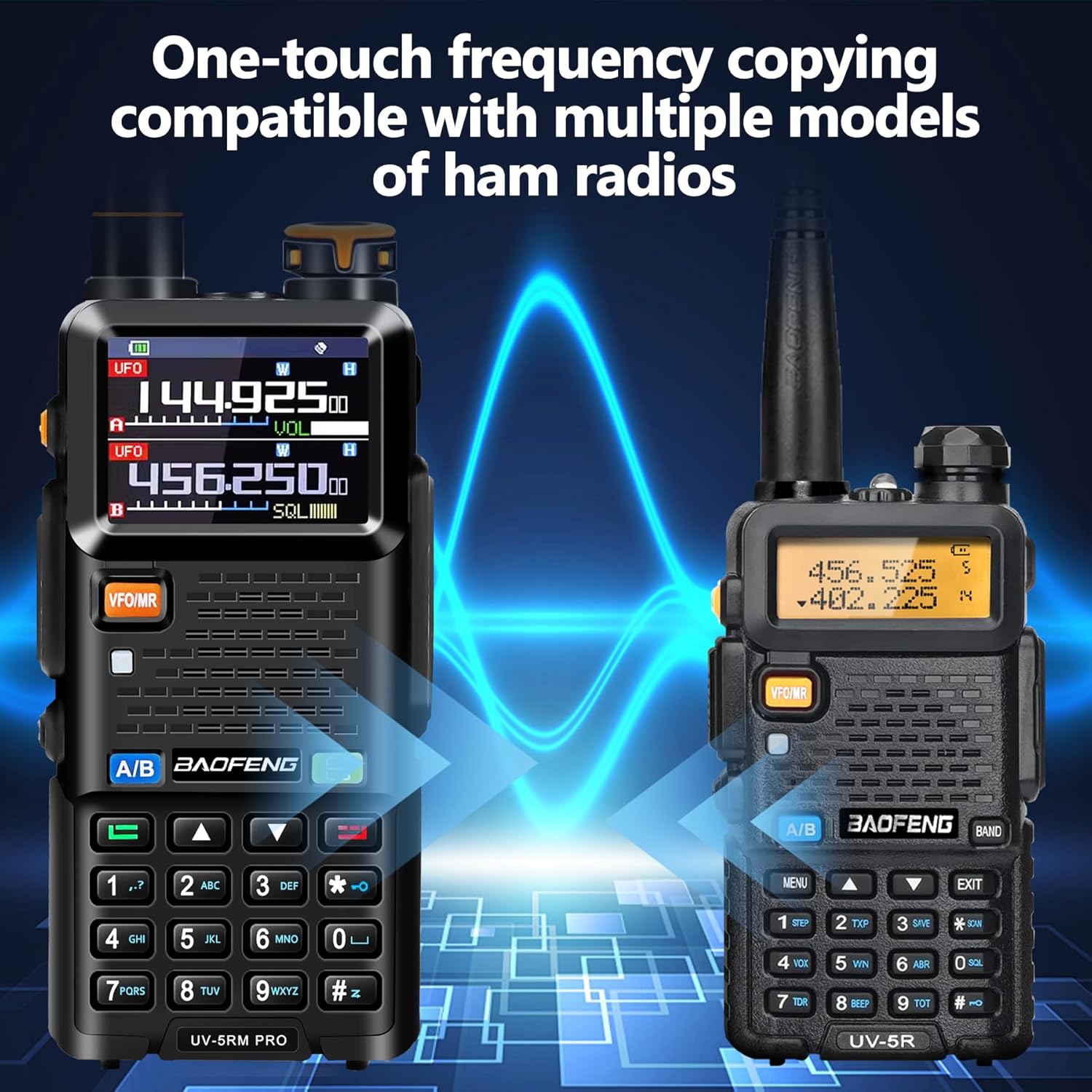
Figure 7: One-touch frequency copying feature.
5. NOAA Weather Receiver and Airband
The radio includes a NOAA Weather Receiver for weather alerts and supports AM aviation functions for airband communication (receive only).
6. VOX Capability
Voice Operated Exchange (VOX) allows for hands-free transmission. When enabled, the radio will transmit automatically when it detects your voice. Refer to the radio's menu for VOX activation and sensitivity settings.
Maintenance
1. Cleaning
Wipe the radio's surface with a soft, damp cloth. Do not use harsh chemicals or abrasive cleaners. Ensure the radio is powered off and dry before cleaning.
2. Battery Care
- Avoid fully discharging the battery frequently.
- Store the battery in a cool, dry place when not in use for extended periods.
- Do not expose the battery to extreme temperatures.
3. Water Resistance
The BAOFENG UV-5RM PRO is not water resistant. Avoid exposing the radio to rain, splashes, or immersion in water to prevent damage.
Troubleshooting
| Problem | Possible Cause | Solution |
|---|---|---|
| Radio does not power on. | Battery is not charged or not installed correctly. | Charge the battery. Ensure the battery is properly installed and secured. |
| Cannot transmit or receive. | Incorrect frequency/channel, antenna not attached, or low battery. | Verify frequency/channel settings. Ensure antenna is securely attached. Charge the battery. |
| Poor audio quality. | Weak signal, incorrect squelch setting, or damaged earpiece. | Move to an area with better signal. Adjust squelch level. Test with a different earpiece or without one. |
| GPS not acquiring signal. | Operating indoors or in an area with obstructed sky view. | Move to an open outdoor area with a clear view of the sky. |
Specifications
| Feature | Detail |
|---|---|
| Brand | BAOFENG |
| Model Number | UV-5RM PRO |
| Color | Black |
| Number of Channels | 640 |
| Frequency Range | 136-174 MHz, 400-470 MHz (TX/RX); FM65-108MHz (RX), AM108-136MHz (RX), 220-260MHz (RX/TX), 350-390MHz (RX), 480-520MHz (RX) |
| Max Talking Range | Up to 10 Miles (depending on terrain and conditions) |
| Voltage | 8.4 Volts |
| Battery Capacity | 2500mAh Lithium Ion |
| Water Resistance Level | Not Water Resistant |
| Special Features | GPS, Frequency Copy, VOX, NOAA Weather Receiver, Airband (RX), Type-C Charging |
| Manufacturer | Fujian Baofeng Electronics Co.,Ltd. |
Warranty Information
This product comes with a 1-Year Warranty from the date of purchase. The warranty covers manufacturing defects and malfunctions under normal use. It does not cover damage caused by misuse, accidents, unauthorized modifications, or exposure to water.
For warranty claims or service, please contact BAOFENG customer support with your proof of purchase.
Customer Support
For technical assistance, programming software, or any questions regarding your BAOFENG UV-5RM PRO GPS Ham Radio, please contact BAOFENG customer support. Refer to the contact information provided with your product packaging or visit the official BAOFENG website.


