
1. Introduction
Thank you for choosing the AWEI T62 Wireless Earbuds. This manual provides detailed instructions on how to set up, operate, and maintain your earbuds to ensure optimal performance and longevity. Please read this manual carefully before use and retain it for future reference.
2. Package Contents
Verify that all items are present in your package:
- AWEI T62 Wireless Earbuds (Left and Right)
- Charging Case
- USB Type-C Charging Cable
- Eartips (various sizes)
- User Manual

Image: The AWEI T62 wireless earbuds, one left and one right, are shown above their oval-shaped charging case. The earbuds are white with light blue accents, and the charging case is predominantly light blue with a white base, featuring the AWEI logo and an indicator light.
3. Product Overview
Earbuds
- Touch Control Area: For managing playback, calls, and voice assistant.
- Microphone: For calls and voice commands, featuring ENC noise cancellation.
- LED Indicator: Displays status (pairing, charging, connected).
- Eartip: Ensures a secure and comfortable fit.
Charging Case
- Charging Port: USB Type-C for case charging.
- Charging Indicator: Shows case battery status.
- Earbud Charging Slots: Securely holds and charges earbuds.
4. Setup
4.1 Initial Charging
Before first use, fully charge the earbuds and charging case.
- Place the earbuds into the charging case, ensuring they are correctly seated.
- Connect the USB Type-C cable to the charging port on the case and to a power source (e.g., USB wall adapter, computer USB port).
- The charging indicator on the case will show charging status. A full charge for the case takes approximately 1.5 hours.
- The earbuds will charge automatically when placed in the case.
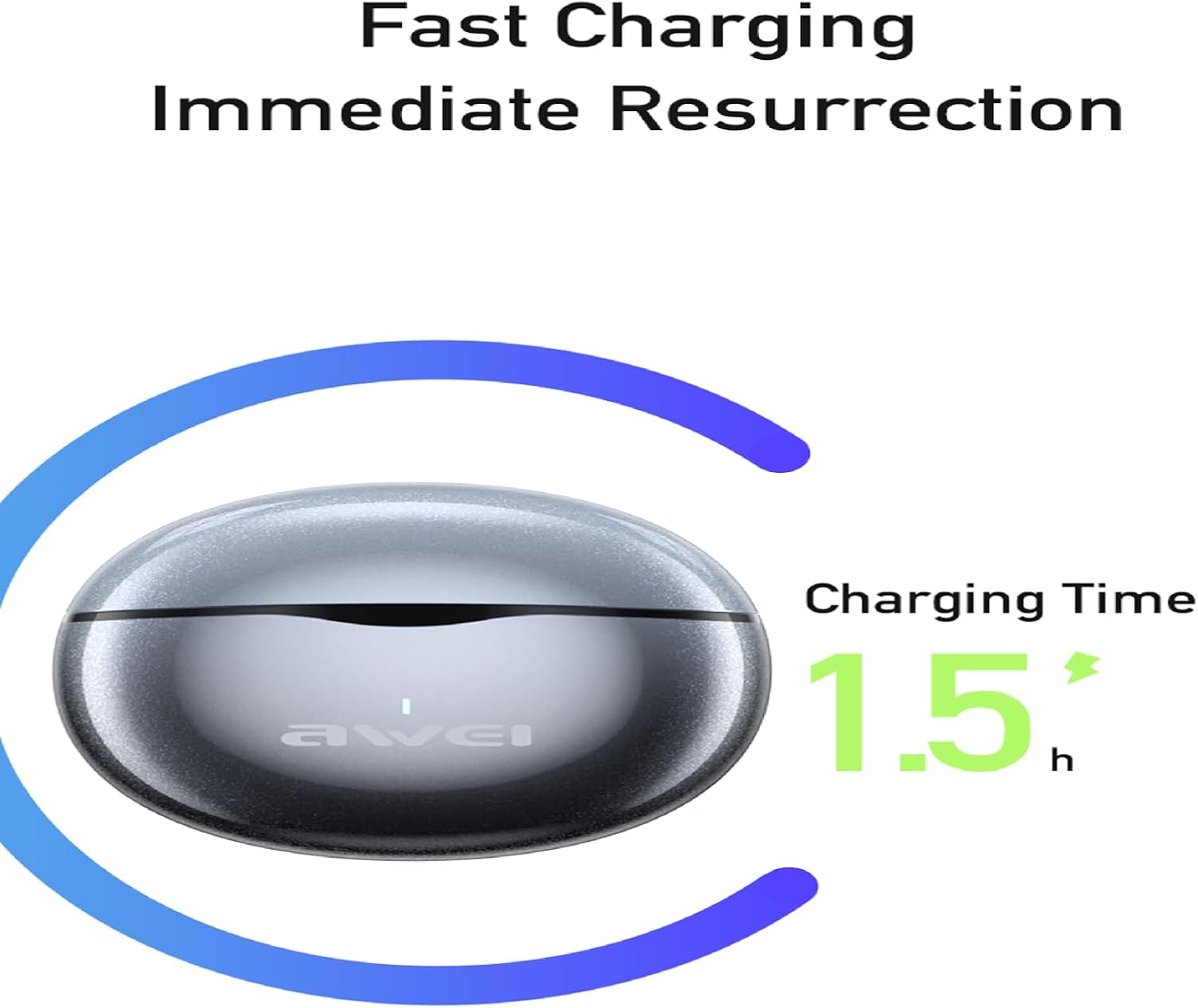
Image: A visual representation of the AWEI T62 charging case, indicating a fast charging time of 1.5 hours. The case is shown with a blue and green circular graphic around it, emphasizing the charging process.
4.2 Bluetooth Pairing
The AWEI T62 earbuds utilize Bluetooth 5.3 for a stable and efficient connection.
- First-time Pairing:
- Open the charging case. The earbuds will automatically power on and enter pairing mode.
- On your device (smartphone, tablet, laptop), enable Bluetooth.
- Search for "AWEI T62" in the list of available Bluetooth devices and select it to connect.
- Once connected, a voice prompt will confirm successful pairing.
- Automatic Reconnection: After the initial pairing, the earbuds will automatically connect to the last paired device when taken out of the charging case, provided Bluetooth is enabled on the device.
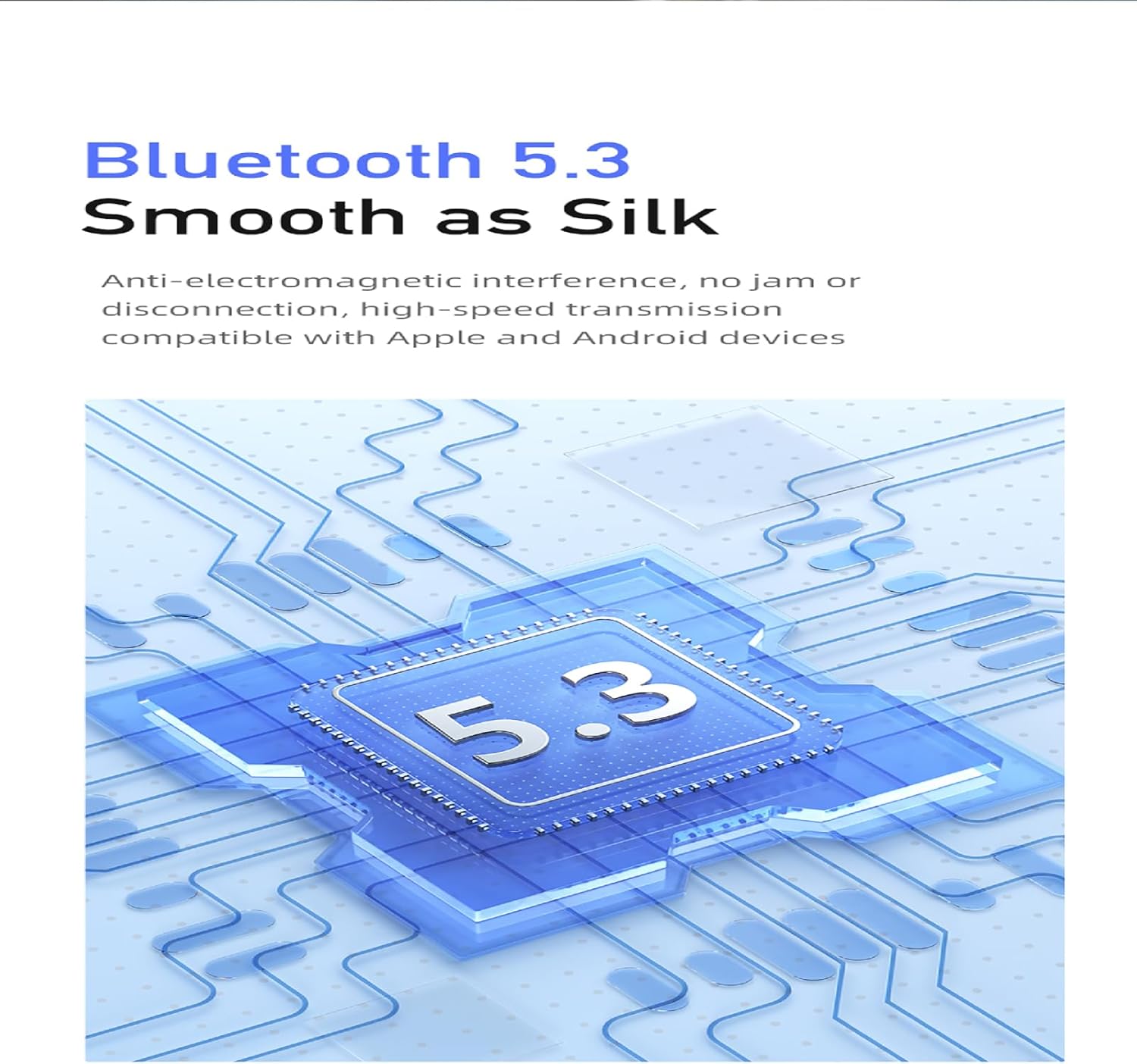
Image: A stylized diagram illustrating the Bluetooth 5.3 chip, emphasizing its role in providing a smooth and stable wireless connection for the earbuds. The chip is depicted within a circuit board design.
5. Operating Instructions
5.1 Power On/Off
- Power On: Open the charging case, or long-press the touch control area on both earbuds for 3 seconds.
- Power Off: Place the earbuds back into the charging case and close the lid, or long-press the touch control area on both earbuds for 5 seconds.
5.2 Wearing the Earbuds
Choose the appropriate eartip size for a comfortable and secure fit. Insert the earbuds into your ears and gently rotate them until they feel snug.
5.3 Touch Controls
The AWEI T62 earbuds feature smart touch controls on each earbud.
| Function | Action |
|---|---|
| Play/Pause | Single tap on either earbud |
| Next Song | Double tap on the right earbud |
| Previous Song | Double tap on the left earbud |
| Volume Up | Triple tap on the right earbud |
| Volume Down | Triple tap on the left earbud |
| Answer/End Call | Single tap on either earbud |
| Reject Call | Long press on either earbud for 2 seconds |
| Activate Voice Assistant | Long press on either earbud for 3 seconds |
5.4 Single/Dual Earbud Mode
You can use both earbuds together for stereo sound or use a single earbud independently.
- Dual Mode: Take both earbuds out of the charging case. They will automatically connect to each other and then to your device.
- Single Mode: Take only one earbud out of the charging case. It will connect to your device independently. The other earbud can remain in the case or be used later.

Image: Two AWEI T62 earbuds are depicted, illustrating their individual use and indicating a playtime of 8 hours per earbud. Sound waves emanate from the earbuds, suggesting audio playback.
6. Maintenance
6.1 Cleaning
- Regularly clean the earbuds and charging case with a soft, dry, lint-free cloth.
- Remove eartips and clean them with mild soap and water, then dry thoroughly before reattaching.
- Do not use abrasive cleaners or solvents.
6.2 Storage
When not in use, store the earbuds in their charging case to protect them and keep them charged.
6.3 Water Resistance (IPX5)
The AWEI T62 earbuds are rated IPX5 waterproof, meaning they are resistant to splashes and sweat. They are suitable for workouts and light rain. However, they are not designed for swimming or submersion in water. Ensure the earbuds are dry before placing them back into the charging case to prevent damage.
7. Troubleshooting
If you encounter issues with your AWEI T62 earbuds, refer to the following common solutions:
| Problem | Solution |
|---|---|
| Earbuds not pairing | Ensure earbuds are charged. Turn off and on Bluetooth on your device. Forget "AWEI T62" from your device's Bluetooth list and re-pair. |
| Only one earbud working | Place both earbuds back into the charging case, close the lid, then open it again. Ensure both earbuds are charged. |
| No sound | Check device volume and earbud volume. Ensure earbuds are connected to the correct device. |
| Charging case not charging | Verify the USB Type-C cable and power adapter are working correctly. Ensure the cable is securely connected. |
| Poor call quality | Ensure the microphone is not obstructed. Move closer to your connected device. The ENC technology helps reduce ambient noise for clearer calls. |
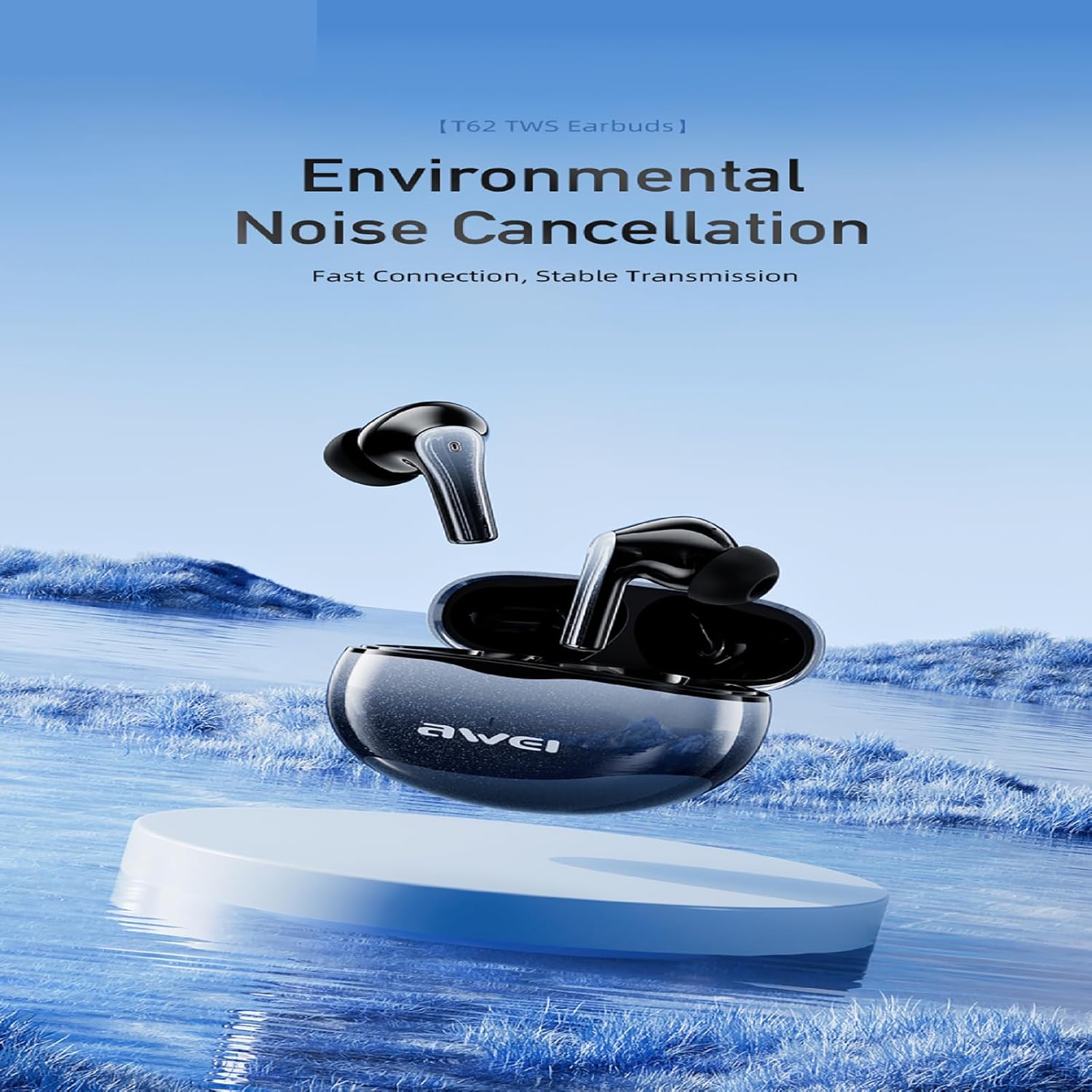
Image: The AWEI T62 TWS earbuds are featured in a dark color, highlighting their Environmental Noise Cancellation (ENC) capability. The background suggests a serene, watery environment, implying clear sound even in noisy settings.

Image: A person is shown smiling and holding a smartphone, seemingly engaged in a video call or conversation, while wearing the AWEI T62 earbuds. The image emphasizes the ENC Voice Call feature for high-definition speaking and listening.
8. Specifications
| Feature | Detail |
|---|---|
| Model | T62 |
| Bluetooth Version | 5.3 |
| Speaker Size | 10mm |
| Water Resistance | IPX5 |
| Earbud Playtime | Up to 5 hours (single charge) |
| Total Playtime (with case) | Up to 30 hours (dual-ear mode), 60 hours (single-ear alternating) |
| Charging Case Battery | 300mAh |
| Charging Time (Case) | Approx. 1.5 hours (Type-C) |
| Wireless Range | Up to 10 meters (33 feet) |
| Control Type | Touch Control |
| Special Features | ENC Calling Noise Cancellation, Fast Charging, Lightweight |

Image: A detailed cutaway view of an AWEI T62 earbud's internal components, specifically highlighting the 10mm dynamic driver. This illustrates the HiFi and energetic lossless stereo sound capabilities.
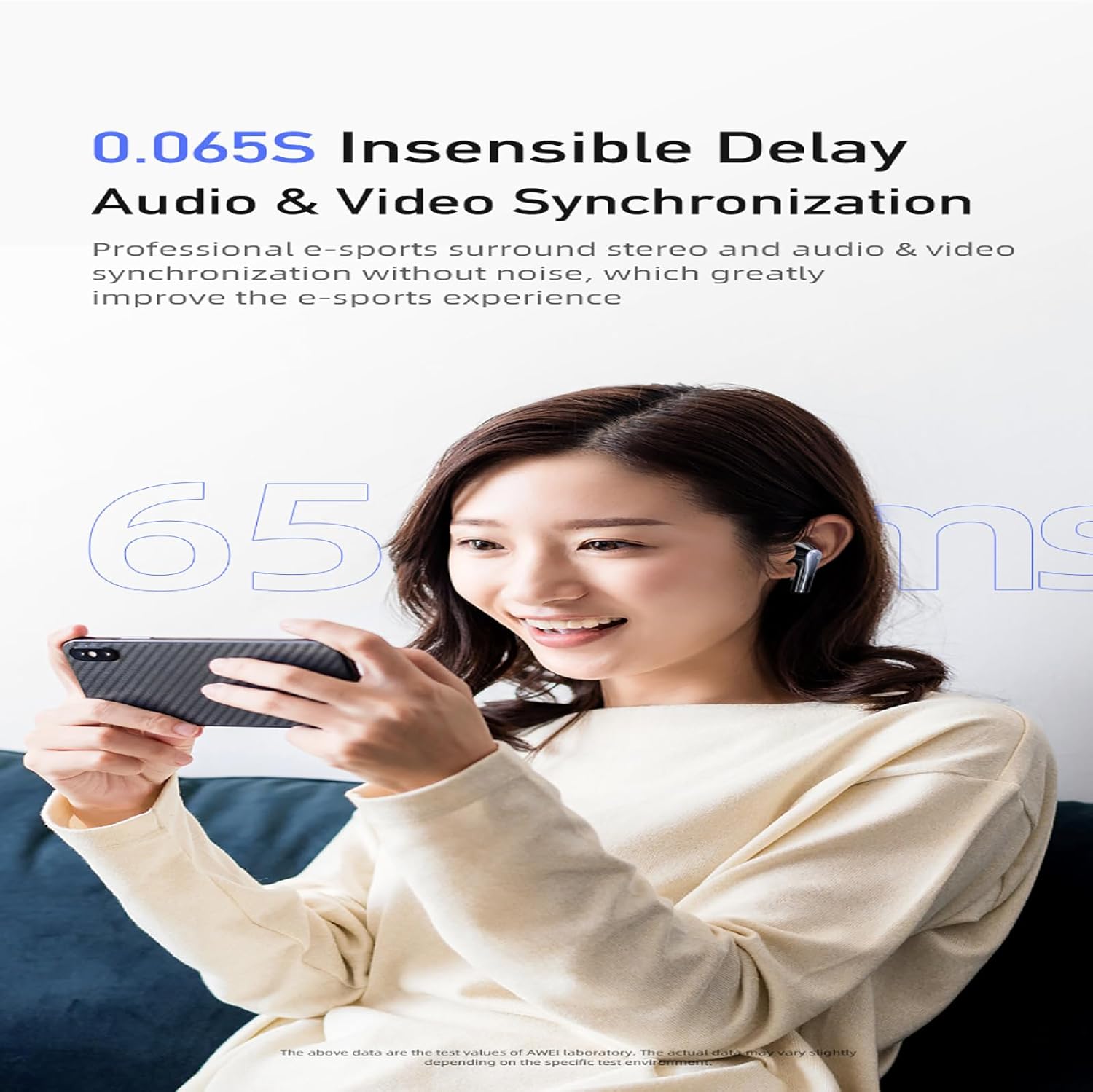
Image: A person is shown happily using the AWEI T62 earbuds while looking at a smartphone, with a graphic indicating "0.065S Insensible Delay" for audio and video synchronization, suggesting a low-latency experience ideal for gaming or video playback.
9. Safety Information
- Do not disassemble or modify the product.
- Keep away from extreme temperatures and direct sunlight.
- Avoid exposing the product to fire or high heat.
- Do not use the earbuds at excessively high volumes for prolonged periods to prevent hearing damage.
- Keep out of reach of children and pets.
10. Warranty and Support
AWEI products come with a standard manufacturer's warranty. For detailed warranty information, technical support, or service inquiries, please refer to the warranty card included in your package or visit the official AWEI website. Please retain your proof of purchase for warranty claims.


