
Introduction
This manual provides detailed instructions for the proper use and maintenance of your boAt Airdopes 141 Pro Buds. Please read this manual thoroughly before using the product to ensure optimal performance and longevity. Keep this manual for future reference.
What's in the Box
- boAt Airdopes 141 Pro Buds (Left and Right Earbuds)
- Wireless Charging Case
- USB Charging Cable
- User Manual

Image: boAt Airdopes 141 Pro Buds with their charging case.
Product Overview
The boAt Airdopes 141 Pro Buds are true wireless stereo (TWS) earbuds designed for audio playback and communication. They feature 13mm drivers for sound output, quad microphones with ENx Technology for clear calls, and a metallic finish for durability. The earbuds are housed in a portable charging case.

Image: Visual representation of key features including 13mm drivers, metallic finish, quad mics with ENx technology, and 60 hours of playback.
Setup
1. Initial Charging
Before first use, fully charge the Airdopes 141 Pro Buds and their charging case. Connect the USB charging cable to the charging port on the case and to a power source. The LED indicator on the case will show charging status.
2. Power On and Pairing
- Open the lid of the charging case. The earbuds will automatically power on and enter pairing mode (Insta Wake N’Pair - IWP).
- On your device (smartphone, tablet, etc.), enable Bluetooth.
- Search for available Bluetooth devices and select "Airdopes 141 Pro" from the list.
- Once connected, a confirmation sound will play, and the earbuds will be ready for use.

Image: Illustration of the Insta Wake N'Pair (IWP) function, demonstrating automatic connection upon opening the case.
Operating Instructions
Power On/Off
- Power On: Open the charging case lid. The earbuds will power on automatically.
- Power Off: Place the earbuds back into the charging case and close the lid. They will power off automatically.
Touch Controls
The Airdopes 141 Pro Buds feature intuitive touch controls on each earbud.
- Play/Pause: Single tap on either earbud.
- Next Track: Double tap on the right earbud.
- Previous Track: Double tap on the left earbud.
- Answer/End Call: Single tap on either earbud.
- Reject Call: Long press on either earbud.
- Activate Voice Assistant: Triple tap on either earbud (Siri, Google Assistant).
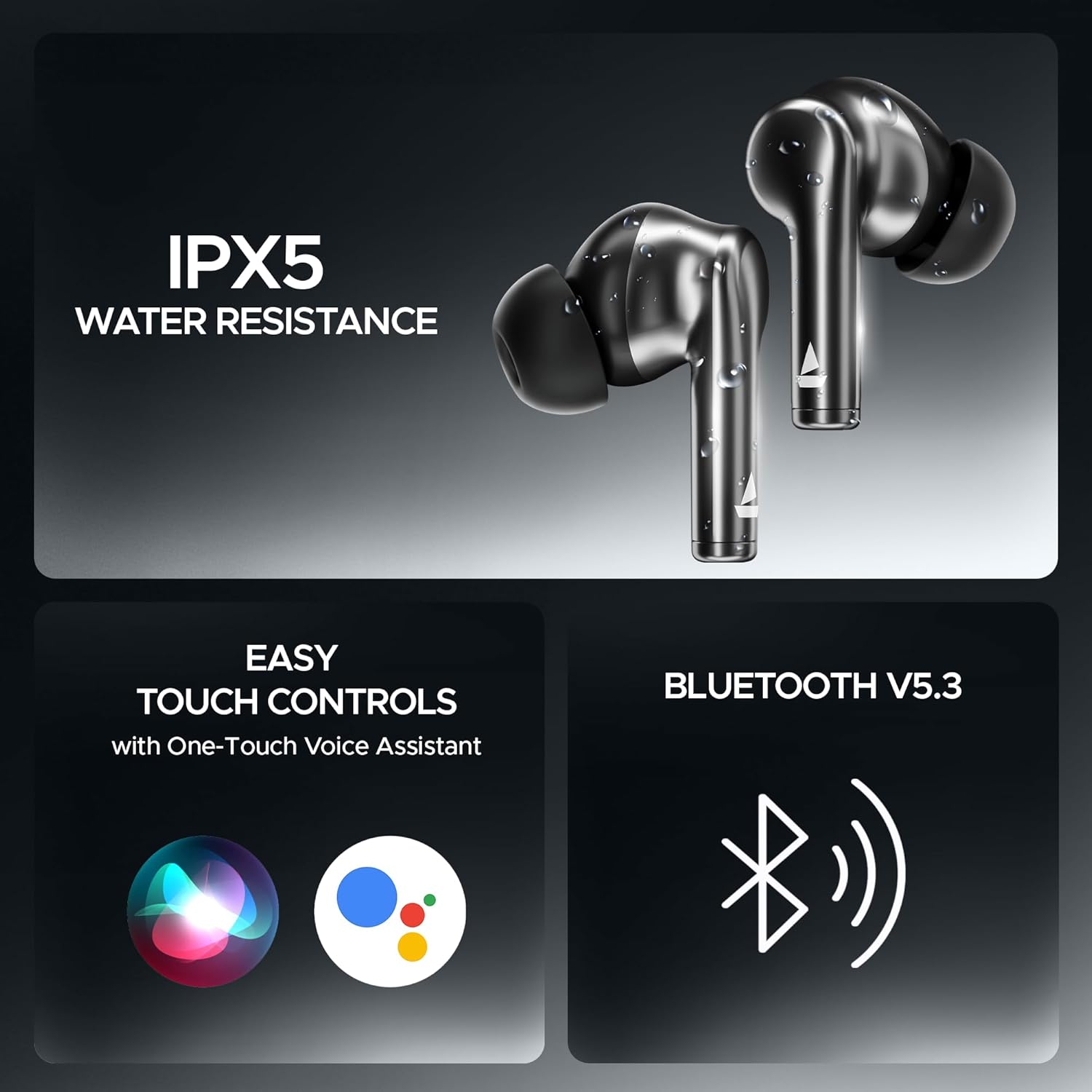
Image: Features including IPX5 water resistance, easy touch controls, and Bluetooth v5.3 connectivity.
Charging
- Earbuds: Place the earbuds into the charging case. They will charge automatically.
- Charging Case: Connect the USB charging cable to the case and a power source. The case supports ASAP Charge for quick power-ups.

Image: The ASAP Charge feature, indicating that a 10-minute charge provides 180 minutes of playback.
Special Features
- Insta Wake N’Pair (IWP): The earbuds connect automatically to your last paired device as soon as you open the charging case lid.
- BEAST Mode: Activate BEAST Mode for low-latency audio, ideal for gaming and video playback. Refer to the quick start guide for activation steps.
- ENx Technology: The quad microphones utilize ENx Technology to suppress environmental noise, ensuring clear voice calls.
- IPX5 Water Resistance: The earbuds are rated IPX5 for water resistance, protecting them from splashes and sweat. They are not designed for submersion.
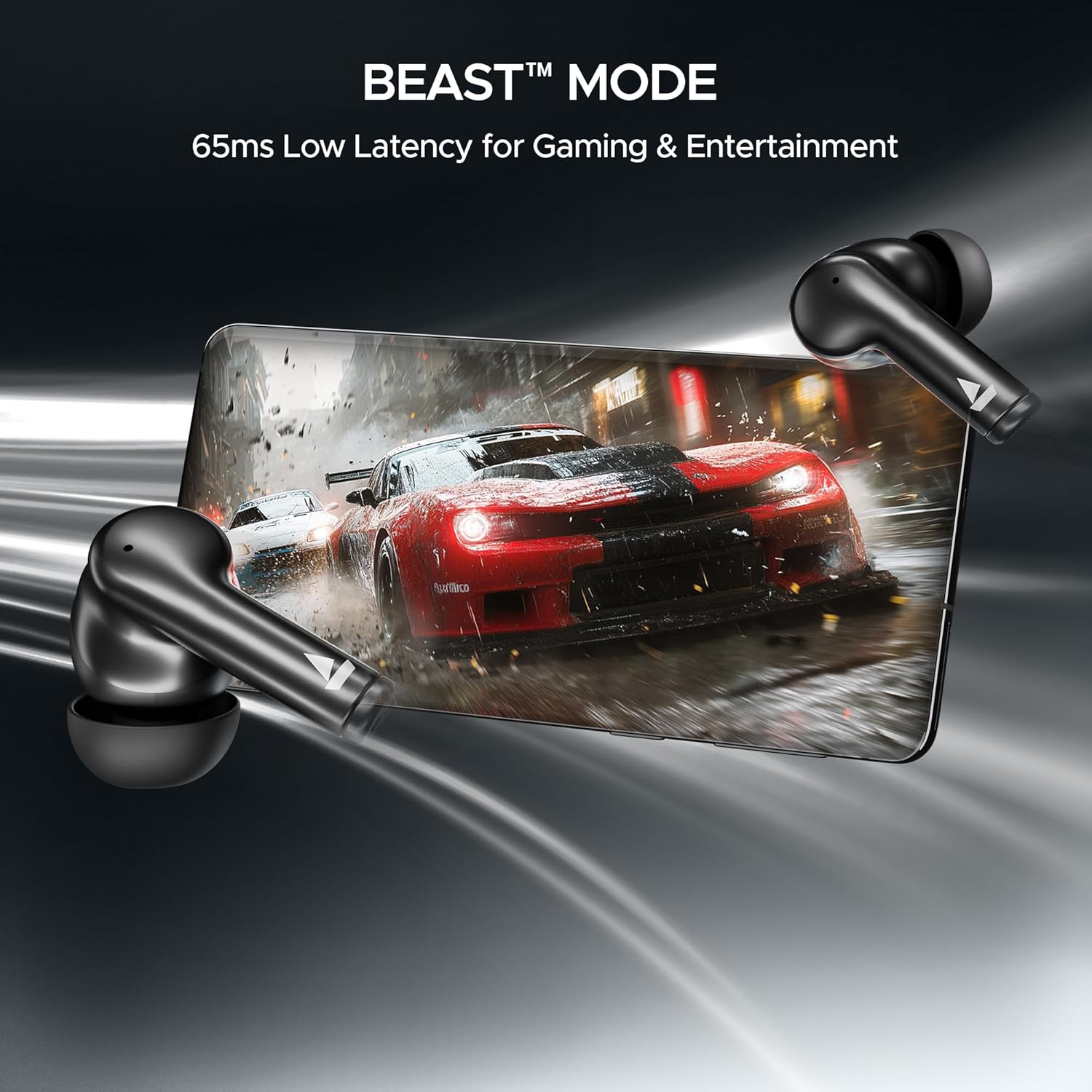
Image: BEAST Mode in action, illustrating its low-latency benefits for gaming and entertainment.
Maintenance
- Cleaning: Use a soft, dry cloth to clean the earbuds and charging case. Do not use abrasive cleaners or immerse in water.
- Storage: Store the earbuds in their charging case when not in use to protect them and keep them charged.
- Battery Care: To preserve battery life, avoid exposing the device to extreme temperatures. Charge regularly, even if not used frequently.
Troubleshooting
| Problem | Solution |
|---|---|
| Earbuds not pairing | Ensure earbuds are charged. Place them back in the case, close, then open the lid. Turn off and on Bluetooth on your device. Forget the device and re-pair. |
| No sound from one earbud | Check battery level of both earbuds. Try resetting the earbuds (refer to manufacturer's website for specific reset instructions). |
| Charging case not charging | Verify the charging cable and power adapter are working. Ensure the cable is securely connected. |
| Call quality issues | Ensure microphones are not obstructed. Move to an area with less background noise. Check device's network connection. |
Specifications
| Feature | Detail |
|---|---|
| Model Name | Airdopes 141 Pro |
| Connectivity Technology | Wireless (Bluetooth v5.3) |
| Ear Placement | In Ear |
| Form Factor | In Ear |
| Drivers | 13mm |
| Microphones | Quad Mics with ENx Technology |
| Playtime | Up to 60 hours (with charging case) |
| Charging Feature | ASAP Charge |
| Water Resistance | IPX5 |
| Item Weight | 4.2 ounces (120 Grams) |
| Product Dimensions | 2.36 x 0.79 x 1.97 inches |
| Batteries | 1 Lithium Polymer battery (included) |
Warranty and Support
Your boAt Airdopes 141 Pro Buds come with a standard manufacturer's warranty. For detailed warranty information, terms, and conditions, please refer to the warranty card included with your product or visit the official boAt website.
For technical support, service requests, or further assistance, please contact boAt customer support through their official website or designated service channels. Ensure you have your product model and purchase details available when seeking support.


