1. Introduction
This manual provides detailed instructions for the installation, operation, and maintenance of your Hiseeu 3MP Dual Lens Security Camera (Model US-WS02). This outdoor wireless camera features 3MP ultra HD resolution, 10X zoom, pan and tilt functionality (355° horizontal, 90° vertical), full-color night vision, AI human detection, motion tracking, two-way audio, and siren/light alarms. It is designed for outdoor use with an IP66 weatherproof rating and operates on 2.4GHz WiFi networks.
Please read this manual thoroughly before using the product to ensure proper setup and functionality. Keep this manual for future reference.
2. Package Contents
Verify that all items are present in the package:
- Hiseeu Dual Lens Security Camera (Model US-WS02)
- Power Adapter
- Mounting Screws and Anchors
- User Manual
3. Product Overview
The Hiseeu US-WS02 camera is equipped with dual lenses for enhanced zoom capabilities and comprehensive surveillance. It features a robust design suitable for outdoor environments.
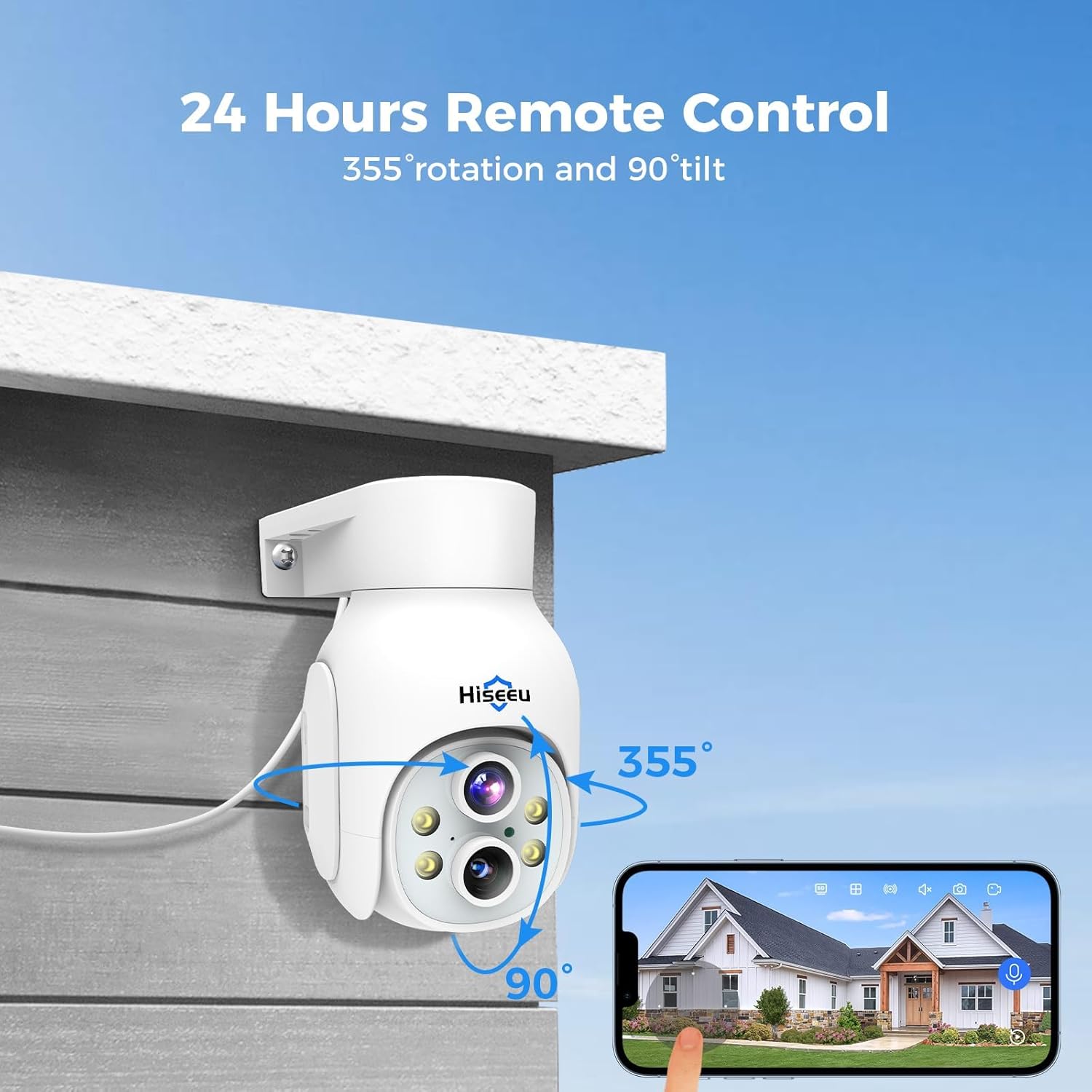
Figure 1: Hiseeu 3MP Dual Lens Security Camera (Model US-WS02).

Figure 2: Illustration of the camera's dual lens system providing 10X hybrid zoom capability.
4. Setup Guide
4.1 Powering On
- Unpack the camera and all accessories.
- Connect the power adapter to the camera's power input port.
- Plug the power adapter into a standard electrical outlet. The camera will power on and initiate its self-test sequence.

Figure 3: The camera connected to power and ready for operation in an outdoor setting.
4.2 App Installation and Account Creation
- Download the "Eseecloud" app from your mobile device's app store (iOS or Android).
- Open the app and create a new account, or log in if you already have one.
4.3 Connecting the Camera to Wi-Fi
- In the Eseecloud app, tap the "+" icon to add a new device.
- Follow the on-screen instructions to select your camera model and connect it to your 2.4GHz Wi-Fi network. Note: This camera does not support 5GHz Wi-Fi networks.
- Ensure your mobile device is connected to the same 2.4GHz Wi-Fi network during the setup process.
- Once connected, the camera's status indicator will change, and you will hear a confirmation prompt.
4.4 Mounting the Camera
Choose a suitable outdoor location for mounting, ensuring a clear field of view and access to a power source. The camera is IP66 weatherproof, designed to withstand various outdoor conditions.
- Mark the drilling positions using the mounting template (if provided) or the camera base.
- Drill pilot holes and insert wall anchors if mounting on masonry or stucco.
- Secure the camera base to the mounting surface using the provided screws.
- Adjust the camera angle as needed after installation.

Figure 4: The camera's IP66 weatherproof rating ensures reliable operation in diverse outdoor conditions, including sun, rain, snow, and wind.
5. Operating Instructions
5.1 Live View and Remote Control
Open the Eseecloud app to access the live view of your camera. From here, you can remotely control various camera functions.
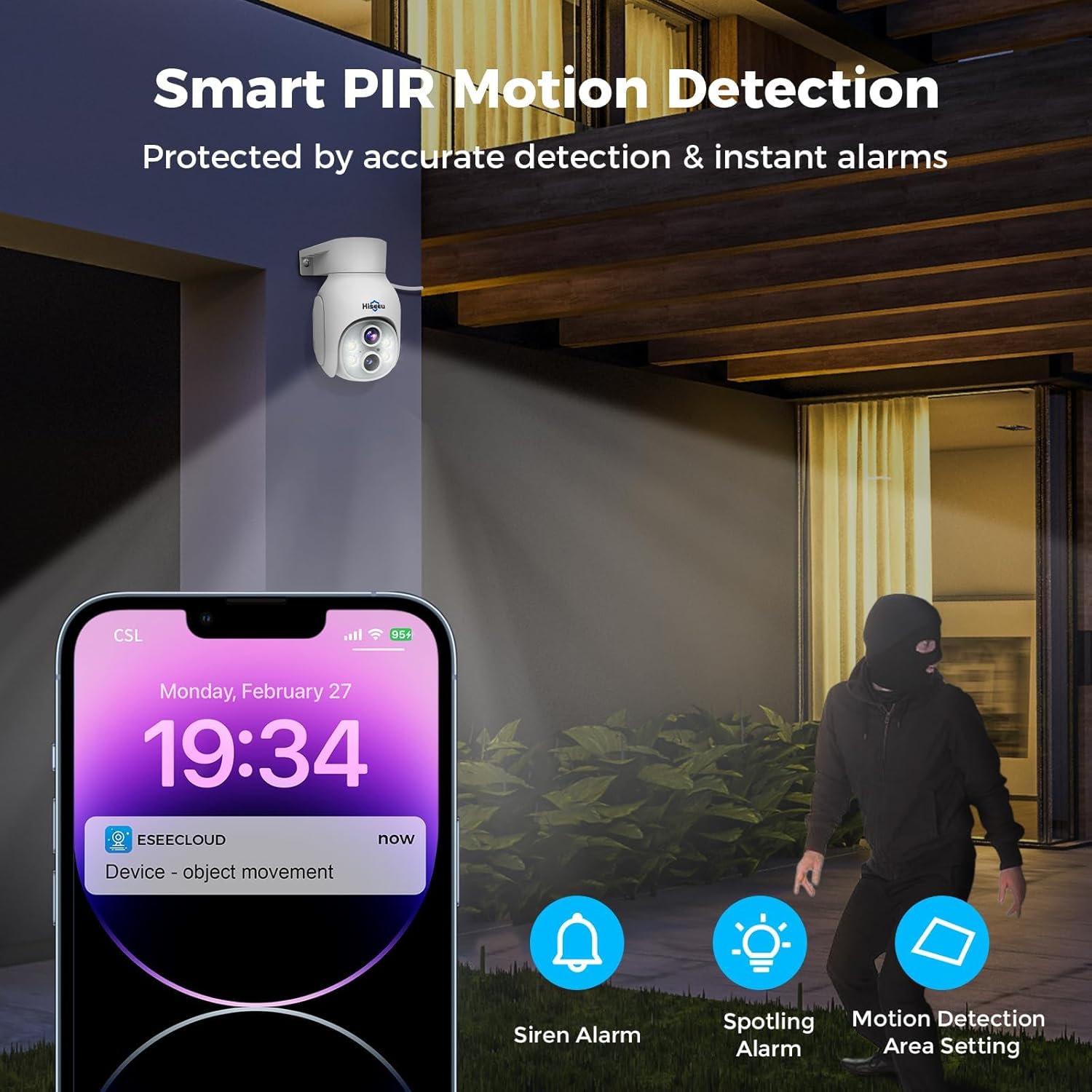
Figure 5: Remote control of the camera's 355° rotation and 90° tilt via the mobile application.

Figure 6: The camera supports multi-device viewing, allowing access to footage from smartphones, tablets, and computers.
5.2 Pan, Tilt, and Zoom (PTZ)
- Pan/Tilt: Use the directional controls within the app to rotate the camera horizontally up to 355° and tilt vertically up to 90°.
- Zoom: The dual-lens system provides 10X digital zoom. Pinch to zoom in or out on the live view screen to see finer details.

Figure 7: Demonstration of 10X digital zoom capability, allowing users to view more details.
5.3 Night Vision Modes
The camera offers multiple night vision modes:
- Infrared Night Vision: Provides clear black and white images in low-light conditions.
- Full Color Night Vision: Utilizes built-in spotlights to capture full-color video at night.
- Smart Night Vision: Automatically switches between infrared and full-color modes based on detected motion or light conditions.
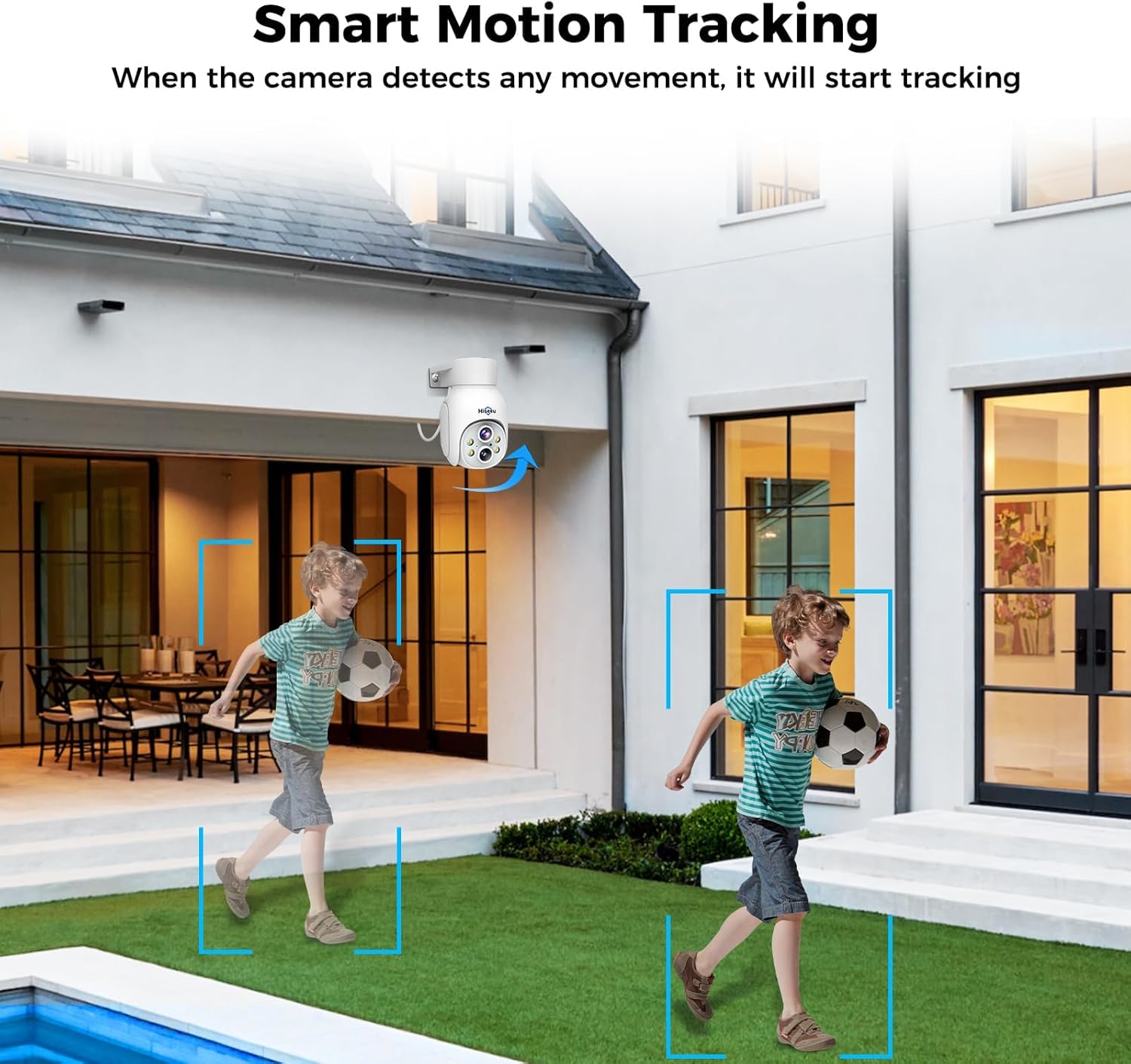
Figure 8: Comparison showing the difference between infrared night vision (black and white) and full-color night vision.
5.4 Motion Detection and Tracking
- AI Human Detection: Reduces false alarms by distinguishing human shapes from other moving objects like pets or leaves.
- Motion Tracking: When motion is detected, the camera can automatically track the moving object within its field of view.
- Customizable Detection Zones: Set specific areas within the camera's view for motion detection to focus on critical zones.
- Alerts: Receive instant notifications on your mobile device when motion is detected.

Figure 9: The camera's smart motion tracking feature following a moving object.

Figure 10: Illustration of motion detection triggering an instant alert on a smartphone.

Figure 11: Setting a specific alarm area within the camera's view to focus motion detection.
5.5 Two-Way Audio and Alarms
- Two-Way Audio: Use the microphone and speaker functions in the app to communicate with visitors or deter intruders.
- Siren/Light Alarm: The camera can activate a loud siren and/or flashing spotlights when motion is detected to warn off unwanted individuals.

Figure 12: The two-way talk feature allows real-time communication through the camera.

Figure 13: The camera's alarm siren and spotlight function to deter intruders.
5.6 Recording and Storage
The camera supports continuous 24/7 recording or motion-triggered recording.
- Micro SD Card Storage: Insert a micro SD card (up to 128GB, not included) into the camera's SD card slot for local storage.
- Cloud Storage: Optional cloud storage service is available (subscription may be required) for secure off-site video backup.
- Remote Playback: Access recorded footage and playback events directly from the Eseecloud app.

Figure 14: The camera offers 24/7 loop recording with options for SD card and cloud storage.

Figure 15: Remote access to recorded footage and live view from any location via the app.
5.7 Smart Home Integration
The Hiseeu US-WS02 camera is compatible with Alexa, allowing for voice control and integration into your smart home ecosystem.
- Alexa Integration: Connect your camera to Alexa to view live feeds on compatible smart displays using voice commands (e.g., "Alexa, show me the living room").
Figure 16: The camera's compatibility with Alexa for convenient voice-controlled monitoring.
5.8 User Sharing
You can share access to your camera's live feed and recordings with family members or trusted individuals through the Eseecloud app.
Figure 17: The user sharing feature allows multiple individuals to view the camera feed simultaneously.
6. Maintenance
- Cleaning: Regularly wipe the camera lens with a soft, damp cloth to ensure clear image quality. Do not use harsh chemicals.
- Firmware Updates: Check the Eseecloud app periodically for available firmware updates to ensure optimal performance and security.
- Power Supply: Ensure the power adapter and cable are free from damage.
7. Troubleshooting
| Problem | Possible Cause | Solution |
|---|---|---|
| Camera not powering on | No power, faulty adapter | Check power connection, try a different outlet, ensure adapter is working. |
| Cannot connect to Wi-Fi | Incorrect Wi-Fi band (5GHz), weak signal, wrong password | Ensure you are connecting to a 2.4GHz network. Move camera closer to router. Verify Wi-Fi password. Reset camera and try again. |
| Poor image quality | Dirty lens, poor lighting, network issues | Clean the camera lens. Ensure adequate lighting or proper night vision mode is selected. Check Wi-Fi signal strength. |
| Motion detection not working | Settings incorrect, detection zone not set | Verify motion detection settings in the app. Ensure detection zones are properly configured. Adjust sensitivity. |
| No audio or two-way audio issues | Microphone/speaker disabled, app permissions | Check audio settings in the app. Ensure app has microphone permissions on your phone. |
8. Specifications
| Feature | Detail |
|---|---|
| Model Name | US-WS02 |
| Video Capture Resolution | 3MP (1080p) |
| Indoor/Outdoor Usage | Outdoor |
| Connectivity Technology | Wireless (2.4GHz Wi-Fi) |
| Pan/Tilt Range | 355° Pan, 90° Tilt |
| Zoom | 10X Digital Zoom (Dual Lens) |
| Night Vision | Full Color, Smart, Infrared (up to 30FT) |
| Motion Detection | AI Human Detection, Motion Tracking |
| Audio | Two-Way Audio |
| Alarms | Siren/Motion/Light Alarm |
| Storage Options | Micro SD Card (up to 128GB, not included), Cloud Storage (optional) |
| Weatherproof Rating | IP66 |
| Compatibility | Alexa, Eseecloud App |
| Power Source | Corded Electric |
| Dimensions (L x W x H) | 7.08 x 6.69 x 4.52 inches |
| Item Weight | 1.11 pounds (0.51 Kilograms) |
9. Warranty and Support
Hiseeu products typically come with a manufacturer's warranty. Please refer to the warranty card included in your package or visit the official Hiseeu website for specific warranty terms and conditions.
For technical assistance, troubleshooting, or any product-related inquiries, please contact the Hiseeu Online Support Team. Contact information can usually be found in the user manual or on the Hiseeu official website.

Figure 18: Hiseeu offers professional customer support for product assistance.


