
Anderic RRTX00I
ANDERIC RRTX00I Remote Control User Manual
Model: RRTX00I
Compatible with Harbor Breeze Ceiling Fan Remotes with FCC IDs: A25-TX00I, TR258A, KUJCE10512
Introduction
This manual provides comprehensive instructions for the setup, operation, and troubleshooting of your ANDERIC RRTX00I remote control. Please read this manual carefully before use to ensure proper functionality and longevity of your device.

Figure 1: Front view of the ANDERIC RRTX00I Remote Control.
Compatibility Information
The ANDERIC RRTX00I remote is designed as a direct replacement for specific Harbor Breeze ceiling fan remotes. It is crucial to verify compatibility to ensure proper operation.

Figure 2: Compatibility chart. This remote replaces models with FCC ID A25-TX00I, TR258A, and KUJCE10512. It is not compatible with A25-TX001-R1 or A25-TX001-R.
Please confirm your original remote's FCC ID matches A25-TX00I, TR258A, or KUJCE10512. This information is typically found on the back of your original remote or inside the battery compartment.
Setup
Battery Installation
This remote requires one 12-volt battery (sold separately) to be installed. Ensure polarities match the diagram located inside the battery compartment.
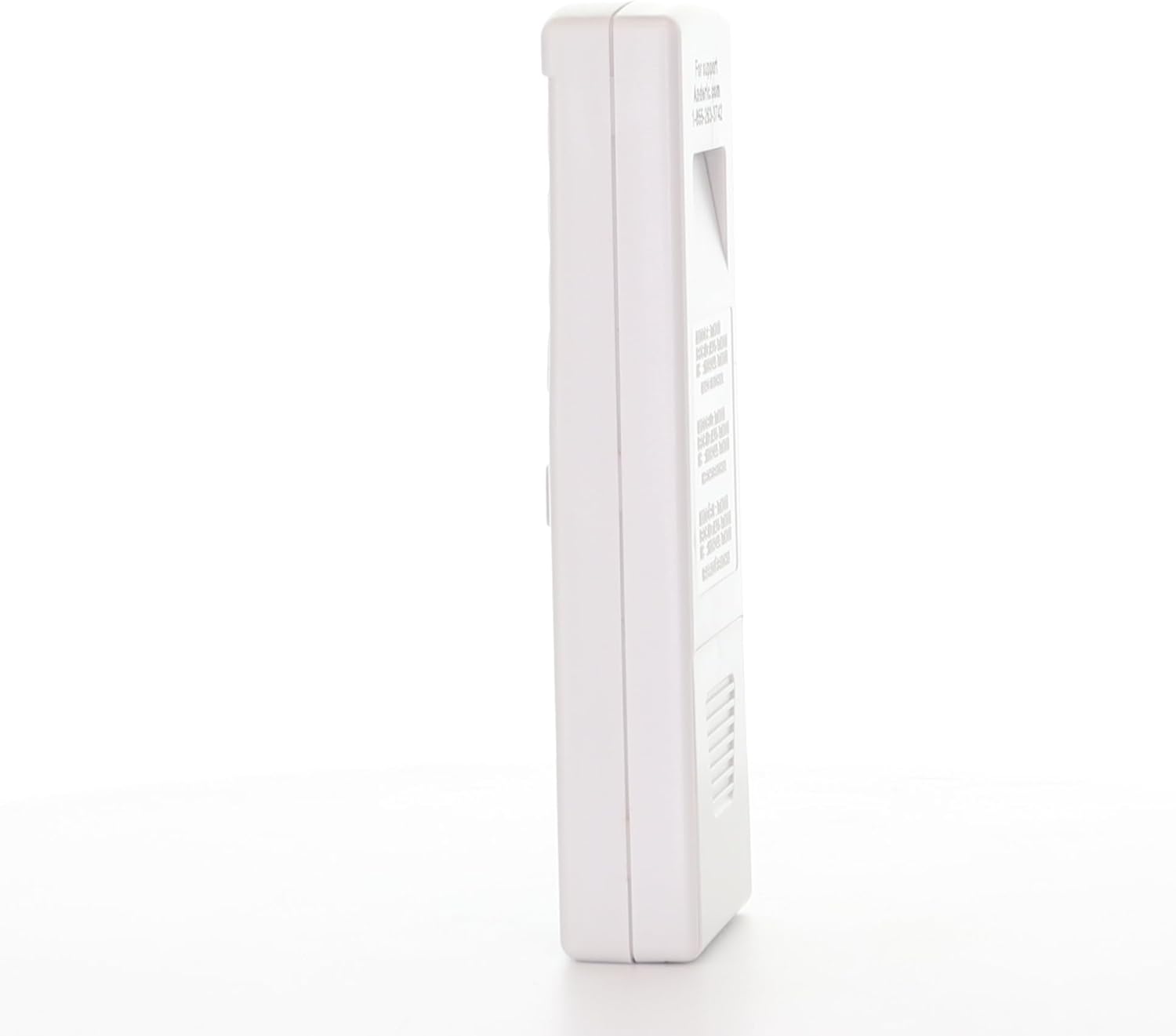
Figure 3: Side view of the remote, showing the battery compartment area.
Pairing Instructions
- Turn power to the fan off, either by using the wall switch or the circuit breaker.

Figure 4: Example of a wall switch.
- Return power to the fan.
- Within 30 seconds of restoring power, press the LEARN key located inside the battery compartment of the remote.

Figure 5: Location of the LEARN button inside the battery compartment.
- The indicator light on the remote will flash. If paired successfully, the fan will turn on to a low speed, and the light will be off.
Important Note: You cannot program two remotes to the same receiver or fan. Ceiling fans typically do not support this functionality, allowing only one remote to be paired at a time.
Operating Instructions
The ANDERIC RRTX00I remote control features several buttons for controlling your ceiling fan and light:
- Keys (1), (2), (3): When pressed, these keys adjust the fan's speed.
- Key (4): When pressed, this key turns off the fan's motor.
- Key (5): Press and release immediately to turn on/off the light. Press and hold to cycle light dimming.
- Toggle switch D/CFL (6): Slide the switch according to the light bulb(s) installed (Dimming or Compact Fluorescent Light).
Maintenance
To ensure optimal performance and longevity of your remote control, follow these maintenance guidelines:
- Cleaning: Wipe the remote with a soft, dry cloth. Avoid using abrasive cleaners or solvents, which can damage the surface.
- Battery Replacement: Replace the 12-volt battery when the remote's performance degrades or the indicator light does not respond. Ensure correct polarity during installation.
- Storage: Store the remote in a cool, dry place away from direct sunlight and extreme temperatures when not in use for extended periods.
- Handling: Avoid dropping the remote or exposing it to excessive moisture, as this can cause internal damage.
Troubleshooting
If you encounter issues with your ANDERIC RRTX00I remote control, please refer to the following common problems and solutions:
Remote Not Syncing
If the remote fails to sync with your ceiling fan, consider the following:
- Incorrect Remote Model: Verify that you have purchased the correct remote model. The RRTX00I is specifically designed for Harbor Breeze remotes with FCC IDs A25-TX00I, TR258A, and KUJCE10512. Remotes with FCC IDs like A25-TX001-R1 or A25-TX001-R are not compatible as they operate on a different frequency. Check the FCC ID on your original remote (if available) or the fan's receiver.
- Dead Receiver/Fan: If the remote model is correct and it still won't sync, the receiver unit within your ceiling fan might be faulty or "dead." A non-functional receiver will prevent any remote from pairing or operating the fan. In such cases, the original receiver is no longer available, and you may need to purchase a new ceiling fan receiver/remote kit.
- Battery Issues: Ensure the 12-volt battery is correctly installed with the right polarity and is not depleted.
- Timing: Ensure you press the LEARN button within 30 seconds of restoring power to the fan.
Official Troubleshooting Video
Video 1: RRTX00I Help / Pairing / Troubleshooting. This video provides visual guidance for common issues and pairing steps.
Specifications
| Feature | Detail |
|---|---|
| Brand | Anderic |
| Model Number | RRTX00I |
| Package Dimensions | 5.2 x 3.94 x 1.85 inches |
| Item Weight | 0.634 ounces (0.02 Kilograms) |
| Battery Description | 12V (not included) |
| Special Feature | Ergonomic |
| Manufacturer | ANDERIC |
| Date First Available | August 1, 2022 |
Warranty and Support
For warranty information or technical support, please refer to the manufacturer's official website or contact their customer service. Keep your purchase receipt as proof of purchase for any warranty claims.
Manufacturer: ANDERIC
Visit the Anderic Store on Amazon for more products and information.
Related documentsRRTX00I


Ask a question about this manual
Ask about setup, troubleshooting, compatibility, parts, safety, or missing instructions. Manuals+ will review the question and use this page’s manual context to help answer it.