
Toputure SPB002
Toputure SPB002 Indoor Cycling Bike User Manual
Model: SPB002 | Brand: Toputure
1. Important Safety Information
Please read this entire manual before assembling or operating your Toputure SPB002 Indoor Cycling Bike. Keep this manual for future reference. Failure to follow these instructions could result in serious injury or damage to the product.
- Consult your physician before beginning any exercise program.
- Keep children and pets away from the equipment.
- Place the bike on a flat, stable surface. Ensure at least 0.6 meters (2 feet) of clear space around the bike.
- Inspect the bike before each use for loose parts, wear, or damage. Do not use if damaged.
- Wear appropriate exercise clothing and athletic shoes. Avoid loose clothing that could get caught.
- Do not exceed the maximum user weight of 150 kg (330 lbs).
- Adjust the seat and handlebars to a comfortable and safe position before starting your workout.
- Use the emergency brake to stop the flywheel quickly if needed.
- Stay hydrated during your workout.
2. Assembly Instructions
Your Toputure SPB002 Indoor Cycling Bike comes with all necessary tools and instructions for assembly. Most users can complete assembly within 30 minutes by following the included guide and online video tutorials.
- Unpack all components and verify against the parts list provided in the box.
- Attach the front and rear stabilizers to the main frame using the provided bolts and tools.
- Install the pedals, ensuring the left pedal (L) is threaded counter-clockwise and the right pedal (R) clockwise.
- Mount the seat post and seat, then adjust to your preferred height.
- Attach the handlebar post and handlebars, adjusting for comfort.
- Connect any console cables if applicable.
- Perform a final check to ensure all bolts are tightened and the bike is stable.

Figure 2.1: Fully assembled Toputure SPB002 Indoor Cycling Bike.

Figure 2.2: Key components of the Toputure SPB002, highlighting adjustable parts and features.
3. Operating Instructions
3.1 Adjusting the Bike for Your Comfort
The Toputure SPB002 is designed for users between 150 cm and 195 cm in height and supports up to 150 kg. Proper adjustment is crucial for effective and safe workouts.
- Seat Adjustment: Adjust the seat height so that your leg is slightly bent at the knee when the pedal is at its lowest point. The seat can also be adjusted horizontally (forward/backward) for optimal positioning relative to the handlebars.
- Handlebar Adjustment: Adjust the handlebar height to a comfortable level that allows for a slight forward lean without straining your back or shoulders.

Figure 3.1: Adjustable seat and handlebar for personalized fit.
3.2 Magnetic Resistance System
The Toputure SPB002 features a 15 kg flywheel and a strong magnetic resistance system, offering infinite adjustment levels for a smooth and quiet workout. Resistance is controlled by a cable motor that adjusts the distance between the magnet and the flywheel, ensuring no friction or wear on brake pads.
- Adjusting Resistance: Turn the red knob located on the frame to increase (clockwise) or decrease (counter-clockwise) the resistance. This allows for precise control over your workout intensity, from warm-up to intense muscle stabilization.
- Emergency Brake: Press the red knob down firmly to engage the emergency brake and quickly stop the flywheel.

Figure 3.2: Magnetic resistance knob and intensity levels.
3.3 Console and App Connectivity
The Toputure SPB002 includes an LCD screen and supports connectivity with popular fitness apps via Bluetooth, enhancing your training experience.
- LCD Display: The integrated LCD screen displays key workout metrics such as time, speed, distance, calories burned, and odometer.
- App Compatibility: The bike is compatible with Z-Sport, Zwift, and Kinomap apps. These apps offer virtual worlds, real-life scene simulations, multiplayer modes, and advanced data tracking to make your workouts more engaging and effective.
- Connecting to Apps:
- Ensure Bluetooth is enabled on your smartphone or tablet.
- Download and open your preferred app (Z-Sport, Zwift, or Kinomap).
- Follow the in-app instructions to search for and connect to your Toputure SPB002 bike.

Figure 3.3: Multifunctional display and device holder.
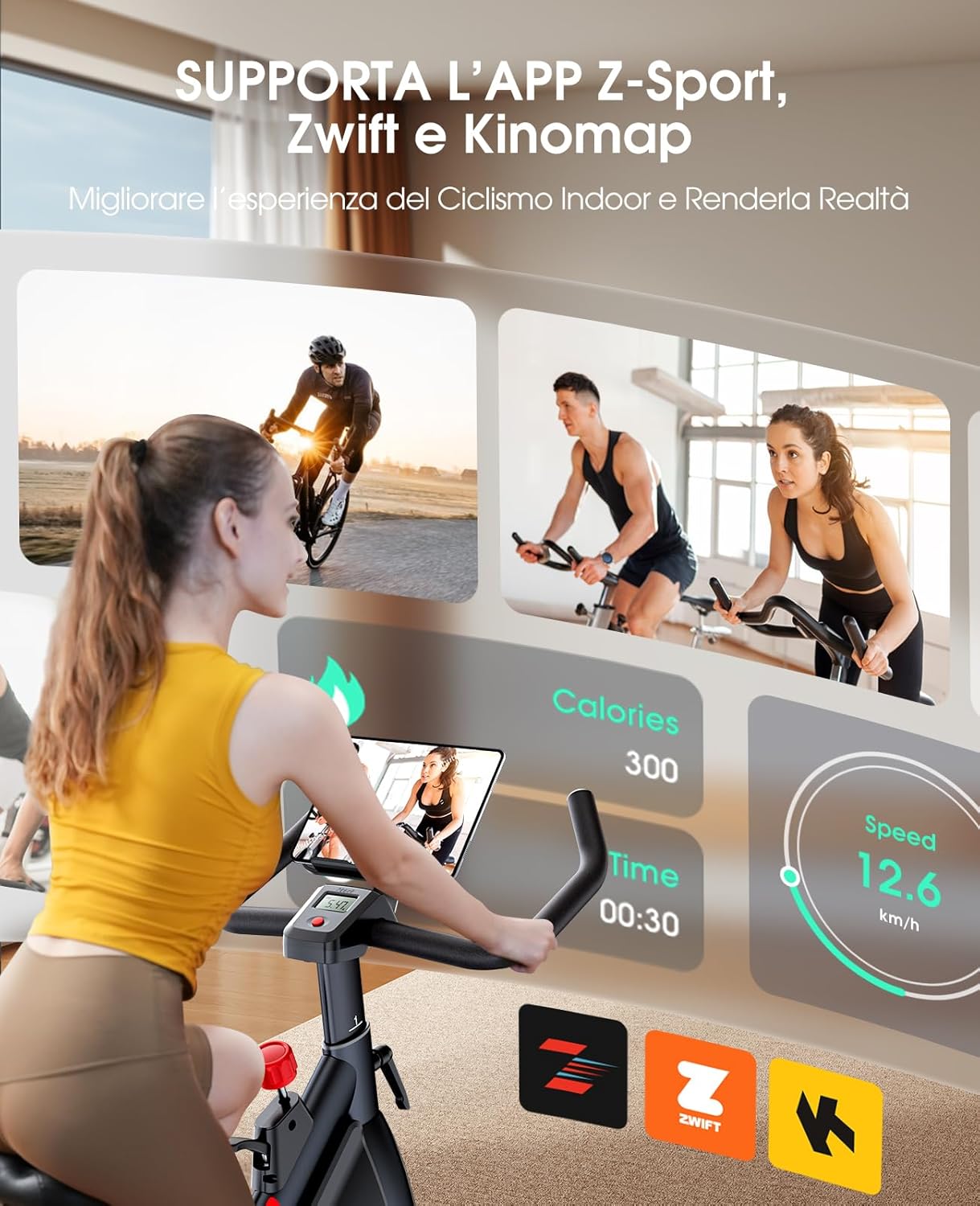
Figure 3.4: App compatibility for enhanced indoor cycling experience.
4. Maintenance
The Toputure SPB002 Indoor Cycling Bike is designed for minimal maintenance due to its advanced belt drive system and magnetic resistance.
- Belt Drive System: Unlike traditional chain-driven bikes, the belt drive system requires no oiling or lubrication. It provides a smooth, quiet operation and is designed for long-term durability without maintenance.
- Magnetic Resistance: The non-contact magnetic resistance system means there are no brake pads to replace, eliminating a common maintenance task found in friction-based bikes.
- Cleaning: Wipe down the bike with a damp cloth after each use to remove sweat and dust. Avoid using abrasive cleaners.
- Inspection: Periodically check all bolts and connections to ensure they are secure. Tighten any loose parts.
- Storage: When not in use, store the bike in a dry, cool place away from direct sunlight and extreme temperatures. The bike features transport wheels for easy relocation.

Figure 4.1: The silent belt drive system requires no maintenance.
5. Troubleshooting
If you encounter any issues with your Toputure SPB002 Indoor Cycling Bike, please refer to the following common troubleshooting steps. If the problem persists, contact customer support.
| Problem | Possible Cause | Solution |
|---|---|---|
| Bike is unstable or wobbles. | Uneven floor or loose stabilizers. | Adjust the leveling feet on the stabilizers. Ensure all assembly bolts are tightened. |
| Resistance knob not working correctly. | Cable connection issue or internal mechanism. | Check if the resistance cable is properly connected and not kinked. If the issue persists, contact support. |
| Console display is blank or not showing data. | Batteries are low or not installed correctly; loose sensor connection. | Replace console batteries. Check all sensor wires are securely connected. |
| Difficulty connecting to fitness apps. | Bluetooth not enabled; app issues; bike not discoverable. | Ensure Bluetooth is on. Restart the app and your device. Try restarting the bike (if applicable). Refer to app-specific troubleshooting. |
6. Specifications
| Feature | Detail |
|---|---|
| Model Number | SPB002 |
| Dimensions (L x W x H) | 109 x 59 x 118 cm (42.9 x 23.2 x 46.5 inches) |
| Product Weight | 30 kg (66 lbs) |
| Maximum User Weight | 150 kg (330 lbs) |
| Recommended User Height | 150 cm - 195 cm (4'11" - 6'5") |
| Flywheel Weight | 15 kg (33 lbs) |
| Resistance Mechanism | Magnetic, Infinite Adjustment |
| Drive System | Belt Drive |
| Connectivity | Bluetooth (Z-Sport, Zwift, Kinomap compatible) |
| Display | LCD (Time, Speed, Distance, Calories, Odometer) |
| Material | Metal |
| Color | Red |
7. Warranty and Customer Support
Toputure is committed to providing high-quality fitness equipment and excellent customer service.
- Parts Replacement: Free replacement parts are available if needed.
- Customer Support: If you encounter any problems during the use of your Toputure SPB002 Indoor Cycling Bike, please do not hesitate to contact our customer support team. We aim to respond within 24 hours and assist you throughout the process to resolve any issues.
- Contact Information: Please refer to the contact details provided in your product packaging or on the official Toputure website for the most up-to-date support information.
Related documentsSPB002


Ask a question about this manual
Ask about setup, troubleshooting, compatibility, parts, safety, or missing instructions. Manuals+ will review the question and use this page’s manual context to help answer it.