
1. Introduction
This manual provides detailed instructions for the Monster DNA Go Wireless Earbuds. Please read this manual thoroughly before using your earbuds to ensure proper operation and to maximize your listening experience. Keep this manual for future reference.
The Monster DNA Go earbuds feature Bluetooth connectivity, aptX Lossless Audio for high-quality sound, Clear Voice Capture for clear calls, and IPX5 water resistance for durability. They offer a rapid charging case and long-lasting battery life.
2. Package Contents
- Monster DNA Go Wireless Earbuds (Left and Right)
- Charging Case
- USB-C Charging Cable
- Multiple Sets of Silicone Ear Tips (12 sets)
- User Manual (this document)

Image 2.1: Monster DNA Go Wireless Earbuds, charging case, and included USB-C charging cable.
3. Product Overview
The Monster DNA Go earbuds are designed for comfort and performance. Each earbud features a touch-sensitive surface for control and an ergonomic shape for a secure fit. The compact charging case protects the earbuds and provides additional battery life.

Image 3.1: Illustration of an earbud in an ear, highlighting the comfortable fit, along with a selection of ear tip sizes.
The earbuds come with 12 sets of silicone ear tips to ensure a personalized and comfortable fit for various ear shapes and sizes.
4. Setup
4.1 Charging the Earbuds and Case
Before first use, fully charge the earbuds and charging case. Place the earbuds into the charging case. Connect the USB-C charging cable to the charging port on the case and plug the other end into a USB power source (e.g., wall adapter, computer USB port).
- The charging case provides a rapid 15-minute charge for the earbuds, yielding approximately 2 hours of playback time.
- A full charge provides up to 7.5 hours of playback for the earbuds, with the charging case extending total playback to up to 28 hours.
- The charging case also supports Qi wireless charging. Simply place the case on a compatible wireless charging pad (not included).
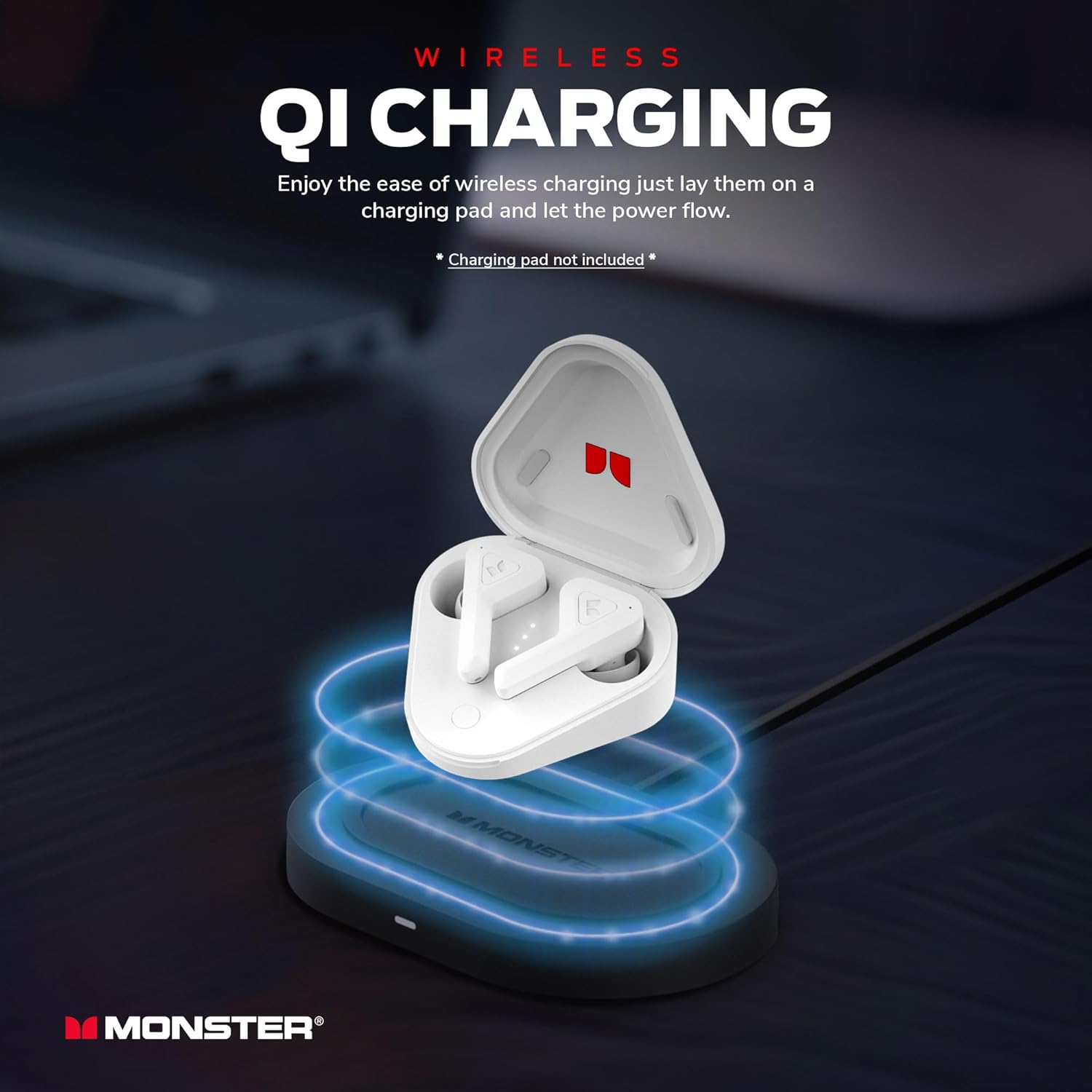
Image 4.1: The Monster DNA Go charging case being charged wirelessly on a compatible Qi charging pad.
4.2 Bluetooth Pairing
- Ensure the earbuds are charged.
- Open the charging case. The earbuds will automatically enter pairing mode, indicated by a flashing LED light on the earbuds.
- On your device (smartphone, tablet, computer), enable Bluetooth.
- Search for available Bluetooth devices and select "Monster DNA Go" from the list.
- Once connected, the LED indicator on the earbuds will stop flashing.
- The earbuds will automatically reconnect to the last paired device when removed from the case and within range.
5. Operating Instructions
5.1 Touch Controls
The Monster DNA Go earbuds feature touch controls on each earbud. Specific functions may vary slightly by device or operating system.
| Action | Function |
|---|---|
| Single Tap (Left/Right) | Play/Pause Music, Answer/End Call |
| Double Tap (Right) | Next Track |
| Double Tap (Left) | Previous Track |
| Triple Tap (Left/Right) | Activate Voice Assistant |
| Press and Hold (Left/Right) | Reject Call |
5.2 Making and Receiving Calls
The earbuds are equipped with Clear Voice Capture technology, which uses echo cancellation and ambient noise suppression to ensure clear communication during calls.
- Answering a Call: Single tap either earbud.
- Ending a Call: Single tap either earbud.
- Rejecting a Call: Press and hold either earbud.
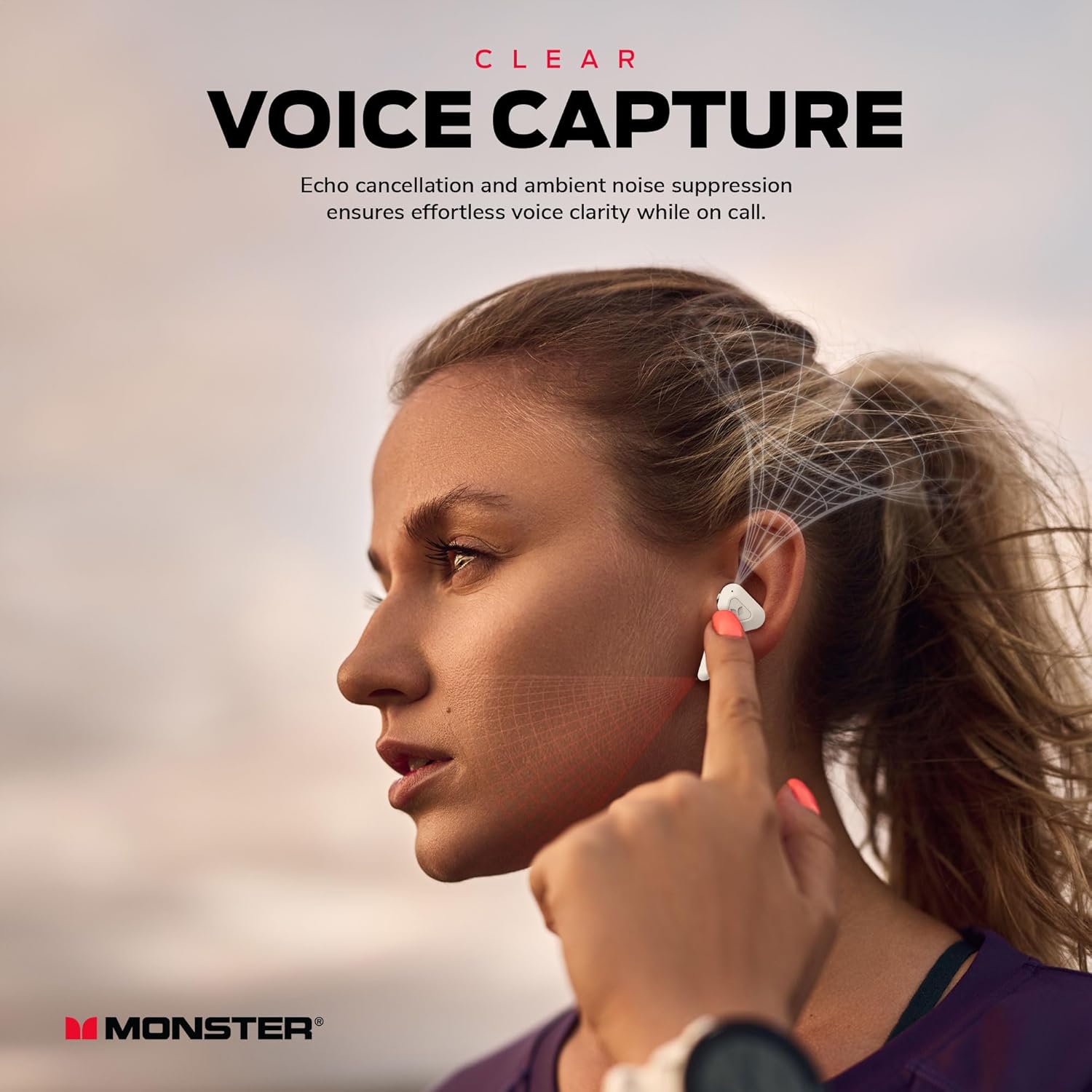
Image 5.1: A user demonstrating the Clear Voice Capture feature of the Monster DNA Go earbuds during a phone call.
5.3 Audio Playback
The Monster DNA Go earbuds deliver premium sound quality with 12mm drivers and aptX Lossless Audio support, providing crisp audio and robust bass.
- Play/Pause: Single tap either earbud.
- Next Track: Double tap the right earbud.
- Previous Track: Double tap the left earbud.

Image 5.2: An exploded view of the earbud, illustrating the 12mm dynamic driver responsible for audio output.

Image 5.3: A user enjoying music with the Monster DNA Go earbuds, highlighting the aptX Lossless Audio capability.
6. Maintenance
6.1 Water Resistance (IPX5)
The Monster DNA Go earbuds are rated IPX5 water-resistant, meaning they are protected against low-pressure water jets from any direction. This makes them suitable for workouts and outdoor activities where they may be exposed to sweat or light rain. They can also be cleaned under running water.

Image 6.1: A user engaged in physical activity, showcasing the IPX5 water resistance of the earbuds against sweat.
Note: The charging case is not water-resistant. Do not expose the charging case to water or moisture.
6.2 Cleaning and Storage
- Regularly clean the earbuds and charging contacts with a dry, soft cloth.
- Remove ear tips and clean them with mild soap and water, then dry thoroughly before reattaching.
- Store the earbuds in their charging case when not in use to protect them and keep them charged.
- Avoid extreme temperatures and direct sunlight.
7. Troubleshooting
If you encounter issues with your Monster DNA Go earbuds, refer to the following common solutions:
- No Sound:
- Ensure earbuds are charged.
- Check Bluetooth connection on your device.
- Adjust volume on both your device and the earbuds.
- Try re-pairing the earbuds.
- Earbuds Not Pairing:
- Ensure earbuds are charged and out of the case.
- Turn off Bluetooth on other nearby devices that may be trying to connect.
- Forget "Monster DNA Go" from your device's Bluetooth settings and try pairing again.
- Place earbuds back in the case, close it, wait a few seconds, then open to re-initiate pairing mode.
- Charging Issues:
- Ensure the charging cable is securely connected to both the case and the power source.
- Check if the charging contacts on the earbuds and inside the case are clean and free of debris.
- Try a different USB-C cable or power adapter.
- Poor Sound Quality:
- Ensure ear tips provide a secure seal in your ear. Try different sizes.
- Clean the earbud speakers if they appear obstructed.
- Ensure your device is within Bluetooth range (up to 10 meters).
8. Specifications
| Feature | Detail |
|---|---|
| Model Name | 2MNTW0396W0L2 |
| Connectivity Technology | Wireless (Bluetooth 5.0) |
| Bluetooth Range | Up to 10 meters (33 feet) |
| Audio Driver Type | Dynamic Driver (12mm) |
| Frequency Range | 20 Hz - 20,000 Hz |
| Impedance | 32 Ohm |
| Battery Life (Earbuds) | Up to 7.5 hours |
| Total Battery Life (with Case) | Up to 28 hours |
| Rapid Charge | 15 minutes for 2 hours playback |
| Water Resistance | IPX5 |
| Noise Control | None (Clear Voice Capture for calls) |
| Weight | 12.3 ounces (total package) |
9. Warranty and Support
Monster products are designed and manufactured to the highest quality standards. For detailed warranty information and customer support, please refer to the warranty card included in your product packaging or visit the official Monster website.
Manufacturer: Lifeworks Technology Group, LLC.

