
1. Introduction
The EF ECOFLOW DELTA Pro 3 is a versatile and powerful portable power station designed to provide reliable electricity for various applications, including home backup, camping, RV use, and emergency power outages. This model, the DELTA Pro 3 with 2 Extra Batteries, offers an impressive 12kWh of energy storage and a robust 4000W AC output, expandable up to 12000W with X-Boost technology. Its advanced LFP battery ensures long-lasting performance and safety. This manual provides essential information for safe and efficient operation.

Image 1: EF ECOFLOW DELTA Pro 3 Portable Power Station with 2 Extra Batteries.
2. Product Overview
The DELTA Pro 3 system is engineered for high performance and user convenience. It features a main unit and two additional batteries, providing substantial power capacity. The unit is designed with multiple output ports to accommodate a wide range of devices and appliances.
2.1 Main Unit and Extra Batteries

Image 2: DELTA Pro 3 main unit stacked with two extra batteries, illustrating the 12kWh capacity.
The DELTA Pro 3 main unit can be expanded with extra batteries to increase its total energy storage. This configuration provides 12kWh, suitable for extended power needs.
2.2 Output Ports and Display

Image 3: Front panel of the DELTA Pro 3 showing 14 output ports, including AC, USB-C, USB-A, Anderson Port, and DC5521.
The DELTA Pro 3 offers a comprehensive array of 14 output ports, supporting 120V/240V AC output up to 4000W (6000W with X-Boost). This includes multiple AC outlets, USB-C (100W), USB-A (Fast Charge), Anderson Port, and DC5521 output. The integrated display provides real-time information on input/output wattage, battery percentage, and remaining run time.
Video 1: Official product video showcasing the DELTA Pro 3 Solar Generator and its features.
3. Setup
The DELTA Pro 3 is designed for easy, plug-and-play setup, requiring no complex installation or maintenance. Simply unbox, place, and connect your devices.
3.1 Initial Charging
Before first use, ensure the unit is fully charged. The DELTA Pro 3 supports various charging methods:
- AC Wall Outlets: Connect directly to a standard wall outlet for fast charging.
- Solar Panels: Connect compatible solar panels for renewable energy charging.
- Gas Generators: Use a gas generator for charging when other options are unavailable.
- EV Charging Piles: Utilize public EV charging stations for quick and efficient charging.
- Car Cigarette Lighter: Charge on the go using your vehicle's cigarette lighter port.
- EcoFlow Alternator Charger: For RV/Van users, charge using the EcoFlow Alternator Charger.
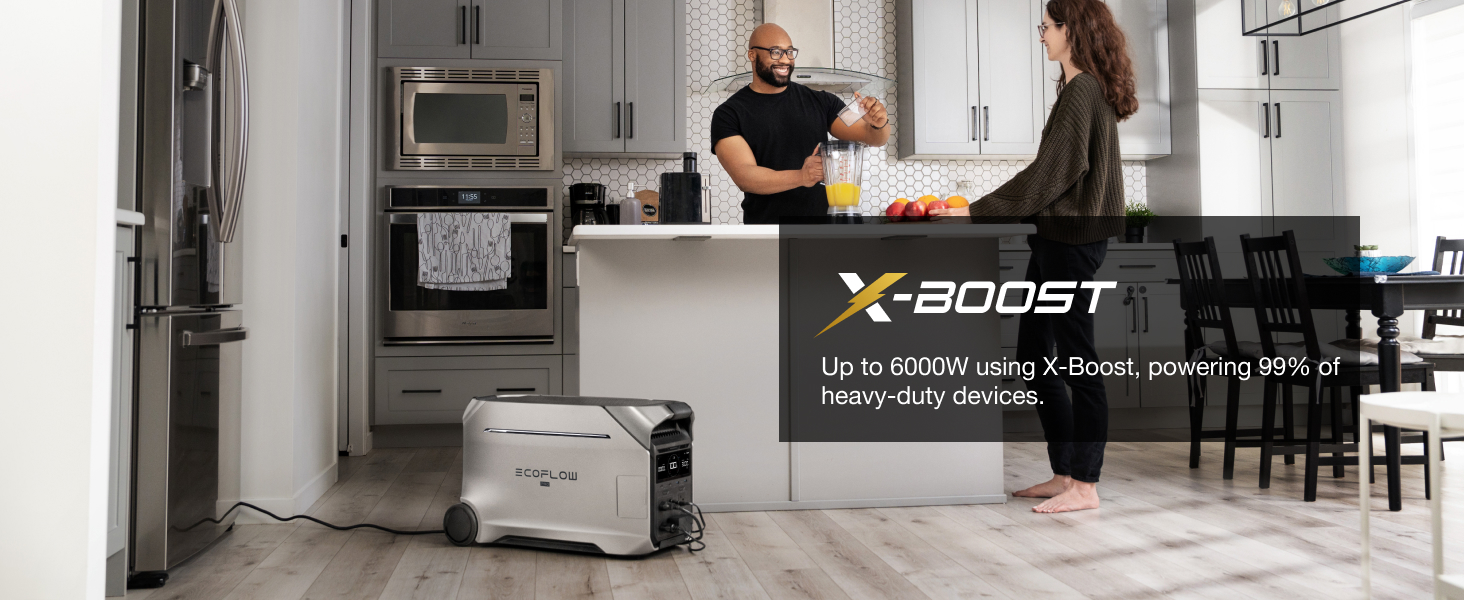
Image 4: DELTA Pro 3 charging from a wall outlet using X-Stream technology, achieving 0% to 80% in just 50 minutes.
Image 5: DELTA Pro 3 charging via Dual-PV solar panels, illustrating high-power solar input.
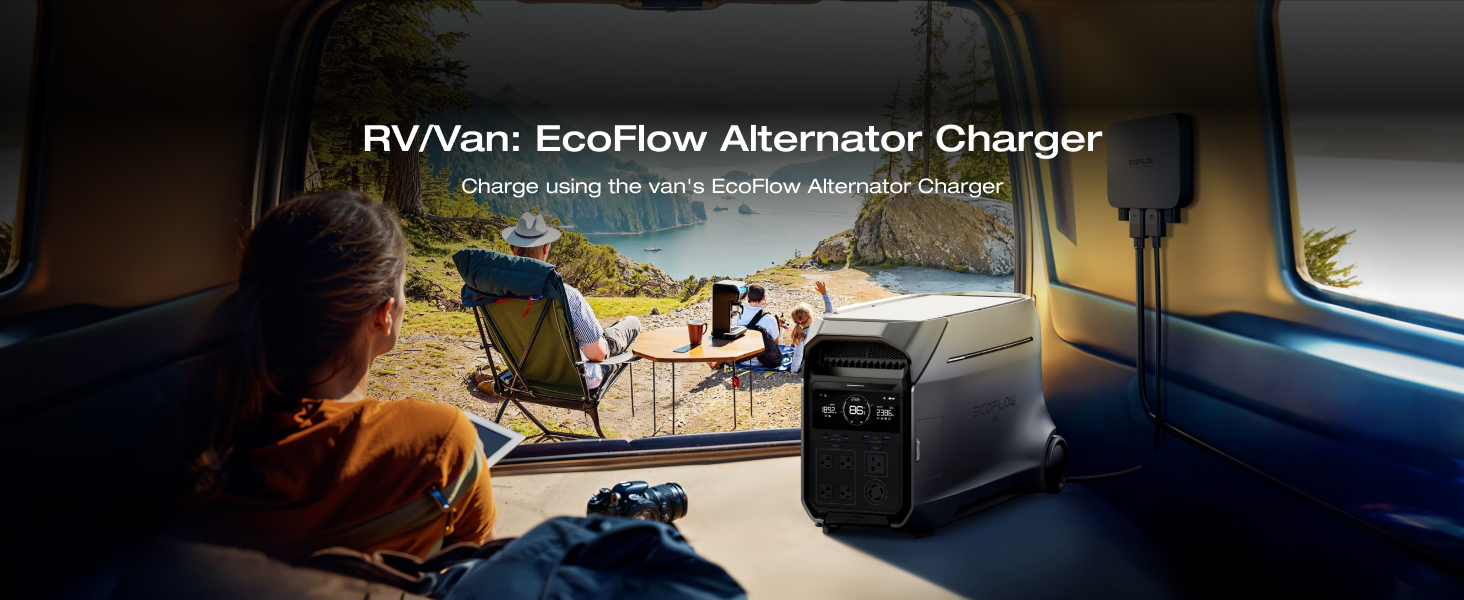
Image 6: DELTA Pro 3 connected to an EV charging pile for efficient charging.
Video 2: A user demonstrating the portability and ease of setup for camping, home use, and emergencies.
4. Operating Instructions
The DELTA Pro 3 is designed for intuitive operation, allowing you to power a wide range of devices and manage your energy efficiently.
4.1 Powering Devices

Image 7: DELTA Pro 3 powering a refrigerator, demonstrating its capability to energize essential home appliances.
With 4000W AC output (6000W with X-Boost), the DELTA Pro 3 can power nearly all essential home appliances, including 120V and 240V devices. Simply plug your appliances into the appropriate output ports.
4.2 X-Boost Technology
X-Boost technology allows the DELTA Pro 3 to power devices requiring up to 6000W, enabling it to run 99% of heavy-duty appliances by intelligently lowering the voltage and current without triggering an overload protection.

Image 8: DELTA Pro 3 powering a blender, showcasing X-Boost technology for high-wattage appliances.
4.3 X-Quiet Technology
The DELTA Pro 3 operates at a low noise level of 30 dB, ensuring quiet operation suitable for both indoor and outdoor use, even during nighttime.
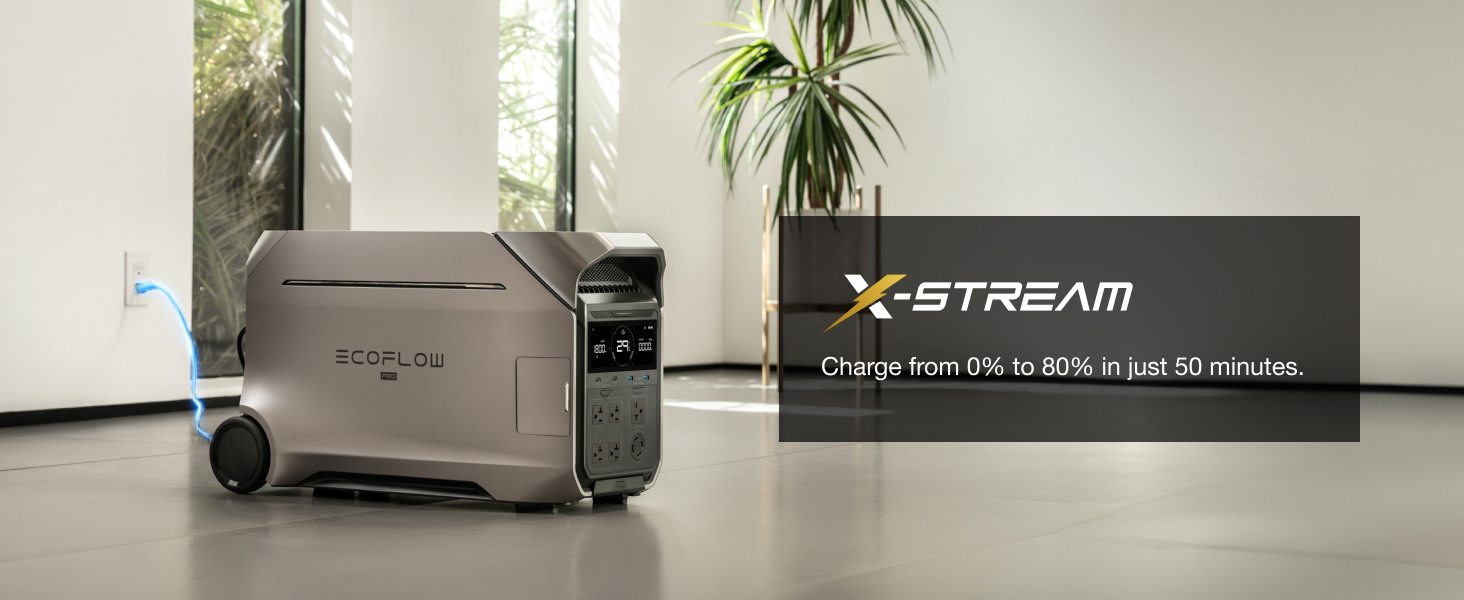
Image 9: DELTA Pro 3 operating silently in a bedroom, highlighting its X-Quiet technology.
4.4 EcoFlow App Control
Control and monitor your DELTA Pro 3 remotely using the EcoFlow app. The app provides real-time battery insights, allows customization of settings, and facilitates firmware updates.

Image 10: Smartphone displaying the EcoFlow app interface, showing real-time power monitoring and control for the DELTA Pro 3.
Video 3: A user demonstrating the DELTA Pro 3's use for home backup power and solar charging capabilities.
5. Expandable Capacity
The DELTA Pro 3's capacity is highly expandable, allowing you to tailor your energy storage to your specific needs.

Image 11: Diagram illustrating the modular expansion of DELTA Pro 3's capacity from 4kWh up to 48kWh with additional batteries.
Starting with a 4000Wh LFP battery, the system can be expanded up to 48kWh by connecting additional DELTA Pro 3 Extra Batteries or Smart Generators. This modular design provides 2-4 days of whole-home backup power.
Video 4: A user review highlighting the DELTA Pro 3's 240V split phase capability and expandability with extra batteries.
6. Maintenance
To ensure optimal performance and longevity of your DELTA Pro 3, follow these maintenance guidelines:
- Temperature: Operate the unit between 40°F and 88°F (4°C and 31°C). Avoid exposure to temperatures below 30°F (-1°C) or above 115°F (46°C).
- Moisture: Never allow the unit to get wet. Store in a dry, well-ventilated area.
- Charging: For long-term storage, charge the battery to approximately 60% every 3 months.
- Cleaning: Keep the unit free from dust and debris. Use a dry, soft cloth for cleaning.
7. Troubleshooting
If you encounter issues with your DELTA Pro 3, consider the following:
- No Power Output: Check if the AC/DC output buttons are activated. Ensure the battery has sufficient charge.
- Slow Charging: Verify the charging input source is providing adequate power. Adjust the AC charge speed setting in the EcoFlow app if necessary.
- Unit Overheating: Ensure proper ventilation around the unit. Reduce the load if operating heavy appliances for extended periods.
- App Connectivity Issues: Ensure Bluetooth/Wi-Fi is enabled on your device and the DELTA Pro 3. Restart the app and the power station if necessary.
8. Specifications
| Feature | Specification |
|---|---|
| Brand | EF ECOFLOW |
| Model Name | EFD521+EB |
| Wattage | 4096 watts |
| Running Wattage | 4000 Watts |
| Starting Wattage | 6000 Watts |
| Voltage | 240 Volts (AC) |
| Fuel Type | Non-gasoline |
| Power Source | Solar Powered |
| Item Weight | 260 Pounds |
| Product Dimensions | 16.16"L x 13.43"W x 27.38"H |
| Material | Aluminum, Plastic, Copper, Lfp (Lithium Iron Phosphate) |
| Color | black |
9. Warranty & Support
The EF ECOFLOW DELTA Pro 3 comes with a 5-year service warranty. For customer support, please visit the official EF ECOFLOW store or contact their support channels.
Important Note: Transportation of this item is subject to hazardous materials regulations. This item is non-returnable due to its nature.


