1. Introduction
Welcome to the user manual for your new INOI Tablet Pro 10.1-inch. This guide provides essential information on setting up, operating, maintaining, and troubleshooting your device. Please read this manual thoroughly to ensure optimal performance and longevity of your tablet.
1.1 Package Contents
Upon unpacking, please verify that all items listed below are present:
- INOI Tablet Pro 10.1-inch (Model T1073EJARSG)
- USB Charging Cable
- Power Adapter
- Quick Start Guide
- SIM Ejector Tool (if applicable for LTE models)
2. Device Overview
Familiarize yourself with the physical components of your INOI Tablet Pro.

Figure 2.1: Front and Rear View of the INOI Tablet Pro. This image displays the tablet's screen from the front and its camera module and back panel.
2.1 Physical Components
- Front Camera: Located above the display, used for video calls and selfies.
- Display: 10.1-inch IPS FHD+ touchscreen.
- Power Button: Located on the side, used to power on/off or wake/sleep the device.
- Volume Buttons: Located on the side, used to adjust audio volume.
- USB-C Port: For charging and data transfer.
- Speaker Grilles: Quad speakers for immersive audio.
- Rear Camera: Located on the back, equipped with autofocus and LED flash.
- SIM/MicroSD Card Slot: For inserting a 4G LTE SIM card and/or a microSD card for expandable storage.

Figure 2.2: INOI Tablet Pro Dimensions. This image illustrates the tablet's physical measurements in millimeters.
3. Setup
3.1 Powering On and Off
- To Power On: Press and hold the Power button until the INOI logo appears.
- To Power Off: Press and hold the Power button, then select "Power off" from the options on the screen.
- To Restart: Press and hold the Power button, then select "Restart" from the options.
3.2 Initial Setup
The first time you power on your tablet, you will be guided through an initial setup process. This includes selecting your language, connecting to a Wi-Fi network, and setting up your Google account.
3.3 Network Connection
3.3.1 Wi-Fi Connection
- Go to Settings > Network & internet > Wi-Fi.
- Toggle Wi-Fi On.
- Select your desired network from the list and enter the password if prompted.
3.3.2 4G LTE Connection (Optional)
If your model supports 4G LTE, you can insert a nano-SIM card for mobile data connectivity.
- Locate the SIM/MicroSD card slot on the side of the tablet.
- Use the provided SIM ejector tool to open the tray.
- Place the nano-SIM card(s) and/or microSD card into the tray with the gold contacts facing down.
- Carefully reinsert the tray into the tablet.
- Ensure mobile data is enabled in Settings > Network & internet > Mobile network.
4. Operating Instructions
4.1 Basic Navigation
- Tap: To select an item or open an application.
- Tap and Hold: To access contextual menus or move icons.
- Swipe: To scroll through screens or lists.
- Pinch: To zoom in or out on images and web pages.
4.2 Display Settings
Your INOI Tablet Pro features a vibrant 10.1-inch IPS FHD+ display (1920 x 1200 pixels). You can adjust display settings such as brightness, wallpaper, and sleep duration in Settings > Display.

Figure 4.1: High-Resolution IPS Display. The tablet screen shows a movie streaming service, highlighting the crisp visuals.
4.3 Audio
Experience immersive audio with the tablet's quad-speaker stereo sound system. Adjust volume using the physical volume buttons or through Settings > Sound & vibration.

Figure 4.2: Immersive Stereo with Quad-Speakers. An image depicting a person using the tablet for music, emphasizing the audio experience.
4.4 Camera
The tablet is equipped with an 8 MP rear camera (with autofocus and LED flash) and a 5 MP front camera. Open the Camera app to capture photos and videos.

Figure 4.3: Front Camera for Video Calls. The tablet screen shows a video conference, demonstrating the front camera's use.
4.5 Performance
Powered by an efficient 8-core processor clocked at 1.6GHz and 6GB RAM, your tablet delivers smooth multitasking and responsive performance for various applications and games.

Figure 4.4: Power-Packed Performance. The tablet screen displays a racing game, illustrating its capability for demanding applications.
5. Battery Management
The INOI Tablet Pro is equipped with a robust 6000mAh battery, providing extended usage time. To charge the tablet, connect the provided USB charging cable and power adapter to the USB-C port.
- Use only the original charger and cable for optimal charging.
- Avoid exposing the tablet to extreme temperatures, which can affect battery life.
- To conserve battery, reduce screen brightness, disable unused connectivity features (Wi-Fi, Bluetooth, LTE), and close background applications.
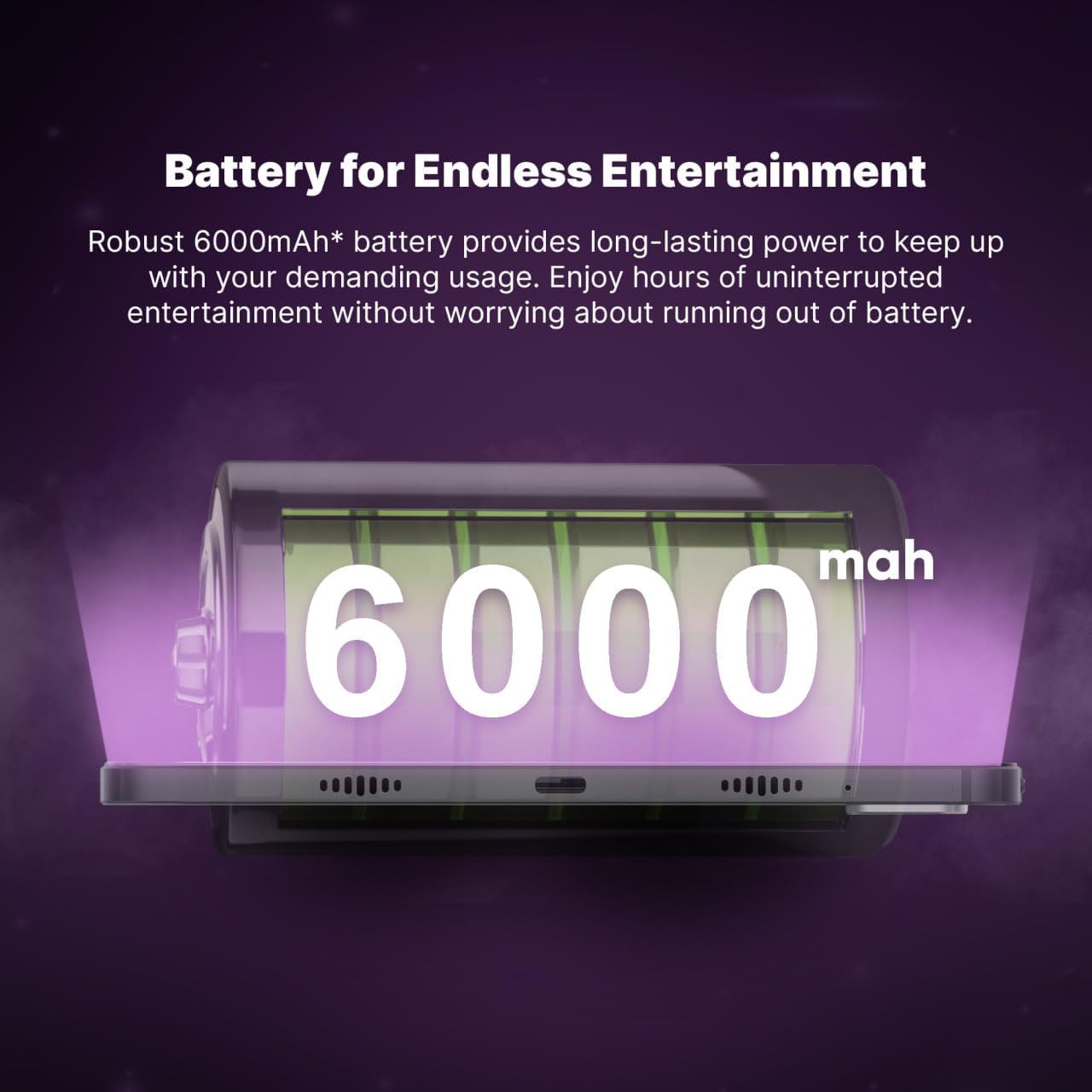
Figure 5.1: Robust 6000mAh Battery. An illustration of the tablet's internal battery, highlighting its capacity.
6. Maintenance
6.1 Cleaning Your Tablet
- Use a soft, lint-free cloth to clean the screen and body of the tablet.
- Avoid using harsh chemicals, abrasive cleaners, or aerosol sprays.
- Ensure the tablet is powered off and unplugged before cleaning.
6.2 Software Updates
Regularly check for and install software updates to ensure your tablet has the latest features, security patches, and performance improvements. Go to Settings > System > System update.
7. Troubleshooting
If you encounter issues with your INOI Tablet Pro, try the following common solutions:
- Tablet not turning on: Ensure the battery is charged. Connect the charger and wait a few minutes before attempting to power on again.
- Screen unresponsive: Try restarting the tablet. If the issue persists, perform a force restart by holding the power button for approximately 10-15 seconds.
- Wi-Fi connection issues: Check if Wi-Fi is enabled. Restart your router and the tablet. Ensure you have entered the correct password.
- Apps crashing: Close and reopen the app. Clear the app's cache in Settings > Apps > [App Name] > Storage & cache. If the problem continues, consider reinstalling the app.
- Slow performance: Close unused background apps. Clear cache and temporary files. Consider performing a factory reset as a last resort (back up your data first).
8. Specifications
Detailed technical specifications for the INOI Tablet Pro 10.1-inch (Model T1073EJARSG):
| Feature | Specification |
|---|---|
| Brand | INOI |
| Model Name | inoiPad Pro |
| Item Model Number | T1073EJARSG |
| Color | Space Grey |
| Display Size | 10.1 Inches |
| Display Resolution | 1920 x 1200 pixels (FHD+ IPS) |
| Processor | Unisoc 8-core, 1.6 GHz |
| RAM | 6 GB |
| Internal Storage | 128 GB |
| Expandable Storage | MicroSD (card not included) |
| Connectivity | 4G LTE, Wi-Fi (802.11a/b/g/n/ac), Bluetooth |
| Audio | Quad Speakers |
| Front Camera | 5 MP |
| Rear Camera | 8 MP (with autofocus and LED flash) |
| Battery Capacity | 6000 mAh |
| Average Battery Life | Up to 450 Hours (standby) |
| Operating System | Android |
| Item Weight | 780 g |
| Dimensions (L x W x H) | 27.8 x 19.2 x 4.4 cm (Package) |
9. Warranty and Support
9.1 Warranty Information
Your INOI Tablet Pro comes with a 777-day warranty from the date of purchase. This warranty covers manufacturing defects and ensures your device functions as intended under normal use. Please retain your proof of purchase for warranty claims. For detailed terms and conditions, refer to the warranty card included in your package or visit the official INOI website.
9.2 Customer Support
For technical assistance, troubleshooting beyond this manual, or warranty service, please contact INOI customer support. You can typically find contact information on the official INOI website or through the retailer where you purchased the device. For purchases made via Amazon, you may contact the seller, INOI OFFICIAL STORE, for support.
Online Resources: Visit the official INOI website for FAQs, software downloads, and additional support materials.


