
1. Introduction
This manual provides detailed instructions for the installation, operation, and maintenance of your ieGeek ZY C2 2K (3MP) Wireless Solar Outdoor Security Camera. This camera is designed for outdoor surveillance, offering 2K QHD resolution, 360° pan and tilt capabilities, AI human detection, color night vision, and solar power for continuous operation. Please read this manual thoroughly before use to ensure proper setup and functionality.
2. Package Contents
Verify that all items listed below are included in your package:
- Wireless Outdoor Security Camera x 1
- Solar Panel x 1
- 2-Year Warranty Card x 1
- Warning Sticker x 1
- User Manual x 1
3. Product Overview
Familiarize yourself with the main components of your ieGeek ZY C2 camera.
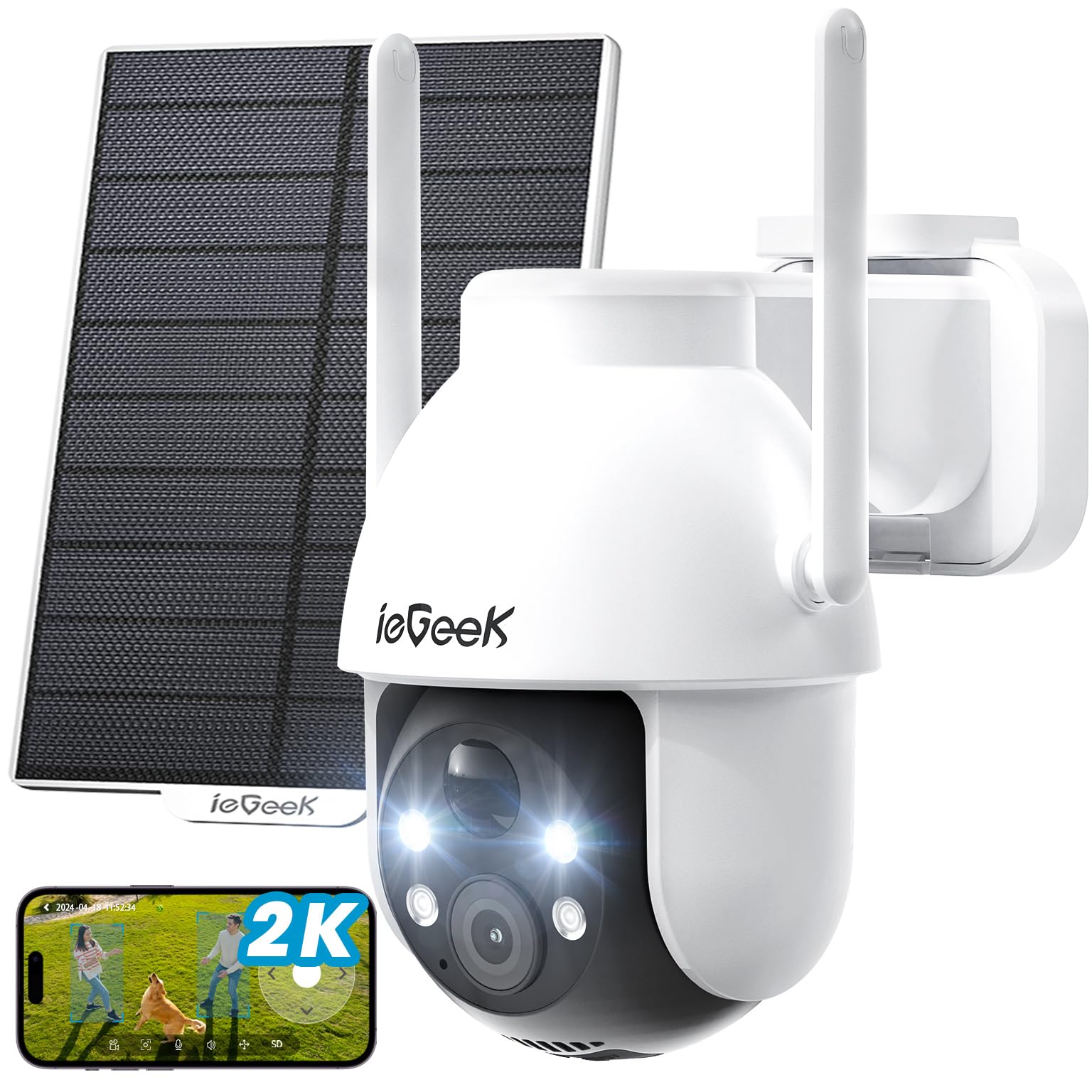
Figure 3.1: ieGeek ZY C2 Camera with Solar Panel
The camera unit includes the main lens, infrared LEDs for night vision, a speaker, a microphone for two-way audio, and two high-gain antennas for stable Wi-Fi connectivity. The separate solar panel connects to the camera to provide continuous power.
4. Setup
4.1 Physical Installation
The camera offers flexible installation options for various outdoor environments.
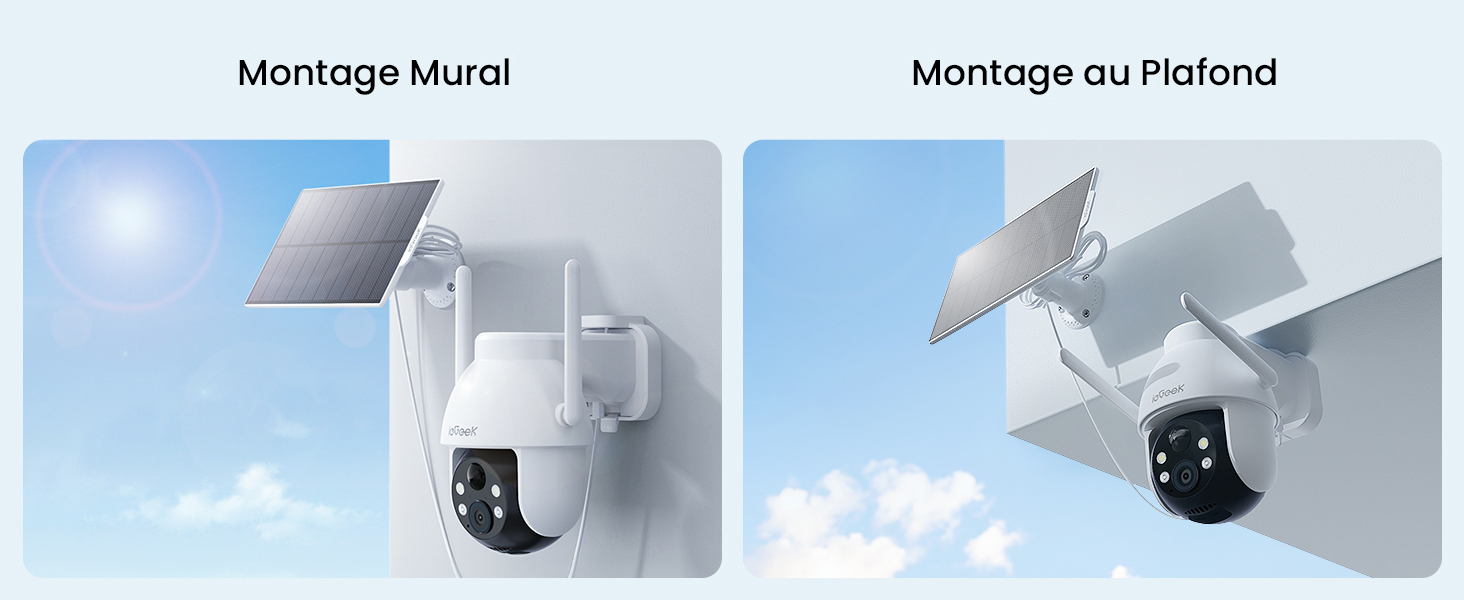
Figure 4.1: Wall and Ceiling Mounting
You can mount the camera on a wall, ceiling, tree, or pole. Ensure the mounting location provides a clear view of the area you wish to monitor and allows the solar panel to receive adequate direct sunlight for optimal charging. The mounting bracket includes eyelets for strap passage (strap not supplied) for flexible attachment to pipes, poles, or tree trunks.
4.2 App Installation and Connection
To operate the camera, download the ieGeek Cam app on your smartphone (compatible with Android/iOS).
- Download the "ieGeek Cam" app from your device's app store.
- Create an account and log in.
- Power on the camera.
- Use the app's Bluetooth pairing feature for a quick and simplified connection process. This accelerates the connection by 50% and reduces signal interference.
- Follow the in-app instructions to connect the camera to your 2.4GHz Wi-Fi network. The camera supports Wi-Fi 6 technology for enhanced stability and speed.

Figure 4.2: Wi-Fi 6 Technology
5. Operating Instructions
5.1 Live View and Playback
Access the live video feed and review recorded events through the ieGeek Cam app.
5.2 Pan, Tilt, and Zoom (PTZ) Control
The camera features a 360° panoramic rotation and 120° tilt, allowing you to adjust the viewing angle remotely via the app. It also supports 5x digital zoom.

Figure 5.1: 360° Pan and Tilt Functionality
5.3 Night Vision
The camera is equipped with color night vision, providing clear, full-color images even in low-light or dark conditions up to 15 meters. It can automatically switch to full-color mode.

Figure 5.2: Color Night Vision Capability
5.4 Motion Detection and Alerts
The camera utilizes a PIR sensor and AI human detection algorithm to accurately identify human movement, reducing false alerts. You can adjust sensitivity across 10 levels.

Figure 5.3: AI Human Detection
Upon detection, the camera can trigger an alarm siren, warning lights, or both, and send real-time notifications to your smartphone within seconds. You can also define up to 6 custom detection zones to focus monitoring on specific areas and ignore others.

Figure 5.4: Alarm Modes and Instant Notification
5.5 Two-Way Audio
Communicate with visitors or deter intruders using the built-in speaker and microphone. The camera features independent audio processing and ambient noise reduction for clear conversations.
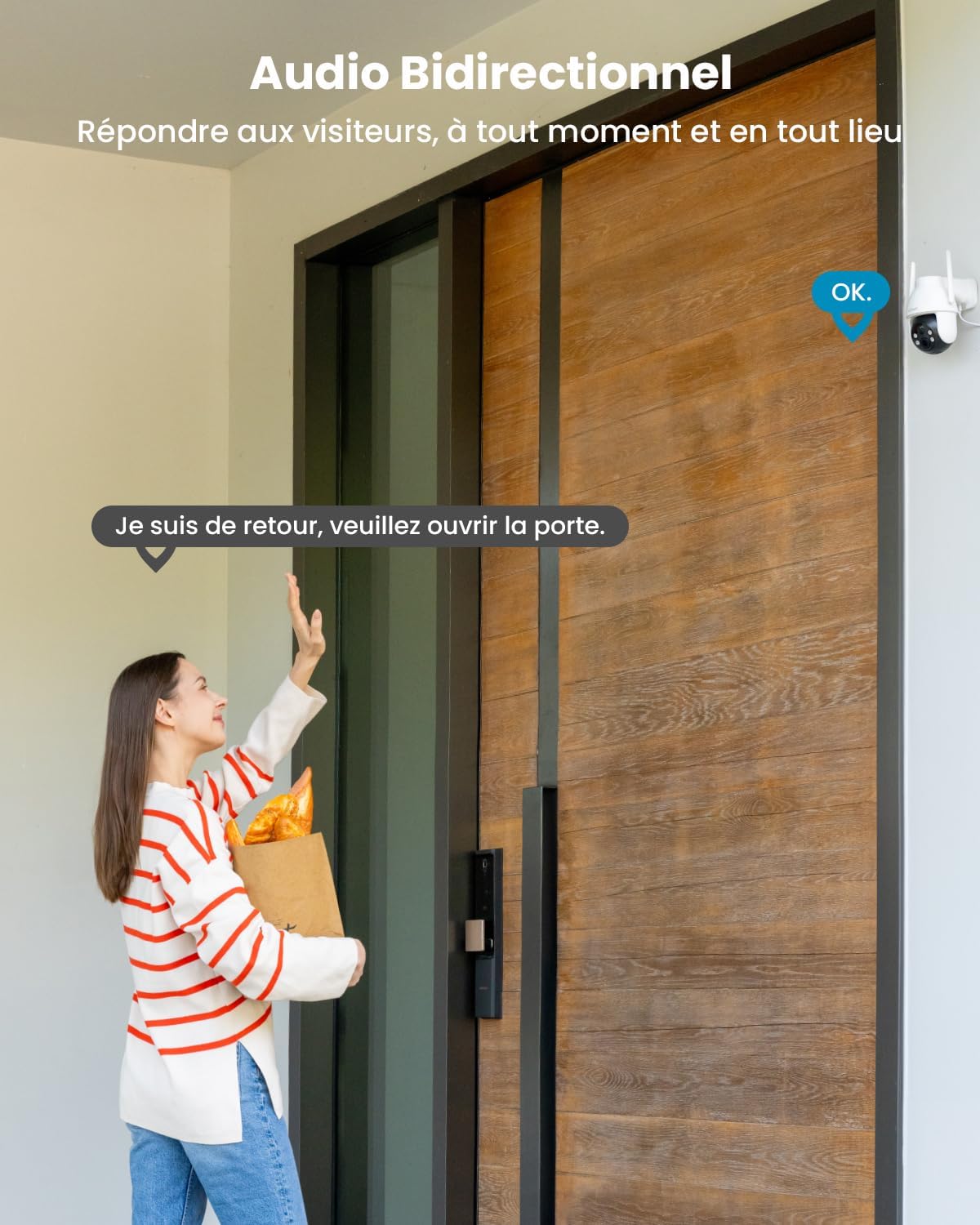
Figure 5.5: Two-Way Audio Communication
5.6 Storage Options
The camera supports local storage via a MicroSD card (up to 128GB, not included) and offers free 6-second loop cloud recording for events.
5.7 Voice Control
The ieGeek ZY C2 camera is compatible with Amazon Alexa, allowing for convenient voice commands to control your surveillance.
6. Maintenance
6.1 Solar Panel Efficiency
To ensure optimal charging, regularly clean the solar panel to remove dust, dirt, or debris that may obstruct sunlight. The camera's BC chip technology ensures stable recharging even in low light conditions.
6.2 Environmental Durability
The camera is IP66 certified, making it resistant to heavy rain, extreme temperatures (-20°C to 60°C), and other harsh weather conditions. No specific maintenance is required for weather protection beyond ensuring proper installation.
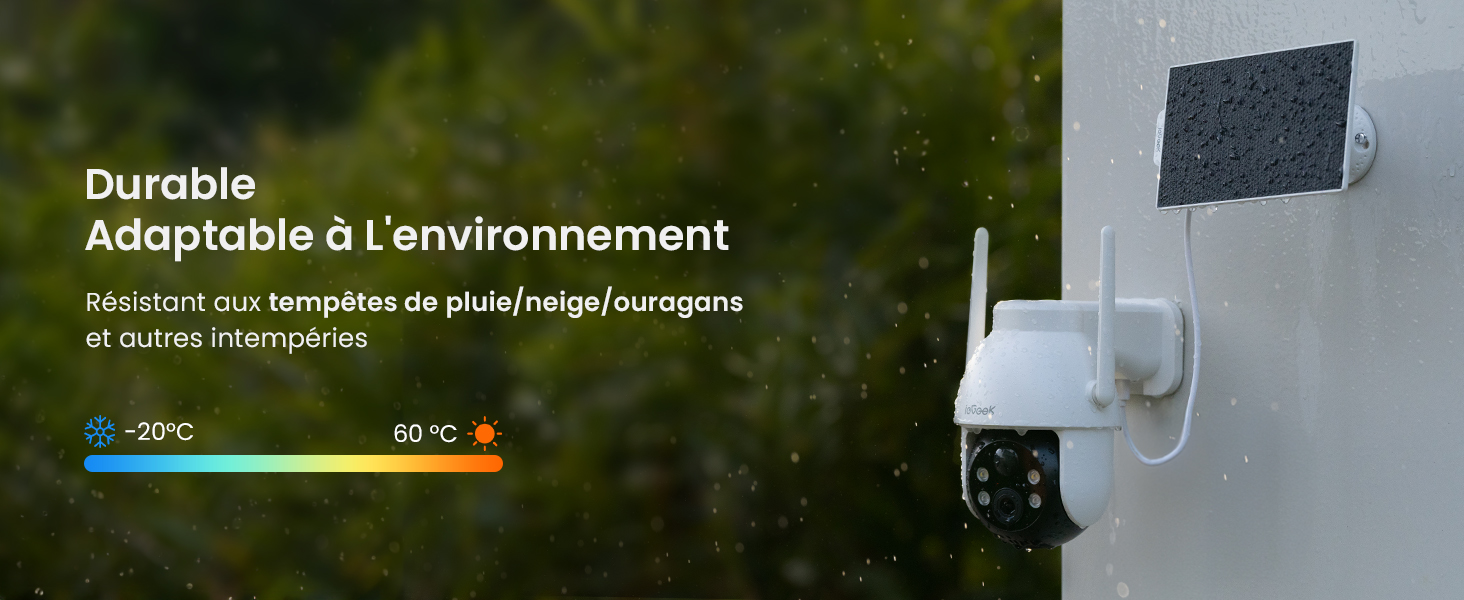
Figure 6.1: Weather Resistance
7. Troubleshooting
If you encounter issues with your camera, refer to the following common troubleshooting steps:
- Camera Not Connecting to Wi-Fi: Ensure your Wi-Fi network is 2.4GHz. Check the signal strength at the camera's location. Restart your router and the camera.
- No Power/Low Battery: Verify the solar panel is clean and receiving direct sunlight. Ensure the connection cable between the solar panel and camera is secure.
- False Alerts: Adjust the PIR sensitivity settings in the app. Define specific detection zones to exclude areas with frequent non-human movement (e.g., trees swaying).
- Poor Image Quality: Clean the camera lens. Ensure there are no obstructions in the camera's field of view. Check your internet connection speed.
- Two-Way Audio Issues: Ensure microphone and speaker permissions are enabled for the app on your smartphone. Check for any physical obstructions on the camera's microphone or speaker.
8. Specifications
| Model Name | ZY C2 |
| Resolution | 2K (3MP) |
| Connectivity Technology | Wireless (2.4G Wi-Fi, Bluetooth) |
| Power Source | Battery Powered (5200 mAh), Solar Panel |
| Special Features | Two-Way Audio, Motion Detector, Light Alarm Siren, PTZ Technology, Color Night Vision |
| Usage Environment | Outdoor |
| Compatible Devices | Computer, Laptop, Smartphone, Tablet |
| Control Type | Amazon Alexa, Android/iOS App (ieGeek Cam) |
| Mounting Type | Tree Mount, Ceiling Mount, Wall Mount, Pole Mount |
| IP Rating | IP66 |
| Operating Temperature Range | -20°C to 60°C |
| Night Vision Range | 15 Meters |
| Max Flash Memory Supported | 128 GB (Micro SD) |
| Optical Zoom | 5x |
9. Warranty and Support
ieGeek is committed to providing reliable products and excellent customer service.
- 2-Year Warranty: Your ieGeek ZY C2 camera comes with a 2-year manufacturer's warranty.
- 30-Day Money-Back Guarantee: Enjoy a 30-day money-back guarantee from the date of purchase.
- Lifetime Technical Support: ieGeek offers professional 24/7 customer support. For any technical assistance or inquiries, please contact our dedicated support team.

Figure 9.1: Warranty and Support Information


