
1. Introduction
This manual provides essential information for the safe and efficient operation, maintenance, and troubleshooting of your Swan SNT2G Nordic 2-Slice Stainless Steel Electronic Toaster. Please read these instructions carefully before first use and retain them for future reference.
2. Important Safety Instructions
- Always ensure the toaster is unplugged from the power outlet before cleaning or when not in use.
- Do not immerse the toaster, cord, or plug in water or any other liquid.
- This appliance is not intended for use by persons (including children) with reduced physical, sensory, or mental capabilities, or lack of experience and knowledge, unless they have been given supervision or instruction concerning use of the appliance by a person responsible for their safety.
- Children should be supervised to ensure that they do not play with the appliance.
- Do not operate the toaster if the cord or plug is damaged, or if the appliance malfunctions or has been damaged in any manner.
- Do not let the power cord hang over the edge of a table or counter, or touch hot surfaces.
- Do not place the toaster on or near a hot gas or electric burner, or in a heated oven.
- Ensure adequate ventilation around the toaster during use. Do not cover the toaster.
- Bread and similar products can burn. Do not use the toaster near or below combustible materials such as curtains.
- Always remove the crumb tray and clean it regularly to prevent fire hazards.
- Do not insert oversized foods, metal foil packages, or utensils into the toaster slots as this may create a fire or electric shock hazard.
- Do not attempt to dislodge food when the toaster is plugged in.
3. Product Overview
The Swan SNT2G Nordic 2-Slice Toaster features a sleek slate grey design with a durable stainless steel body and rubberized finish. It includes wood effect controls for a modern aesthetic and practical functionality.
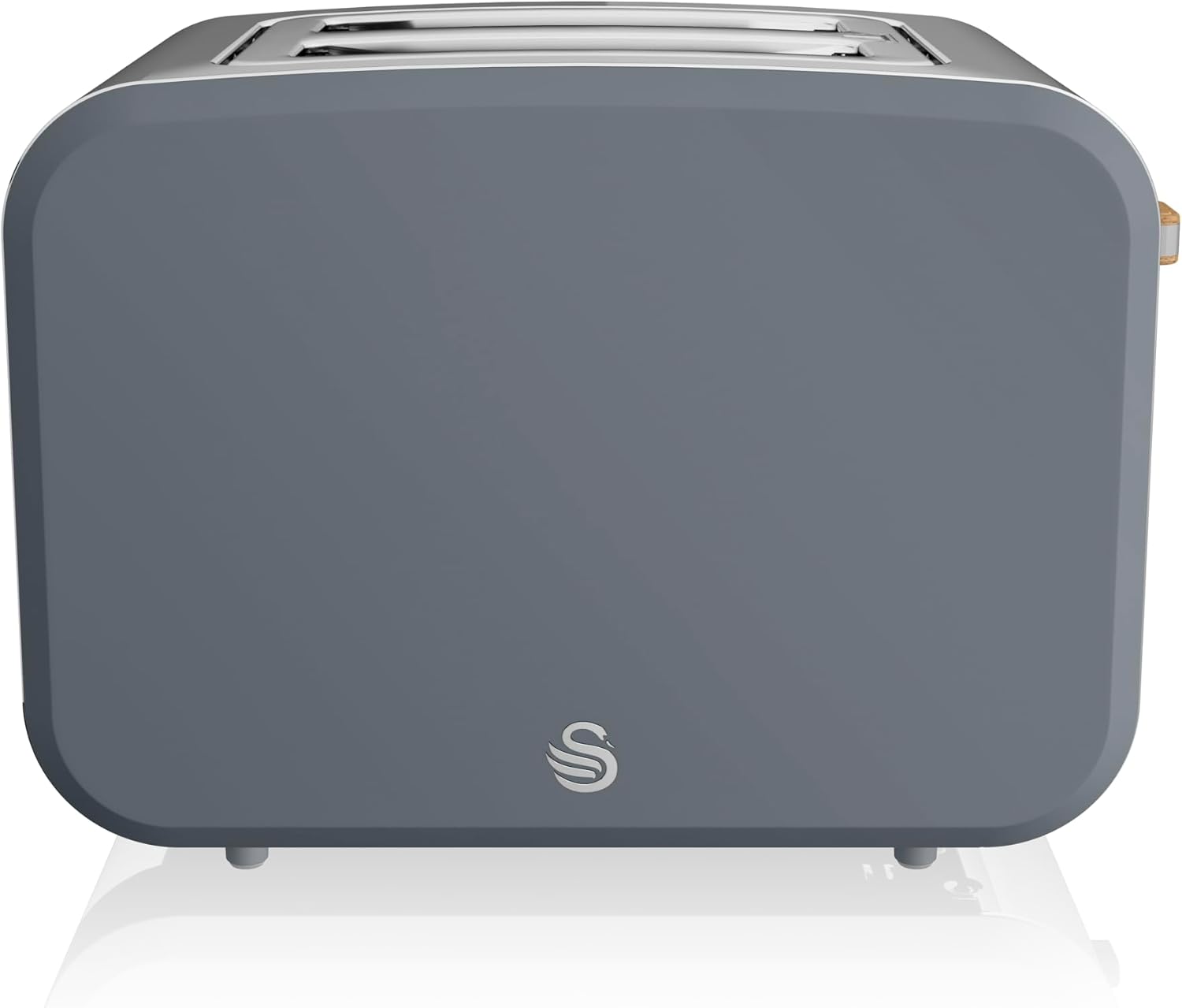
Image 1: Front view of the Swan SNT2G Nordic 2-Slice Toaster in Slate Grey, showcasing its minimalist design and the Swan logo.

Image 2: Angled view of the toaster, highlighting the control panel with Reheat, Defrost, and Cancel buttons, along with the browning control dial and toast lever.

Image 3: Close-up of the toaster's controls, showing the wood-effect details on the toast lever and the browning control dial, along with the illuminated function buttons.
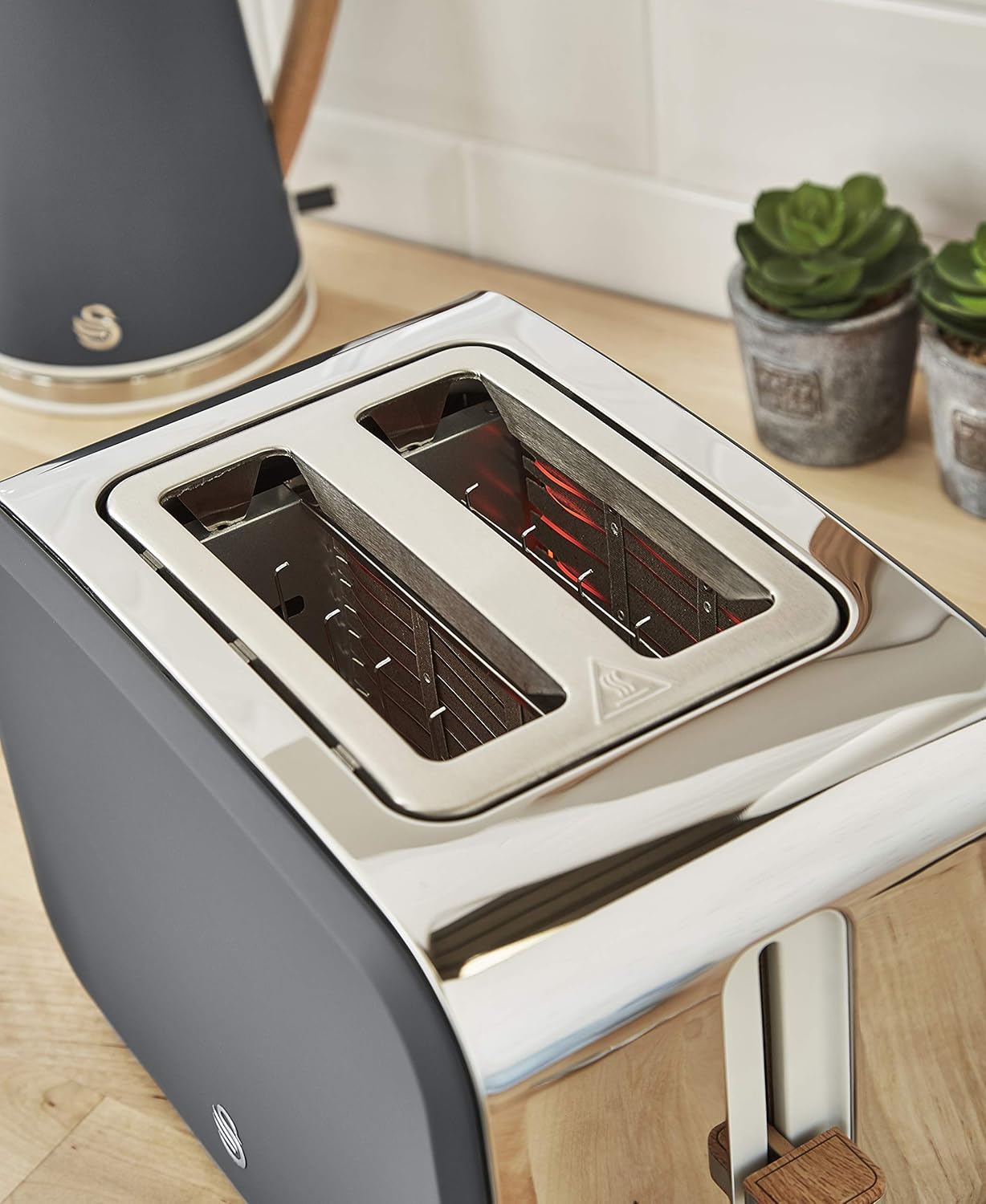
Image 4: Top view of the toaster, showing the two wide toasting slots designed to accommodate various bread types.
4. Setup
- Unpacking: Carefully remove the toaster from its packaging. Remove all packaging materials, including any protective films or stickers.
- Placement: Place the toaster on a stable, flat, heat-resistant surface, away from flammable materials such as curtains or walls. Ensure there is adequate space around the toaster for ventilation.
- First Use: Before toasting bread for consumption, operate the toaster empty for two or three cycles at the highest browning setting. This will burn off any manufacturing residues and eliminate initial odors. Ensure the area is well-ventilated during this process.
- Power Connection: Plug the power cord into a grounded electrical outlet.
5. Operating Instructions
5.1 Basic Toasting
- Insert slices of bread into the toasting slots.
- Select your desired browning level using the browning control dial (settings 1-7, with 1 being lightest and 7 being darkest).
- Press the toast lever down until it locks into place. The toaster will begin toasting, and the indicator light will illuminate.
- Once the selected browning cycle is complete, the toast will automatically pop up, and the indicator light will turn off.
5.2 Defrost Function
The defrost function allows you to toast frozen bread directly without thawing it first.
- Insert frozen bread into the toasting slots.
- Select your desired browning level.
- Press the toast lever down until it locks, then press the Defrost button. The defrost indicator light will illuminate.
- The toaster will automatically adjust the toasting time to account for the frozen bread.
5.3 Reheat Function
The reheat function is used to warm up toast that has cooled down without further browning.
- Insert cooled toast into the toasting slots.
- Press the toast lever down until it locks, then press the Reheat button. The reheat indicator light will illuminate.
- The toaster will briefly warm the toast and then automatically pop it up.
5.4 Cancel Function
To stop the toasting cycle at any time, press the Cancel button. The toast will immediately pop up.
5.5 Browning Control
The browning control dial offers 7 settings:
- Setting 1-2: Light toast
- Setting 3-4: Medium toast
- Setting 5-7: Dark toast
Adjust the setting based on your preference and the type of bread. Thicker or denser bread may require a higher setting.
6. Maintenance and Cleaning
Regular cleaning ensures optimal performance and extends the life of your toaster.
- Always Unplug: Before cleaning, ensure the toaster is unplugged from the power outlet and has completely cooled down.
- Crumb Tray: Pull out the crumb tray located at the bottom of the toaster. Dispose of crumbs and wipe the tray clean with a damp cloth. Ensure it is completely dry before reinserting. Clean the crumb tray regularly to prevent crumb build-up, which can be a fire hazard.
- Exterior: Wipe the exterior of the toaster with a soft, damp cloth. Do not use abrasive cleaners or scouring pads, as these can damage the finish. Dry thoroughly with a soft, dry cloth.
- Interior: Do not attempt to clean the inside of the toaster slots with any objects. If food becomes lodged, unplug the toaster and carefully invert it to shake out the food.
- Do Not Immerse: Never immerse the toaster, power cord, or plug in water or any other liquid.
7. Troubleshooting
If you encounter issues with your toaster, refer to the following common problems and solutions:
- Toaster does not turn on:
- Ensure the power cord is securely plugged into a working electrical outlet.
- Check your household fuse box or circuit breaker.
- Ensure the toast lever is fully pressed down and locked into place.
- Toast is unevenly browned:
- Ensure bread slices are of uniform thickness and size.
- Adjust the browning control setting.
- Smoke is coming from the toaster:
- Immediately press the Cancel button and unplug the toaster.
- Check and clean the crumb tray for excessive crumb build-up.
- Ensure no foreign objects are in the toasting slots.
- Toast does not pop up:
- Unplug the toaster and allow it to cool. Carefully remove the toast. Do not use metal utensils.
If the problem persists after trying these solutions, please contact customer support.
8. Specifications
| Feature | Detail |
|---|---|
| Brand | Swan |
| Model Number | SNT2G |
| Colour | Slate Grey |
| Power / Wattage | 900 watts |
| Material | Stainless Steel |
| Number of Slices | 2 |
| Special Features | Automatic Shut-Off |
| Item Weight | 2.3 kg |
| Product Dimensions | 20D x 30W x 20H centimetres |
9. Warranty and Support
Specific warranty information for the Swan SNT2G Nordic 2-Slice Stainless Steel Electronic Toaster is not provided in this document. Please refer to the product packaging, the manufacturer's official website, or your point of purchase for detailed warranty terms and conditions.
For technical support or service inquiries, please contact Swan customer service through their official channels.