
Introduction
This manual provides essential information for the safe and efficient operation of your OnePlus Open smartphone. Please read this manual thoroughly before using your device to ensure optimal performance and to understand all features.
The OnePlus Open is a cutting-edge foldable smartphone designed for versatility and high performance. It features a unique foldable display, advanced camera system, and powerful processing capabilities to enhance your mobile experience.
Product Features
Innovative Design
The OnePlus Open is engineered to be the thinnest and lightest foldable smartphone in North America. It utilizes aerospace-grade materials, including carbon fiber support structures and titanium alloy, ensuring both durability and a premium feel. The custom Flexion hinge design contributes to an ergonomic user experience.

Image: The OnePlus Open showcasing its ultra-thin, ultra-light design when folded.
Vibrant Displays
Experience stunning visuals on both the 6.31-inch exterior display and the expansive 7.82-inch foldable interior display. Both screens offer a premium viewing experience with a near-invisible crease, support for Dolby Vision, 10-bit color depth, and a peak brightness of 2800 nits, ensuring clarity even in bright conditions.
Advanced Multitasking with Open Canvas
Elevate your productivity with Open Canvas, an intuitive software feature that allows for instant app-switching and seamless drag-and-drop functionality across multiple applications. Powered by the iconic OxygenOS design language, the OnePlus Open delivers a fast and smooth experience across all scenarios, from gaming and entertainment to professional work.
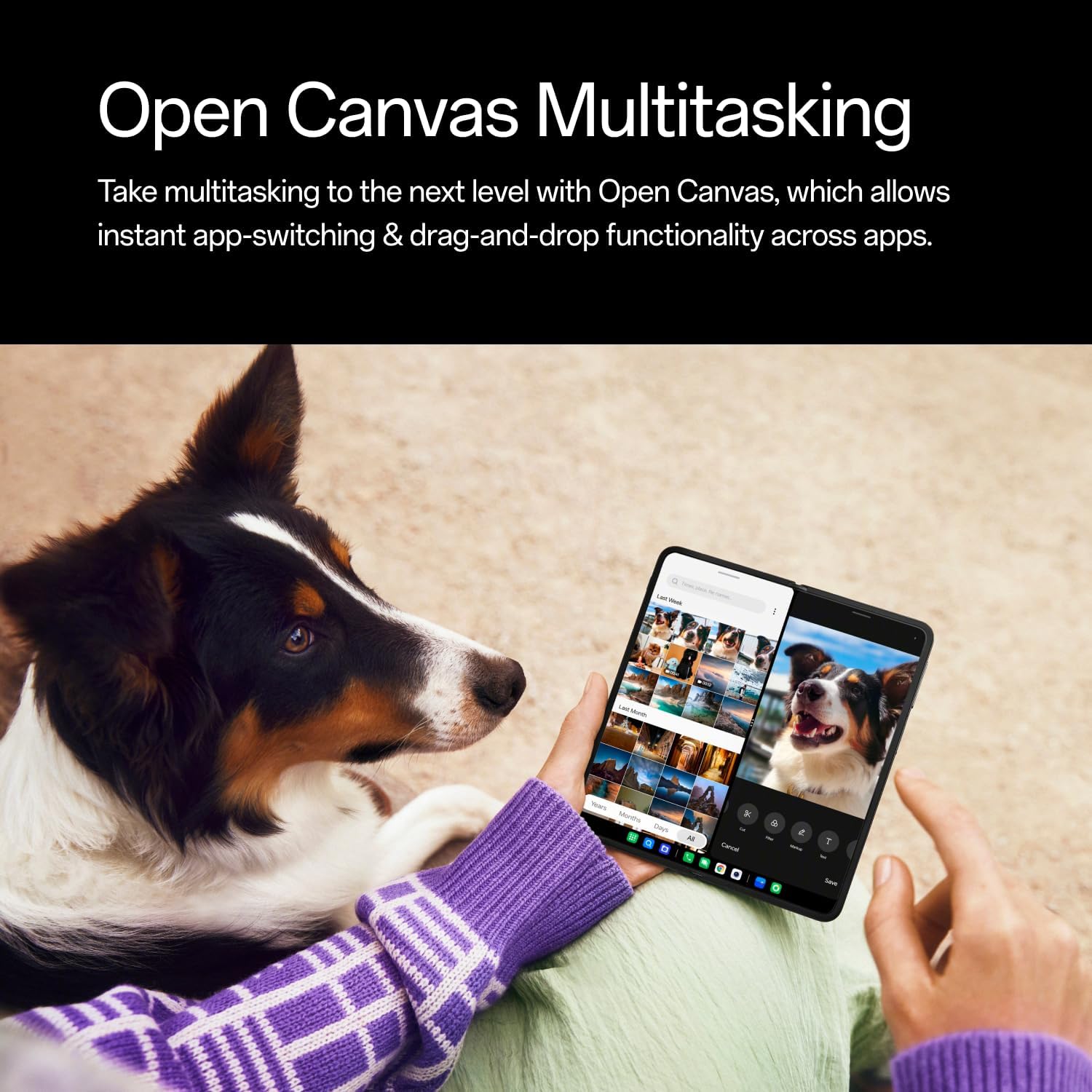
Image: A user demonstrating the Open Canvas multitasking feature on the unfolded OnePlus Open, with two apps open side-by-side.
Hasselblad Camera System
Capture professional-grade photos and videos with the powerful triple camera array, co-developed with Hasselblad. This system includes a 48MP primary lens, a 48MP ultra-wide lens, and a 64MP periscope zoom lens. It enables the capture of portraits with natural bokeh and high color accuracy, and supports shooting stories in Dolby Vision HDR format.

Image: Detailed view of the OnePlus Open's triple camera system, highlighting the 48MP primary, 64MP telephoto, and 48MP ultra-wide lenses.
Powerful Performance
Equipped with a Snapdragon 8 Gen 2 processor and 16GB of RAM, the OnePlus Open is built to handle graphics-intensive applications, games, and high-definition content with ease, ensuring a smooth and responsive user experience.
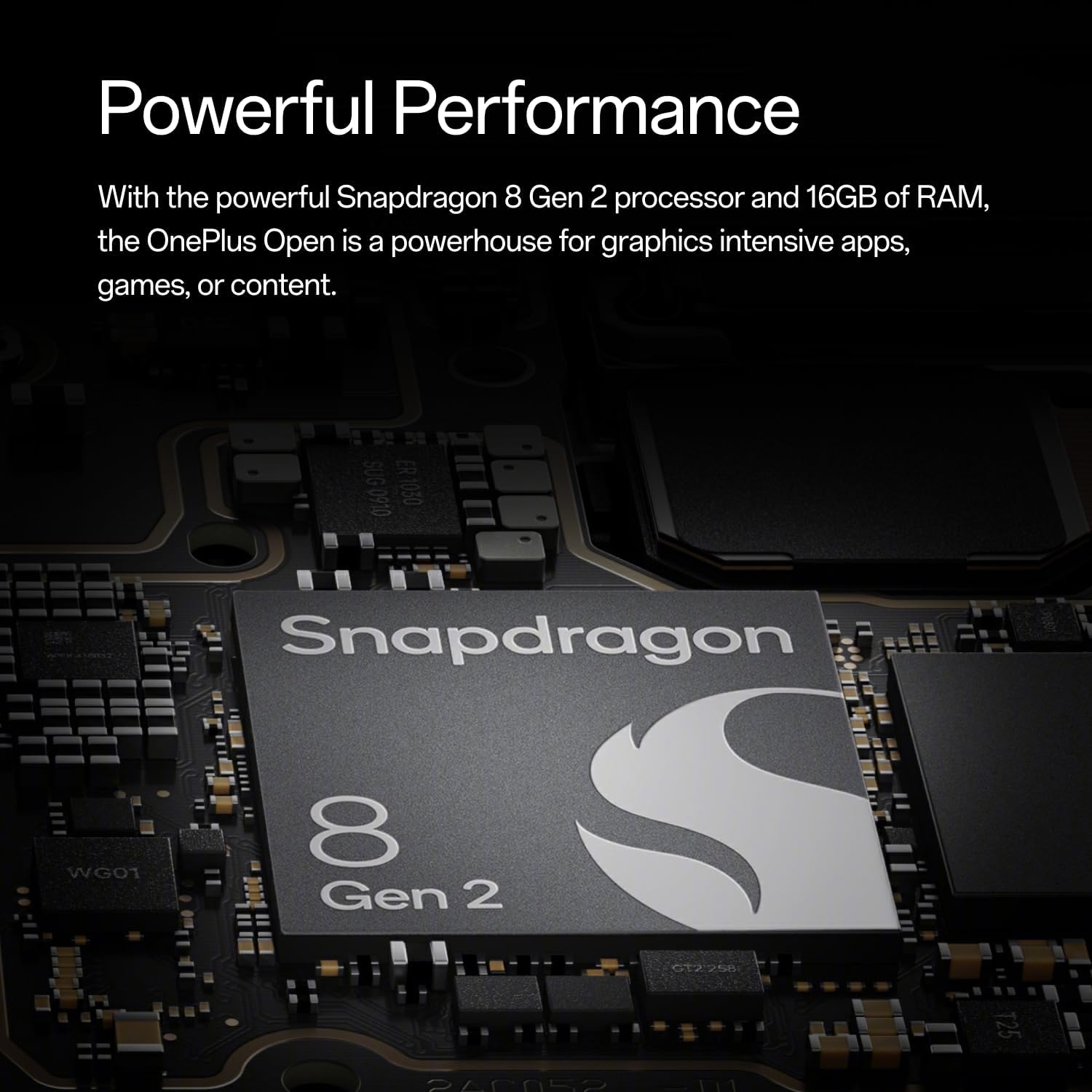
Image: Close-up of the Snapdragon 8 Gen 2 processor chip, emphasizing the phone's powerful internal components.
Setup
What's in the Box
Your OnePlus Open package includes:
- OnePlus Open Smartphone
- 80W SUPERVOOC Power Adapter (supports 67W low voltage charging)
- Type-A to C Cable
- Quick Start Guide
- Welcome Letter
- OnePlus RCC card
- Safety Information and Warranty Card
- Premium Service Card
- Logo sticker
- Protective Case
- Screen Protector (pre-applied)
- SIM Tray Ejector
- USB Dongle (Type-A to C)
Initial Setup
- Power On: Press and hold the power button until the OnePlus logo appears.
- Language Selection: Follow the on-screen prompts to select your preferred language.
- SIM Card Insertion: Use the SIM tray ejector tool to open the SIM tray. Insert your Dual-SIM cards into the tray and reinsert it into the phone.
- Network Connection: Connect to a Wi-Fi network or enable mobile data to proceed with setup.
- Google Account: Sign in with your Google account or create a new one to access Google services and the Play Store.
- Data Transfer: If you have an existing device, follow the prompts to transfer your data.
- Security Setup: Set up your preferred screen lock method (PIN, pattern, password, fingerprint, or face unlock).
- Software Updates: Ensure your device is running the latest software version for optimal performance and security.
Operating Instructions
Using the Foldable Display
The OnePlus Open features both an exterior and an interior foldable display. You can seamlessly switch between the two by unfolding or folding the device. The operating system automatically adapts the interface for optimal viewing and interaction.

Image: The OnePlus Open unfolded, showcasing its large interior display.
Multitasking with Open Canvas
To utilize Open Canvas for enhanced multitasking:
- Split Screen: Drag an app from the app dock or recent apps to the side of the screen to activate split-screen mode.
- Floating Windows: Tap and hold an app icon and drag it to the center of the screen to open it in a floating window.
- Drag and Drop: Seamlessly drag and drop content (text, images, files) between compatible applications in split-screen or floating window modes.
Camera Usage
The Hasselblad camera system offers various modes for photography and videography:
- Standard Photo/Video: Open the Camera app and select Photo or Video mode. Tap the shutter button to capture.
- Ultra-Wide: Switch to the ultra-wide lens for expansive landscape shots or group photos.
- Periscope Zoom: Utilize the 64MP periscope zoom lens for detailed distant shots without losing quality.
- Portrait Mode: Select Portrait mode for professional-looking photos with blurred backgrounds (bokeh effect).
- Dolby Vision HDR: Record videos with enhanced dynamic range and color accuracy.
Maintenance
Battery and Charging
The OnePlus Open is equipped with a 4805 mAh battery. For optimal battery life and fast charging, use the provided 80W SUPERVOOC Power Adapter (supports 67W charging). The device can be charged from 0% to 100% in approximately 43 minutes.
The device also supports wireless charging. Simply place the device on a compatible wireless charging pad.
Care and Cleaning
To maintain your device's condition:
- Avoid exposing the device to extreme temperatures or direct sunlight for prolonged periods.
- Clean the screen and body with a soft, lint-free cloth. Avoid abrasive materials or harsh chemicals.
- Keep the hinge area free from dust and debris to ensure smooth folding and unfolding.
Troubleshooting
Common Issues and Solutions
- Device Not Responding: If the device is unresponsive, press and hold the power button for about 10 seconds to force a restart.
- App Crashes/Freezes: Clear the app's cache and data in Settings > Apps, or uninstall and reinstall the app.
- Battery Drain: Reduce screen brightness, disable unnecessary background apps, and limit location services.
- Connectivity Problems (Wi-Fi/Bluetooth): Toggle Wi-Fi or Bluetooth off and on. If the issue persists, restart the device or reset network settings in Settings > System > Reset options.
- Display Issues (Crease/Brightness): Ensure the device is clean and free of debris around the hinge. Adjust brightness settings in Quick Settings or Display settings.
Specifications
| Feature | Detail |
|---|---|
| Model Number | CPH2551 |
| Dimensions (Folded) | 6.03 x 2.89 x 0.47 inches |
| Weight | 8.4 ounces (239 Grams) |
| Operating System | Android 13.0 |
| Processor | Snapdragon (3.2 GHz CPU Speed) |
| RAM | 16 GB |
| Storage | 512 GB |
| Main Display Size | 7.82 Inches |
| Refresh Rate | 120 Hz |
| Battery Capacity | 4805 mAh |
| Charging Time (0-100%) | 43 minutes (with 67W charging) |
| Camera System | Hasselblad (48MP Primary, 48MP Ultra-Wide, 64MP Periscope Zoom) |
| Connectivity | GSM, WCDMA, GPS (L1+L5 Dual Band), GLONASS, Galileo, Beidou, A-GPS, QZSS |
| Special Features | Thin & Light Design, Custom Flexion Hinge |
Warranty and Support
Your OnePlus Open smartphone comes with a manufacturer's warranty. Please refer to the included "Safety Information and Warranty Card" for detailed terms and conditions.
For technical support, troubleshooting assistance, or service inquiries, please visit the official OnePlus support website or contact their customer service hotline.
Additional resources, including a Quick Start Guide and Product Tutorial, are available in your product packaging.


