
Introduction
Thank you for choosing the AWEI A996BL Bluetooth Over-Ear Headphones. This manual provides detailed instructions for setting up, operating, and maintaining your headphones to ensure optimal performance and longevity. Please read this manual carefully before use.
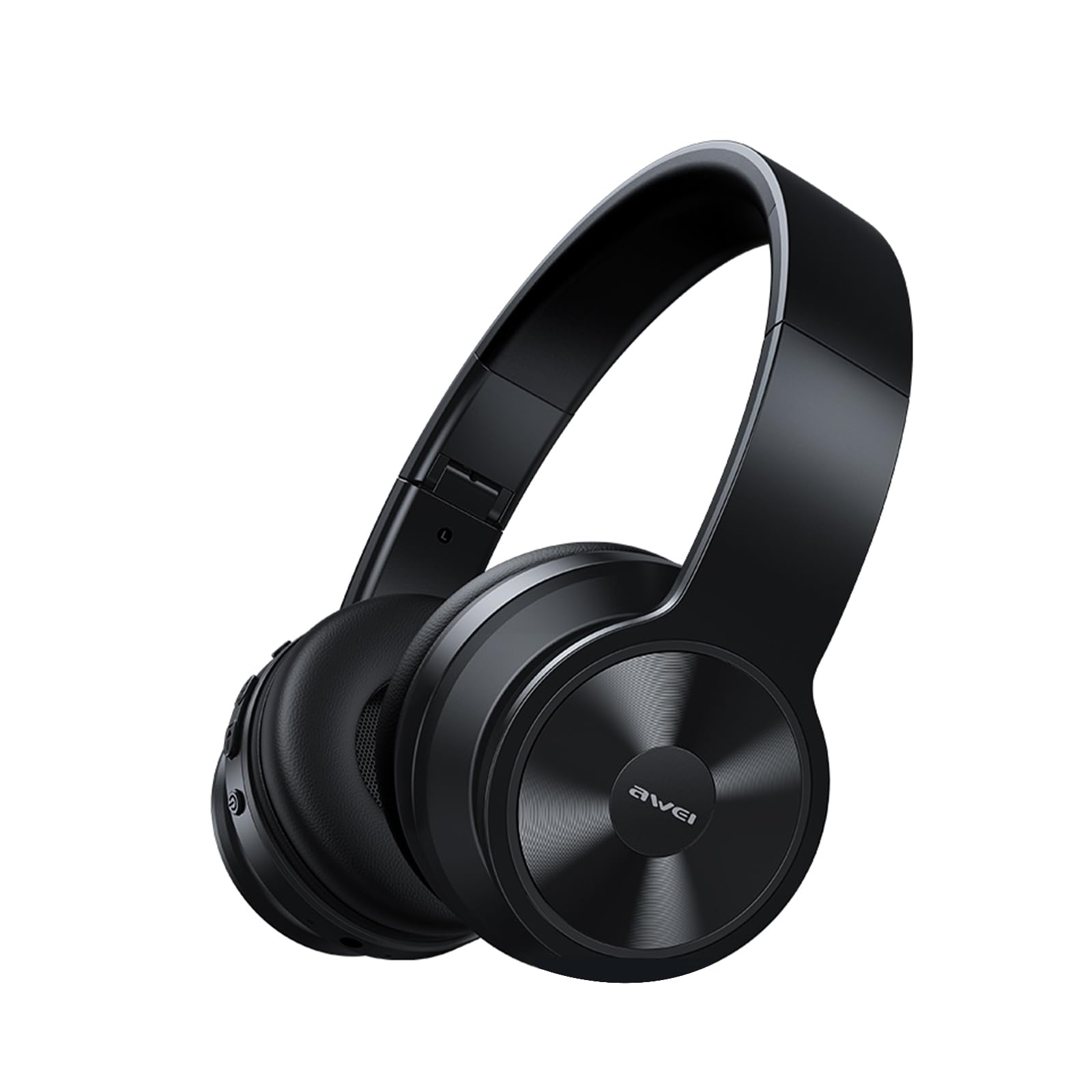
Image: AWEI A996BL over-ear headphones, showcasing their design.
The AWEI A996BL headphones feature advanced Bluetooth 5.3 technology for stable connections, 40mm drivers for immersive stereo sound, and a comfortable, foldable design with soft protein earpads. Enjoy up to 16 hours of playtime on a single charge, with the flexibility of both wireless and wired (AUX) listening modes.
Package Contents
- AWEI A996BL Bluetooth Over-Ear Headphones
- USB Charging Cable
- User Manual
- (Note: An AUX cable may be included for wired connection, depending on the specific package.)
Product Overview
Familiarize yourself with the headphone components and controls.

Image: Right earcup of the AWEI A996BL headphones, highlighting the control buttons.
Controls and Indicators:
- Multi-function Button (MFB): Power On/Off, Play/Pause, Answer/End Call, Reject Call, Activate Voice Assistant.
- Volume Up / Next Track Button: Short press for Volume Up, Long press for Next Track.
- Volume Down / Previous Track Button: Short press for Volume Down, Long press for Previous Track.
- LED Indicator: Shows power status, pairing mode, and charging status.
- Microphone: For hands-free calls.
- USB-C Charging Port: For charging the headphones.
- 3.5mm AUX Port: For wired audio connection.
Setup
1. Charging the Headphones
Before first use, fully charge the headphones. A full charge takes approximately 2 hours.
- Connect the USB charging cable to the USB-C charging port on the headphones.
- Connect the other end of the cable to a USB power adapter (not included) or a computer's USB port.
- The LED indicator will show a red light during charging and turn off or blue when fully charged.

Image: Visual representation of the 300mAh battery capacity, indicating long battery life.
2. Powering On/Off
- Power On: Press and hold the Multi-function Button (MFB) for approximately 3 seconds until the LED indicator flashes blue and a voice prompt confirms "Power On".
- Power Off: Press and hold the Multi-function Button (MFB) for approximately 3 seconds until the LED indicator flashes red and a voice prompt confirms "Power Off".
3. Bluetooth Pairing (Wireless Mode)
The headphones use Bluetooth 5.3 for a stable connection.
- Ensure the headphones are fully charged and powered off.
- Press and hold the Multi-function Button (MFB) for approximately 5-7 seconds until the LED indicator flashes blue and red alternately. This indicates pairing mode.
- On your device (smartphone, tablet, PC), enable Bluetooth and search for available devices.
- Select "AWEI A996BL" from the list of found devices.
- Once paired, the LED indicator will flash blue slowly, and a voice prompt will confirm "Connected".
- If a password is required, enter "0000".

Image: Headphones connected wirelessly to a laptop and smartphone, demonstrating a stable Bluetooth connection. Note: The product features Bluetooth 5.3 for enhanced performance.
4. Wired Connection (AUX Mode)
You can use the headphones in wired mode even when the battery is depleted or with non-Bluetooth devices.
- Connect one end of a 3.5mm audio cable (not included) to the AUX port on the headphones.
- Connect the other end to the 3.5mm audio output jack of your device.
- The headphones will automatically switch to wired mode. Note that controls on the headphones (volume, play/pause) may not function in wired mode; control playback from your connected device.

Image: Headphones showing both USB-C charging port and 3.5mm AUX port, illustrating wired and wireless options.
Operating Instructions
Wearing the Headphones
Adjust the headband for a comfortable fit. The soft protein earpads are designed for extended wear.

Image: A person wearing the AWEI A996BL headphones, highlighting their lightweight and comfortable design with adjustable headband and bendable earmuffs.
Basic Functions (Wireless Mode)
| Function | Operation |
|---|---|
| Play/Pause Music | Short press the Multi-function Button (MFB). |
| Volume Up | Short press the "Volume Up / Next Track" button. |
| Volume Down | Short press the "Volume Down / Previous Track" button. |
| Next Track | Long press the "Volume Up / Next Track" button. |
| Previous Track | Long press the "Volume Down / Previous Track" button. |
| Answer/End Call | Short press the Multi-function Button (MFB). |
| Reject Call | Long press the Multi-function Button (MFB). |
| Activate Voice Assistant | Double-press the Multi-function Button (MFB). |
Maintenance
Cleaning
- Wipe the headphones with a soft, dry, lint-free cloth.
- Do not use abrasive cleaners, alcohol, or chemical solvents.
- Avoid getting moisture into any openings.
Storage
- When not in use, store the headphones in a cool, dry place, away from direct sunlight and extreme temperatures.
- The headphones feature a foldable design for easy storage and portability.
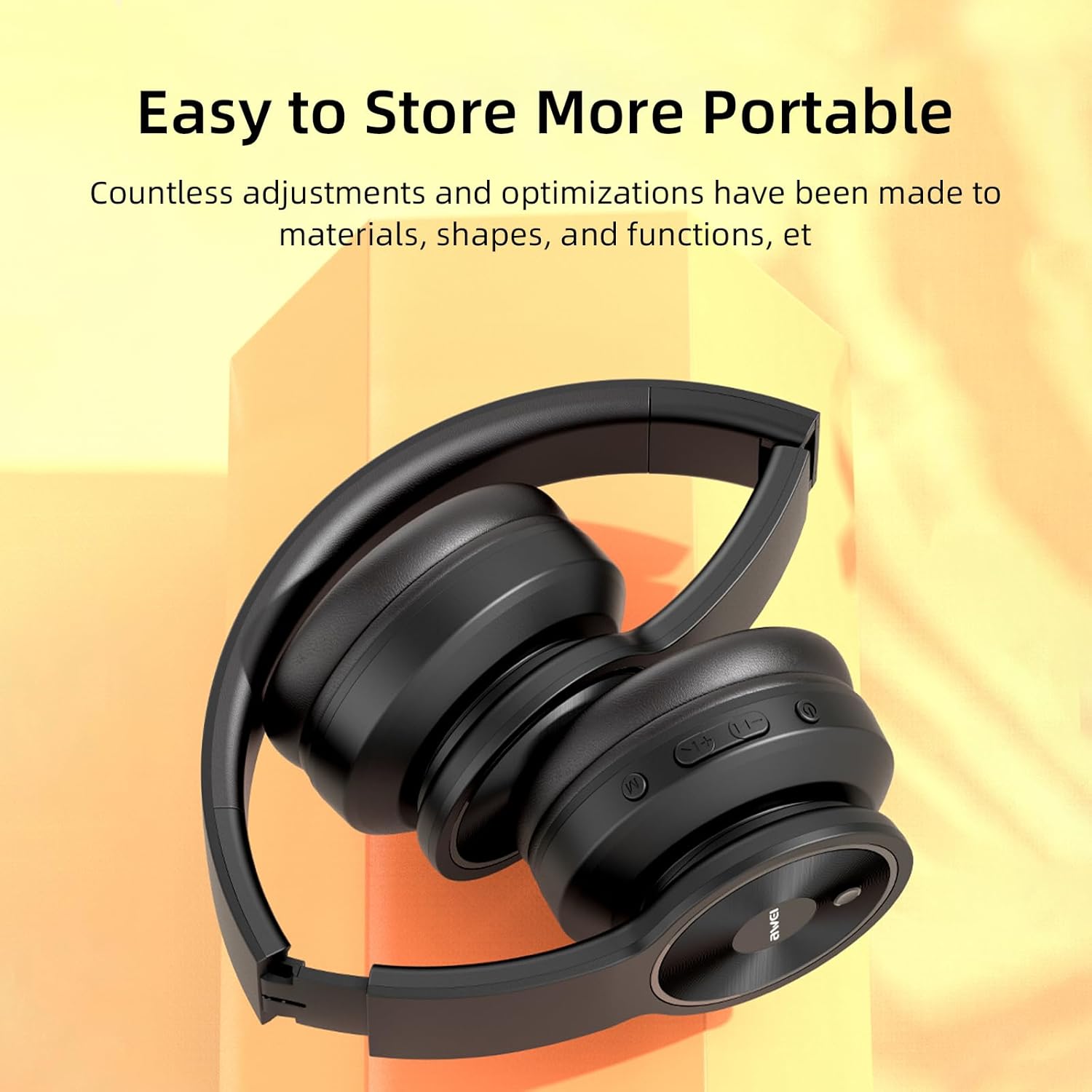
Image: The AWEI A996BL headphones in a folded position, demonstrating their portable and easy-to-store design.
Battery Care
- To preserve battery life, charge the headphones regularly, even if not used frequently.
- Avoid fully discharging the battery for extended periods.
- Do not expose the battery to high temperatures.
Troubleshooting
| Problem | Solution |
|---|---|
| Headphones do not power on. | Ensure the headphones are charged. Connect to a power source using the USB cable. |
| Cannot pair with device. |
|
| No sound or low volume. |
|
| Sound quality is poor or intermittent. |
|
| Microphone not working. |
|
Specifications
| Feature | Detail |
|---|---|
| Model | A996BL |
| Bluetooth Version | 5.3 |
| Driver Size | 40mm |
| Battery Capacity | 300mAh |
| Play Time | Up to 16 hours |
| Charging Time | Approximately 2 hours |
| Wireless Range | Up to 33 feet (10 meters) |
| Connectivity | Wireless (Bluetooth), Wired (3.5mm AUX) |
| Special Features | Ergonomic, Lightweight, Foldable design |
| Ear Placement | Over Ear |
Warranty and Support
AWEI provides a 12-month warranty for the A996BL headphones from the date of purchase, covering manufacturing defects. A 30-day return policy is also available. For any questions, technical support, or warranty claims, please contact our customer service team.
Customer Support:
- Email: support@awei.com
- Website: www.awei.com
We aim to reply to all inquiries within 12 hours.


