1. Product Overview
The INNOCN 32M2V is a 32-inch Mini LED 4K (3840 x 2160P) gaming monitor featuring a 144Hz refresh rate and 1ms response time. It utilizes an IPS panel with 1152 local dimming zones, supporting HDR1000 for enhanced contrast. The monitor offers 99% DCI-P3 and 99% Adobe RGB color gamut coverage, making it suitable for both gaming and professional creative tasks. Connectivity options include USB-C (up to 90W Power Delivery), DisplayPort 1.4, and two HDMI 2.1 interfaces. The ergonomic stand allows for height, tilt, swivel, and pivot adjustments for optimal viewing comfort.
2. Setup and Assembly
2.1 Unboxing and Component Check
Carefully remove all components from the packaging. Ensure the following items are present:
- INNOCN 32M2V Monitor
- Monitor Stand (Neck and Base)
- Power Adapter and Cable
- HDMI Cable
- USB-C Cable
- User Manual
- Color Calibration Reports (2)
2.2 Stand Assembly
Attach the monitor neck to the base, then secure the assembled stand to the back of the monitor panel. The stand is designed for tool-less assembly.

Image: Monitor stand components being removed from protective packaging, showing the neck and base.
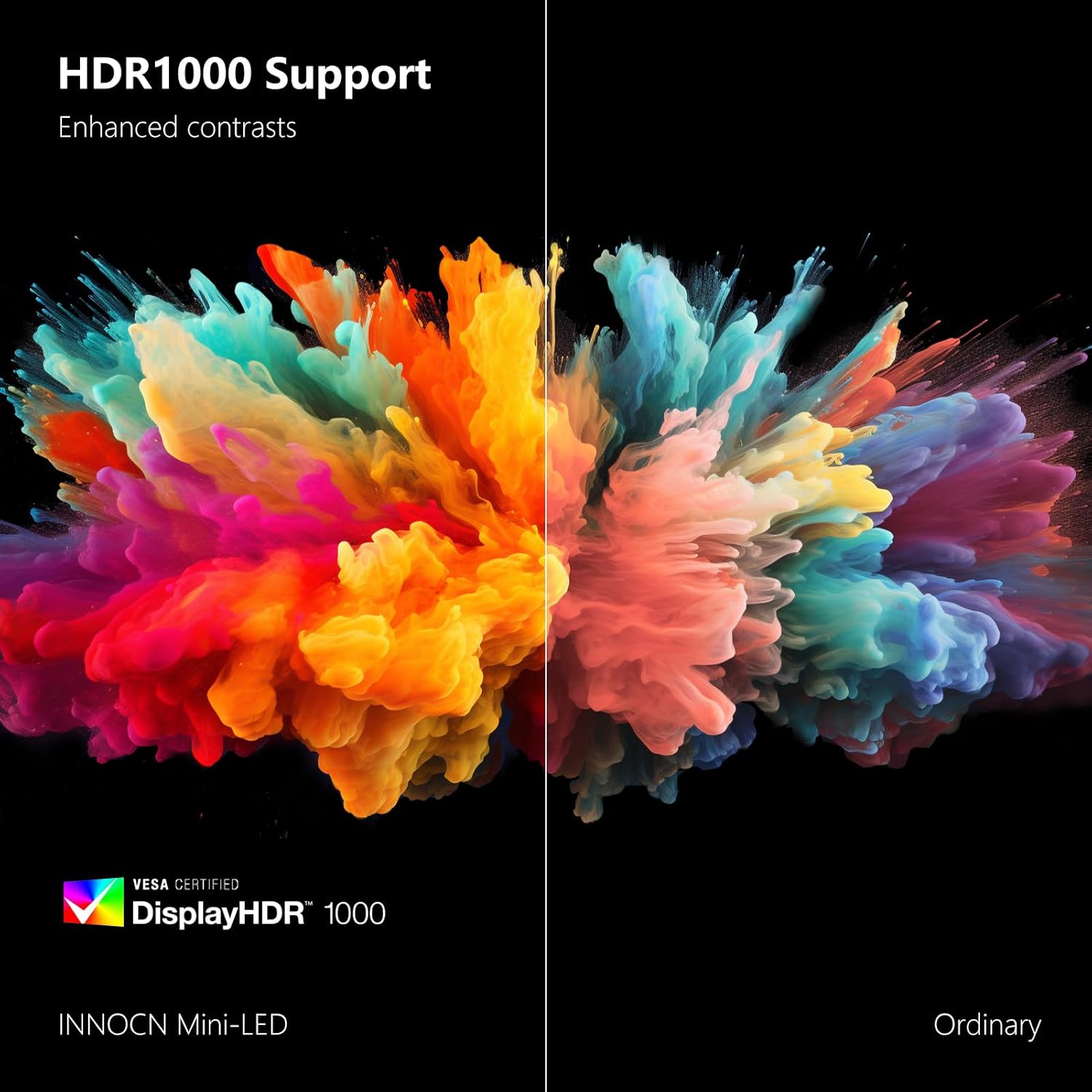
Image: A person assembling the monitor stand, attaching the neck to the base.
2.3 Connecting Cables
Connect the power cable to the monitor and a power outlet. Use the provided HDMI or USB-C cable to connect your computer or device to the monitor. For optimal performance, ensure your device supports the monitor's resolution and refresh rate.

Image: A detailed view of the monitor's rear ports, labeled A through G, showing USB-B 3.0, USB-A 2.0*2, Type-C 90W, HDMI 2.1*2, DP 1.4, Audio out, and DC Power In.
2.4 Physical Adjustments
The monitor stand offers extensive ergonomic adjustments:
- Height Adjustment: Raise or lower the monitor by 100mm.
- Swivel: Rotate the monitor 15° to the left or right.
- Tilt: Adjust the screen angle 5° forwards or 15° backwards.
- Pivot: Rotate the monitor 90° to the left or right for portrait mode.
The monitor is also VESA compatible (100mm x 100mm pattern) for alternative mounting solutions.

Image: Diagram illustrating the monitor's height, tilt, and swivel adjustment capabilities.
3. Operating the Monitor
3.1 OSD Menu Navigation
The On-Screen Display (OSD) menu is controlled by buttons located on the bottom right side of the monitor. These buttons allow you to navigate through various settings and modes.
3.2 Professional Settings
This section allows adjustment of color modes and display characteristics:
- Color Gamut Modes: Standard, sRGB, Adobe, DCI-P3. Note: Selecting 'Standard' mode often provides the best overall color gamut coverage across sRGB, AdobeRGB, and DCI-P3.
- Gamma Settings: Adjust gamma correction.
- Color Temperature Settings: Natural, Design, Warm, Cool, and User modes (for custom RGB adjustments).
- Image Adjustments: Sharpness, Shadow Balance, Low Blue Light, Hue, Saturation, Dynamic Brightness.
3.3 Picture Settings
Adjust general display parameters:
- Brightness & Contrast: Adjust display luminance and contrast levels.
- Dynamic Contrast Ratio (DCR): Enable or disable dynamic contrast.
- Contextual Model: Pre-set picture modes like Movie, Reading, Night, and Care Eyes. Activating one of these modes will disable other picture settings.
- HDR Modes: Standard, Movie, and Design.
- Aspect Ratio: Adjust display aspect ratio.
3.4 Game Settings
Optimize display for gaming scenarios:
- Game Modes: RTS/RPG, FPS Arena, MOBA Arena. Enabling these modes may disable local dimming and backlight contrast.
- Response Time: Off, Normal, Fast, Ultra Fast. Note that this monitor has a slower panel, and ghosting may be noticeable at higher settings.
- Local Dimming: Enable or disable local dimming.
- Backlight Contrast: Adjust backlight contrast.
3.5 Picture-in-Picture (PIP) / Picture-by-Picture (PBP)
This feature allows displaying content from multiple sources simultaneously. You can adjust the signal source, audio source, position, and size of the PIP/PBP windows, as well as swap the windows.
3.6 Other Settings
- Input Signal: Auto-detect or manually select input source.
- Volume: Adjust speaker volume (default 50%).
- Light Sensor: Automatically adjusts screen brightness based on ambient room lighting. This feature helps optimize viewing comfort and visibility in varying light conditions.
4. Media Integration Examples
4.1 Product Images

Image: Front view of the INNOCN 32M2V monitor showcasing its key features like 4K HDR, 144Hz refresh rate, 1ms response time, FreeSync Premium, and USB Type-C 90W power delivery.

Image: The INNOCN 32M2V monitor connected to a laptop via USB Type-C, demonstrating 90W power delivery and display output.
4.2 Official Product Videos
Video: An official review of the INNOCN 27M2U-D monitor, which shares many features with the 32M2V model. This video provides insights into the monitor's performance and features from a user's perspective.
5. Specifications
| Feature | Detail |
|---|---|
| Screen Size | 32 Inches |
| Resolution | 3840 x 2160 Pixels (4K UHD 2160p) |
| Refresh Rate | 144Hz |
| Response Time | 1ms (MPRT) |
| Panel Type | IPS Mini LED (1152 local dimming zones) |
| Brightness | 1000 Candela (Peak HDR1000) |
| Color Gamut | 99% DCI-P3, 99% Adobe RGB |
| Connectivity | 2x HDMI 2.1, 1x DisplayPort 1.4, 1x USB Type-C (90W PD), 3x Total USB Ports |
| Audio | Built-in 4Ω5W*2 Stereo Speakers, Audio Out |
| Ergonomics | Height, Tilt, Swivel, Pivot, VESA (100x100mm) |
| Dimensions | 2.6 x 28.7 x 16.7 inches |
| Item Weight | 26.7 pounds |
6. Troubleshooting
If you encounter issues with your monitor, please refer to the following common solutions:
- No Display/Signal: Ensure all cables (power, HDMI/USB-C/DP) are securely connected. Try selecting the input source manually via the OSD menu if auto-detection fails.
- HDR Switching Issues: Some users report issues with automatic HDR switching, particularly with Windows 11. Consider disabling auto-HDR in your operating system settings and manually activating HDR when needed.
- Color Accuracy Concerns: If colors appear off, ensure the monitor is set to the appropriate color gamut mode (e.g., sRGB, Adobe, DCI-P3) in the Professional settings. For general use, 'Standard' mode often provides excellent coverage.
- Ghosting/Motion Blur: Adjust the 'Response Time' setting in the Game Settings menu. Experiment with 'Normal' or 'Fast' to find the optimal balance for your content.
- Local Dimming Behavior: Local dimming can be adjusted in Game Settings. If using for office work or SDR content, disabling local dimming in 'Standard' mode might improve appearance.
- Sound Quality: Built-in speakers are convenient but may not offer premium audio. Consider external speakers or headphones for enhanced sound.
7. Warranty and Support
INNOCN offers comprehensive support for its products:
- Manufacturer Warranty: 12 Months Coverage.
- Returns: 30 Days Free Return.
- Technical Support: 24 Hours Specialist Support.
Additional protection plans are available for purchase, including a 4-Year Protection Plan and a Complete Protect monthly plan.
Related Documents - 32M2V
 |
INNOCN PF15-PRO Portable Monitor Quick Start Guide This guide provides essential information for setting up and using the INNOCN PF15-PRO Portable Monitor, including safety precautions, product specifications, and troubleshooting. |
 |
INNOCN N2F Portable Monitor Quick Start Guide A comprehensive guide for the INNOCN N2F portable monitor, detailing setup, features, OSD menu options, troubleshooting, specifications, and warranty information. |
 |
INNOCN N1F PRO Portable Monitor Quick Start Guide Comprehensive Quick Start Guide for the INNOCN N1F PRO portable monitor. Learn about setup, safety precautions, key features, OSD menu navigation, troubleshooting, technical specifications, and warranty information. |
 |
INNOCN PU15-PRE Portable Monitor Quick Start Guide This guide provides a quick start for the INNOCN PU15-PRE portable monitor, covering setup, features, and troubleshooting. |
 |
INNOCN 27G1G Quick Installation Guide This guide provides quick installation instructions for the INNOCN 27G1G monitor, covering precautions, base installation, wall mounting, cable connections, and button descriptions. |
 |
Innocn 27C1U-D Art Monitor User Manual User manual for the Innocn 27C1U-D Art Monitor, providing detailed instructions on installation, setup, operation, OSD menu navigation, technical specifications, and troubleshooting tips. |