
1. Introduction
Welcome to the TOOBUR IDW18 Smart Watch. This manual provides essential information for setting up, operating, and maintaining your device. Please read thoroughly to ensure optimal performance and a seamless user experience.
2. What's in the Box
- TOOBUR IDW18 Smart Watch (with silicone strap)
- Magnetic Charging Cable
- User Manual
3. Setup Guide
3.1 Initial Charging
Before first use, charge the smartwatch for at least 1 hour. If the battery is completely drained, charge for at least 30 minutes before powering on. Use the provided magnetic charging cable by aligning it with the charging points on the back of the watch.
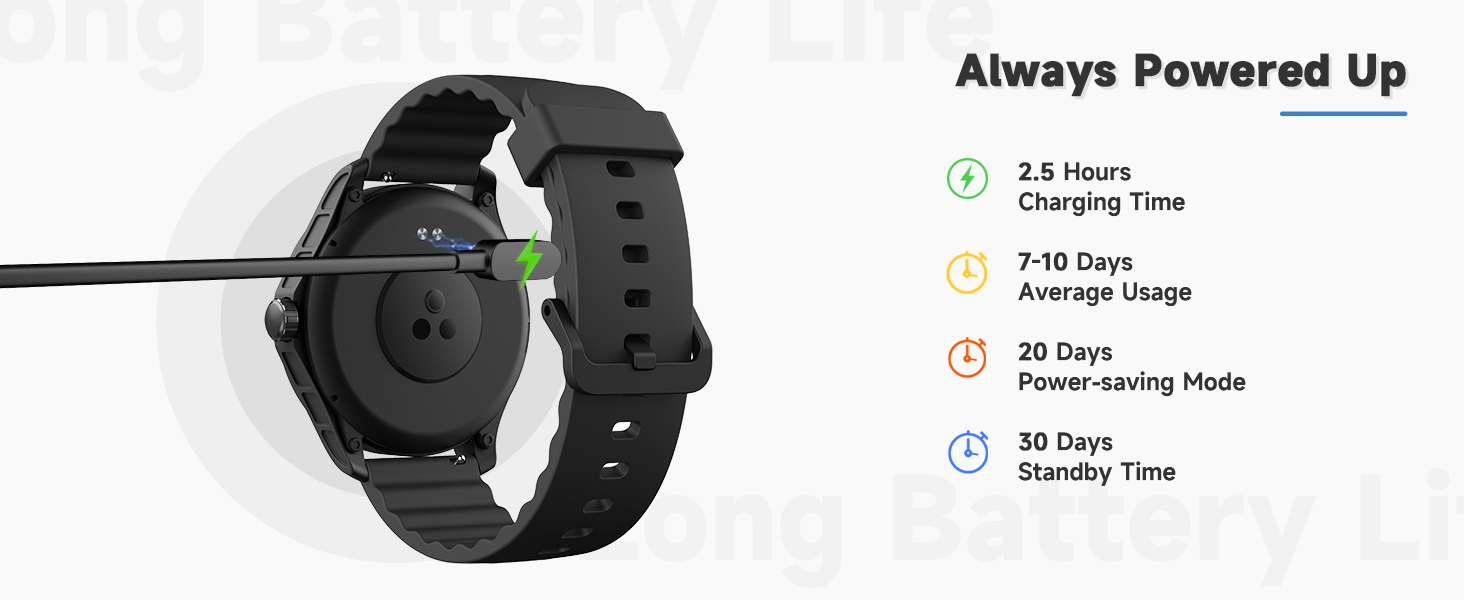
Image: The TOOBUR IDW18 Smart Watch connected to its magnetic charging cable, illustrating the charging process.
3.2 App Download & Pairing
Download the "VeryFit" app from your device's app store (compatible with Android 6.0+ / iOS 9.0+). Open the app and follow the on-screen instructions to connect your smartwatch via Bluetooth. Ensure Bluetooth is enabled on your phone.
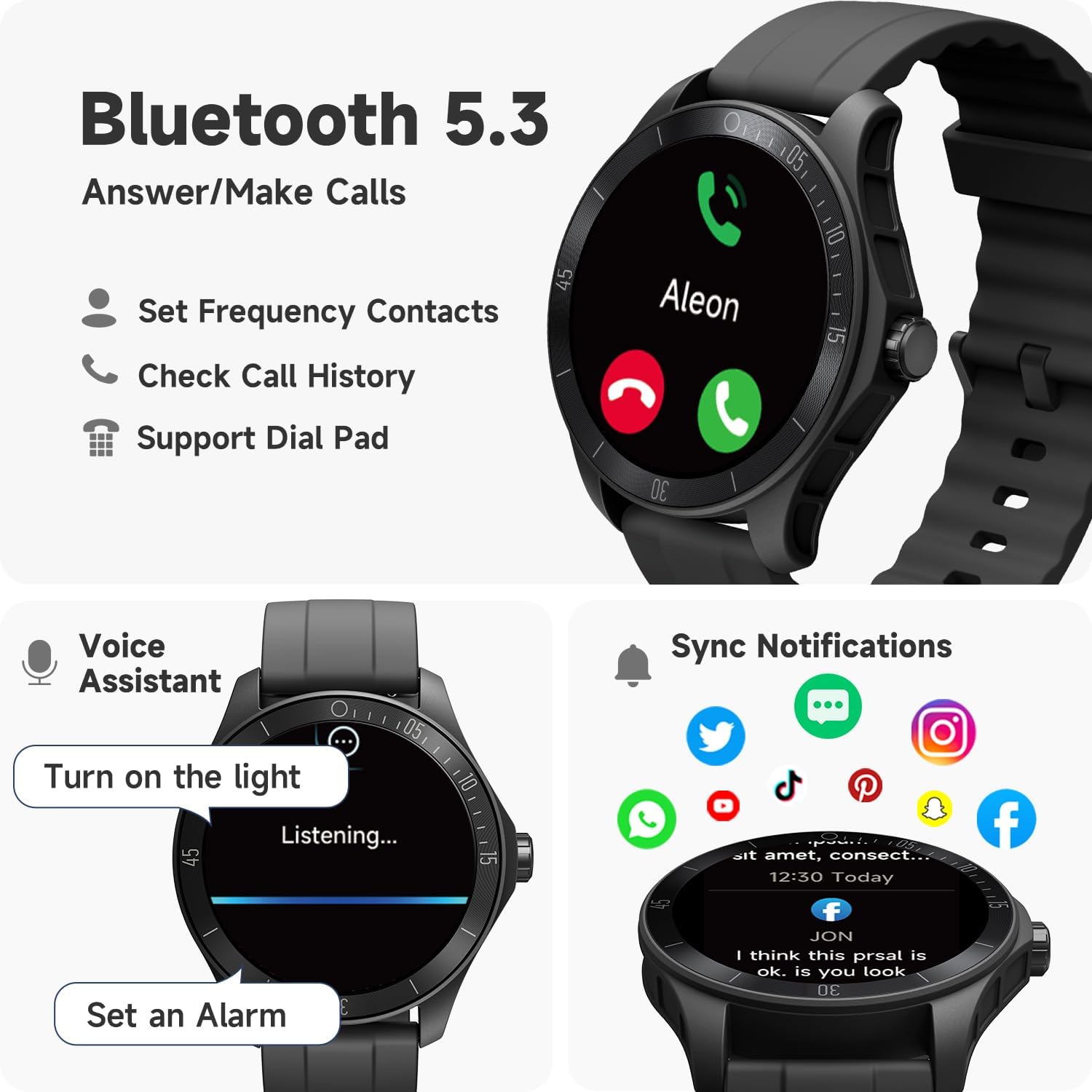
Image: The TOOBUR IDW18 Smart Watch screen showing Bluetooth call options (Set Frequency Contacts, Check Call History, Support Dial Pad) and synced notifications from various social media apps.
4. Operating the Smartwatch
4.1 Basic Navigation
The TOOBUR IDW18 features a 44mm HD touchscreen for intuitive navigation. Swipe left, right, up, or down to access different functions and menus. Use the physical button on the side for quick access to the app list or to return to the home screen.
4.2 Call & Message Management
With Bluetooth compatibility, you can answer/make calls directly from your wrist. The smartwatch also provides instant notifications for social media, emails, and SMS messages. To receive phone notifications, ensure the "VeryFit" app is running in the background and Bluetooth is connected to both the phone and the app.
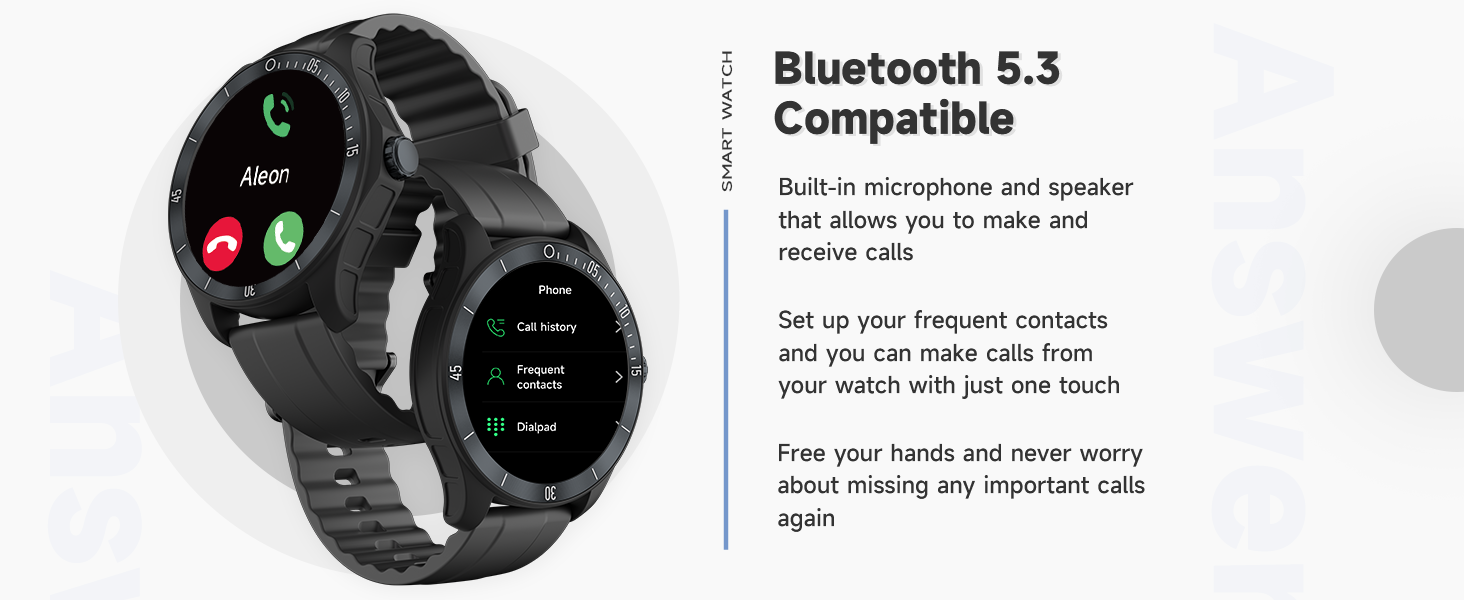
Image: The TOOBUR IDW18 Smart Watch displaying an incoming call screen, highlighting its ability to answer and make calls via Bluetooth 5.3.
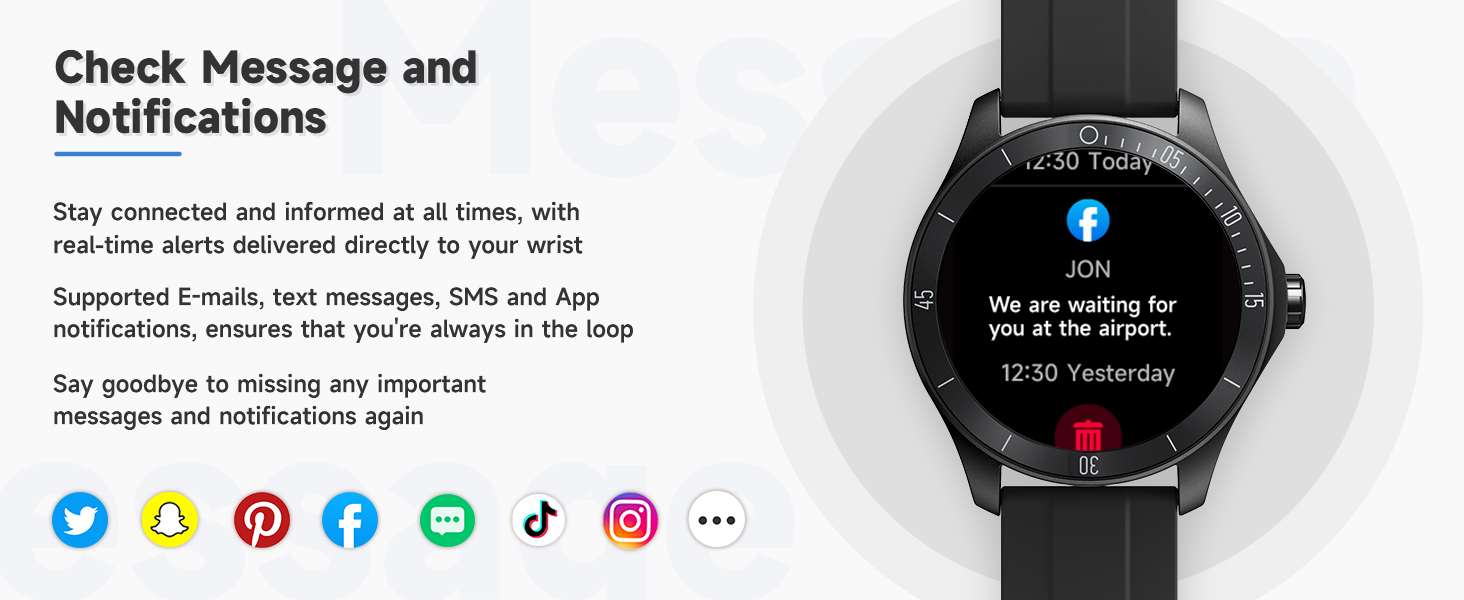
Image: The TOOBUR IDW18 Smart Watch screen showing a message notification from a social media app, with icons of various social media platforms below.
4.3 Alexa Built-in
Enjoy the convenience of Alexa on your wrist. Long press the button to activate Alexa. You can control smart home devices, set reminders, get weather updates, and more. Ensure your watch is connected to the "VeryFit" app and logged into your Amazon account for Alexa functionality.
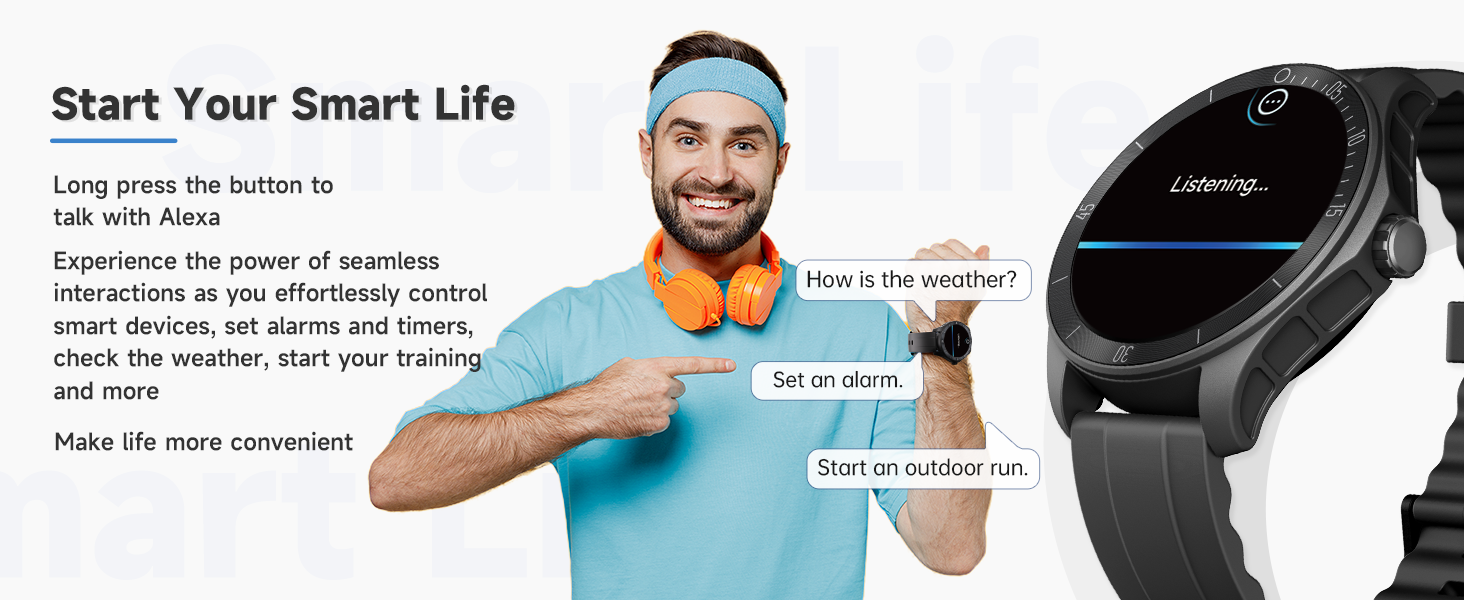
Image: The TOOBUR IDW18 Smart Watch displaying the Alexa voice assistant interface, with examples of commands like "How is the weather?" and "Set an alarm."
4.4 Customizable Watch Faces
Personalize your smartwatch with over 100 exquisite cloud watch faces available through the "VeryFit" app. You can also upload your own photos to create unique watch faces.

Image: The TOOBUR IDW18 Smart Watch showcasing different customizable watch faces, including a DIY option with a personal photo.
5. Health & Fitness Tracking
5.1 Activity Tracking & Sports Modes
The smartwatch offers 24/7 activity tracking, monitoring steps, calories burned, distance, and speed. It supports over 100 different sports modes to accurately track your workouts.

Image: The TOOBUR IDW18 Smart Watch showing activity data including exercise duration, calories, distance, and steps, with a person exercising in the background.

Image: The TOOBUR IDW18 Smart Watch displaying various sports mode icons around the watch face, indicating its 100+ sports tracking capabilities.
5.2 Heart Rate, Blood Oxygen & Stress Monitoring
Monitor your heart rate, blood oxygen levels, and stress levels in real-time. The watch provides insights into your health status, with data synchronized to the "VeryFit" app for detailed analysis.

Image: The TOOBUR IDW18 Smart Watch displaying readings for heart rate (BPM), stress level, and blood oxygen saturation (SpO2).
5.3 Sleep Tracking
The TOOBUR IDW18 accurately monitors your sleep patterns across four modes: awake, REM, light sleep, and deep sleep. Access personalized insights and tips in the "VeryFit" app to improve your sleep quality.
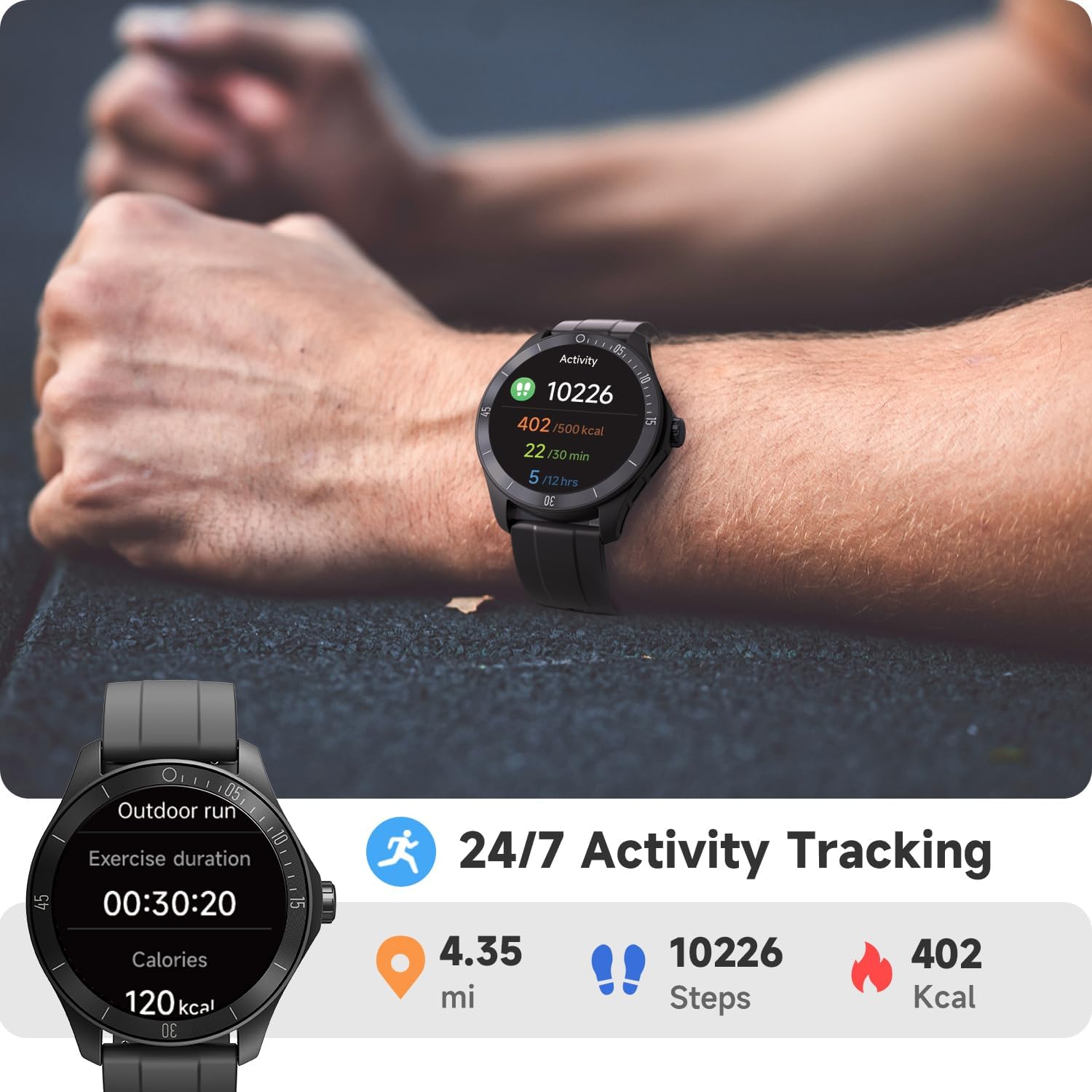
Image: The TOOBUR IDW18 Smart Watch showing sleep duration for light sleep, deep sleep, REM, and awake periods, with a person sleeping in the background.
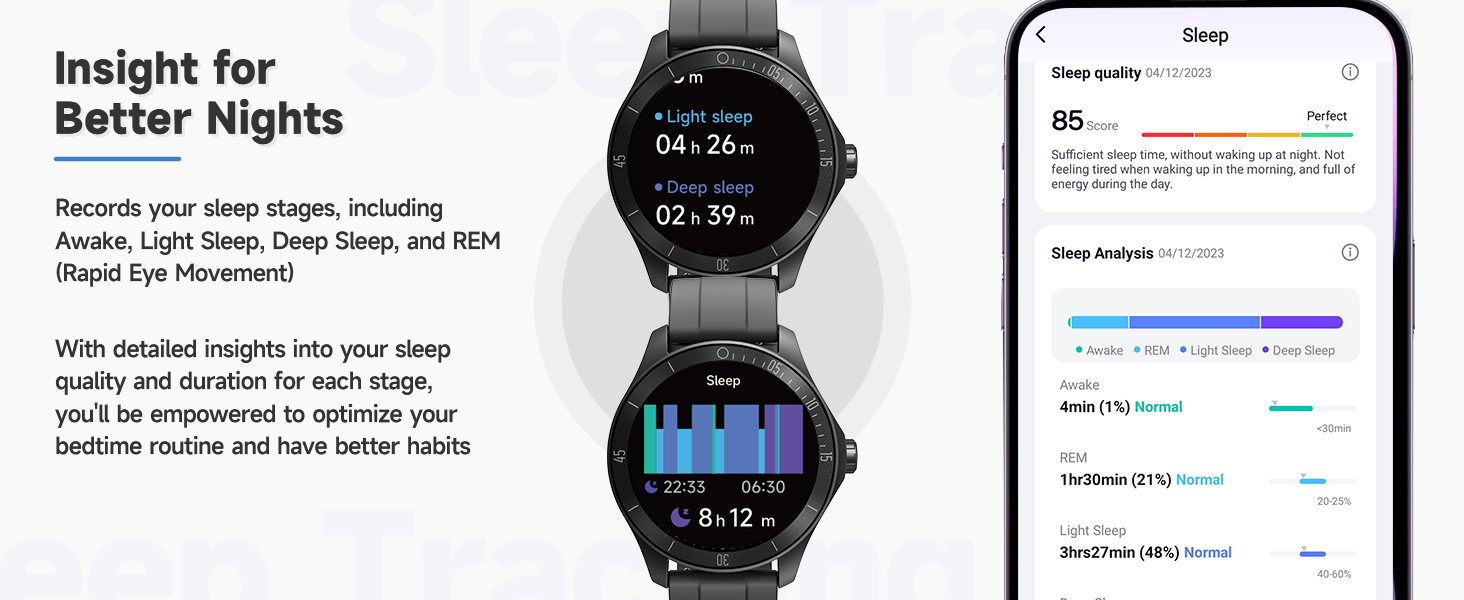
Image: The TOOBUR IDW18 Smart Watch displaying detailed sleep analysis, including sleep stages and a sleep quality score, accessible via the VeryFit app.
6. Maintenance
6.1 IP68 Waterproof Rating
The TOOBUR IDW18 is IP68 waterproof, ensuring 100% performance in up to 1.5 meters of water. It can withstand swimming and daily water exposure. However, it is not applicable to high-temperature or corrosive environments like spas or seawater.
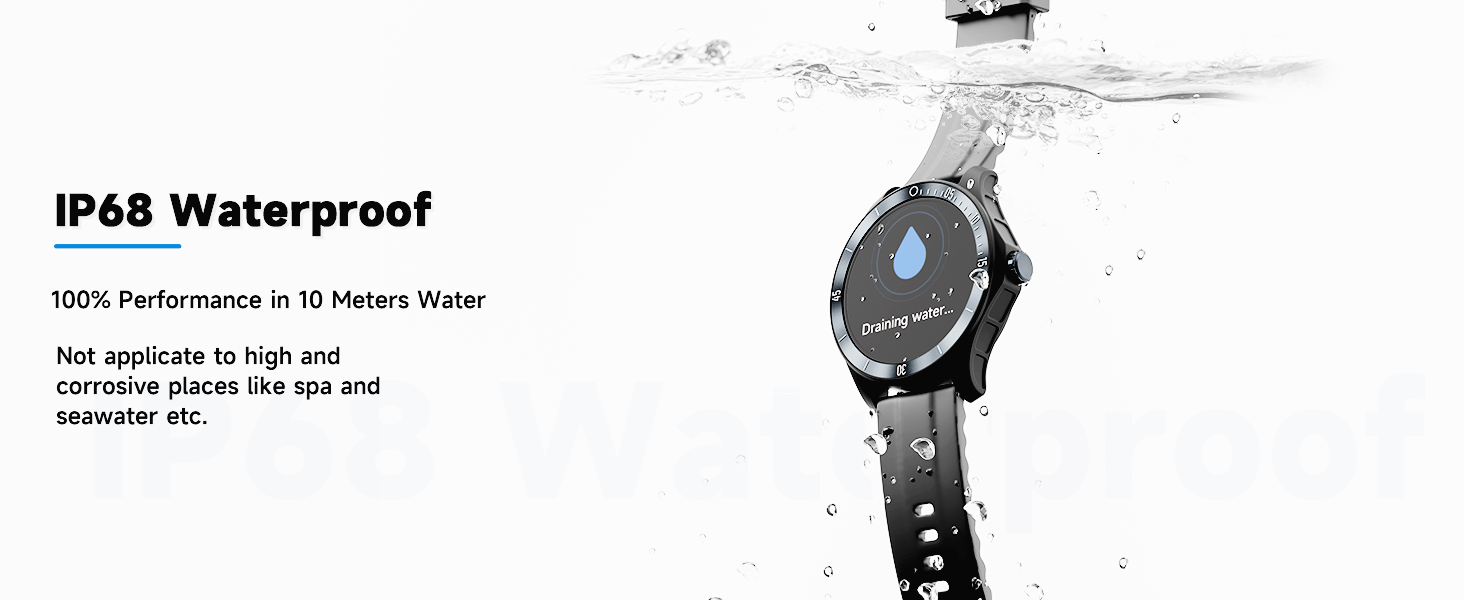
Image: The TOOBUR IDW18 Smart Watch submerged in water, demonstrating its IP68 waterproof capability.
6.2 Battery Life
The smartwatch offers impressive battery life: up to 30 days of standby time, 20 days in power-saving mode, and 7-10 days of daily usage. A full charge takes approximately 2.5 hours.
7. Troubleshooting
If the connection repeatedly disconnects, try restarting the watch and your phone's Bluetooth. For detailed function introductions and precautions, refer to the "VeryFit" app.
Image: A graphic titled "Attention" with notes on charging (charge for at least 1 hour before initial use, charge for 30 minutes if completely drained) and Bluetooth connection (syncing data requires Bluetooth, app running in background for notifications, restart watch/Bluetooth for repeated disconnections).
8. Specifications
| Model Name | IDW18 |
| Screen Size | 44 Millimeters |
| Display Type | Digital |
| Resolution | 320 x 320 |
| Operating System | Android 6.0+ / iOS 9.0+ |
| Connectivity Technology | Bluetooth |
| Waterproof Rating | IP68 |
| Water Resistance Depth | 1.5 Meters |
| Battery Type | Lithium Metal (included) |
| Battery Average Life | 10 days |
| Battery Charge Time | 2.5 Hours |
| Item Weight | 45 Grams |
| Dimensions | 28 x 9 x 1.8 cm |
| Supported Application | Voice Assistant, Phone, Fitness Tracker, Sleep Monitor, Multisport Tracker, Notifications |
| Controller Type | Amazon Alexa |
| GPS | GPS Via Smartphone |
9. Warranty and Support
For warranty information and customer support, please refer to the documentation included with your product or visit the official TOOBUR website. The "VeryFit" app also provides detailed function introductions and troubleshooting tips.


