
TECKNET Wireless Doorbell
TECKNET Wireless Doorbell User Manual
Model: Wireless Doorbell
Introduction
This user manual provides detailed instructions for the TECKNET Wireless Doorbell, a self-powered doorbell system designed for homes, classrooms, and offices. It features a receiver with integrated AC and USB ports, a self-generating transmitter, multiple chime options, and adjustable volume levels. This guide will help you set up, operate, and maintain your doorbell for optimal performance.
Product Overview
The TECKNET Wireless Doorbell system consists of two main components: the receiver and the transmitter.
Components
- Receiver: This unit plugs into a standard AC outlet and acts as the chime. It also features 1 AC outlet and 2 USB ports for additional power needs.
- Transmitter: This is the self-powered doorbell button that sends a signal to the receiver when pressed. No batteries are required for the transmitter.
- Accessories: Includes adhesive tape, screws, and anchors for installation.
Product Images

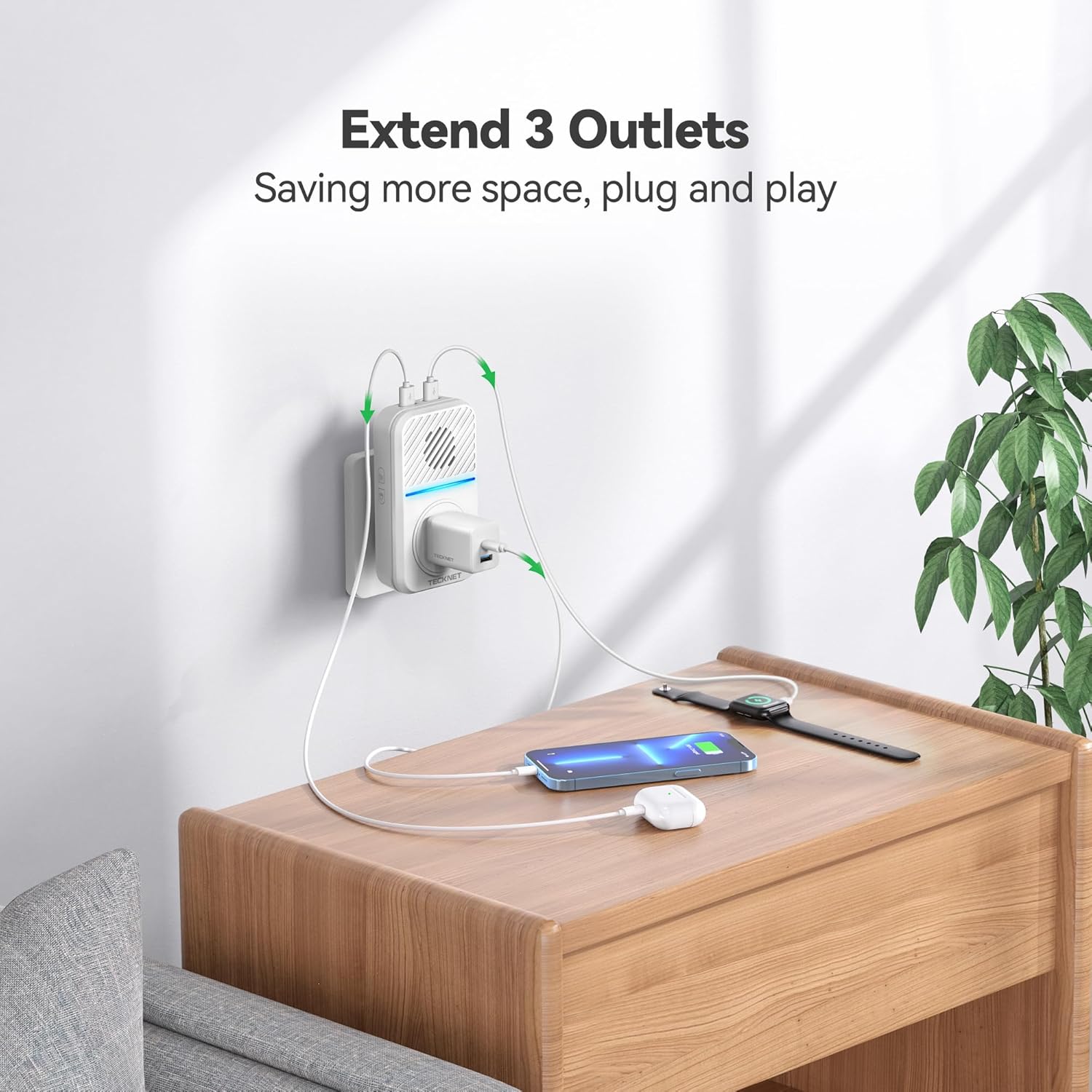
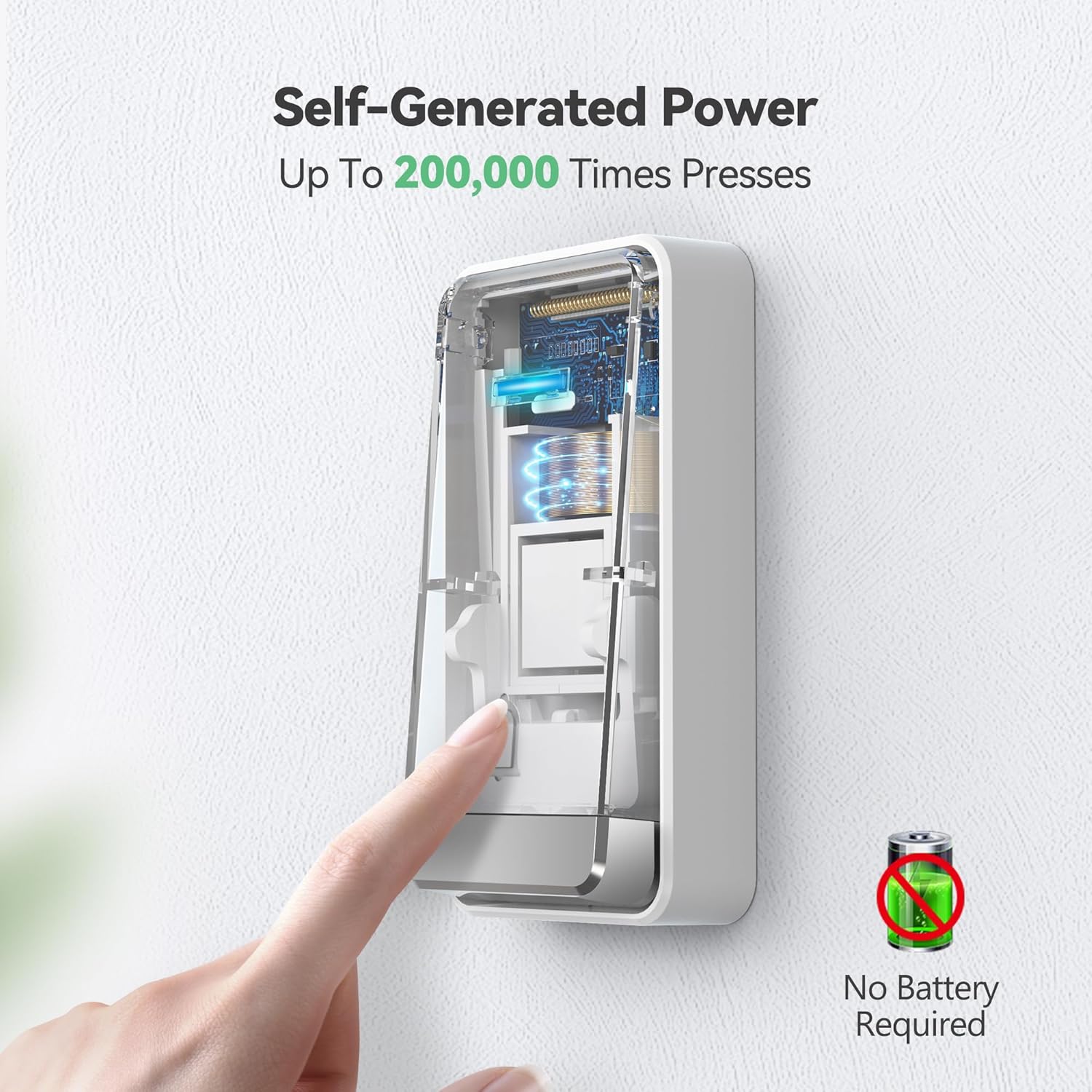
Official Product Videos
Video: This video demonstrates the IP65 waterproof rating of the TECKNET doorbell, showing its resilience to various weather conditions.
Setup
Follow these steps to set up your TECKNET Wireless Doorbell:
- Unpack Components: Carefully remove the receiver, transmitter, and accessories from the packaging.
- Plug in the Receiver: Insert the receiver into a standard 120V AC wall outlet. Ensure it is in a central location where the chime can be heard throughout your desired area.
- Install the Transmitter:
- Method 1 (Adhesive Tape): Clean the desired installation surface thoroughly. Peel off the protective film from the included 3M double-sided adhesive tape and firmly attach it to the back of the transmitter. Press the transmitter firmly onto the clean surface for at least 30 seconds.
- Method 2 (Screw Mount): Open the transmitter casing to reveal the screw holes. Mark the desired drilling points on the wall. Drill pilot holes and insert the provided anchors. Secure the transmitter to the wall using the provided screws.
Note: Avoid installing the transmitter on metal objects (e.g., metal doors or windows) as this can interfere with wireless signals and reduce the operating range.
- Pairing (Pre-paired from factory): The units are pre-paired. If re-pairing is needed, refer to the "Operating Instructions" section.

Operating Instructions
Adjusting Volume
The receiver has 5 adjustable volume levels, with a maximum of 120 dB. To adjust the volume:
- Locate the volume button on the side of the receiver.
- Press the button repeatedly to cycle through the 5 volume levels.
- An LED-only silent mode is also available for times when you do not wish to be disturbed.
Changing Ringtones
The doorbell offers 60 different chimes. To change the ringtone:
- Locate the melody choice button on the side of the receiver.
- Press the button to cycle through the available 60 ringtones.
- The doorbell has an internal memory function that will remember your last settings after a power outage.
Pairing Additional Transmitters/Receivers (if applicable)
While units are pre-paired, you may need to re-pair or add new components. Consult the full user manual for detailed pairing instructions if needed.
Maintenance
To ensure the longevity and optimal performance of your TECKNET Wireless Doorbell, follow these maintenance guidelines:
- Cleaning: Wipe the surfaces of both the receiver and transmitter with a soft, dry cloth. Do not use abrasive cleaners or solvents.
- Transmitter Placement: Periodically check the transmitter's adhesion or screw tightness to ensure it remains securely mounted.
- Environmental Conditions: Although the transmitter is IP65 waterproof and designed for outdoor use, extreme conditions outside the specified operating temperature range (-4°F to 140°F / -20°C to 60°C) may affect performance.
- Receiver Placement: Ensure the receiver is plugged into a stable 120V AC outlet and is not obstructed, which could affect sound clarity or signal reception.
Troubleshooting
If you encounter issues with your TECKNET Wireless Doorbell, try the following solutions:
| Problem | Possible Cause | Solution |
|---|---|---|
| Doorbell does not ring. | Receiver unplugged or power outage. Transmitter out of range or signal interference. | Ensure receiver is securely plugged in. Check power supply. Relocate receiver closer to transmitter. Avoid metal objects between units. |
| Short operating range. | Obstructions (thick walls, metal structures). Interference from other wireless devices. | Move receiver closer to transmitter. Avoid installing transmitter on metal surfaces. Try different receiver locations. |
| Chime rings randomly. | Environmental interference or faulty unit. | Ensure no other devices are causing interference. If problem persists, contact customer support. |
| Volume too low/high. | Incorrect volume setting. | Press the volume button on the side of the receiver to adjust to desired level. |
Specifications
| Feature | Detail |
|---|---|
| Model Number | Wireless Doorbell |
| Power Source (Receiver) | AC (120 Volts) |
| Power Source (Transmitter) | Self-Powered (No batteries required) |
| Wireless Range | Up to 1300 feet (approx. 400 meters) |
| Ringtones | 60 Chimes |
| Volume Levels | 5 (Max 120 dB) |
| Waterproof Rating (Transmitter) | IP65 |
| Operating Temperature | -4°F to 140°F (-20°C to 60°C) |
| Dimensions | 4.9 x 3.9 x 2.3 inches |
| Item Weight | 7 ounces |
| Included Components | 1 Transmitter, 1 Plug-in Receiver, 1 Adhesive tape, 2 Screws & 2 Anchors, 1 User manual |
Warranty and Support
TECKNET offers a 36-month warranty for this product (registration may be required). If you encounter any problems or have questions regarding your wireless home doorbell chime kit, please feel free to contact the professional customer service team for assistance.
Please note that this TECKNET self-powered wireless doorbell is not a video doorbell.
Related documentsWireless Doorbell


Ask a question about this manual
Ask about setup, troubleshooting, compatibility, parts, safety, or missing instructions. Manuals+ will review the question and use this page’s manual context to help answer it.