
Cardo PT200150
Cardo PACKTALK Edge ORV Communication System - User Manual
Model: PT200150
Introduction
The Cardo PACKTALK Edge ORV Communication System is designed for seamless communication in off-road environments, including snowmobiles, side-by-sides, and ATVs. This manual provides essential information for setting up, operating, and maintaining your device to ensure optimal performance and longevity.

Figure 1: The Cardo PACKTALK Edge ORV communication unit, featuring a sleek design with a control roller and magnetic air mount.
What's in the Box
Verify that all components are present in your package:
- Communication System Unit
- Speakers (40mm JBL speakers)
- Installation Hardware (including 2 round velcros, 2 square velcros, speaker booster pads, cleaning pads, boom microphone, wired microphone, clamp with cradle, glue plate)
- USB Type-C Cable (for charging)

Figure 2: All included components of the Cardo PACKTALK Edge ORV Duo Pack, laid out for inspection.
Setup
1. Installation
The PACKTALK Edge ORV features a rapid and tool-less installation process. The unit attaches magnetically to the Air Mount, ensuring a simple and secure fit on your helmet.
- Choose a suitable location on your helmet for the clamp with cradle or glue plate.
- Securely attach the clamp or glue plate.
- Install the 40mm JBL speakers inside your helmet, ensuring they are positioned correctly over your ears for optimal sound. Use speaker booster pads if needed.
- Attach the boom microphone or wired microphone, routing the cable neatly.
- Snap the PACKTALK Edge ORV unit onto the magnetic Air Mount.
2. Initial Charging
Before first use, fully charge the device using the provided USB Type-C cable. A 20-minute charge can provide approximately 2 hours of talk time, with a full charge offering up to 13 hours of battery life.
3. Software Update
For the best performance, update your unit directly from the Cardo Connect App. This ensures you have the latest features and bug fixes.
Operating Instructions
Power On/Off
- To power on: Press and hold the power button until the indicator light illuminates.
- To power off: Press and hold the power button until the indicator light turns off.
Intercom Communication
The PACKTALK Edge ORV utilizes Dynamic Mesh Communication (DMC) for robust group communication, supporting up to 15 riders with a range of up to 1 mile. It also supports cross-brand Bluetooth connectivity.

Figure 3: Wireless hands-free intercom allows communication within a vehicle or between vehicles up to 1 mile apart.
Natural Voice Operation
Control your device hands-free using voice commands. Simply say "Hey Cardo" followed by your command. This feature enhances safety by allowing you to keep your eyes on the trail and hands on the wheel.

Figure 4: Natural Voice Operation enables hands-free control of the device.
Audio Features
- Sound by JBL: Enjoy powerful 40mm high-definition speakers with improved music processing and three audio profiles.
- Automatic Volume: The device automatically adjusts sound volume based on ambient noise, eliminating the need for manual adjustments mid-ride.
- Music Streaming: Stream music directly from your smartphone. Control, share, and experience your favorite tunes.
- FM Radio: Built-in FM Radio with RDS for automatic selection of the strongest signal.

Figure 5: The 40mm JBL speakers deliver high-definition audio quality.
Phone and GPS
Make calls and control your GPS navigation with a touch of a finger or voice commands.
Freedom to Roam
The system allows you to move freely without being tethered to your vehicle, ideal for activities like spotting for your group, as connectivity follows you.
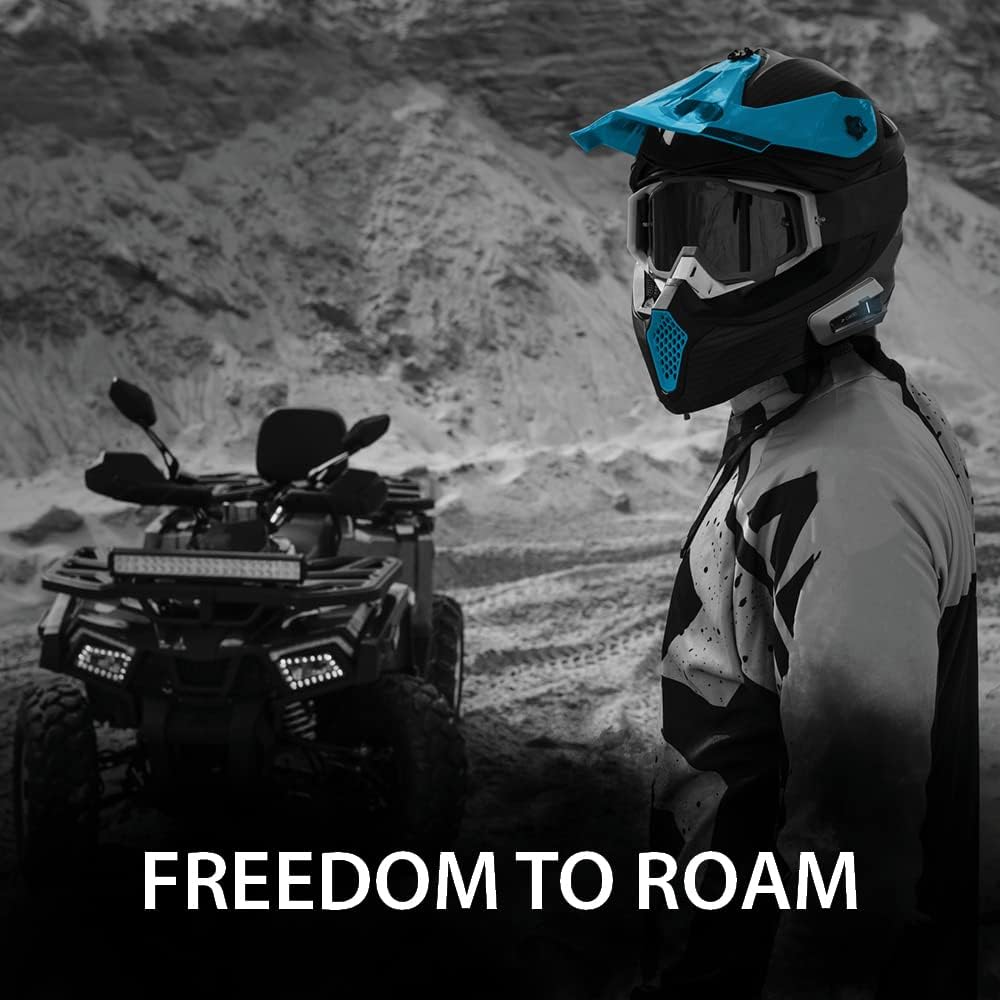
Figure 6: The PACKTALK Edge ORV provides freedom to roam, allowing communication even when away from the vehicle.
No Cellular Coverage Needed
The device provides broad, seamless coverage and reception without relying on cellular networks, ensuring you remain in communication even in remote areas.

Figure 7: Communication is maintained even in areas without cellular coverage.
Maintenance
Cleaning
The PACKTALK Edge ORV is designed to be sand, mud, and waterproof. To clean the unit, wipe it with a damp cloth. Avoid using harsh chemicals or abrasive materials.
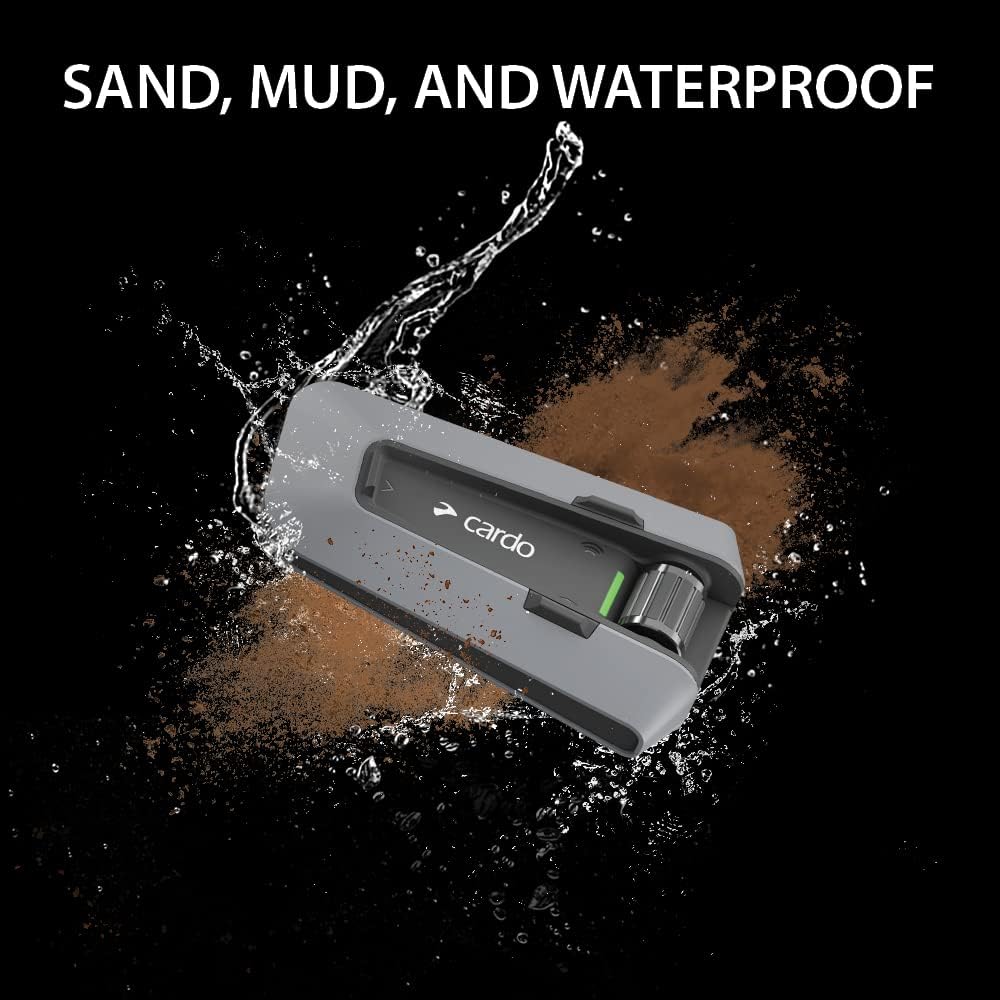
Figure 8: The unit is built to withstand sand, mud, and water, making it suitable for all weather conditions and terrains.
Storage
Store the device in a cool, dry place when not in use. Ensure it is fully charged before long-term storage to preserve battery health.
Troubleshooting
If you encounter issues with your Cardo PACKTALK Edge ORV, try the following steps:
- No Power: Ensure the unit is fully charged. Connect it to a power source using the USB Type-C cable.
- No Sound: Check speaker connections and ensure volume is not muted or too low. Verify proper speaker placement.
- Intercom Issues: Ensure all units are within range and properly paired. For DMC, verify all riders are part of the same group. For Bluetooth, ensure cross-brand compatibility is enabled if applicable.
- Voice Commands Not Responding: Speak clearly and directly into the microphone. Ensure the microphone is correctly positioned.
- Connectivity Problems: Restart the unit and your paired device (smartphone, GPS). Try re-pairing the devices.
For further assistance, refer to the Cardo Connect App or visit the official Cardo support website.
Specifications
| Feature | Detail |
|---|---|
| Model Name | Packtalk Edge ORV Duo Pack |
| Model Number | PT200150 |
| Connectivity Technology | Bluetooth, Dynamic Mesh Communication (DMC) |
| Wireless Communication | Bluetooth |
| Intercom Range | Up to 1 mile (1.6 km) |
| Audio Driver Size | 40mm JBL Speakers |
| Control Method | Voice, Control Roller |
| Water Resistance Level | Waterproof |
| Battery Life (Talk Time) | 13 hours |
| Charging Port | USB Type-C |
| Item Weight | 47 Grams (1.66 ounces) |
| Product Dimensions | 3.54 x 1.18 x 2.36 inches |
| Included Batteries | 2 Lithium Ion batteries (included) |
Warranty and Support
The Cardo PACKTALK Edge ORV Communication System comes with an extended 3-Year Warranty from the date of purchase. This warranty covers manufacturing defects and ensures peace of mind.
For technical support, warranty claims, or additional information, please visit the official Cardo website or contact their customer service. Regular software updates are available via the Cardo Connect App to enhance functionality and address potential issues.
Note: Always refer to the latest information available on the official Cardo website for the most up-to-date support and warranty details.
Related documentsPT200150


Ask a question about this manual
Ask about setup, troubleshooting, compatibility, parts, safety, or missing instructions. Manuals+ will review the question and use this page’s manual context to help answer it.