
1. Product Overview
The MOVE SPEED 1TB USB3.2 Solid State USB Flash Drive is a high-performance portable storage device designed for secure and rapid data transfer. It features dual USB-A and Type-C ports for broad compatibility, AES-256 hardware encryption, and a fingerprint recognition system for enhanced data security.

Image: The MOVE SPEED 1TB USB3.2 Solid State USB Flash Drive, showcasing its compact design.
Key Features:
- High-Speed Data Transfer: Up to 520MB/s read speed and 450MB/s write speed, utilizing USB 3.2 Gen 2 interface.
- Dual Encryption: Combines AES-256 hardware encryption with fingerprint recognition for robust data protection.
- Dual Ports: Equipped with both USB-A and Type-C connectors for versatile connectivity with various devices, including OTG-enabled smartphones.
- Rapid Fingerprint Recognition: Features 0.5-second recognition time and a 98.5% recognition rate. Supports up to 10 fingerprint IDs.
- Solid State Technology: Utilizes SSD chips for durability and performance.
2. Package Contents
Please verify that all items are present in the package:
- MOVE SPEED Encrypted Flash Drive (1TB)
- Leather Case
- User Manual
3. Setup and Initial Use
3.1 Connecting to a Device
The flash drive features both USB-A and Type-C connectors. Select the appropriate connector for your device (computer, laptop, or OTG-enabled smartphone) and insert the drive firmly into the port.

Image: The flash drive connected to both a laptop via USB-A and a smartphone via Type-C, demonstrating its dual-port functionality.
3.2 Software Installation for Encryption
To utilize the fingerprint and AES-256 encryption features, you must install the dedicated software.
- For Mobile Devices (Android OTG): Scan the QR code provided on the product packaging or below to download and install the mobile application.
- For Computers (Windows): The software is typically pre-loaded on the drive. Connect the drive to your computer, open the drive, and run the setup file. If not found, you can download it via the QR code link.
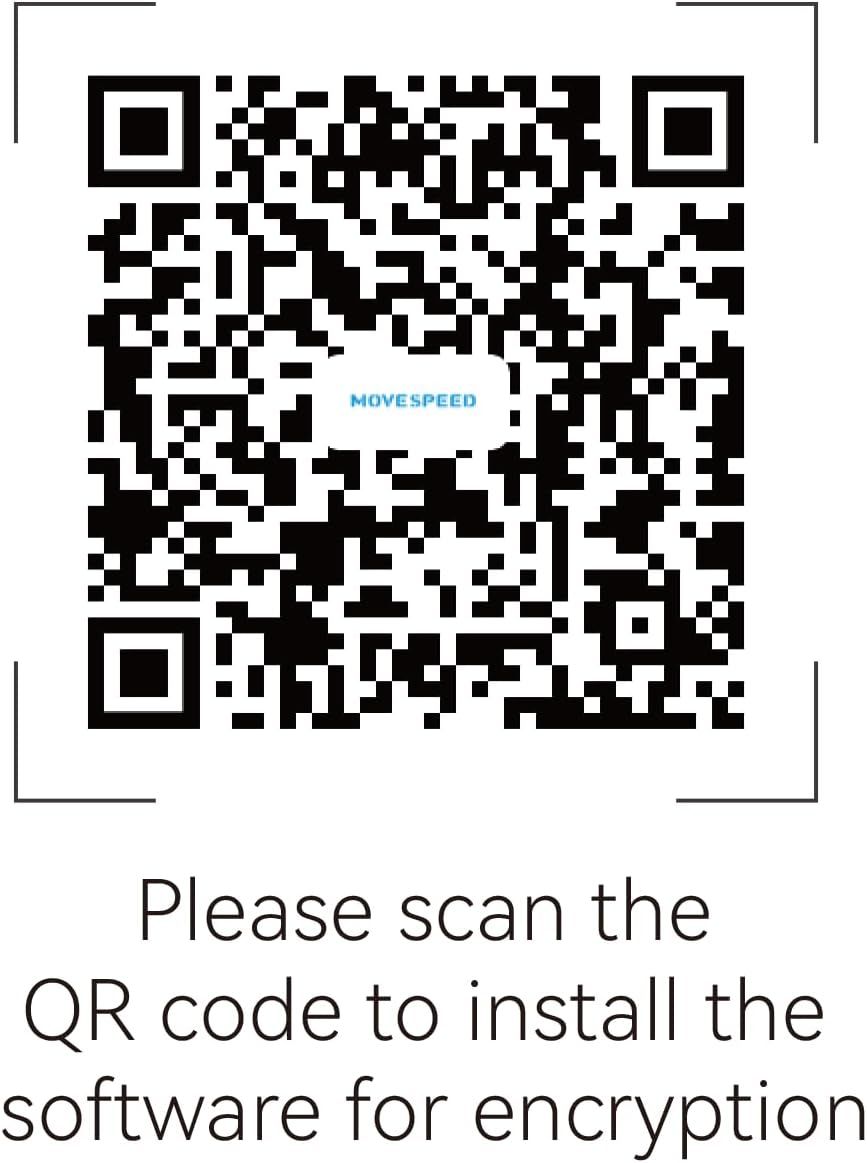
Image: QR code for downloading the encryption software. Scan this code with your mobile device or visit https://www.downloadqrcode.com/2022/MoveSpeedDrive/.
3.3 Registering Fingerprints
After installing the software, follow the on-screen instructions to register your fingerprints. The device supports up to 10 unique fingerprint IDs. Ensure your fingers are clean and dry for accurate registration.

Image: A visual representation of adding multiple fingerprint IDs to the device, indicating support for up to 10 users.
4. Operating Instructions
4.1 Accessing Encrypted Data
Once the drive is connected and fingerprints are registered, touch the fingerprint sensor on the drive with a registered finger. The drive will unlock, and you can access your encrypted data. The recognition process takes approximately 0.5 seconds.

Image: Illustration of the flash drive's fingerprint sensor with light rays indicating rapid recognition, highlighting the 0.5s recognition time and 98.5% recognition rate.
4.2 Data Transfer
After unlocking, the drive functions like a standard USB storage device. Drag and drop files, or copy and paste them to and from the drive. The USB 3.2 Gen 2 interface ensures fast transfer speeds.
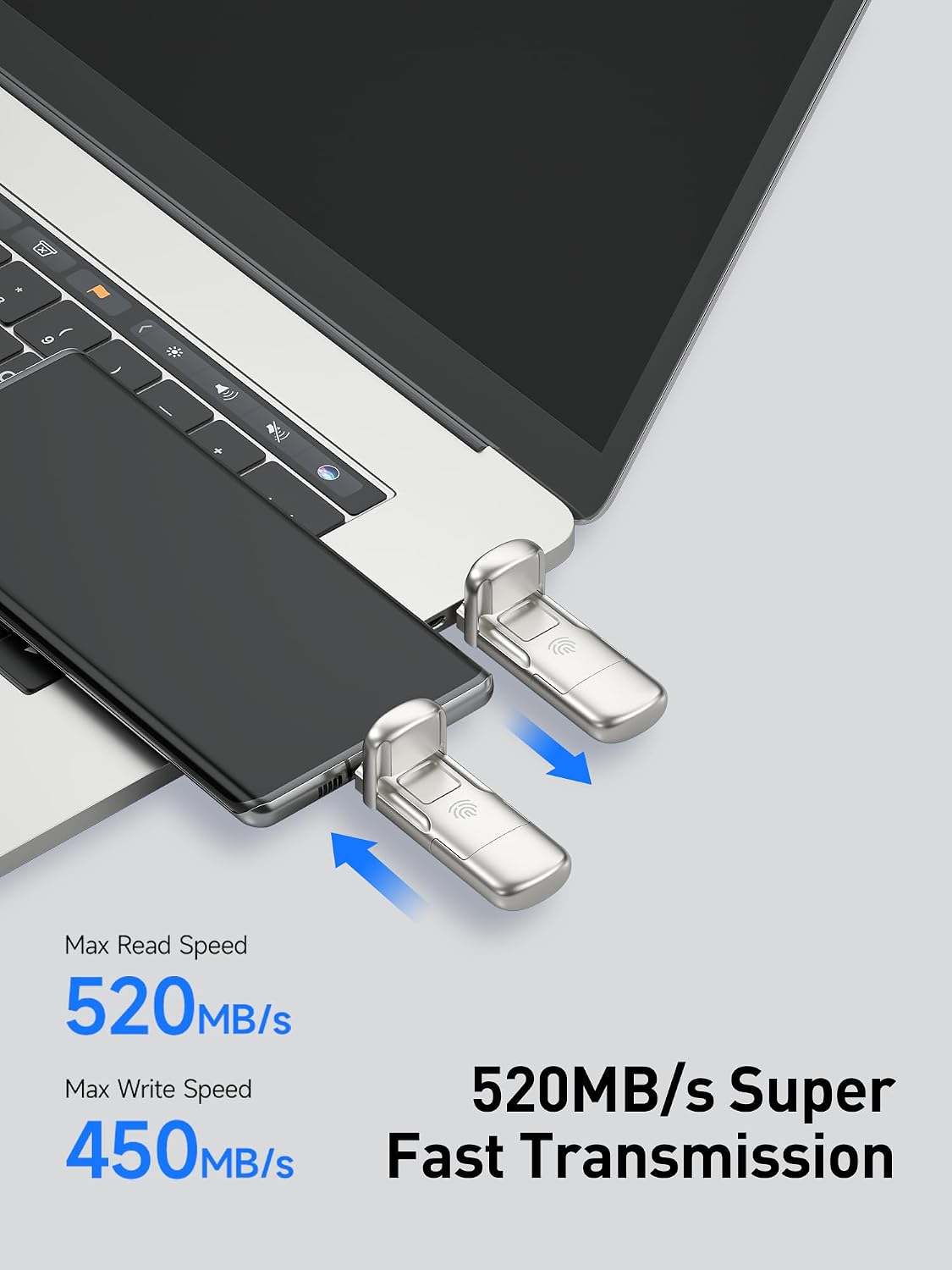
Image: The flash drive connected to a laptop and a smartphone, illustrating high-speed data transfer with indicated read speeds of 520MB/s and write speeds of 450MB/s.
4.3 Using with Smartphones (OTG)
Connect the Type-C port of the flash drive to your OTG-enabled smartphone. You can use it to back up images, videos, documents, and other media directly from your phone, expanding its storage capacity.
5. Maintenance and Care
- Physical Care: Keep the drive clean and free from dust and moisture. Use the provided leather case for protection when not in use.
- Temperature: The metal casing of the drive may become warm during prolonged use, especially during large data transfers. This is normal and does not indicate a malfunction. Allow it to cool down if it becomes excessively hot.
- Safe Removal: Always safely eject the flash drive from your computer or smartphone before physically removing it to prevent data corruption.
- Software Updates: Periodically check for software updates for the encryption utility to ensure optimal performance and security.
6. Troubleshooting
- Issue: Fingerprint sensor not recognizing.
- Ensure your finger is clean and dry.
- Try re-registering your fingerprint through the software.
- Ensure you are using a finger that has been registered.
- Issue: Software cannot detect the device.
- Ensure the drive is firmly connected to a USB port.
- Try a different USB port or a different computer/device.
- Reinstall the encryption software.
- Verify that your operating system recognizes the drive as a storage device.
- Issue: Slow data transfer speeds.
- Ensure you are connected to a USB 3.0/3.1/3.2 port for optimal performance. Connecting to a USB 2.0 port will result in slower speeds.
- Large file transfers can generate heat, which may cause the drive to throttle speeds. Allow the drive to cool down.
- Ensure your computer's drivers are up to date.
- Issue: Drive not recognized by phone with case.
- Some phone cases may prevent the USB-C connector from fully seating. Try removing the phone case to ensure a proper connection.
7. Specifications
| Feature | Detail |
|---|---|
| Brand | MOVE SPEED |
| Model | 1TB USB3.2 Solid State USB Flash Drive |
| Memory Storage Capacity | 1TB (Terabyte) |
| Hardware Interface | USB 3.2 Gen 2 |
| Read Speed | Up to 520 MB/s |
| Write Speed | Up to 450 MB/s |
| Connectivity Technology | USB |
| Hardware Connectivity | USB Type A, USB Type C |
| Encryption | AES-256, Fingerprint Biological Dual Encryption |
| Fingerprint Recognition | 0.5s rapid recognition, 98.5% high recognition rate, supports up to 10 IDs |
| Compatible Devices | PC, Laptop, OTG Smartphones |
| Item Weight | 0.15 Pounds |
| Color | Champagne Gold |
8. Warranty and Support
The MOVE SPEED 1TB USB3.2 Solid State USB Flash Drive comes with a 5-year warranty.
For customer service and technical support, please contact:
- Email: support@movespeed.com
- Support is available 7 days a week, 24 hours a day.
A 30-day 100% refund policy is available if you are not satisfied with the product.
9. Instructional Videos
9.1 MOVE SPEED Encrypted Flash Drive Overview
Video: This video provides a general overview of the MOVE SPEED Encrypted Flash Drive, highlighting its features and benefits, including fast transfer speeds and cross-platform compatibility.
9.2 Product Use Instructional Video
Video: This instructional video demonstrates the steps for setting up and using the MOVE SPEED Encrypted Flash Drive, including software installation and fingerprint registration on both mobile and computer platforms.


