1. Introduction
Thank you for choosing the AGPTEK A30X MP3 Player. This device is designed to provide a versatile and enjoyable audio experience with its full touch screen, Bluetooth 5.3 connectivity, and various multimedia functions. This manual will guide you through the setup, operation, and maintenance of your new MP3 player.
2. Package Contents
Please check the package for the following items:
- 1 x AGPTEK A30X MP3 Player
- 1 x USB-C Charging Cable
- 1 x Pair of Earphones
- 1 x Armband
- 1 x User Manual (this document)

Image: Contents of the AGPTEK A30X MP3 Player package.
3. Product Overview
The AGPTEK A30X features a compact design with a 2.4-inch full touch screen for intuitive navigation. It includes physical buttons for essential controls and a clip for portability during activities.

Image: Front view of the AGPTEK A30X MP3 Player with its clip.
3.1. Screen and Interface
The 2.4-inch TFT screen offers a clear display for menus, song information, videos, and images. The full touch interface allows for easy interaction with the device's functions.

Image: User interacting with the touch screen of the MP3 player.
3.2. Physical Buttons
Independent buttons are located on the side of the unit for functions such as switching songs, adjusting volume, and power control. These physical buttons help prevent accidental operations, especially during sports activities.
3.3. Clip Design
The integrated clip allows for secure attachment to clothing or an armband, making it suitable for sports and active use. The device is lightweight, weighing approximately 61g.

Image: The lightweight design of the AGPTEK A30X MP3 Player.
4. Setup
4.1. Charging the Device
Before first use, fully charge the MP3 player. Use the provided USB-C charging cable to connect the device to a power source (e.g., computer USB port or a 5V-500mA charger).
- Charging Time: Approximately 2.5 hours for a full charge.
- Battery Capacity: 500mAh polymer lithium battery.

Image: Charging indicator and battery life details.
4.2. Power On/Off
- To Power On: Press and hold the power button until the screen lights up.
- To Power Off: Press and hold the power button until the power-off option appears on the screen, then confirm.
4.3. Initial Setup
Upon first power-on, you may be prompted to select your preferred language, set the date, and time. Follow the on-screen instructions.
4.4. Memory and Storage
The device comes with 32GB of built-in storage. It supports external TF (microSD) cards up to 128GB for expanded storage. Insert the TF card into the designated slot.
5. Operating Instructions
The AGPTEK A30X offers various functions accessible through its touch screen interface.

Image: Multifunction user interface of the MP3 player.
5.1. Music Playback
Navigate to the 'Music' icon on the main menu. The player supports various audio formats including MP3, WMA, APE, FLAC, WAV, DRM, and ACELP. It features a professional smart digital noise reduction chip for high-quality, lossless audio playback. You can also select from 6 equalizer modes: Rock, Funk, Hip Hop, Jazz, Classic, and Electronic.
- Playback Controls: Use the on-screen controls or physical buttons for play, pause, skip tracks, and volume adjustment.
- Lyrics Synchronization: The device supports displaying synchronized lyrics (LRC format).
5.2. Bluetooth Connection (Bluetooth 5.3)
The A30X features Bluetooth 5.3 for stable and efficient wireless audio transmission. It is compatible with Bluetooth devices from version 2.1 to 5.3.
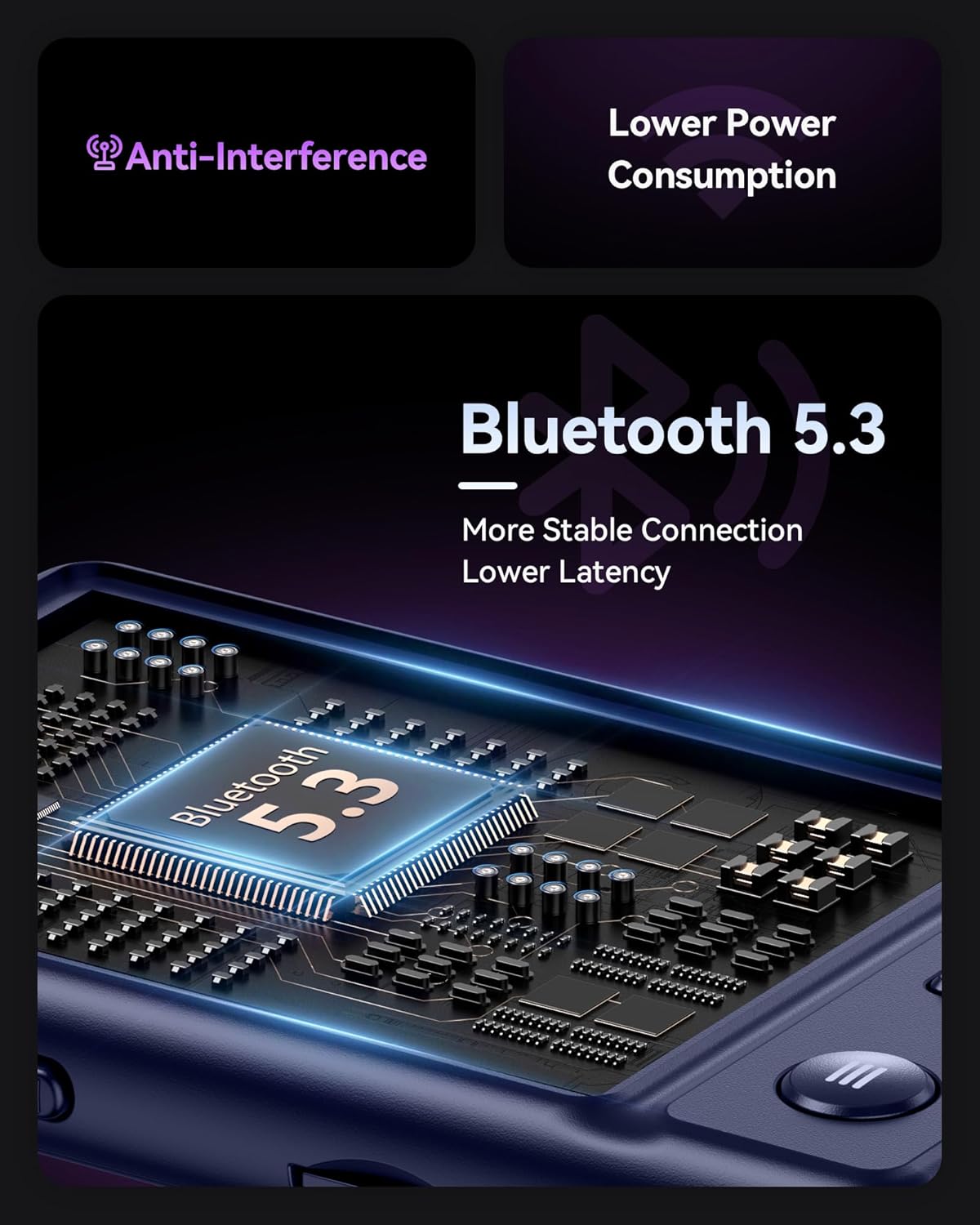
Image: Illustration of Bluetooth 5.3 technology and its advantages.
- Go to the 'Bluetooth' menu from the main screen.
- Turn on Bluetooth.
- The player will scan for available Bluetooth devices.
- Select your desired Bluetooth headphones or speaker from the list to pair.
The device also includes a built-in speaker, allowing you to listen to music without headphones. Note that there is no specific on/off setting for the built-in speaker; it activates when headphones are not connected.

Image: People enjoying music, demonstrating the built-in speaker or Bluetooth functionality.
5.3. Video Playback
The A30X supports AVI video format. Transfer compatible video files to the device and select the 'Video' icon to browse and play them.
5.4. Photo Viewing
View images in JPG and BMP formats. Select the 'Image' icon to access your photo library.
5.5. E-Book Reader
Read TXT format e-books. Navigate to the 'E-Book' function to open your text files.
5.6. FM Radio
Access the 'FM Radio' function to listen to local radio stations. Ensure earphones are connected as they often act as the antenna.
5.7. Recording
The device supports WAV/MP3 recording formats with a recording distance of approximately 3 meters (9.8 feet). Select the 'Record' icon to start recording audio.
5.8. Additional Functions
The AGPTEK A30X also includes:
- Pedometer: Tracks your steps during physical activity.
- Alarm Clock: Set alarms for reminders.
- Stopwatch: For timing events.
- A-B Repeat: Repeats a specific section of an audio track.
- Calendar: Displays the current date.
6. Maintenance
- Cleaning: Use a soft, dry cloth to clean the device. Avoid liquid cleaners or abrasive materials.
- Storage: Store the player in a cool, dry place away from direct sunlight and extreme temperatures.
- Battery Care: To prolong battery life, avoid fully discharging the battery frequently. Charge it regularly, even if not in use for extended periods.
7. Troubleshooting
- Device not powering on: Ensure the battery is charged. Connect to a charger and try again.
- No sound: Check volume levels. Ensure headphones are properly connected or Bluetooth is paired correctly. If using the built-in speaker, ensure headphones are disconnected.
- Cannot connect via Bluetooth: Ensure Bluetooth is enabled on both the player and the target device. Keep devices within range (approx. 10m). Try unpairing and re-pairing.
- Files not playing: Verify that the file format is supported by the player. Ensure files are not corrupted.
- Screen unresponsive: Try restarting the device. If the issue persists, contact support.
8. Specifications
| Shell Material | ABS |
| Screen | 2.4" TFT, 240 x 320 Resolution |
| TF Card Extension | Up to 128GB |
| Bluetooth Version | V5.3 |
| Bluetooth Distance | About 10m / 32.8ft |
| Battery | Built-in polymer lithium battery 500mAh |
| Charging Time | Approx. 2.5 hours |
| Music Playback Time (Wired) | Up to 48 hours |
| Music Playback Time (Bluetooth) | Up to 6.5 hours |
| Music Playback Time (Wireless Speaker) | Up to 14 hours |
| USB | Type-C |
| Music Format Support | MP3, WMA, APE, FLAC, WAV, DRM, ACELP |
| Video Format Support | AVI |
| E-Book Format Support | TXT |
| Image Format Support | JPG, BMP |
| Recording Format | WAV/MP3 |
| Recording Distance | About 3m / 9.8ft |
| Compatible System | XP (Home, Pro, SP1, SP2, SP3) 32-bit / Windows 7-10 64-bit |
| Product Weight | About 61g / 0.13lb |
| Product Size | 10 x 5 x 1 cm / 3.9 x 2 x 0.4 in |
9. Warranty and Support
AGPTEK offers a warranty for this product. If the product experiences any quality problems within one year of purchase, a refund or replacement will be provided unconditionally. For any questions or assistance regarding your AGPTEK A30X MP3 Player, please contact AGPTEK customer support through the platform where you purchased the product.


