
1. Introduction
Thank you for choosing PSIER Wireless Earbuds. These earbuds are designed to provide a superior audio experience with Active Noise Cancellation (ANC), Transparency Mode, and clear call quality. This manual will guide you through the setup, operation, and maintenance of your new earbuds.
2. Important Safety Information
- Do not disassemble or modify the earbuds or charging case.
- Keep the device away from extreme temperatures, humidity, and liquids.
- Avoid prolonged exposure to high volume levels to prevent hearing damage.
- Use only the provided charging cable or a certified equivalent.
- Dispose of the device according to local regulations.
3. Package Contents
Please check that all items are present in your package:
- PSIER Wireless Earbuds (L/R)
- Charging Case
- USB-C Charging Cable
- Eartips (various sizes)
- User Manual
4. Product Overview
Familiarize yourself with the components of your PSIER Wireless Earbuds.

Image: PSIER Wireless Earbuds and Charging Case. This image displays both earbuds and the open charging case, showing their design and placement.
Earbud Components:
- Touch Control Area: For managing playback, calls, and modes.
- Microphones: Multiple microphones for clear calls and ANC.
- LED Indicator: Shows connection and battery status.
- Eartip: Ensures a secure and comfortable fit.
Charging Case Components:
- Charging Port: USB-C port for charging the case.
- LED Indicators: Show charging status of the case and earbuds.
- Earbud Charging Slots: Securely hold and charge the earbuds.
5. Setup
5.1 Charging the Earbuds and Case
Before first use, fully charge the earbuds and charging case.
- Place the earbuds into the charging case. Ensure they are correctly seated.
- Connect the USB-C charging cable to the charging port on the case and to a power source.
- The LED indicators on the case will show the charging status. Once fully charged, the indicators will change or turn off.
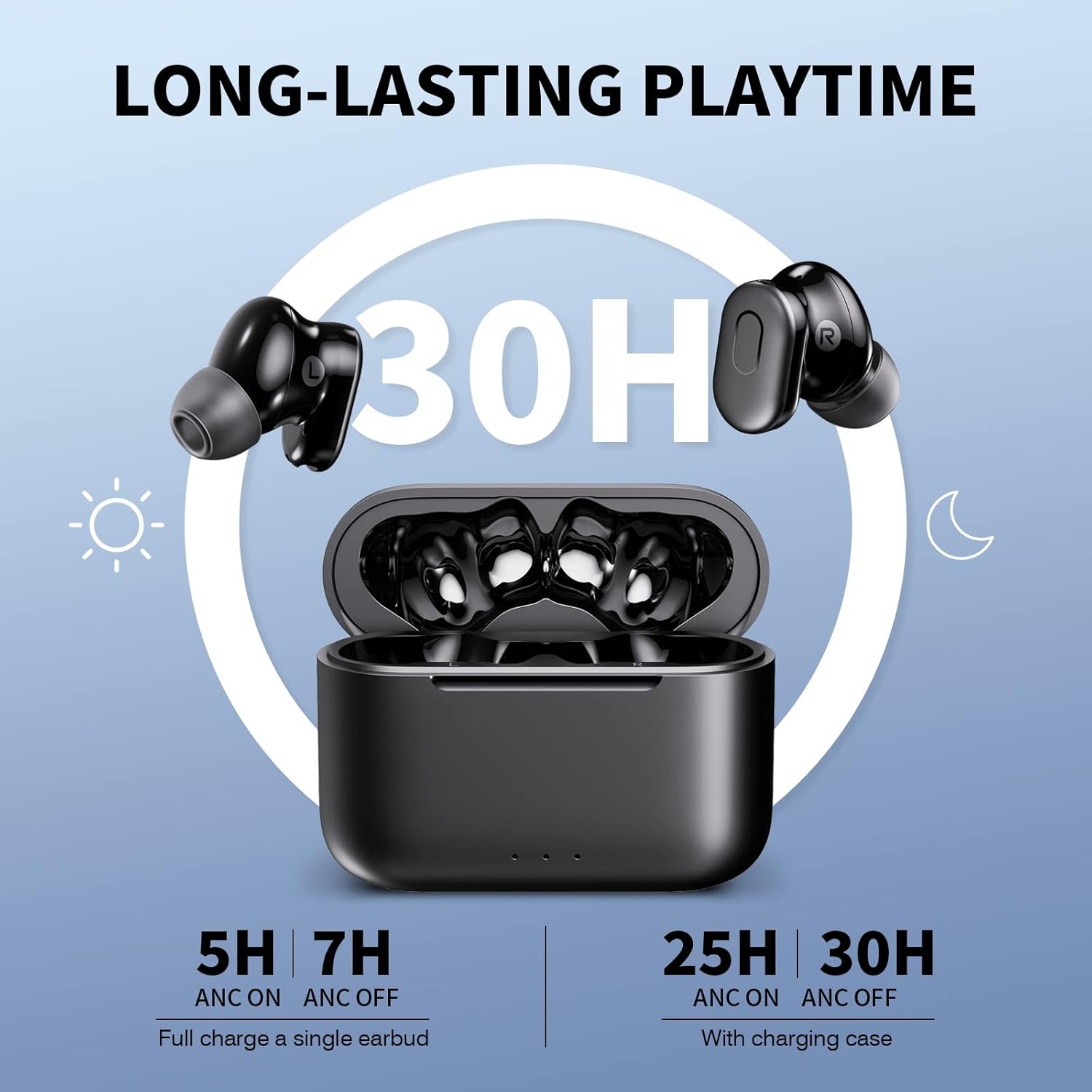
Image: Earbuds and Charging Case with Playtime Information. This image illustrates the earbuds in the charging case, highlighting the long-lasting playtime capabilities, showing 5 hours with ANC on and 7 hours with ANC off for a single earbud, and 25 hours with ANC on and 30 hours with ANC off with the charging case.
A full charge provides over 7 hours of playtime (at 50% volume, ANC off) and the charging case offers an additional 23 hours. With ANC on, playtime is up to 5 hours per charge.
5.2 Pairing with Your Device (Bluetooth 5.3)
The earbuds utilize advanced Bluetooth 5.3 technology for fast and stable connections.
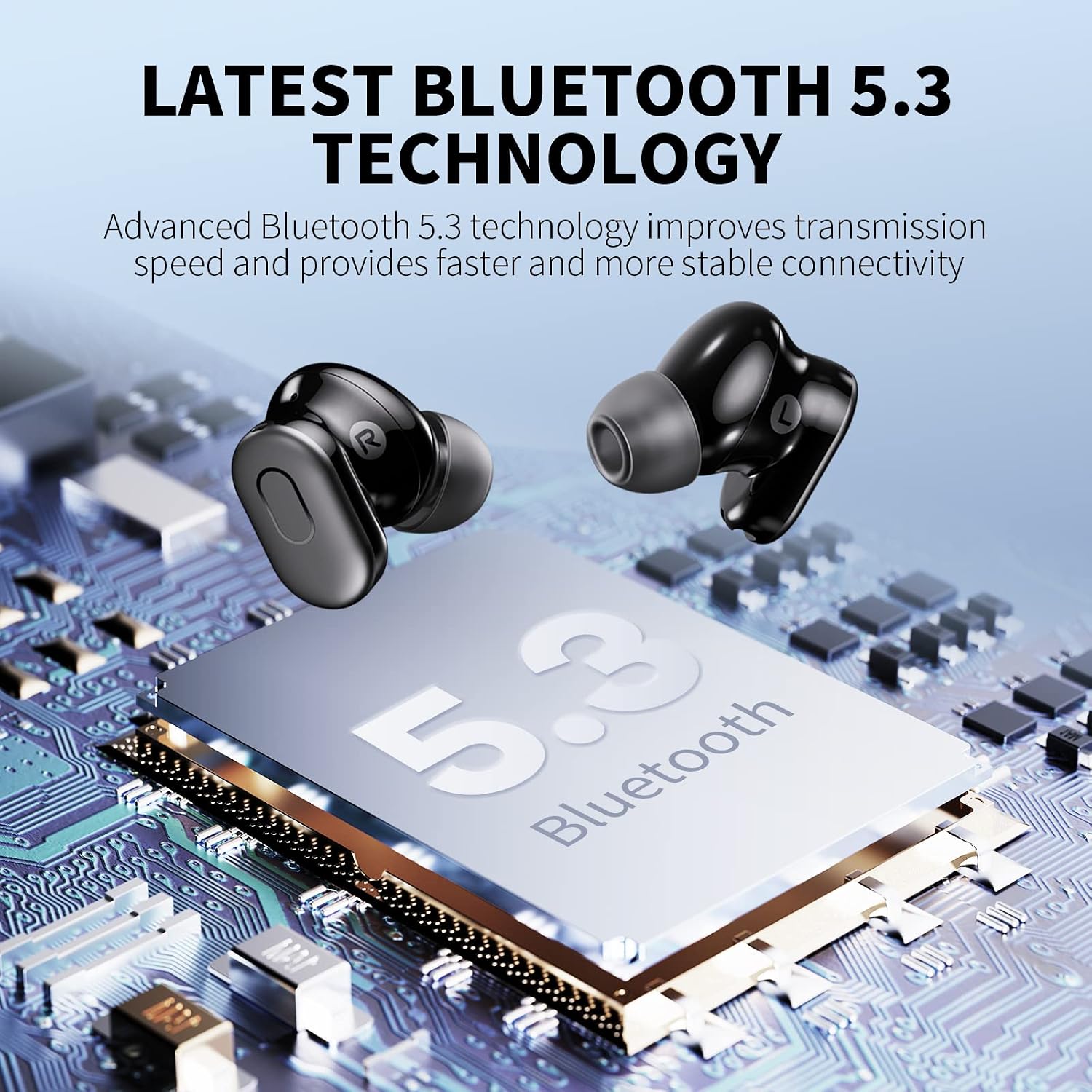
Image: Bluetooth 5.3 Technology Chip. This image visually represents the advanced Bluetooth 5.3 technology, emphasizing improved transmission speed and stable connectivity.
- Open the charging case. The earbuds will automatically enter pairing mode.
- On your device (smartphone, tablet, etc.), enable Bluetooth.
- Search for "PSIER Earbuds" in the list of available Bluetooth devices and select it to connect.
- Once connected, you will hear a confirmation tone, and the earbud LED indicators will turn off.
Note: After the initial connection, the earbuds will automatically pair with your device when you open the charging case.
5.3 Wearing the Earbuds
For optimal sound quality and comfort, ensure a proper fit.
- Choose the eartips that best fit your ears. Experiment with different sizes for the best seal.
- Insert the earbuds into your ear canals and gently twist them until they feel secure and comfortable.
6. Operating Instructions
6.1 Touch Controls
The earbuds feature touch-sensitive controls on their outer surface.
| Function | Action |
|---|---|
| Play/Pause | Single tap on either earbud |
| Next Track | Double tap on the right earbud |
| Previous Track | Double tap on the left earbud |
| Volume Up | Triple tap on the right earbud |
| Volume Down | Triple tap on the left earbud |
| Answer/End Call | Single tap on either earbud |
| Reject Call | Press and hold either earbud for 2 seconds |
| Switch ANC/Transparency/Normal Mode | Press and hold either earbud for 2 seconds (when not on a call) |
| Activate Voice Assistant | Quadruple tap on either earbud |
6.2 Active Noise Cancellation (ANC)
ANC technology reduces external noise, allowing you to focus on your audio.

Image: Active Noise Cancellation Illustration. This image visually demonstrates how ANC technology reduces external noise by up to 30dB, showing the difference between "Noise" and "After noise cancellation".
- To activate ANC, press and hold either earbud for 2 seconds until you hear the "ANC On" prompt.
- ANC can reduce up to 30 dB of background noise, blocking approximately 90% of external sounds.
6.3 Transparency Mode
Transparency Mode allows you to hear your surroundings without removing the earbuds.

Image: Transparency Mode in use. This image shows two individuals conversing while one is wearing the earbuds, illustrating the functionality of Transparency Mode which allows hearing surroundings clearly.
- To activate Transparency Mode, press and hold either earbud for 2 seconds until you hear the "Transparency Mode" prompt. (Cycle through ANC -> Transparency -> Normal).
- This mode enhances voice frequencies, making it easier to communicate or be aware of your environment.
6.4 Clear Calls with 4 Microphones
Each earbud is equipped with two built-in microphones for enhanced call clarity.

Image: Clear Calls with 4 Mics. This image highlights the earbud's capability for clear calls, showing how built-in microphones pick up voice and attenuate ambient noise.
- The microphones work with algorithms to isolate your voice and reduce external noise during calls.
- For optimal call clarity, it is recommended to wear both earbuds during a call.
6.5 Premium Sound with Deep Bass
Experience high-quality audio with 10mm dynamic drivers.

Image: Premium Sound Driver. This image provides a close-up view of the 10mm diameter ultra-high dynamic resolution speaker, illustrating its design for crystal clear treble, vibrant mid-range, and powerful bass.
- The 10mm diameter ultra-high dynamic resolution speakers deliver crystal clear treble, vibrant mid-range, and powerful bass.
7. Maintenance
7.1 Cleaning
- Regularly clean the earbuds and charging case with a soft, dry, lint-free cloth.
- Remove eartips and clean them with mild soap and water if necessary. Ensure they are completely dry before reattaching.
- Do not use harsh chemicals or abrasive materials.
7.2 Storage
- When not in use, store the earbuds in their charging case to protect them and keep them charged.
- Store the device in a cool, dry place, away from direct sunlight and extreme temperatures.
7.3 Battery Care
- To prolong battery life, avoid fully discharging the earbuds and charging case frequently.
- Charge the device regularly, even if not in use for extended periods.
8. Troubleshooting
If you encounter issues, try the following solutions:
| Problem | Solution |
|---|---|
| Earbuds not pairing |
|
| Only one earbud working |
|
| Poor sound quality |
|
| ANC not effective |
|
9. Specifications
| Feature | Detail |
|---|---|
| Model | PSIER Wireless Earbuds (B0C3CZ1RJ1) |
| Bluetooth Version | 5.3 |
| Active Noise Cancellation | Up to 30 dB |
| Microphones | 4 (2 per earbud) for clear calls |
| Playtime (Earbuds) | 7+ hours (ANC off, 50% volume), 5 hours (ANC on) |
| Total Playtime (with Case) | Up to 30 hours (ANC off), 25 hours (ANC on) |
| Speaker Driver Size | 10mm |
| Ear Placement | In Ear |
| Impedance | 32 Ohms |
| Color | Black |
10. Warranty and Support
PSIER products are designed and manufactured to the highest quality standards. For detailed warranty information and customer support, please refer to the warranty card included in your package or visit the official PSIER website. If you experience any issues, please contact our customer service team for assistance.
Contact Information: Please refer to the product packaging or the official PSIER website for the most up-to-date contact details.


