
Introduction
Thank you for choosing the HONITURE Q5 Robot Vacuum and Mop Cleaner. This manual provides essential information for the safe operation, maintenance, and troubleshooting of your device. Please read it thoroughly before using the product and retain it for future reference.
Safety Information
- Ensure the robot is used on dry surfaces only, unless specifically operating in mop mode.
- Keep the robot away from water or other liquids to prevent electric shock.
- Do not allow children or pets to play with the robot.
- Remove any loose cables, small objects, or fragile items from the cleaning area before operation.
- Use only the original charging adapter and battery provided by HONITURE.
Package Contents
Verify that all components are present in the package:
- HONITURE Q5 Robot Vacuum and Mop Cleaner
- Charging Dock
- Power Adapter
- Remote Control
- Water Tank (350 ml E-water tank)
- Dustbin (600 ml)
- Side Brushes (2 pairs)
- Main Brush
- Mop Cloths (2 pieces)
- High-Efficiency Filter (pre-installed)
- Cleaning Tool
- User Manual

Image: The HONITURE Q5 robot vacuum and its various accessories, including extra side brushes, mop pads, a cleaning tool, and filters.
Product Overview
Robot Components
The HONITURE Q5 features an LCD display for direct status indication and various sensors for navigation.
- Top Panel: LCD Display, Power/Clean Button.
- Front Bumper: Collision Sensors.
- Bottom: Main Brush, Side Brushes, Driving Wheels, Universal Wheel, Charging Contacts, Cliff Sensors, Dustbin Release Button, Water Tank Release Button.
- Rear: Dustbin/Water Tank Compartment.
Charging Dock
The charging dock provides power to the robot. Ensure it is placed against a wall with sufficient clear space around it (at least 0.5 meters on either side and 1.5 meters in front) for the robot to easily dock.
Setup
1. Initial Charging
- Connect the power adapter to the charging dock and plug it into a wall outlet.
- Place the robot onto the charging dock, ensuring the charging contacts align. The robot will emit a sound and the LCD display will indicate charging status.
- Allow the robot to fully charge before its first use (approximately 4-5 hours).
2. Installing Side Brushes
Press the side brushes onto the square posts at the bottom of the robot until they click into place.
3. App Installation and Pairing
- Download the "HONITURE" app from your smartphone's app store (iOS or Android).
- Open the app and follow the on-screen instructions to create an account and add your Q5 robot.
- Ensure your Wi-Fi network is 2.4GHz for successful pairing.

Image: The HONITURE app interface on a smartphone, demonstrating various control options for the robot vacuum, including scheduling and adjusting cleaning parameters.
4. Voice Assistant Integration
The Q5 robot is compatible with Amazon Alexa and Google Home. Refer to the respective voice assistant app for instructions on enabling the HONITURE skill/action and linking your account.
Operating Instructions
Starting a Cleaning Cycle
- Manual Start: Press the Power/Clean button on the robot or the remote control.
- App Control: Use the HONITURE app to initiate cleaning, select cleaning modes, and adjust settings.
- Voice Command: Use compatible voice assistants (e.g., "Alexa, ask HONITURE to start cleaning").
Cleaning Modes
The Q5 offers 2-in-1 vacuuming and mopping functionality.
- Vacuum Mode: For dry debris collection. The 600ml dustbin efficiently collects dirt and pet hair.
- Mop Mode: Attach the water tank and mop cloth for wet cleaning.
- Vacuum & Mop Mode: Simultaneous vacuuming and mopping.

Image: The HONITURE Q5 robot vacuum operating on a carpet, illustrating its powerful suction capability for effective cleaning.
Water Volume Adjustment (Mop Mode)
When using the 350 ml E-water tank, you can adjust the water output level via the app:
- Low: For light cleaning or sensitive floor types.
- Standard: For daily basic cleaning.
- High: For deeper wet cleaning on durable floors.

Image: An illustration of the robot's electric control water tank, detailing three adjustable water flow settings for different cleaning needs.
Scheduling Cleaning
Use the HONITURE app to set cleaning schedules. The robot will automatically start cleaning at the programmed times and return to its charging dock when finished or when the battery is low.
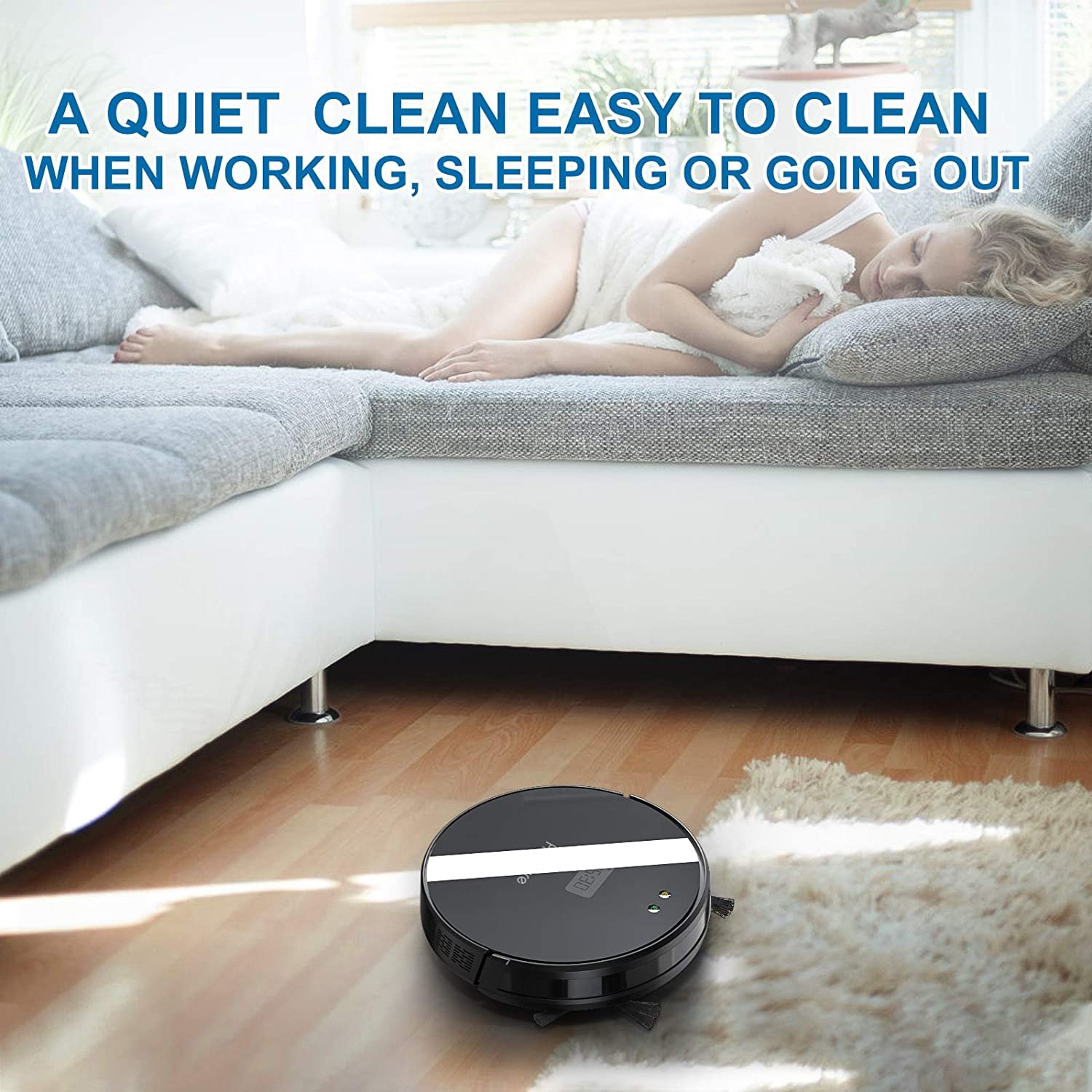
Image: The HONITURE Q5 robot vacuum performing a quiet cleaning operation on a hard floor in a home environment.
Maintenance
Regular maintenance ensures optimal performance and extends the lifespan of your robot vacuum.
1. Emptying the Dustbin (After each use)
- Press the dustbin release button and pull out the dustbin.
- Open the dustbin cover and empty its contents into a trash bin.
2. Cleaning the Filter (Weekly)
- Remove the filter from the dustbin.
- Tap the filter gently to remove dust. Do not wash the HEPA filter with water.
- Replace the filter every 3-6 months, depending on usage.
3. Cleaning the Water Tank and Mop Cloth (After each mop use)
- Remove the water tank from the robot.
- Empty any remaining water and rinse the tank.
- Remove the mop cloth and wash it by hand or machine. Allow it to air dry completely before reattaching.
4. Cleaning Brushes (Weekly)
- Main Brush: Remove the main brush cover and lift out the brush. Use the cleaning tool to remove hair and debris.
- Side Brushes: Gently pull off the side brushes. Remove any tangled hair or debris. Replace if damaged.
5. Cleaning Sensors and Charging Contacts (Monthly)
Wipe the cliff sensors, collision sensors, and charging contacts on both the robot and the charging dock with a clean, dry cloth.
Troubleshooting
If your HONITURE Q5 encounters issues, refer to the following common problems and solutions:
Robot Does Not Start or Charge
- Ensure the power switch on the robot is turned ON.
- Check if the charging dock is properly plugged in and receiving power.
- Verify that the robot's charging contacts are aligned with the dock's contacts and are clean.
- The battery might be completely depleted. Place the robot manually on the dock and allow it to charge for several hours.
Robot Gets Stuck Frequently
- Clear the cleaning area of loose cables, rugs with long fringes, or small objects.
- Clean the cliff sensors to ensure they are not obstructed.
- Ensure there are no obstacles under low furniture that the robot might get wedged under.
Poor Cleaning Performance
- Empty the dustbin and clean the filter. A clogged filter reduces suction power.
- Clean the main brush and side brushes, removing any tangled hair or debris.
- Ensure the water tank is filled and the mop cloth is clean for mopping tasks.
- Check if the suction level is set appropriately in the app.
Robot Does Not Connect to Wi-Fi/App
- Ensure your Wi-Fi network is 2.4GHz. The robot may not support 5GHz networks.
- Restart your Wi-Fi router and the robot.
- Bring your smartphone closer to the robot and the router during the pairing process.
- Follow the app's pairing instructions carefully, including any reset procedures for the robot's Wi-Fi.
Specifications
| Model | Q5 |
| Brand | HONITURE |
| Functionality | 2-in-1 Robot Vacuum and Mop |
| Suction Power | Up to 2000Pa |
| Dustbin Capacity | 600ml |
| Water Tank Capacity | 350ml (E-water tank) |
| Battery Life | Up to 100 minutes |
| Battery Type | Lithium Ion (2600mAh) |
| Control Methods | App Control, Remote Control, Voice Control (Alexa, Google Home) |
| Sensors | Infrared sensors, Collision detection, Cliff sensor |
| Item Weight | 5.58 Kilograms |
| Surface Recommendation | Hard Floor |
Warranty and Support
HONITURE products are designed for reliability and performance. For warranty information, please refer to the warranty card included in your product packaging or visit the official HONITURE website.
If you encounter any issues or have questions not covered in this manual, please contact HONITURE customer support through the following channels:
- Official Website: www.honiture.com (Note: This is a placeholder URL as no specific support link was provided.)
- Email Support: Refer to your product packaging or the official website for the latest contact email.
- In-App Support: Some issues can be resolved directly through the HONITURE app's support section.


