
1. Overview
The boAt Rockerz 260 is a wireless neckband designed for an enhanced audio experience. It incorporates features such as low-latency Beast™ Mode for gaming, ENx™ Technology for clear voice calls, and ASAP™ Charge for quick power-ups. The neckband offers up to 25 hours of playback and is built with IPX5 water resistance, making it suitable for various environments.
2. What's in the Box
- 1 X Neckband (boAt Rockerz 260)
- 1 X Charging Cable (Type-C)
- 1 X User Manual
- 2 X Additional Earbuds (pairs)
3. Getting Started
3.1 Charging the Earphones
Before first use, fully charge the earphones. Connect the provided Type-C charging cable to the charging port on the neckband and to a compatible USB power source. The LED indicator will show charging status.
The ASAP™ Charge technology allows for up to 10 hours of playtime with just 10 minutes of charging. A full charge provides up to 25 hours of playback.

Image: Earphones highlighting ASAP Charge and 25 hours playback.
3.2 Powering On/Off
- To Power On: Press and hold the Multi-function Button until the LED indicator flashes.
- To Power Off: Press and hold the Multi-function Button until the LED indicator turns off.
3.3 Bluetooth Pairing
- Ensure the earphones are powered off.
- Press and hold the Multi-function Button until the LED indicator flashes blue and red alternately, indicating pairing mode.
- On your device (smartphone, tablet, laptop), enable Bluetooth and search for available devices.
- Select "boAt Rockerz 260" from the list of devices.
- Once connected, the LED indicator will flash blue periodically.
The Rockerz 260 supports Bluetooth v5.2 and Dual Pairing, allowing connection to two devices simultaneously.
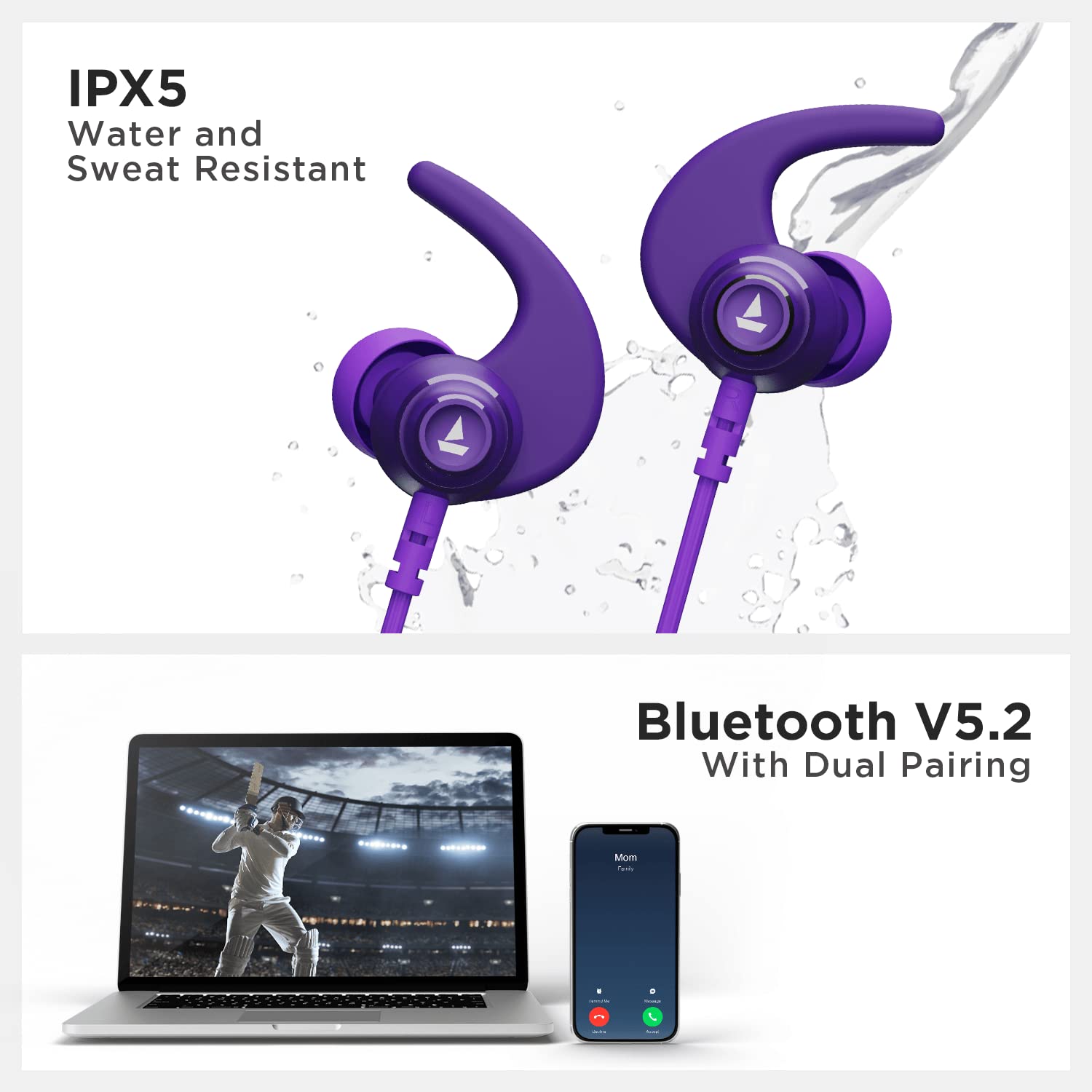
Image: Earphones demonstrating IPX5 water resistance and Bluetooth V5.2 dual pairing capability.
4. Controls and Functions
The boAt Rockerz 260 features easy-access controls for managing audio playback, calls, and voice assistant activation.
- Multi-function Button: Power On/Off, Play/Pause, Answer/End Calls.
- Volume Up (+): Increase volume, Next track (long press).
- Volume Down (-): Decrease volume, Previous track (long press).
- Voice Assistant: Activate your device's default voice assistant (specific button or long press on Multi-function Button, refer to product diagram if available).
5. Features Explained
5.1 Beast™ Mode (Low Latency)
Beast™ Mode provides ultra-low latency (as low as 65ms), optimizing the audio-visual synchronization for gaming and video streaming. This reduces delay between audio and video, offering a more immersive experience.

Image: Earphones showcasing the Beast Mode feature for low latency.
5.2 ENx™ Technology (Environmental Noise Cancellation)
ENx™ Technology is designed to cancel environmental noise during voice calls. This ensures your voice is transmitted clearly to the other party, even in noisy surroundings, improving call quality.

Image: Earphones demonstrating ENx Technology for clear voice calls.
5.3 10mm Audio Drivers
The earphones are equipped with 10mm audio drivers, engineered to deliver boAt's signature immersive sound. These drivers provide a balanced audio output with clear highs and deep bass.

Image: Detailed view of the 10mm audio drivers within the earbud.
5.4 IPX5 Water and Sweat Resistance
With an IPX5 rating, the Rockerz 260 earphones are resistant to splashes of water and sweat. This makes them suitable for workouts and outdoor activities, protecting them from moisture damage.
6. Care and Maintenance
- Clean the earphones regularly with a soft, dry cloth.
- Avoid exposing the earphones to extreme temperatures or direct sunlight.
- Do not use abrasive cleaners or immerse the earphones in water.
- Store the earphones in a cool, dry place when not in use.
- Ensure the charging port is dry before connecting the charging cable.
7. Troubleshooting
7.1 No Power
- Ensure the earphones are fully charged.
- Check the charging cable and power source for proper connection.
7.2 Pairing Issues
- Make sure Bluetooth is enabled on your device.
- Ensure the earphones are in pairing mode (LED flashing blue and red).
- Move the earphones closer to your device.
- Forget the device from your phone's Bluetooth settings and try pairing again.
7.3 Low Sound Quality
- Adjust the volume on both the earphones and your connected device.
- Ensure the earbuds are properly seated in your ears for optimal sound.
- Clean any debris from the earbud mesh.
8. Specifications
| Brand | boAt |
| Model Name | Rockerz 260 |
| Colour | Electric Purple |
| Ear Placement | In Ear |
| Form Factor | In Ear (Neckband) |
| Noise Control | Environmental Noise Cancellation (ENx™) |
| Connectivity Technology | Bluetooth v5.2 |
| Playback Time | Up to 25 hours |
| Charging Technology | ASAP™ Charge (10 min charge = 10 hrs playtime) |
| Drivers | 10mm Audio Drivers |
| Latency | 65ms (Beast™ Mode) |
| Water Resistance | IPX5 |
| Control Type | Voice Control |
| Item Weight | 32 Grams |
9. Warranty and Support
The boAt Rockerz 260 comes with a 1-year warranty from the date of purchase. For warranty claims or technical support, please refer to the contact information provided in the product packaging or visit the official boAt website.
10. Product Overview Video
Video: An overview of the boAt Rockerz 260 earphones, detailing key features and benefits.


