1. Introduction
Thank you for choosing the Moman H2 Pro Motorcycle Intercom. This device is designed to provide clear and reliable communication for riders, enhancing your riding experience with features like simultaneous two-way talk, music playback, and hands-free calling. Please read this manual carefully before use to ensure proper operation and to maximize the product's lifespan.
2. Safety Information
- Always prioritize road safety. Do not operate the device in a way that distracts you from riding.
- Adjust volume to a safe level that allows you to hear ambient sounds.
- Do not attempt to disassemble or modify the device. This may void the warranty and cause damage.
- Keep the device away from extreme temperatures, direct sunlight, and corrosive materials.
- Ensure the device is securely mounted to your helmet before riding.
3. Package Contents
Please check the box for the following items:
- Moman H2 Pro Intercom Unit (x2)
- Velcro Clip (x2)
- Back Clip (x2)
- Hook & Loop Fastener (x2)
- Speaker & Microphone Set (x2)
- Headphone Sticker (x8)
- Type-C USB Cable (x2)
- Screwdriver (x2)
- User Manual (x1)

Image: Moman H2 Pro package contents, showing two intercom units, various mounting clips, speaker/mic sets, cables, screwdriver, and manual.
4. Product Overview
4.1. Main Unit

Image: Two Moman H2 Pro intercom units, showcasing their compact design and main control knob.
4.2. Controls and Functions

Image: Diagram illustrating the control buttons and knob on the Moman H2 Pro unit, including power, volume, music control, and charging interface.
- Power Button: On/Off, change intercom mode, redial.
- Multi-function Knob: Rotate for volume adjustment, press for music control (play/pause, next/previous track), answer/reject calls, activate voice assistant, change FM channels.
- Indicator Light: Displays device status (pairing, charging, power).
- Charging Interface: Type-C port for charging.
5. Setup
5.1. Installation on Helmet
The Moman H2 Pro can be attached to your helmet using either the back clip or the Velcro clip.
- Choose the appropriate clip for your helmet type.
- Securely attach the clip to the side of your helmet.
- Slide the intercom unit onto the mounted clip until it clicks into place.
- Install the speakers inside the helmet, aligning them with your ears.
- Position the microphone near your mouth for clear voice pickup.

Image: Step-by-step visual guide for installing the Moman H2 Pro intercom unit onto a helmet using the provided clips.
5.2. Charging the Device
Before first use, fully charge the device. The Moman H2 Pro has a 900mAh battery.
- Connect the provided Type-C USB cable to the charging port on the intercom unit.
- Connect the other end of the cable to a USB power source (e.g., computer, wall adapter).
- The indicator light will show charging status. A full charge takes approximately 2 hours.
- A full charge provides up to 20 hours of continuous operation/talk time and 300 hours of standby time.

Image: Illustration of the Moman H2 Pro unit being charged via its Type-C port, highlighting its 900mAh battery capacity and charging time.
6. Operating Instructions
6.1. Power On/Off
- Power On: Press and hold the Power button until the indicator light turns on.
- Power Off: Press and hold the Power button until the indicator light turns off.
6.2. Bluetooth Pairing
The Moman H2 Pro uses Wireless 5.1 technology for stable connections.
- Ensure the device is powered off.
- Press and hold the Power button until the indicator light flashes rapidly, indicating pairing mode.
- On your mobile device, search for Bluetooth devices and select "Moman H2 Pro".
- Once connected, the indicator light will change to a steady blue.
6.3. Intercom Communication
The H2 Pro supports 2-person simultaneous talk within a 1000m range and is compatible with other brands.
- Ensure both intercom units are powered on and within range.
- Initiate intercom pairing according to the specific instructions for your units (usually a long press on a dedicated intercom button or a combination of buttons).
- Once paired, you can communicate in real-time.

Image: Visual representation of two riders communicating over a 1000m distance using the Moman H2 Pro intercoms.
6.4. Music Playback and Sharing
- Play/Pause: Short press the Multi-function Knob.
- Next Track: Rotate the knob clockwise.
- Previous Track: Rotate the knob counter-clockwise.
- Music Sharing: The device supports music sharing between two paired units. Refer to the specific pairing instructions for music sharing.

Image: Two riders enjoying shared music through their Moman H2 Pro intercoms, with musical notes flowing between their helmets.
6.5. Phone Calls
- Answer Call: Short press the Multi-function Knob when a call comes in.
- Reject Call: Long press the Multi-function Knob when a call comes in.
- End Call: Short press the Multi-function Knob during a call.
- Redial Last Number: Double-press the Power button.
6.6. Voice Assistant
- Activate Voice Assistant: Press the Multi-function Knob for 2 seconds.
- You can then use voice commands for navigation, music, and more.

Image: A rider interacting with the Moman H2 Pro's voice assistant feature, showing examples of voice commands like "Hey, Siri, call my mom" or "Next song."
6.7. Volume Control
- Increase Volume: Rotate the Multi-function Knob clockwise.
- Decrease Volume: Rotate the Multi-function Knob counter-clockwise.
6.8. FM Radio
- Turn On/Off FM Radio: Refer to the specific button combination in your quick start guide.
- Change Channels: Use the Multi-function Knob to scan for stations.
7. Maintenance
- Cleaning: Wipe the device with a soft, damp cloth. Do not use harsh chemicals or abrasive cleaners.
- Storage: Store the device in a cool, dry place when not in use.
- Water Resistance: The Moman H2 Pro has an IP65 waterproof rating, making it resistant to dust and water splashes. However, avoid submerging the device in water.
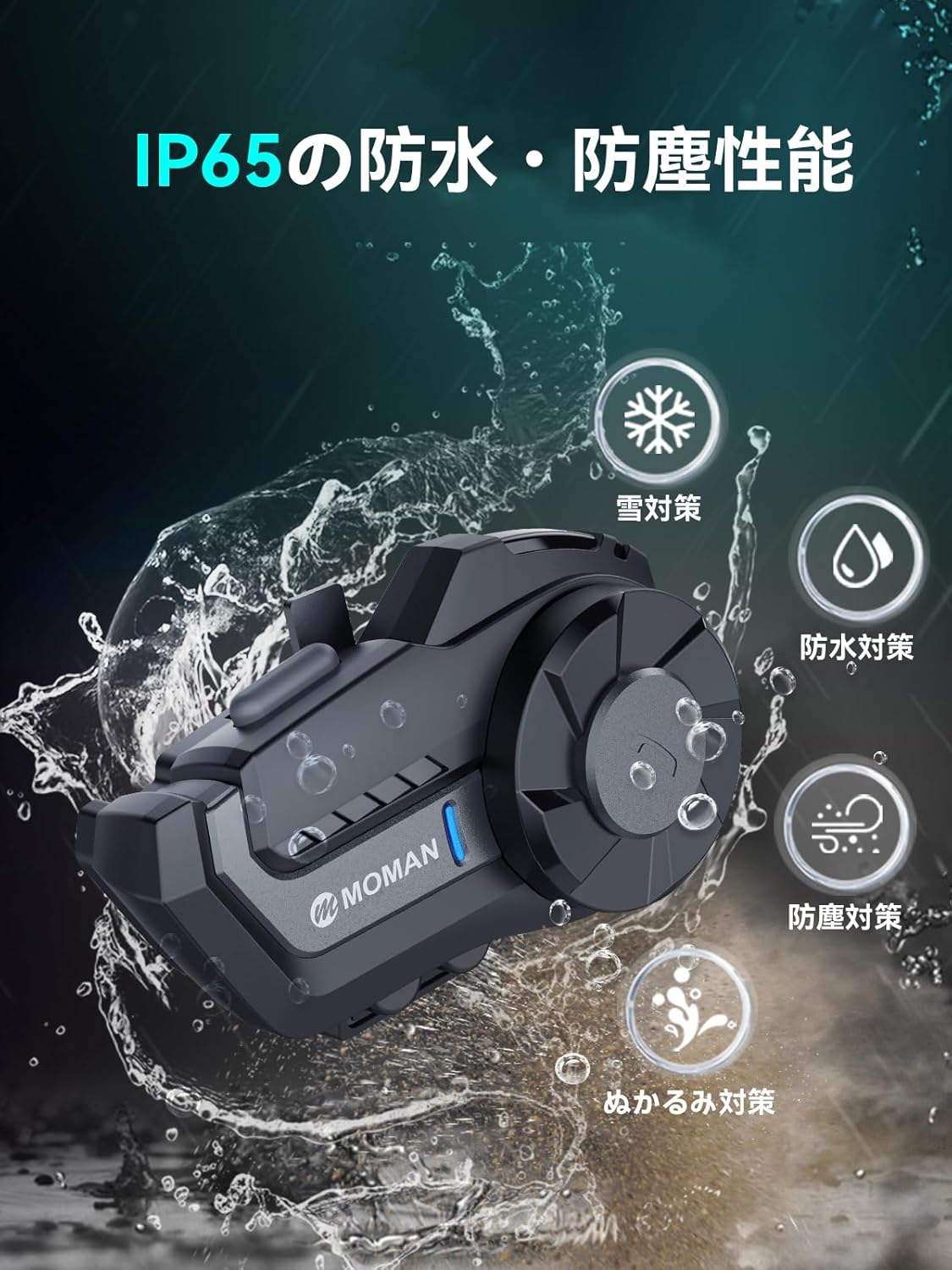
Image: The Moman H2 Pro unit being splashed with water, demonstrating its IP65 waterproof and dustproof capabilities, suitable for various weather conditions.
8. Troubleshooting
| Problem | Possible Cause | Solution |
|---|---|---|
| Device does not power on | Low battery; Device frozen | Charge the device; Reset the device by holding the power button for 10 seconds. |
| Cannot pair with phone/intercom | Not in pairing mode; Too far apart; Interference | Ensure device is in pairing mode; Bring devices closer; Move away from other electronic devices. |
| Poor audio quality/noise | Microphone not positioned correctly; High wind noise; Volume too low/high | Adjust microphone position; Ensure helmet is properly sealed; Adjust volume. The device features DSP&CVC noise reduction. |
| Intercom range is shorter than expected | Obstacles (buildings, terrain); Interference | Ensure clear line of sight; Minimize obstacles. |
9. Specifications
| Feature | Description |
|---|---|
| Model Name | Moman H2 Pro |
| Wireless Technology | Wireless 5.1 |
| Communication Range | Up to 1000m |
| Simultaneous Talk | 2 people |
| Noise Reduction | DSP & CVC |
| Waterproof Rating | IP65 |
| Battery Capacity | 900mAh |
| Continuous Operation Time | Up to 20 hours |
| Standby Time | Up to 300 hours |
| Charging Time | Approx. 2 hours |
| Operating Temperature | -20°C to 50°C |
| Weight | 0.54 kg (540 g) |
| Recommended Use | Motorcycle racing, bike racing, skiing, mountain climbing, 2-person wireless communication |
| Compatible Helmets | Full-face, jet, off-road, retro, half-face helmets |
10. Warranty and Support
The Moman H2 Pro comes with a 1-year warranty.
For any questions regarding product usage or if accessories are missing, please contact us at: tukarajapan@gmail.com (Please replace ',' with '.' in the email address).
You can also contact us through your order history: Go to "Order History" → "Contact Seller".


