1. Introduction
This manual provides instructions for the safe and efficient use of your MINISO Hand-Powered Vegetable Chopper. This portable manual food processor is designed for chopping various ingredients such as garlic, onion, fruits, salad components, and nuts. It features stainless steel blades and a pull-string mechanism for operation.
2. Important Safety Instructions
- Sharp Blades: The stainless steel blades are extremely sharp. Always handle them with extreme care. Avoid direct contact with the blade edges.
- Storage: When not in use, always store the blade assembly securely within its container or a protective cover to prevent accidental cuts.
- Children: Keep the chopper and its components out of reach of children. This is not a toy.
- Supervision: Adult supervision is recommended when operating the chopper, especially if children are present.
- Intended Use: Use this product only for its intended purpose of chopping food. Do not attempt to chop hard items like ice, bones, or frozen foods, as this may damage the blades or unit.
- Assembly: Ensure all parts are correctly assembled before use.
- Cleaning: Refer to the cleaning instructions for proper maintenance. Do not immerse the lid with the pull mechanism in water.
- Material Safety: The chopper is made with BPA-free, baby food-grade ABS material.
3. Product Components
Your MINISO Hand-Powered Vegetable Chopper consists of the following main parts:
- Lid with Pull Mechanism: Contains the nylon drawstring and chopping mechanism.
- Chopping Blade Assembly: Features 3 stainless steel blades for efficient cutting.
- Container (PS Cup Body): The transparent bowl where ingredients are chopped.
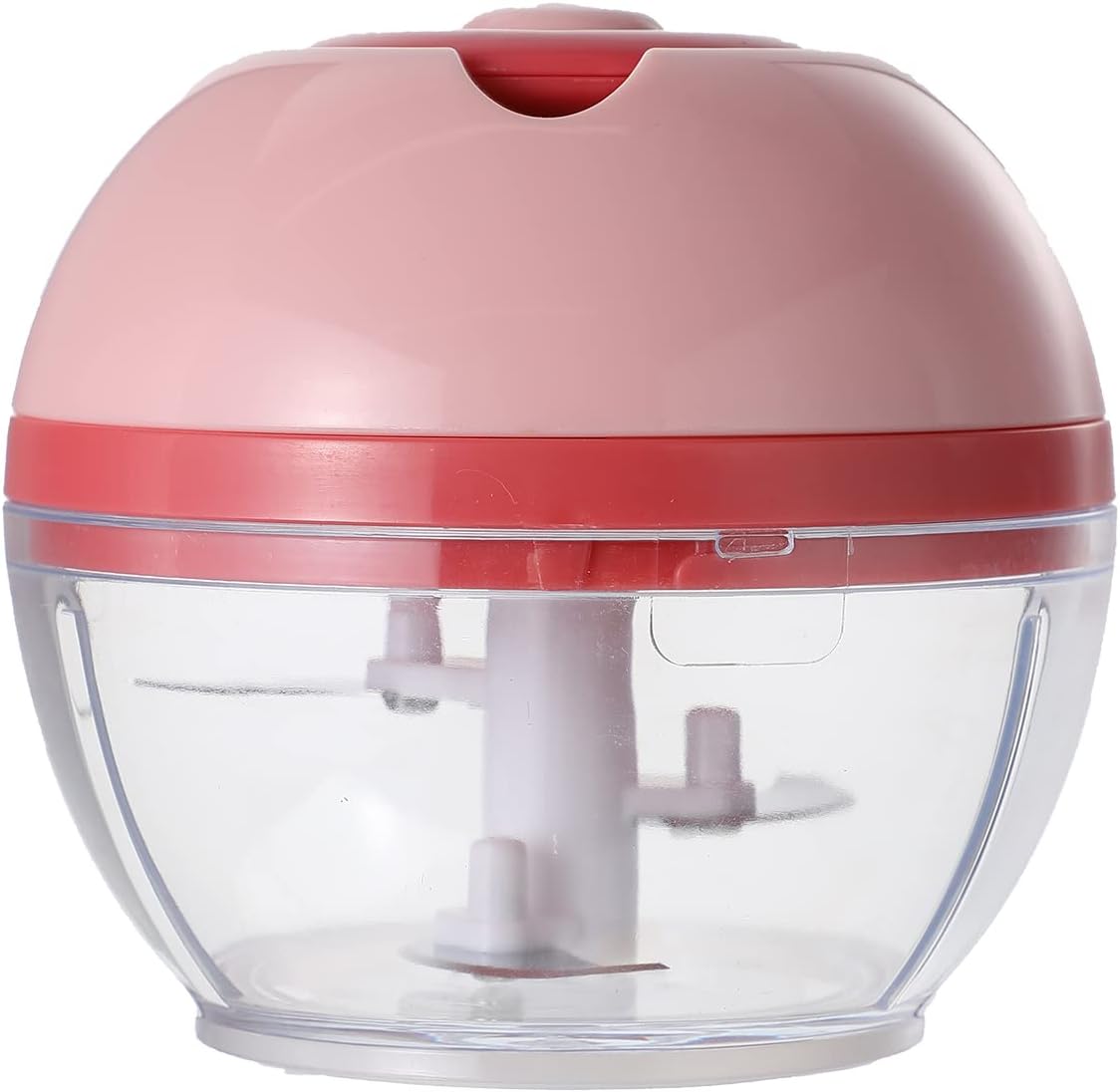
Image 1: Assembled MINISO Hand-Powered Vegetable Chopper. This image shows the complete chopper with the lid, pull mechanism, and transparent container.
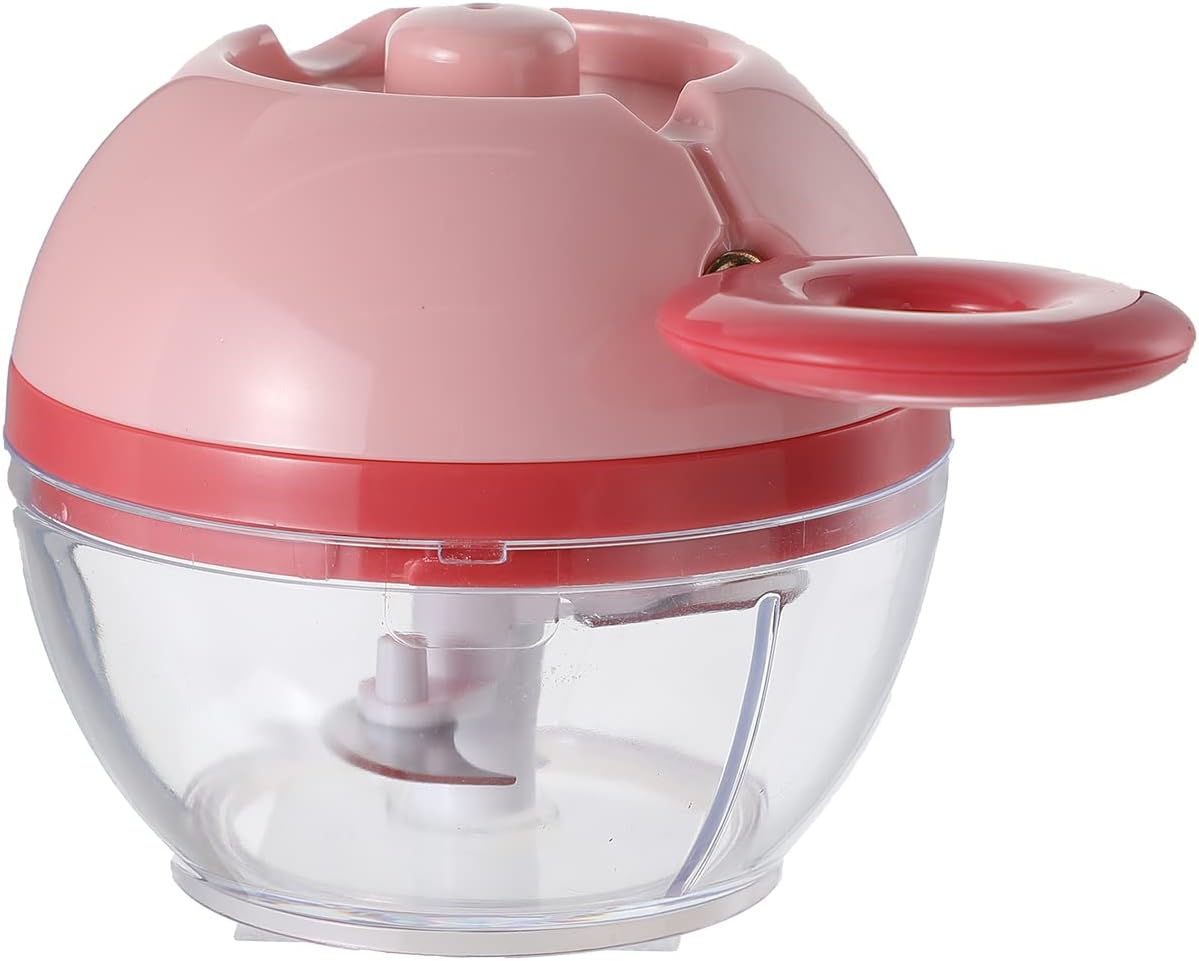
Image 2: MINISO Hand-Powered Vegetable Chopper with the pull handle extended. This image illustrates the chopper with the handle pulled out, ready for operation.
4. Setup and Assembly
- Unpack: Carefully remove all components from the packaging.
- Wash: Before first use, wash the container and blade assembly with warm, soapy water. Rinse thoroughly and dry. Do not wash the lid with the pull mechanism in water.
- Place Blades: Carefully place the chopping blade assembly onto the central pin inside the container. Ensure it sits securely.
- Add Ingredients: Place your desired ingredients into the container around the blade assembly. Do not overfill.
- Secure Lid: Place the lid onto the container, aligning the tabs, and twist or press down firmly to secure it in place. Ensure the lid is properly sealed before operation.
5. Operating Instructions
Follow these steps to operate your hand-powered vegetable chopper:
- Prepare Ingredients: Cut larger ingredients into smaller, manageable pieces (e.g., 1-2 inch chunks) before placing them in the container.
- Load Chopper: Place the prepared ingredients into the container, ensuring they do not exceed the maximum fill line (if present) and do not obstruct the blade's rotation.
- Secure Lid: Firmly attach the lid to the container.
- Operate: Hold the chopper firmly on a stable surface with one hand. With the other hand, grasp the pull handle on the lid. Pull the handle horizontally away from the body of the chopper in a swift, continuous motion.
- Repeat: Allow the cord to retract fully after each pull. Repeat the pulling motion until your desired consistency is achieved. For a rough chop, approximately 5 pulls in 5 seconds may be sufficient. For finer results, pull more times.
- Check Consistency: Periodically remove the lid to check the consistency of the chopped ingredients.
- Empty: Once chopping is complete, carefully remove the lid and blade assembly. Empty the chopped ingredients from the container.

Image 3: MINISO Hand-Powered Vegetable Chopper with the pull cord visible. This image highlights the cord mechanism used for operation.
6. Cleaning and Maintenance
Proper cleaning ensures the longevity and hygiene of your chopper.
- Disassemble: Carefully disassemble the chopper by removing the lid and then the blade assembly from the container.
- Clean Blades: Rinse the blade assembly under running water immediately after use. Use a brush to remove any food particles. Handle blades with extreme caution.
- Clean Container: The PS cup body (container) is dishwasher safe. Alternatively, wash it with warm, soapy water and rinse thoroughly.
- Clean Lid: The lid with the pull mechanism should not be immersed in water. Wipe it clean with a damp cloth. For optimal efficiency, after wiping, you can pull the rope a few times to help drain any residual water from the mechanism.
- Dry: Ensure all parts are completely dry before reassembling or storing to prevent rust on the blades and mildew.
- Storage: Store the chopper in a clean, dry place. Always store the blade assembly safely within the container or with a protective cover.
7. Troubleshooting
| Problem | Possible Cause | Solution |
|---|---|---|
| Chopper not processing ingredients effectively. |
|
|
| Pull cord is stuck or difficult to pull. |
|
|
| Chopper slides during use. |
|
|
8. Product Specifications
- Brand: MINISO
- Model: Hand-Powered Vegetable Chopper
- Power Source: Manual
- Blade Material: Stainless Steel (420 surgical grade)
- Container Material: BPA-free, baby food-grade ABS (PS cup body)
- Product Dimensions: Approximately 1"D x 2"W x 5"H (Note: These dimensions seem unusually small for a chopper, but are taken directly from product data. User should verify.)
- Item Weight: 7.4 ounces
- Included Components: Chopping Blade, Container, Lid
- Care Instructions: Dishwasher Safe (container), Hand Wash (blades), Wipe Clean (lid)
9. Warranty and Customer Support
MINISO provides a 365-day warranty service for this Hand-Powered Vegetable Chopper from the date of purchase. This warranty covers manufacturing defects under normal use.
For warranty claims, technical assistance, or any questions regarding your product, please contact MINISO customer support through the retailer where the product was purchased or visit the official MINISO website for contact information.
Please retain your proof of purchase for warranty validation.


