Introduction
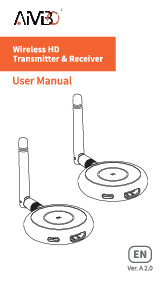
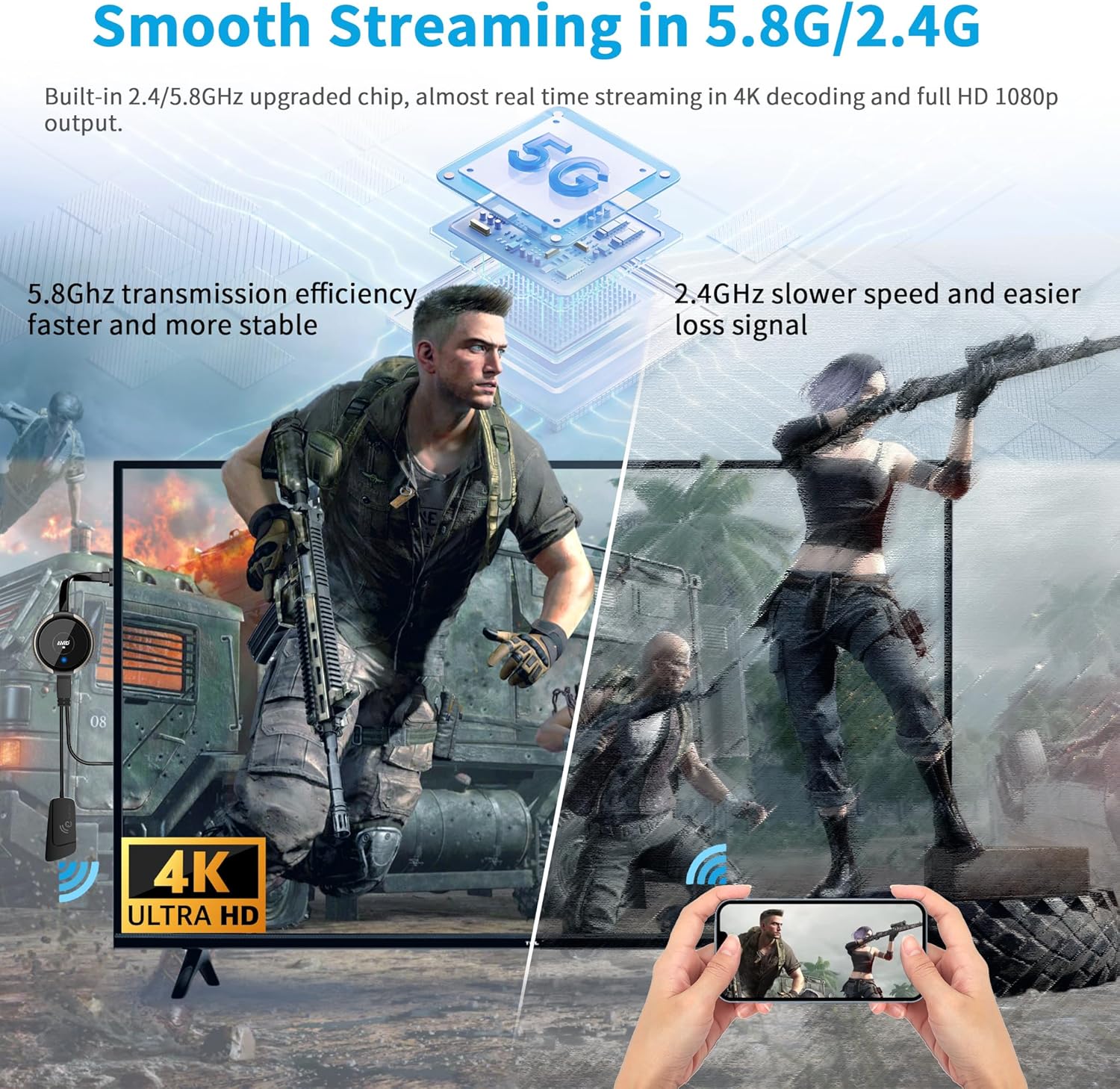
The AIMIBO Wireless HDMI Transmitter and Receiver Kit 4K (Model Q3) provides a seamless solution for wirelessly transmitting video and audio signals. This plug-and-play device eliminates the need for complex wiring, offering a convenient way to cast content from various sources to a monitor, projector, or HDTV. It supports 4K@30Hz resolution and operates on 2.4/5GHz dual-band frequencies for stable transmission with low latency.
What's in the Box
- 1x HDMI Wireless Transmitter (TX)
- 1x HDMI Wireless Receiver (RX)
- 1x USB-C Cable
- 1x 5G External Antenna & USB C Cable
- 1x Micro/Mini HDMI Adapter

Setup Instructions
Follow these steps to set up your AIMIBO Wireless HDMI Kit:
- Connect the Receiver (RX): Plug the 5G external antenna into the RX unit. Connect the RX unit to your monitor, projector, or HDTV via its HDMI connector. Power the RX unit using the provided USB-C cable by plugging it into a USB port on your display device or an external power adapter (5V 2A recommended).
- Initial Language Selection: After powering on the RX, wait 3-5 seconds for the language selection page to appear on your display. Press the middle button on the RX unit to select your preferred language. The operation interface will then display.
- Connect the Transmitter (TX): Plug the TX unit into the HDMI output port of your source device (e.g., laptop, PC, camera, Blu-ray player, PS5). Power the TX unit using the provided USB-C cable by plugging it into a USB port on your source device or an external power adapter.
- Pairing: Once both RX and TX units are powered on, long-press the middle button on the TX unit for 5-8 seconds. The indicator light on the TX will flash, indicating it is pairing. Once successfully paired, the indicator light will turn solid, and your source device's screen will be mirrored or extended to the display.
Operating Instructions
Mirror and Extend Modes
Once connected, your display will automatically mirror your source device's screen. For Windows users, you can press Win + P to select between 'Duplicate' (mirror) or 'Extend' modes. Extend mode allows you to use the connected display as a secondary monitor, expanding your workspace.
Multi-Transmitter Support (1 RX to 8 TXs)
The receiver unit can be paired with up to 8 transmitter units. This feature is useful for environments where multiple users need to share content on a single display. To switch between active transmitters, simply press the middle button on the desired TX unit. The display will automatically switch to that source.

Phone and Tablet Casting
The receiver unit can directly cast content from iOS, Android, and Windows devices via wireless Miracast, Airplay, or DLNA modes. This allows you to stream content from your smartphone or tablet to a larger screen without needing the TX unit.

Adjustable Wireless Channels
If you experience lag during streaming, you can change your wireless channel by logging into the IP address displayed on the screen via your phone's browser. This helps minimize interference in crowded Wi-Fi environments, ensuring a smoother streaming experience.
Specifications
| Feature | Detail |
|---|---|
| Brand Name | AIMIBO |
| Item Model Number | Q3 |
| Connectivity Technology | Wireless, Wi-Fi, Micro / Mini HDMI, HDMI |
| Connector Type | HDMI |
| Resolution | 4K@30Hz |
| Transmission Range | Up to 165FT / 50 meters (barrier-free environment) |
| Latency | 0.1s (low latency) |
| Supported Internet Services | Netflix, Prime Video, Sky Go, BT Sport, Tiktok, Youtube, DIRECTV, HULU, Comcast TV, XFINITY, Vudu, Movistar and more (supports encryption screen projection apps) |
| Controller Type | Android, iOS |
| Item Weight | 7.7 ounces |
| Product Dimensions | 5.5 x 1.98 x 0.78 inches |
Troubleshooting
- No Signal / "Ready to Pair" Screen: If the display shows "Ready to Pair" but no signal, ensure both TX and RX units are properly powered. If they were previously paired and the connection is abnormal, you may need to re-pair them. Long-press the middle button on the RX unit for 3-5 seconds, then long-press the middle button on the TX unit for 5-8 seconds until the indicator light is solid.
- Lag or Intermittent Connection: Wireless interference can cause lag. Try adjusting the wireless channels by accessing the device's IP address (displayed on the screen) through a mobile browser. Ensure the TX and RX units are within the recommended transmission range (165FT/50M in barrier-free environments; 32FT/10M through walls/floors).
- Audio Issues: Some users have reported minor audio lag or incompatibility with HDMI ARC soundbars. Ensure your audio setup is compatible with the HDMI extender.
- Power Supply: Both TX and RX units require a stable 5V 2A power supply. If your display's USB port is insufficient, use an external power adapter.
Maintenance
To ensure the longevity and optimal performance of your AIMIBO Wireless HDMI Kit:
- Keep the devices clean and free from dust. Use a soft, dry cloth for cleaning.
- Avoid exposing the units to extreme temperatures, humidity, or direct sunlight.
- Handle the HDMI connectors and cables with care to prevent damage.
- Store the kit in a cool, dry place when not in use.
Warranty and Support
For warranty information, technical support, or any inquiries regarding your AIMIBO Wireless HDMI Transmitter and Receiver Kit, please contact AIMIBO-US customer service directly. Refer to the product packaging or the official AIMIBO website for contact details.