
1. Introduction
The Afloia Kiloplus Smart WiFi Air Purifier is designed to enhance indoor air quality by effectively filtering various airborne particles and odors. This manual provides essential information for the safe and efficient operation, maintenance, and troubleshooting of your new air purifier. Please read it thoroughly before use.

Image 1.1: Afloia Kiloplus Smart WiFi Air Purifier overview, highlighting key features like 3-stage filtration, timer, 7-color light, and compatibility with smart assistants.
2. Product Features
- Voice Control: Compatible with Alexa, allowing control via voice commands for power, fan speed, and timer settings.
- Faster Air Cleaning: With a CADR of 140 m³/h, it filters air 4 times per hour in rooms up to 269 sq ft, and can purify a 1076 sq ft room in approximately one hour.
- 3-Stage Filtration System: Improves overall air quality and helps alleviate symptoms related to allergies, coughing, and sneezing.
- APP Remote Control: Control the air purifier remotely using the Afloia Home APP (requires 2.4Ghz WiFi).
- Multiple Filter Choices: Offers original and pet allergy replacement filters, recommended for replacement every 4-6 months.
- Quiet Operation: Features a sleep mode with a low noise level of 22dB.
- Timer Function: Includes 2, 4, and 8-hour timer settings.
- Atmosphere Lighting: Optional 7-color ambient light.
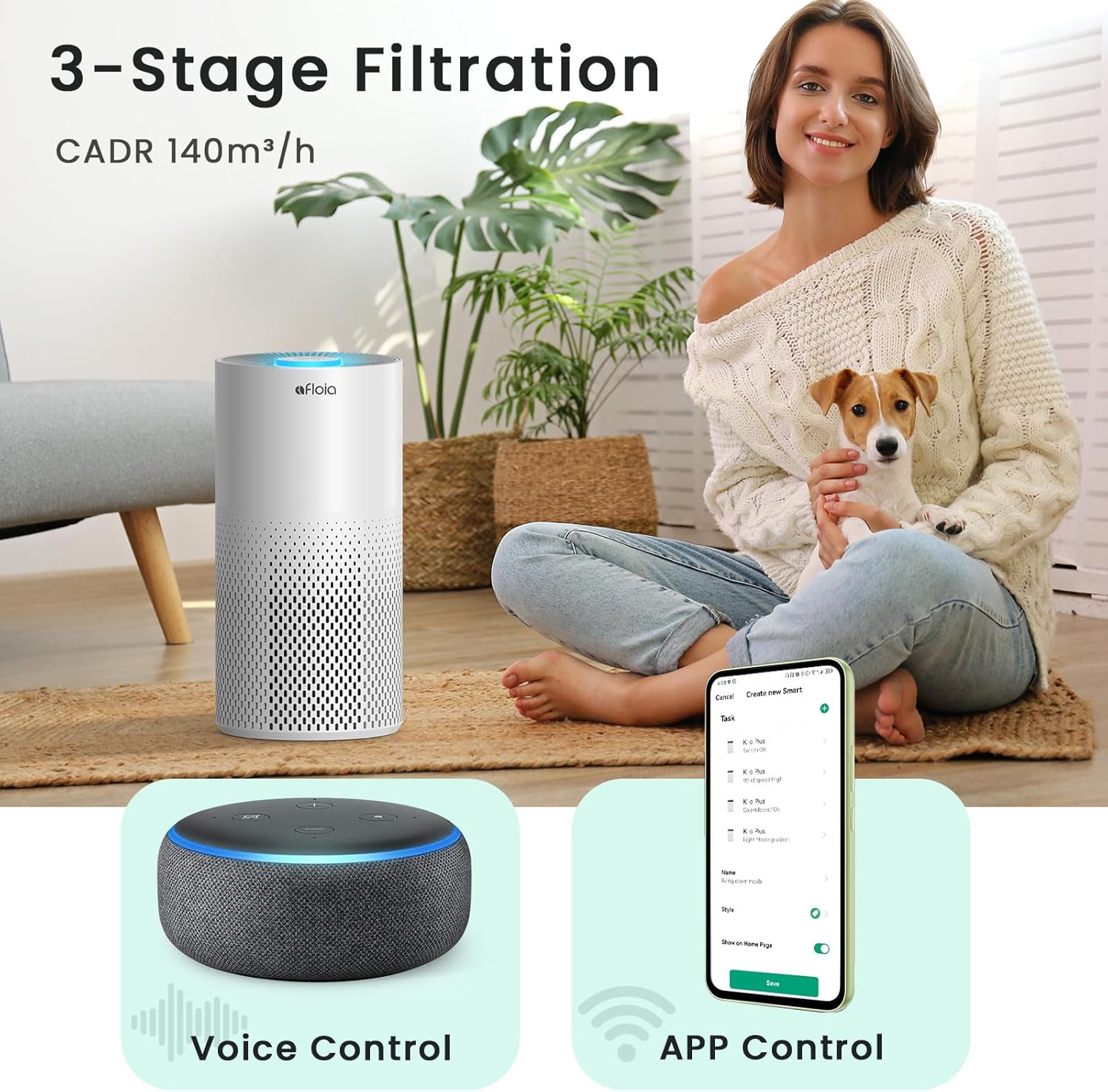
Image 2.1: The Afloia Kiloplus Air Purifier in a home setting, illustrating its 3-stage filtration, voice control, and app control capabilities.
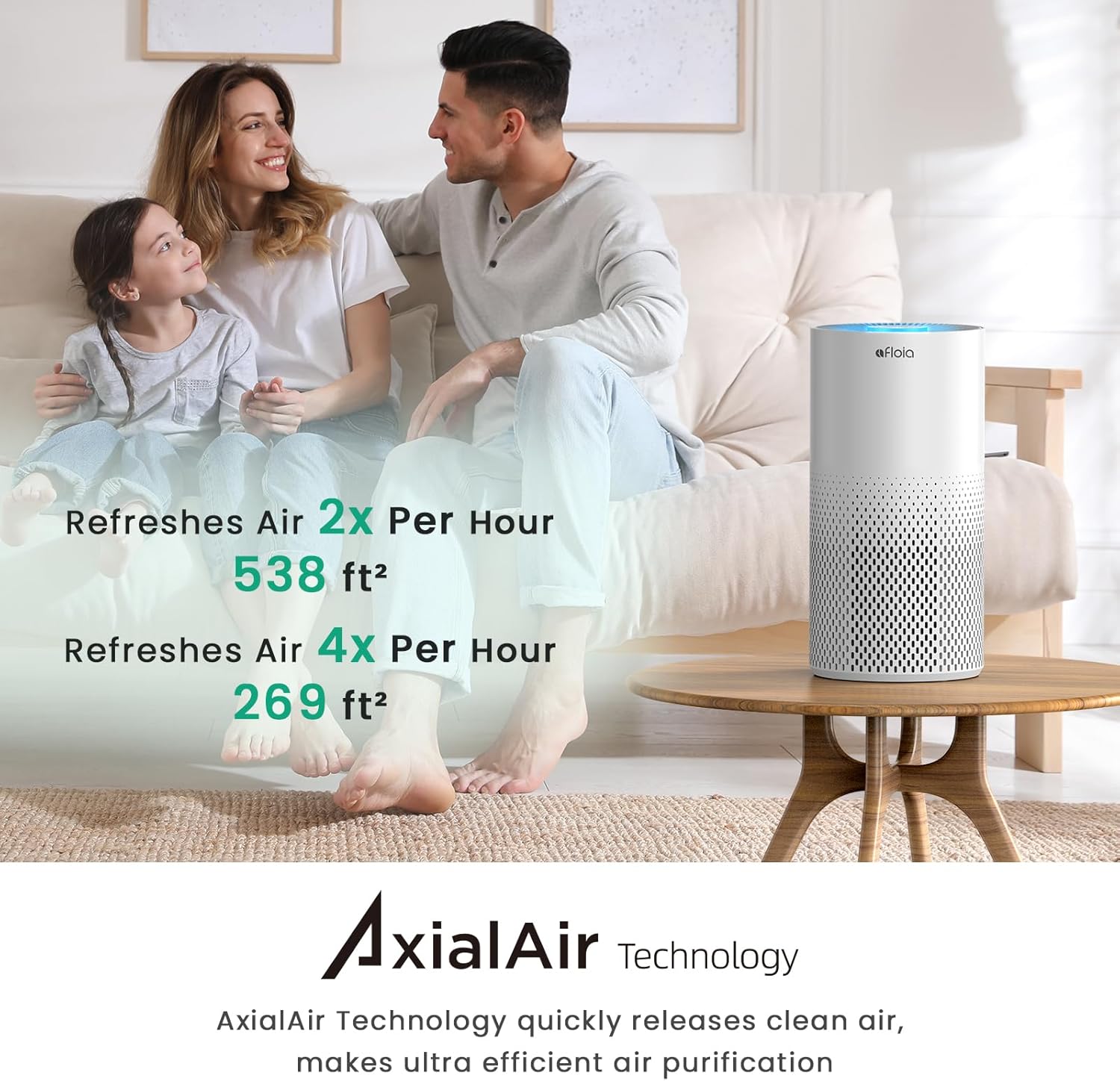
Image 2.2: Visual representation of the air purifier's efficiency, demonstrating air refresh rates for different room sizes using AxialAir Technology.
3. Package Contents
Please check the package for the following items:
- Afloia Kiloplus Air Purifier Unit
- 3-Stage Filter (Pre-installed or separate, check packaging)
- Power Adapter
- User Manual
4. Safety Instructions
To reduce the risk of fire, electric shock, or injury, please read and follow all instructions and warnings in this manual.
- Always unplug the air purifier before moving it, opening the grille, changing filters, or performing any maintenance.
- Do not use the air purifier in wet environments or near water.
- Keep the power cord away from heated surfaces.
- Do not operate the air purifier if the power cord or plug is damaged.
- Ensure proper ventilation; do not block air openings.
- This appliance is not intended for use by persons (including children) with reduced physical, sensory or mental capabilities, or lack of experience and knowledge, unless they have been given supervision or instruction concerning use of the appliance by a person responsible for their safety.
5. Setup
5.1 Filter Installation
- Unpack the air purifier and place it on a flat, stable surface.
- Turn the unit upside down and twist the base counter-clockwise to unlock and remove it.
- Remove the plastic packaging from the filter.
- Insert the filter back into the unit, ensuring it is seated correctly.
- Replace the base and twist clockwise to lock it securely.
5.2 Power Connection
Connect the power adapter to the port at the back of the air purifier, then plug the adapter into a standard electrical outlet.
6. Operating Instructions
6.1 Control Panel Operation
The control panel is located on the top of the unit. It features touch-sensitive buttons for various functions:
- Power Button: Press to turn the unit ON/OFF.
- Fan Speed Button: Cycle through High, Mid, and Sleep modes.
- Timer Button: Set the operating time for 2, 4, or 8 hours.
- Light Button: Adjust or turn off the ambient light.

Image 6.1: The air purifier's control panel indicating sleep mode and timer options, emphasizing quiet operation for nighttime use.
6.2 APP Remote Control
Download the Afloia Home APP from your smartphone's app store. Follow the in-app instructions to connect your air purifier to your 2.4Ghz WiFi network. The app allows you to:
- Turn the unit ON/OFF remotely.
- Adjust fan speed and timer settings.
- Set custom schedules for operation.
- Monitor filter life.
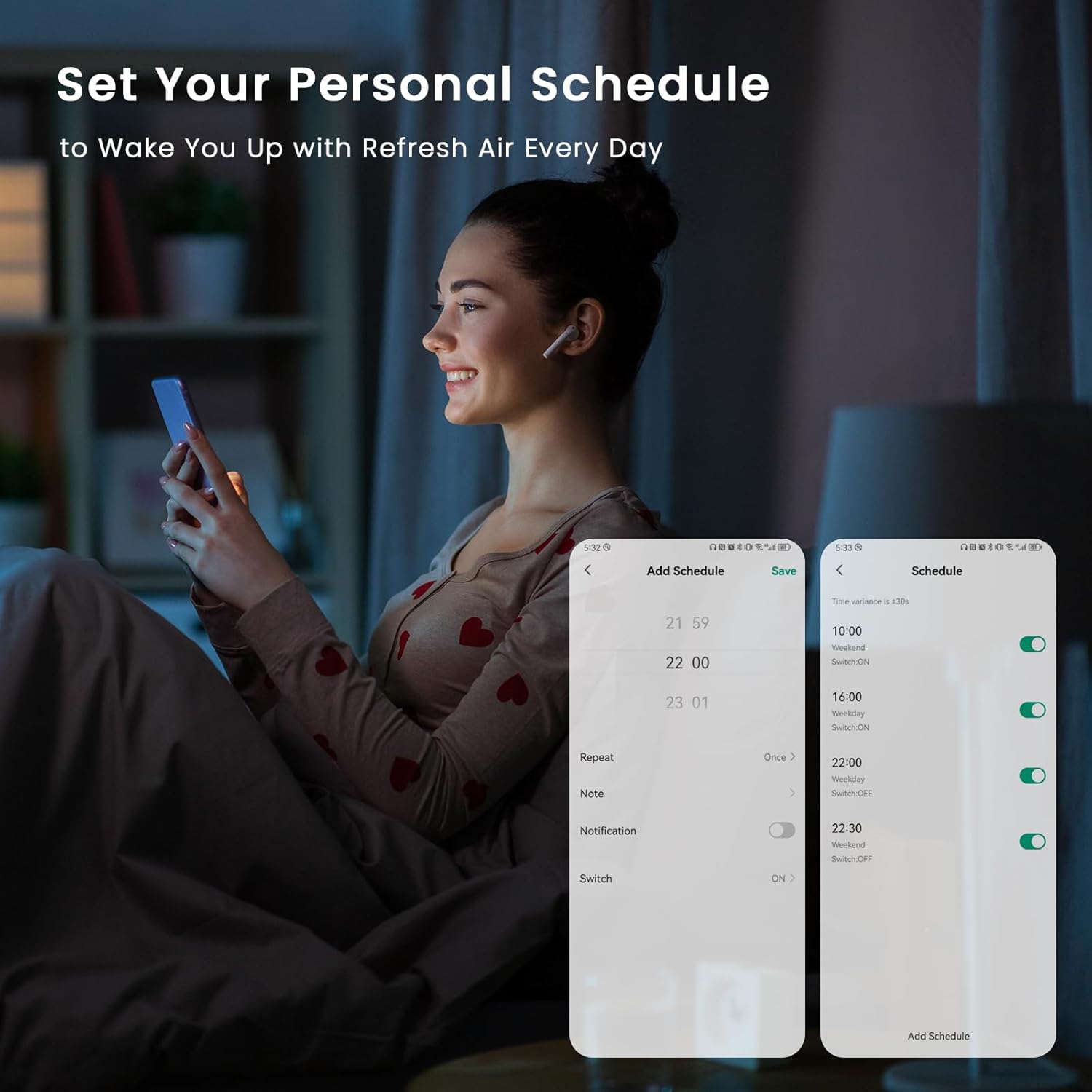
Image 6.2: A user setting a personalized schedule for the air purifier via the Afloia Home app on their smartphone.

Image 6.3: The Afloia Home app interface demonstrating remote control capabilities for different rooms within a home.
6.3 Voice Control with Alexa
Once connected to the Afloia Home APP, you can link your air purifier to Amazon Alexa. Use simple voice commands to control the unit, such as:
- "Alexa, turn on Afloia Air Purifier."
- "Alexa, set Afloia Air Purifier to high speed."
- "Alexa, set a 4-hour timer on Afloia Air Purifier."

Image 6.4: Demonstrating hands-free voice control of the Afloia Air Purifier using an Alexa-enabled device.
7. Maintenance
7.1 Filter Replacement
The 3-stage filter should be replaced every 4-6 months, depending on air quality and usage. The Afloia Home APP will also indicate filter life remaining.
- Unplug the air purifier from the power outlet.
- Turn the unit upside down and twist the base counter-clockwise to unlock and remove it.
- Remove the old filter and dispose of it properly.
- Insert a new Afloia replacement filter (Original Filter or Pet Allergy Filter) into the unit.
- Replace the base and twist clockwise to lock it securely.
- Plug the air purifier back in. If using the app, reset the filter life indicator.

Image 7.1: Diagram illustrating the steps for removing and replacing the air purifier filter.
7.2 Cleaning the Unit
Wipe the exterior of the air purifier with a soft, dry cloth. Do not use abrasive cleaners or solvents. Ensure no water enters the unit.
8. Troubleshooting
- Unit not turning on: Ensure the power adapter is securely plugged into both the unit and the wall outlet. Check if the outlet is functional.
- Poor air purification: Check if the filter is installed correctly and if the plastic packaging has been removed. Consider replacing the filter if it's old.
- WiFi connection issues: Ensure your router is broadcasting a 2.4Ghz signal. Restart your router and the air purifier, then attempt to reconnect via the Afloia Home APP.
- Unusual noise: Check for any obstructions in the air intake or outlet. Ensure the filter is properly seated.
9. Specifications
| Product Dimensions | 7.68"D x 15.28"W x 7.68"H |
| Item Weight | 4.8 Pounds |
| Power Source | AC |
| Color | White |
| CADR | 140 m³/h |
| Coverage Area | Up to 1076 sq ft (purifies in 1 hour) |
| Noise Level | 22dB (Sleep Mode) |
| Filter Type | 3-Stage (Nylon Pre-filter, True HEPA, Activated Carbon) |
| Connectivity | Smart WiFi (2.4Ghz only), Alexa Compatible |
10. Warranty and Support
10.1 Warranty Information
This product may be eligible for protection plans. Please refer to your purchase documentation for details on available 3-Year or 4-Year Protection Plans, or the Complete Protect plan.
10.2 Legal Disclaimer
Statements regarding dietary supplements have not been evaluated by the FDA and are not intended to diagnose, treat, cure, or prevent any disease or health condition.
10.3 Customer Support
For further assistance, please contact Afloia customer support. Refer to the contact information provided in your product packaging or visit the official Afloia website.


