
ZEBRONICS ZEB- YOGA 3 (BLACK)
Zebronics Zeb-Yoga 3 Wireless Earphone User Manual
Model: ZEB- YOGA 3 (BLACK)
Introduction
Thank you for choosing the Zebronics Zeb-Yoga 3 Wireless Earphones. This manual provides detailed instructions on how to set up, operate, and maintain your earphones to ensure optimal performance and longevity. The Zeb-Yoga 3 features Bluetooth v5.0 connectivity, rapid charging, a long-lasting 17-hour battery backup, voice assistant support, and a built-in microphone for call functions. Its flexible neckband and magnetic earpieces offer comfort and convenience.

Figure 1: Zebronics Zeb-Yoga 3 Wireless Earphones
This image displays the Zebronics Zeb-Yoga 3 wireless earphones in black, highlighting their flexible neckband design and the magnetic in-ear earpieces.
What's in the Box
Please check the package contents to ensure all items are present:
- Neckband-1 unit
- Cable (Type-C charging cable)
- User Manual

Figure 2: Key Features and Included Accessories
This diagram illustrates the core features of the Zeb-Yoga 3, including its flexible neckband, call function capability, built-in rechargeable battery, the provision of extra earpieces for a comfortable fit, and Bluetooth v5.0 connectivity.
Product Layout and Controls
Familiarize yourself with the various parts and controls of your Zeb-Yoga 3 earphones.
- Flexible Neckband: Designed for comfortable wear around the neck.
- Magnetic Earpieces: The earbuds have magnets to keep them together when not in use, preventing tangles.
- Control Module: Located on the neckband, housing buttons for various functions and the charging port.
- Built-in Microphone: For hands-free calling.

Figure 3: Magnetic Earpieces
This image provides a close-up view of the magnetic earpieces, demonstrating how they can securely attach to each other when not in use, aiding in tangle-free storage.

Figure 4: Control Module and Media Controls
This image highlights the control module on the neckband, detailing the buttons for media playback (play/pause) and track navigation/volume control.
Charging the Earphones
The Zeb-Yoga 3 features a built-in rechargeable battery with a Type-C charging facility.
- Connect the Type-C charging cable (provided in the package) to the charging port on the earphone's control module.
- Connect the other end of the cable to a USB power source (e.g., wall adapter, computer USB port).
- The LED indicator will show the charging status.
- A full charge provides approximately 17 hours of playback.
- Rapid Charging: With just 10 minutes of charge, the Zeb-Yoga 3 provides approximately 7 hours of playback.

Figure 5: Type-C Rapid Charging
This image illustrates the Type-C charging port on the earphone's control module and highlights the rapid charging capability, showing that a 10-minute charge can provide up to 8 hours of use.

Figure 6: Extended Playback Time
This graphic emphasizes the impressive 17 hours of playback time available on a full charge, ensuring long-lasting audio enjoyment.
Bluetooth Pairing (Setup)
Follow these steps to pair your Zeb-Yoga 3 earphones with your device:
- Power On: Press and hold the Multi-function button on the control module until the LED indicator flashes blue and red alternately, indicating pairing mode.
- Activate Bluetooth: On your smartphone, tablet, or laptop, enable Bluetooth.
- Search for Devices: Scan for available Bluetooth devices.
- Select "ZEB-YOGA 3": From the list of devices, select "ZEB-YOGA 3".
- Confirm Pairing: Once connected, the LED indicator will flash blue slowly, and you will hear a confirmation tone.
- The earphones will automatically connect to the last paired device when powered on, if Bluetooth is enabled on the device.
Operating Instructions
Power On/Off
- Power On: Press and hold the Multi-function button until the LED indicator lights up.
- Power Off: Press and hold the Multi-function button until the LED indicator turns off.
Music Playback
- Play/Pause: Press the Multi-function button once.
- Next Track: Long press the Volume Up (+) button.
- Previous Track: Long press the Volume Down (-) button.
- Volume Up: Short press the Volume Up (+) button.
- Volume Down: Short press the Volume Down (-) button.
Call Functions
- Answer/End Call: Press the Multi-function button once.
- Reject Call: Press and hold the Multi-function button.
- Redial Last Number: Double-press the Multi-function button.
Voice Assistant
The Zeb-Yoga 3 supports voice assistants on both Android and iOS devices.
- Activate Voice Assistant: Triple-press the Multi-function button to activate your device's voice assistant (e.g., Google Assistant, Siri).
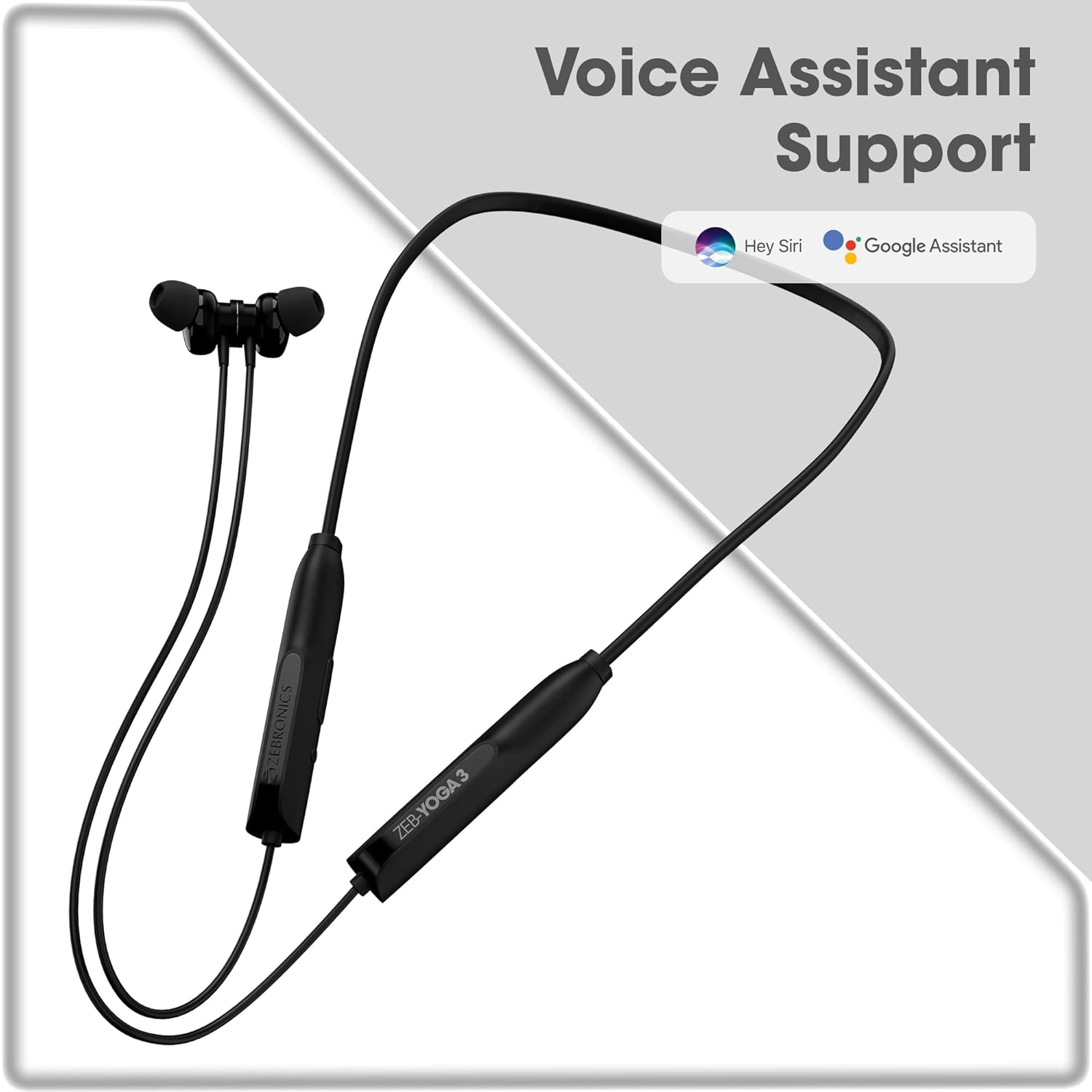
Figure 7: Voice Assistant Support
This image confirms the earphones' compatibility with popular voice assistants like Hey Siri and Google Assistant, allowing for hands-free control.
Maintenance
To ensure the longevity and optimal performance of your earphones, follow these maintenance tips:
- Keep the earphones dry. Avoid exposure to water or excessive moisture.
- Clean the earpieces and charging port regularly with a soft, dry cloth.
- Store the earphones in a cool, dry place away from direct sunlight and extreme temperatures.
- Avoid dropping or subjecting the earphones to strong impacts.
- Do not attempt to disassemble or repair the earphones yourself. Contact customer support for assistance.
Troubleshooting
If you encounter any issues with your Zeb-Yoga 3 earphones, refer to the following common problems and solutions:
| Problem | Possible Cause | Solution |
|---|---|---|
| Earphones do not power on. | Low battery. | Charge the earphones fully using the provided Type-C cable. |
| Cannot pair with device. | Earphones not in pairing mode; Bluetooth off on device; device too far. | Ensure earphones are in pairing mode (flashing blue/red). Turn on Bluetooth on your device. Keep devices within 10 meters. |
| No sound or low volume. | Volume too low; earphones not connected; incorrect audio output. | Increase volume on both earphones and device. Re-pair the earphones. Check audio output settings on your device. |
| Call quality is poor. | Weak signal; microphone obstruction. | Move closer to your device. Ensure the microphone is not covered. |
Specifications
Detailed technical specifications for the Zebronics Zeb-Yoga 3 Wireless Earphones:
| Feature | Detail |
|---|---|
| Model Name | ZEB- YOGA 3 (BLACK) |
| Connectivity Technology | Wireless (Bluetooth v5.0) |
| Bluetooth Version | 5.0 |
| Audio Driver Size | 14 Millimetres |
| Battery Life | 17 Hours (approx.) |
| Charging Type | Type-C (Rapid Charging) |
| Microphone Format | Built-In |
| Control Type | Voice Control, Button Control |
| Special Features | Metallic & Magnetic Earpieces, Voice assistant support, Fast Charging |
| Compatible Devices | Smartphones, Tablets, Laptops |
| Item Weight | 210 Grams |
| Product Dimensions (LxWxH) | 2.8 x 18.3 x 20.7 cm |
| Manufacturer | Zebronics India Private Limited |
Warranty and Support
Your Zebronics Zeb-Yoga 3 Wireless Earphones come with a manufacturer's warranty. For detailed information regarding the warranty policy, please refer to the warranty card included in your product package or visit the official Zebronics website.
For any technical support, service, or inquiries, please contact Zebronics customer care. Contact details can typically be found on the official Zebronics website or on the product packaging.
Important: Do not attempt to open or modify the device. This may void the warranty and could cause damage to the product.
Related documentsZEB- YOGA 3 (BLACK)


Ask a question about this manual
Ask about setup, troubleshooting, compatibility, parts, safety, or missing instructions. Manuals+ will review the question and use this page’s manual context to help answer it.