
1. Introduction
Thank you for choosing the KoolMore BC-2DSL-BK Commercial Refrigerator. This manual provides essential information for the safe and efficient installation, operation, and maintenance of your new appliance. Please read these instructions thoroughly before use and retain them for future reference.
2. Safety Information
WARNING: To reduce the risk of fire, electric shock, or injury, follow these basic precautions:
- Read all instructions before using the appliance.
- This appliance must be properly installed and located in accordance with the Installation Instructions before it is used.
- Do not allow children to climb, stand, or hang on the shelves of the refrigerator. They could damage the appliance and seriously injure themselves.
- Do not store or use gasoline or other flammable vapors and liquids in the vicinity of this or any other appliance.
- Ensure the appliance is connected to a properly grounded electrical outlet.
- This product contains chemicals known to the State of California to cause cancer and birth defects or other reproductive harm.
- The unit is ETL Listed for Safety and Sanitation and NSF compliant to ANSI 7 Standard for commercial refrigerators.
3. Package Contents
Verify that all items are present in the packaging:
- KoolMore BC-2DSL-BK Commercial Refrigerator Unit
- 4 Shelves
- Shelves Clips
- 2 Leveling Feet (additional to pre-installed)
- Instruction Manual
4. Setup
4.1 Placement
Place the refrigerator on a flat, stable surface. Ensure adequate ventilation around the unit. The exterior dimensions are approximately 35.4"L x 20.5"W x 35.4"H. Allow sufficient space for air circulation around the back and sides of the unit.
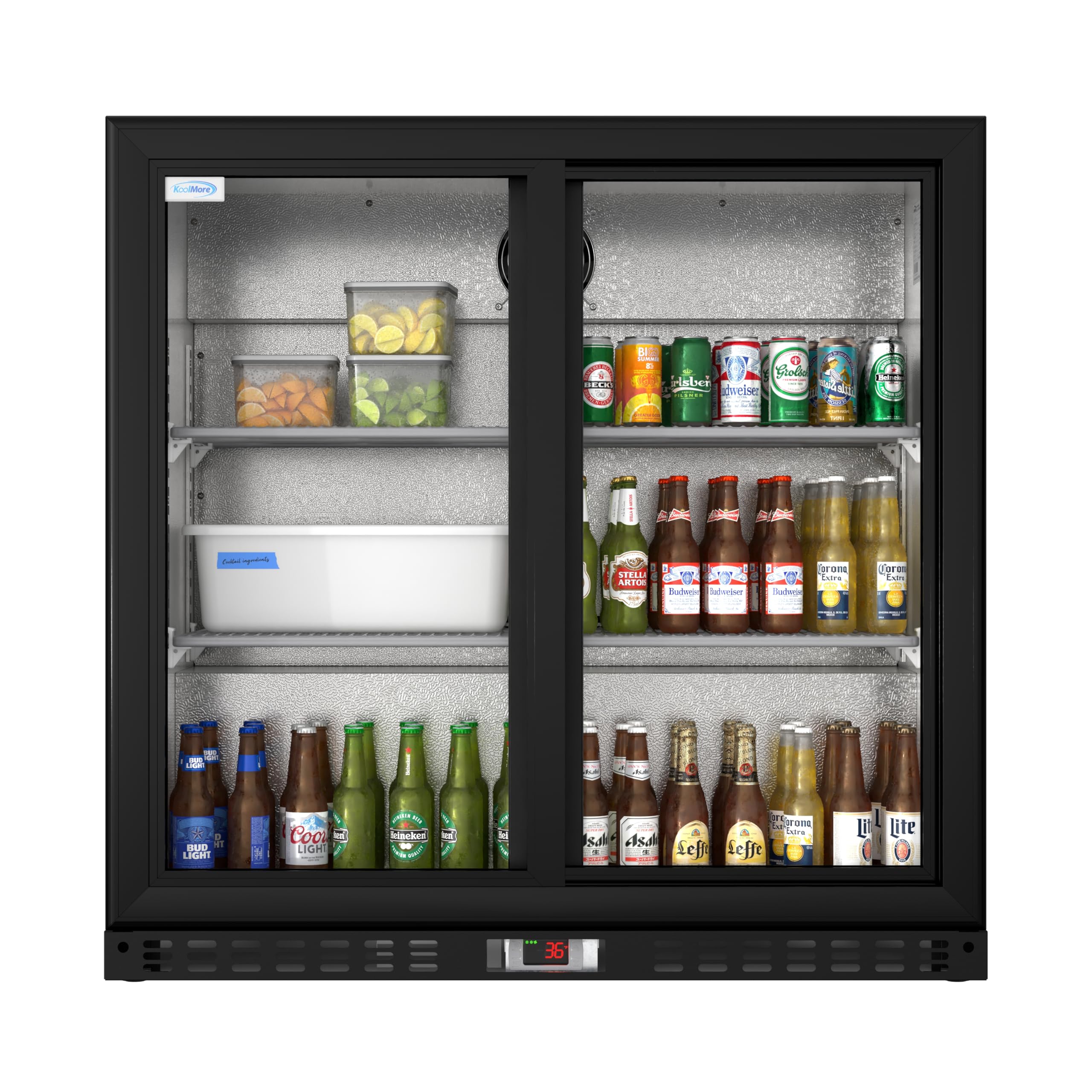
Figure 1: Front view of the KoolMore BC-2DSL-BK Commercial Refrigerator with key dimensions.
4.2 Leveling
The unit is equipped with adjustable feet for height flexibility. Use these to ensure the refrigerator is perfectly level, which is crucial for proper door operation and cooling efficiency.
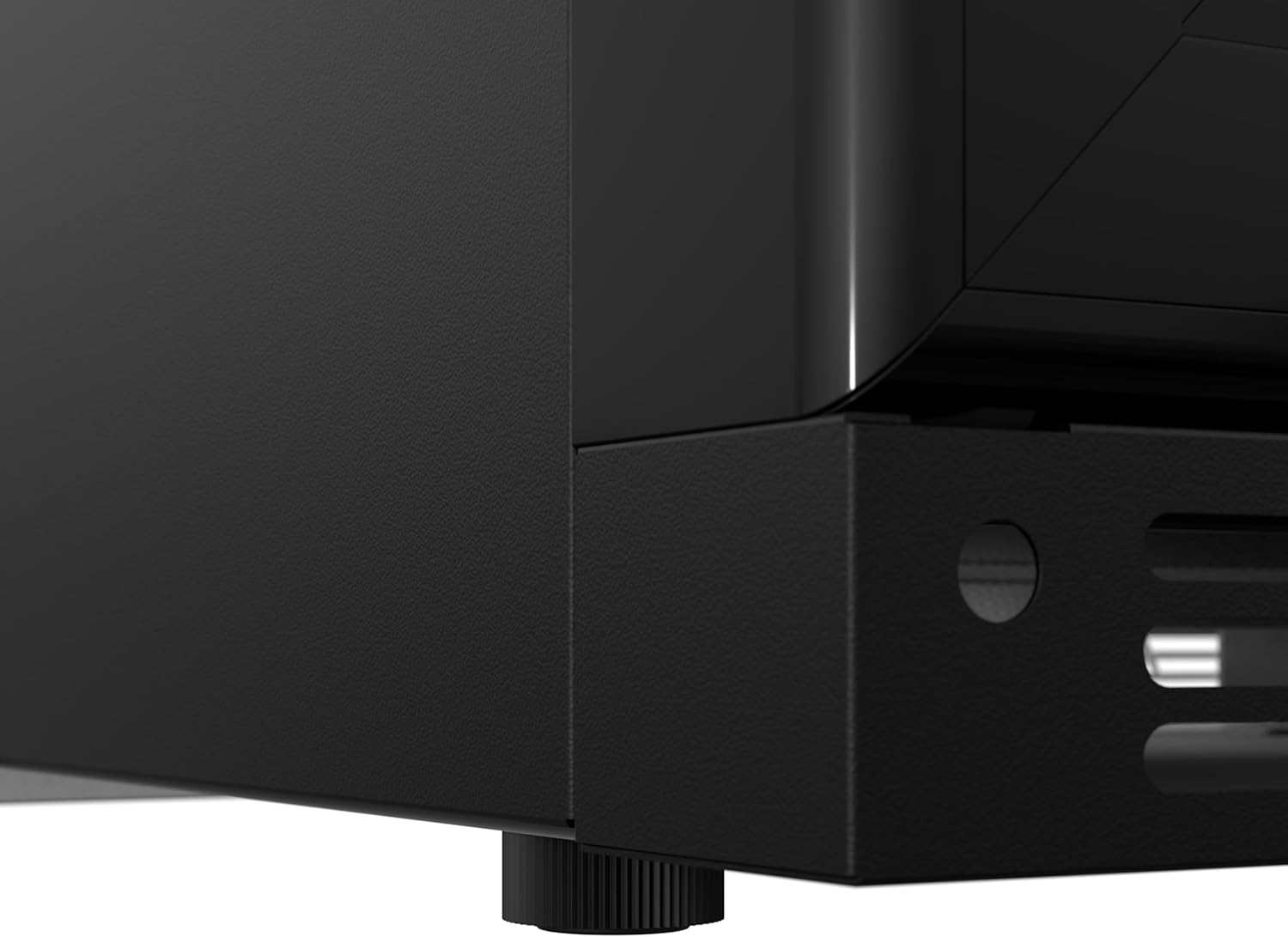
Figure 2: Adjustable leveling feet for stability.
4.3 Shelf Installation
Install the four adjustable wire shelves using the provided shelf clips. Position them according to your storage needs. The shelves are removable for cleaning or to accommodate larger items.
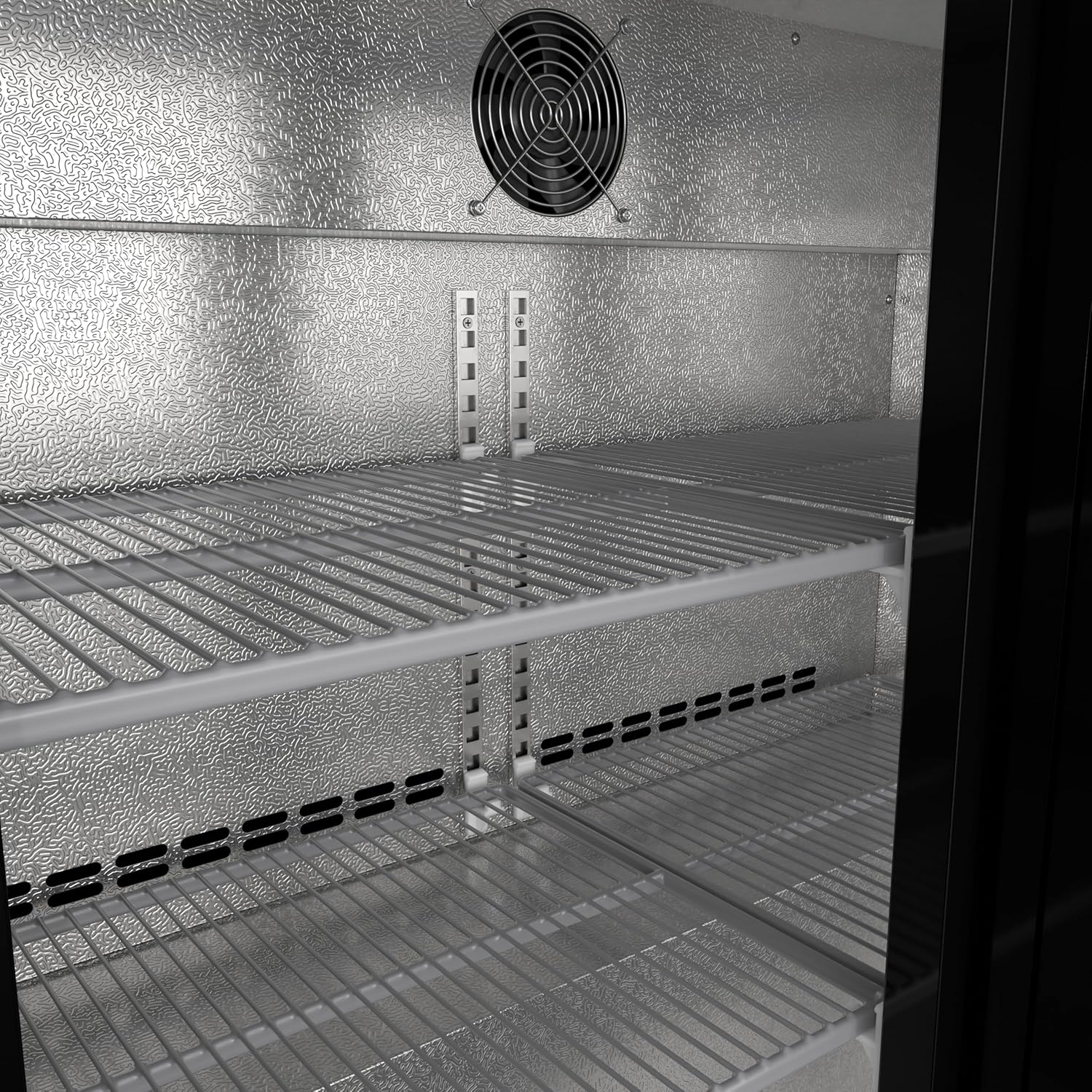
Figure 3: Interior of the refrigerator with adjustable shelves.
4.4 Power Connection
Connect the refrigerator to a dedicated 115 Volt, Type A - 2 pin (North American) grounded electrical outlet. Avoid using extension cords. Allow the unit to stand upright for at least 2 hours before plugging it in to allow refrigerants to settle.

Figure 4: Rear view of the unit, showing the power cord connection area.
5. Operating Instructions
5.1 Digital Temperature Control
The refrigerator features an external digital temperature display and controls. The temperature range is 35-46 Fahrenheit (approximately 1.7-7.8 Celsius). Use the 'SET' button and arrow keys to adjust the desired temperature.

Figure 5: Digital temperature display and control panel.
5.2 LED Lighting
The unit includes LED lighting with an independent switch to illuminate the interior. This enhances product visibility. The switch is typically located near the control panel or inside the unit.

Figure 6: Interior LED lighting for product display.
5.3 Sliding Doors and Locks
The refrigerator is equipped with double sliding glass doors for easy access and space efficiency. Each door has a lock to secure contents when the unit is not in use.

Figure 7: Double sliding glass doors.
5.4 Auto Defrost Function
This cooler features an Auto Defrost Function sensor that detects the temperature and automatically switches into auto defrost mode when the temperature reaches freezing point. This prevents ice build-up inside the refrigerator that can cause drinks to freeze.
Video 1: Overview of the KoolMore Double Door Back Bar Cooler, highlighting features like auto defrost and LED lighting.
6. Maintenance
6.1 Cleaning
Regular cleaning is essential for optimal performance and hygiene. Disconnect the power before cleaning. Clean the interior and exterior surfaces with a mild detergent and warm water. The unit has a self-evaporating water pan, which reduces the need for manual draining.
6.2 Defrosting
The refrigerator is equipped with an automatic defrost system. Manual defrosting is generally not required. If excessive ice build-up occurs, ensure the doors are sealing properly and the ambient temperature is within operating limits.
7. Troubleshooting
If you experience issues with your refrigerator, consult the following common problems and solutions:
| Problem | Possible Cause | Solution |
|---|---|---|
| Refrigerator does not operate | No power to the unit; power cord unplugged; circuit breaker tripped. | Check power connection; ensure outlet is functional; reset circuit breaker. |
| Unit is not cooling sufficiently | Temperature setting too high; door not closed properly; excessive door openings; unit overloaded; poor ventilation. | Adjust temperature setting; ensure doors seal tightly; reduce frequency of door openings; do not overload; ensure adequate space around unit for ventilation. |
| Excessive noise | Unit not level; loose parts; fan obstruction. | Adjust leveling feet; check for loose components and tighten if necessary; ensure fan is clear of obstructions. Note: Some operational noise from the compressor and fans is normal. |
| Water on floor | Drain pan overflowing; drain hose clogged. | Check and clear drain hose if necessary. Ensure unit is level. |
8. Specifications
| Feature | Detail |
|---|---|
| Model Name | BC-2DSL-BK |
| Product Dimensions (D x W x H) | 20.5" x 35.4" x 35.4" |
| Capacity | 7.4 Cubic Feet |
| Color | Black |
| Number of Doors | 2 (Sliding Glass Doors) |
| Defrost System | Automatic |
| Voltage | 115 Volts |
| Refrigerant | R-290 or R-600A |
| Installation Type | Freestanding |
| Special Features | Adjustable Shelves, Automatic Defrost, Digital Controller, Lockable, Quiet |
| Certifications | ETL Listed, NSF compliant to ANSI 7 Standard |
9. Warranty and Support
9.1 Warranty Information
This KoolMore refrigerator comes with a 1 Year Parts and Labor Warranty. Please retain your proof of purchase for warranty claims. For specific warranty terms and conditions, refer to the documentation provided with your purchase or contact KoolMore customer service.
9.2 Customer Support
For technical assistance, parts, or service inquiries, please contact KoolMore customer support. Contact information can typically be found on the manufacturer's website or on the product packaging.


