
Introduction
The VIMTAG 3.5K/6MP Indoor Pet Camera is designed to provide comprehensive surveillance for your home, pets, or children. This camera offers high-definition video, two-way audio communication, advanced night vision, and intelligent detection features to keep you connected and informed. It supports both local Micro SD card storage and cloud storage options, ensuring your recordings are securely saved.
Product Overview
Familiarize yourself with the components and features of your VIMTAG Indoor Pet Camera.

Figure 1: VIMTAG Indoor Pet Camera Component Diagram
- IR LED: Infrared lights for night vision.
- Lens: The primary camera lens for capturing video.
- MIC: Microphone for audio input.
- Reset Button: Used to reset the device to factory settings.
- SD Card Slot: For inserting a Micro SD card (up to 512GB, not included) for local storage.
- Loudspeaker: For audio output during two-way communication or alarms.
- Power Port: Micro USB port for power connection.
Setup
Follow these steps to set up your VIMTAG Indoor Pet Camera.
1. App Installation
Download the companion app to your smartphone. Scan the QR code provided in the manual or search for 'CannyCam' in your device's app store (Google Play for Android, App Store for iOS).

Figure 2: CannyCam App Download and Setup Steps
2. Powering On
Connect the camera to a power source using the provided USB cable and power adapter. The camera will power on and initiate its startup sequence.
3. Network Configuration
Open the CannyCam app and follow the on-screen instructions to add your new device. Ensure your smartphone is connected to a 2.4GHz Wi-Fi network, as the camera only supports this frequency. You may also connect via an Ethernet cable for initial setup or a wired connection.
4. Device Pairing
The app will guide you to scan a QR code located on the camera's label to establish the connection. Point your phone's speaker towards the camera during configuration for sound-based pairing.
5. Password Setup & Firmware Update
For security, set a strong password for your camera within the app. If prompted, perform any available firmware updates to ensure optimal performance and access to the latest features.
Operating Instructions
Live View & Control
Once connected, tap on your camera in the app to access the live video feed. From here, you can control various functions.
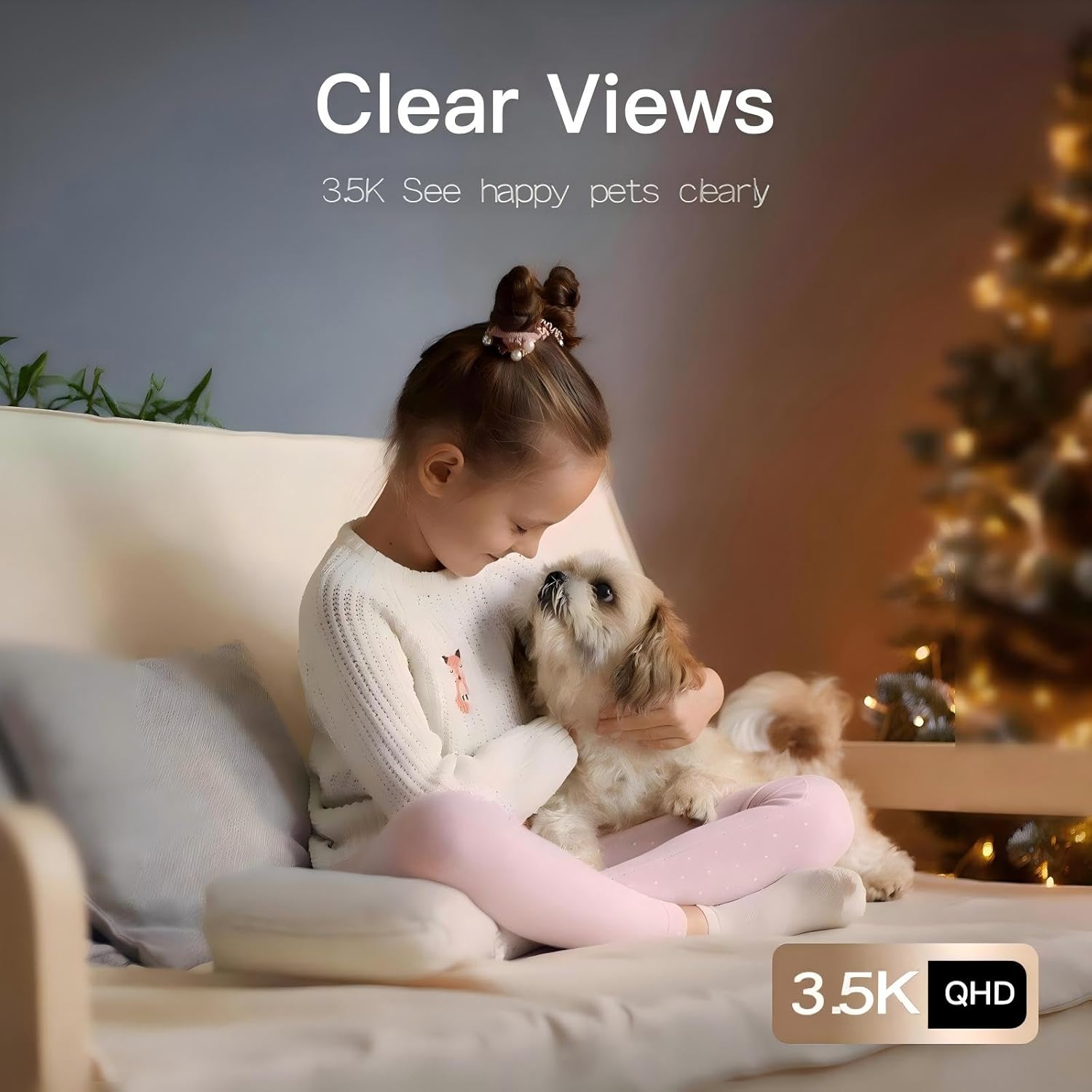
Figure 3: Clear 3.5K/6MP Live Video Feed
Pan/Tilt Functionality
Use the controls within the app to remotely pan the camera 360° horizontally and tilt it 100° vertically, providing a full view of your space.

Figure 4: All-Round Care Angle with Pan/Tilt Controls
Two-Way Audio
Engage in real-time conversations through the camera using the built-in microphone and speaker. Long-press the microphone icon in the app to speak, and release to listen.

Figure 5: Two-Way Audio Communication
Night Vision
The camera features advanced IR night vision, allowing it to capture clear video up to 32 feet (10 meters) in low-light or complete darkness. The IR-CUT function automatically switches between day and night modes.

Figure 6: Superior Night Vision in action
Motion Tracking & AI Detection
Enable motion tracking to have the camera automatically follow moving objects. The camera also supports AI human and sound detection, sending instant notifications to your phone when activity is detected.
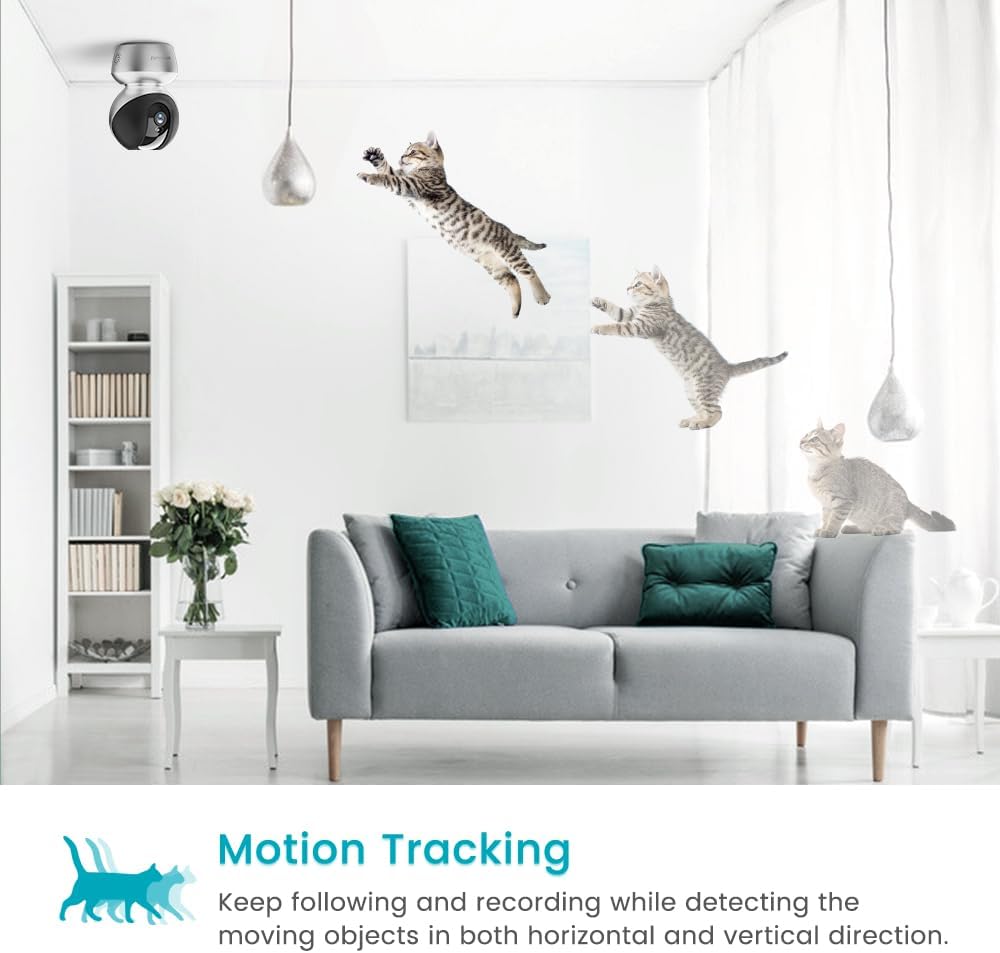
Figure 7: Motion Tracking of moving objects

Figure 8: Smart Motion Alerts on your phone
Recording & Storage
The camera supports continuous recording to a Micro SD card (up to 512GB) or optional cloud storage. You can review recorded footage directly from the app.

Figure 9: Easy Video Playback Interface
Alexa Integration
The VIMTAG camera is compatible with Amazon Alexa. You can use voice commands to view your camera feed on compatible Alexa-enabled devices.
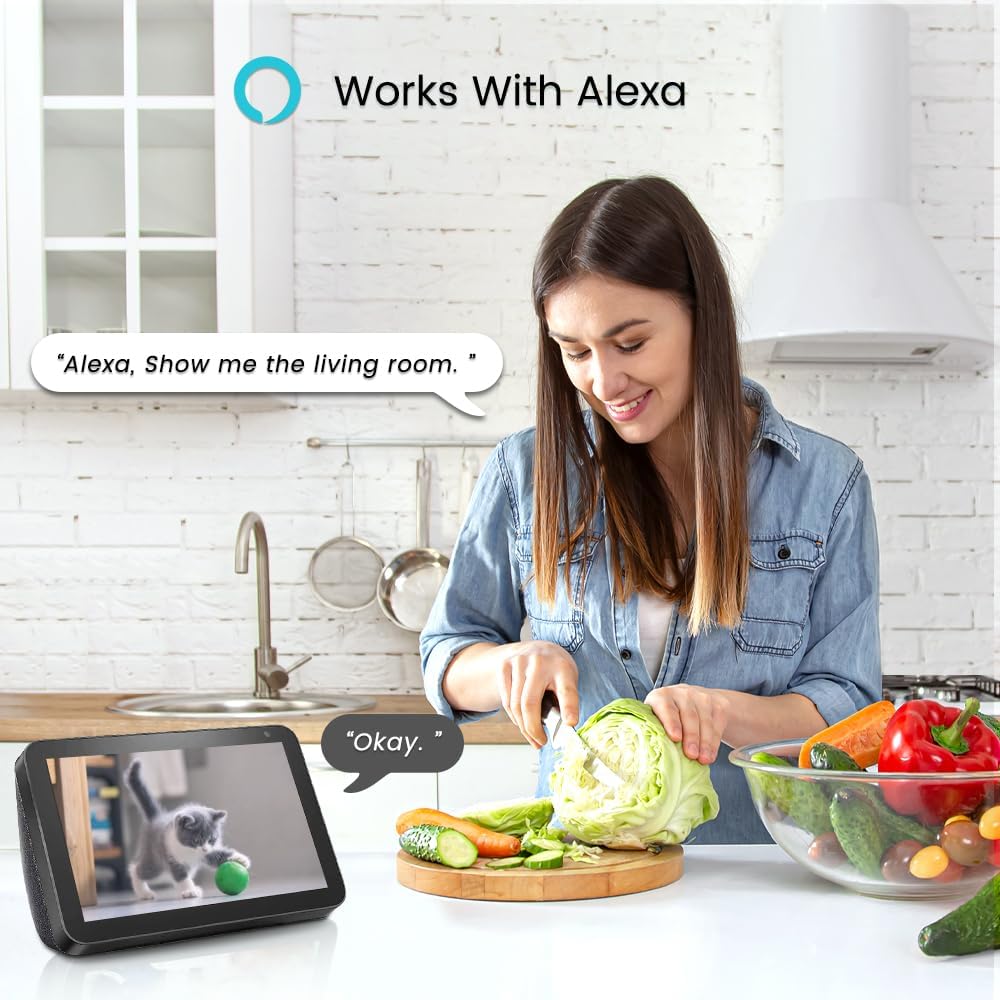
Figure 10: Smart Home Integration with Alexa
Maintenance
- Cleaning: Gently wipe the camera lens and body with a soft, dry cloth. Avoid using harsh chemicals or abrasive materials.
- SD Card Management: Regularly check the status of your Micro SD card in the app. Format the card periodically to maintain optimal recording performance. Replace the card if it shows signs of degradation.
- Firmware Updates: Keep your camera's firmware updated through the CannyCam app to ensure access to the latest features and security enhancements.
Troubleshooting
- Camera Not Connecting to Wi-Fi: Ensure your Wi-Fi network is 2.4GHz. Check your Wi-Fi password for accuracy. Move the camera closer to your router.
- No Notifications: Verify that motion/sound detection and notifications are enabled in the app settings. Check your phone's notification settings for the CannyCam app.
- Poor Video Quality: Ensure a stable Wi-Fi connection. Adjust video quality settings in the app (e.g., from HD to Standard if bandwidth is limited).
- Camera Unresponsive: Try restarting the camera by unplugging and replugging the power cable. If the issue persists, use the reset button (refer to Figure 1 for location) to restore factory settings and re-pair the device.
Specifications
| Feature | Detail |
|---|---|
| Model Number | 8211 |
| Video Capture Resolution | 6 MP / 3.5K |
| Connectivity Technology | Wi-Fi (2.4GHz), Wired Plug-in |
| Wireless Communication Technology | Wi-Fi |
| Power Source | Corded Electric (5V DC, 7W) |
| Controller Type | Amazon Alexa, Phone App |
| Mounting Type | Ceiling/Wall/Surface/Tabletop Mount |
| Night Vision Range | 33 Feet |
| Flash Memory Type | Micro SD (up to 512 GB) |
| Alert Type | Human/Motion/Sound/Audio |
| Special Features | 2-Way Audio, Easy to Install, Pan/Tilt, Image Sensor |
| Product Dimensions | 2.55 x 2.75 x 4.21 inches |
| Item Weight | 12.6 ounces |
Warranty & Support
For warranty information and technical support, please refer to the official VIMTAG website or contact their customer service directly. Keep your purchase receipt for warranty claims.
Product Video Overview
Video 1: Vimtag Indoor Pet Camera 2.5K - A brief overview of the camera's features and functionality.


