
Introduction
Thank you for choosing the Donner Z-Style Heavy-Duty Keyboard Stand. This manual provides essential information for the proper assembly, operation, and maintenance of your new keyboard stand. Please read it thoroughly before use to ensure optimal performance and safety.
Safety Information
- Ensure all components are securely fastened before placing a keyboard on the stand.
- Do not exceed the maximum load capacity of 220 pounds (100 kg).
- Always loosen adjustment knobs before attempting to change height or width. Forcing adjustments without loosening can damage the stand.
- If using universal wheels, ensure they are locked once the stand is in its desired position and the keyboard is placed on it.
- Keep small parts away from children to prevent choking hazards.
Setup Instructions
The Donner Z-Style Keyboard Stand is designed for easy assembly. Follow these steps to set up your stand:
- Assemble the Z-frames: Attach the horizontal support bar to the two Z-shaped side frames using the provided knobs. Ensure the holes align and tighten the knobs securely.
- Install Feet or Wheels: Decide whether to use the included footpads for stationary use or the lockable universal wheels for mobility. Screw the chosen components into the bottom of each Z-frame. If using wheels, ensure they are securely tightened.
- Attach Keyboard Support Arms: Secure the two keyboard support arms to the top of the Z-frames. These arms feature non-slip foam pads to protect your instrument.
- Install Accessories: Attach the headphone hanger and secure straps as desired. The secure straps can be used to further stabilize your keyboard on the stand.

Figure 1: Visual guide for the three-step assembly process.

Figure 2: Interchangeable footpads and lockable universal wheels for stability or mobility.
Operating Instructions
The Donner Z-Style Keyboard Stand offers extensive adjustability for various keyboard sizes and playing preferences.
Adjusting Height and Width
- Width Adjustment: Loosen the central knob on the horizontal support bar. Slide the bar to achieve the desired width (from 21.6'' to 36'' / 55cm to 89cm) to accommodate keyboards with 54, 61, or 88 keys. Once adjusted, tighten the knob firmly.
- Height Adjustment: Loosen the knobs on the vertical posts of the Z-frames. Adjust the height (from 22.2'' to 33.4'' / 60cm to 85cm) to suit your playing position (sitting or standing). Ensure both sides are adjusted evenly, then tighten the knobs securely.

Figure 3: The central knob allows for easy width adjustment.

Figure 4: The stand offers a large adjustment range for various keyboard sizes and user heights.
Using Lockable Wheels
If you have installed the universal wheels, you can easily move the stand. To secure the stand in place, push down the locking mechanism on the wheels. To move it, release the lock.

Figure 5: Lockable universal wheels provide both mobility and stability.
Utilizing Multifunctional Features
- Headphone Hanger: Use the integrated headphone hanger to keep your headphones conveniently stored and within reach.
- Keyboard Straps: For added security, use the provided keyboard straps to fasten your instrument to the stand, preventing accidental movement.
- Non-slip Foam: The support arms are equipped with non-slip foam to ensure your keyboard remains stable and protected from scratches.
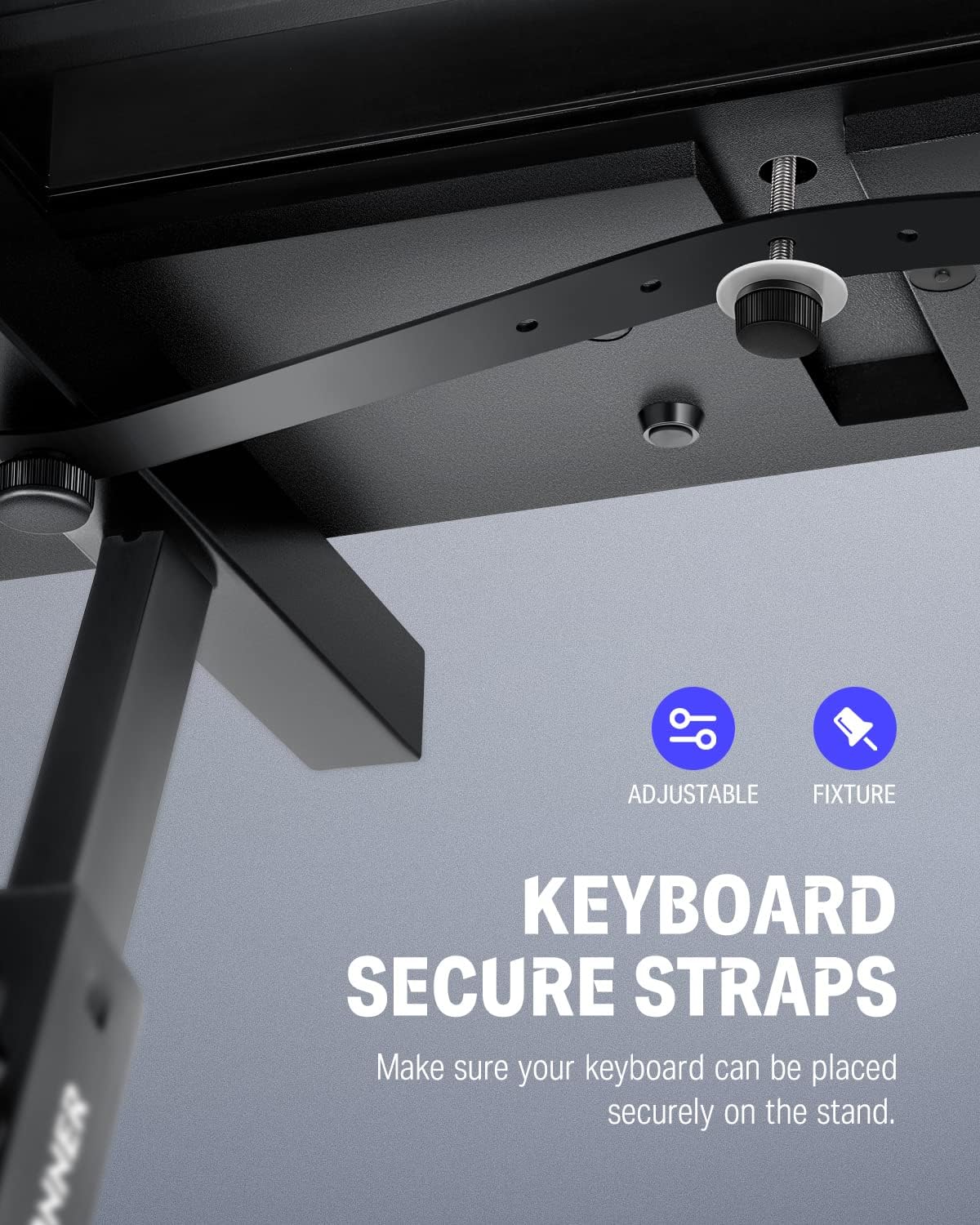
Figure 6: Integrated headphone hook, non-slip pads, and secure straps for enhanced functionality.
Official Product Video
Video 1: Official demonstration of the Donner Z-Style Heavy-Duty Piano Stand, showcasing its assembly and adjustable features.
Maintenance
- Regularly check all knobs and screws to ensure they are tight.
- Clean the stand with a soft, dry cloth. Avoid abrasive cleaners or solvents that could damage the finish.
- Store the stand in a dry environment to prevent rust or corrosion.
Troubleshooting
- Stand is wobbly: Ensure all adjustment knobs are fully tightened. Check that the Z-frames are properly aligned and the horizontal bar is securely fastened. If using wheels, ensure they are locked.
- Difficulty adjusting height/width: Make sure the adjustment knobs are completely loosened before attempting to slide the components. Do not force the parts.
- Keyboard sliding on stand: Verify that the non-slip foam pads are intact and clean. Use the provided secure straps to firmly attach the keyboard to the stand.
Specifications
| Brand | Donner |
| Model | Z-style Fixed |
| Material | Metal |
| Color | Black |
| Load Capacity | 220 Pounds (100 kg) |
| Width Adjustment Range | 21.6'' - 36'' (55cm - 89cm) |
| Height Adjustment Range | 22.2'' - 33.4'' (60cm - 85cm) |
| Item Dimensions (L x W x H) | 21.65 x 17.91 x 22.24 inches (minimum configuration) |
| Required Assembly | Yes |
Warranty Information
Donner products typically come with a limited warranty covering manufacturing defects. Please refer to the warranty card included with your product or visit the official Donner website for detailed warranty terms and conditions.
Customer Support
For any questions, technical assistance, or warranty claims, please contact Donner customer support through their official website or the contact information provided in your product packaging. You can also visit the product page on Amazon for additional resources.


