
MOOKA KJ203F-142-01
MOOKA Air Purifier User Manual
Model: KJ203F-142-01
Introduction
Thank you for choosing the MOOKA Air Purifier. This manual provides important information regarding the setup, operation, and maintenance of your new air purifier. Please read it thoroughly before use and keep it for future reference.
The MOOKA Air Purifier (Model KJ203F-142-01) is designed to improve indoor air quality by effectively removing airborne particles and odors. It features a high-efficiency filtration system suitable for large rooms up to 1800 sq. ft.

Image: The MOOKA Air Purifier, a sleek white rectangular unit with a circular control panel on the front, designed for effective air purification in various indoor environments.
Safety Instructions
- Always unplug the air purifier before moving, cleaning, or performing any maintenance.
- Do not operate the unit with a damaged cord or plug.
- Keep the air purifier away from water or other liquids.
- Do not block air inlets or outlets.
- This appliance is not intended for use by persons (including children) with reduced physical, sensory or mental capabilities, or lack of experience and knowledge, unless they have been given supervision or instruction concerning use of the appliance by a person responsible for their safety.
- Children should be supervised to ensure that they do not play with the appliance.
Product Features
- High CADR for Large Rooms: Covers up to 1800 sq. ft., filtering air efficiently.
- 4-Stage Medical Grade Filtration System: Includes Pre-filter, True H13 HEPA filter, Activated Carbon filter, and Cold Catalyst filter.
- Quiet Operation: Sleep mode operates at a low 23dB noise level.
- User-Friendly Controls: Easy-to-use button control panel with fan speed, timer, and child lock functions.
- Child Lock Feature: Prevents accidental changes to settings.
- Filter Replacement Reminder: Indicates when it's time to replace the filter.
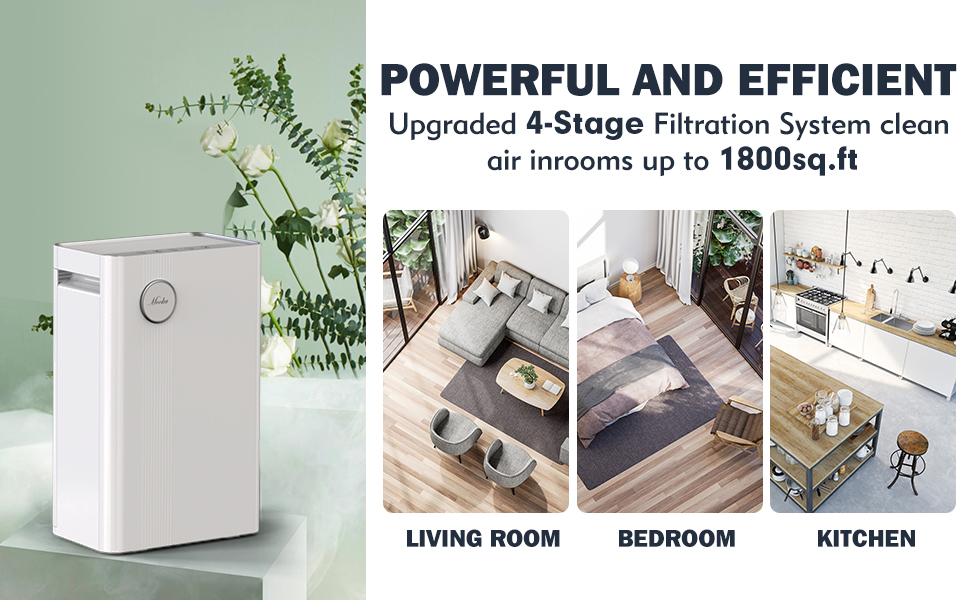
Image: An exploded view diagram illustrating the MOOKA 4-stage filtration system, showing the Cold Catalyst filter, Activated Carbon filter, H13 True HEPA filter, and Pre-filter, with arrows indicating airflow.

Image: A collage showing common indoor air pollutants: vehicle exhaust, pollen, pet dander, and dust, highlighting the need for an air purifier.
Setup and Installation
Unpacking and Filter Preparation
- Carefully remove the air purifier from its packaging.
- Before first use, you must remove the plastic bag from the pre-installed HEPA filter.
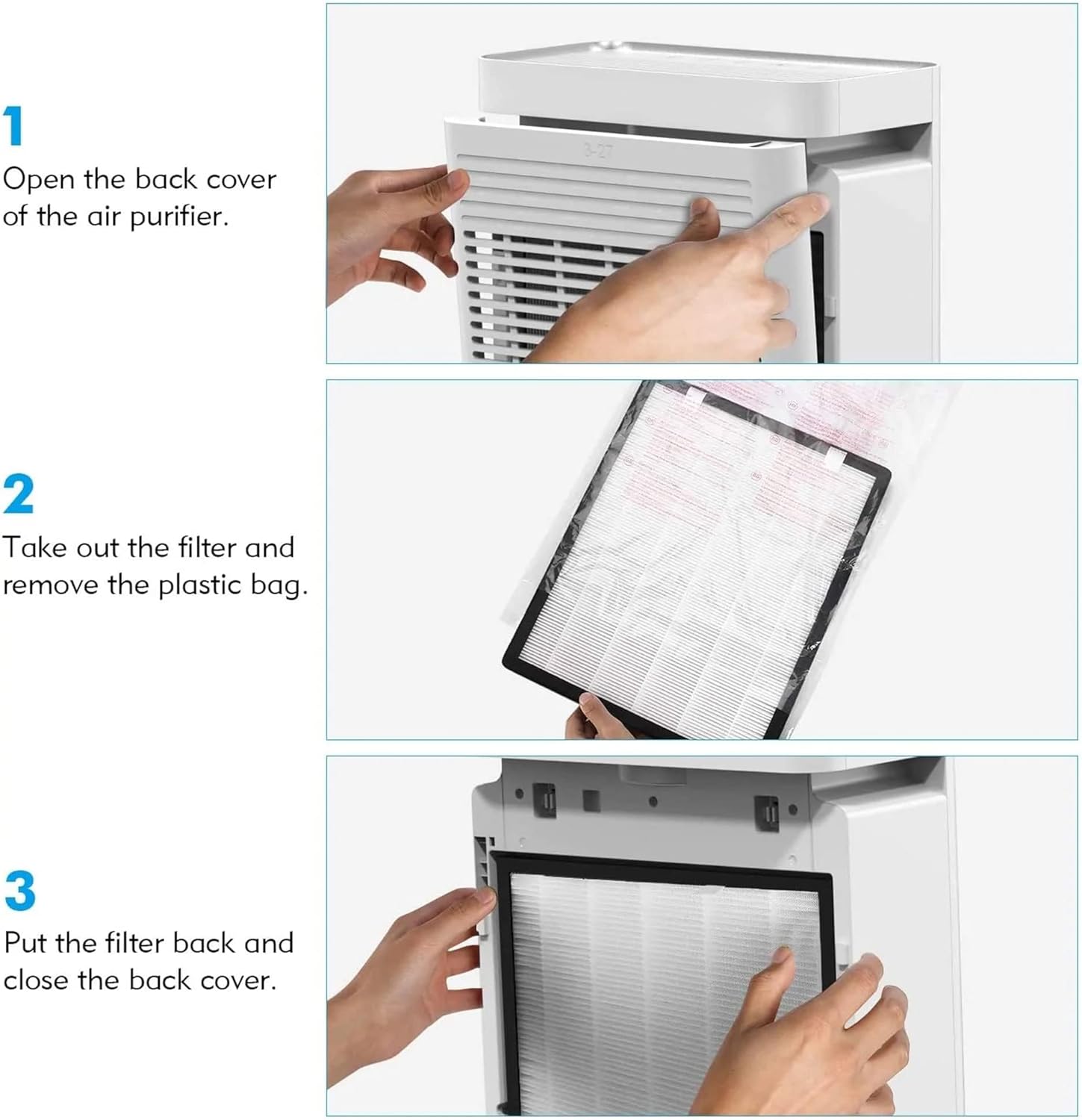
Image: A three-step visual guide demonstrating how to open the back cover of the air purifier, remove the filter from its plastic bag, and then reinsert the filter and close the cover.
Filter Installation Steps:
- Step 1: Open the back cover of the air purifier.
- Step 2: Take out the filter and remove the plastic bag.
- Step 3: Put the filter back and close the back cover securely.
Placement
Place the air purifier on a flat, stable surface. For optimal performance, position the unit in a central location within the room, away from walls or furniture that might obstruct airflow. It is suitable for various rooms including bedrooms, living rooms, offices, nurseries, kitchens, and basements.
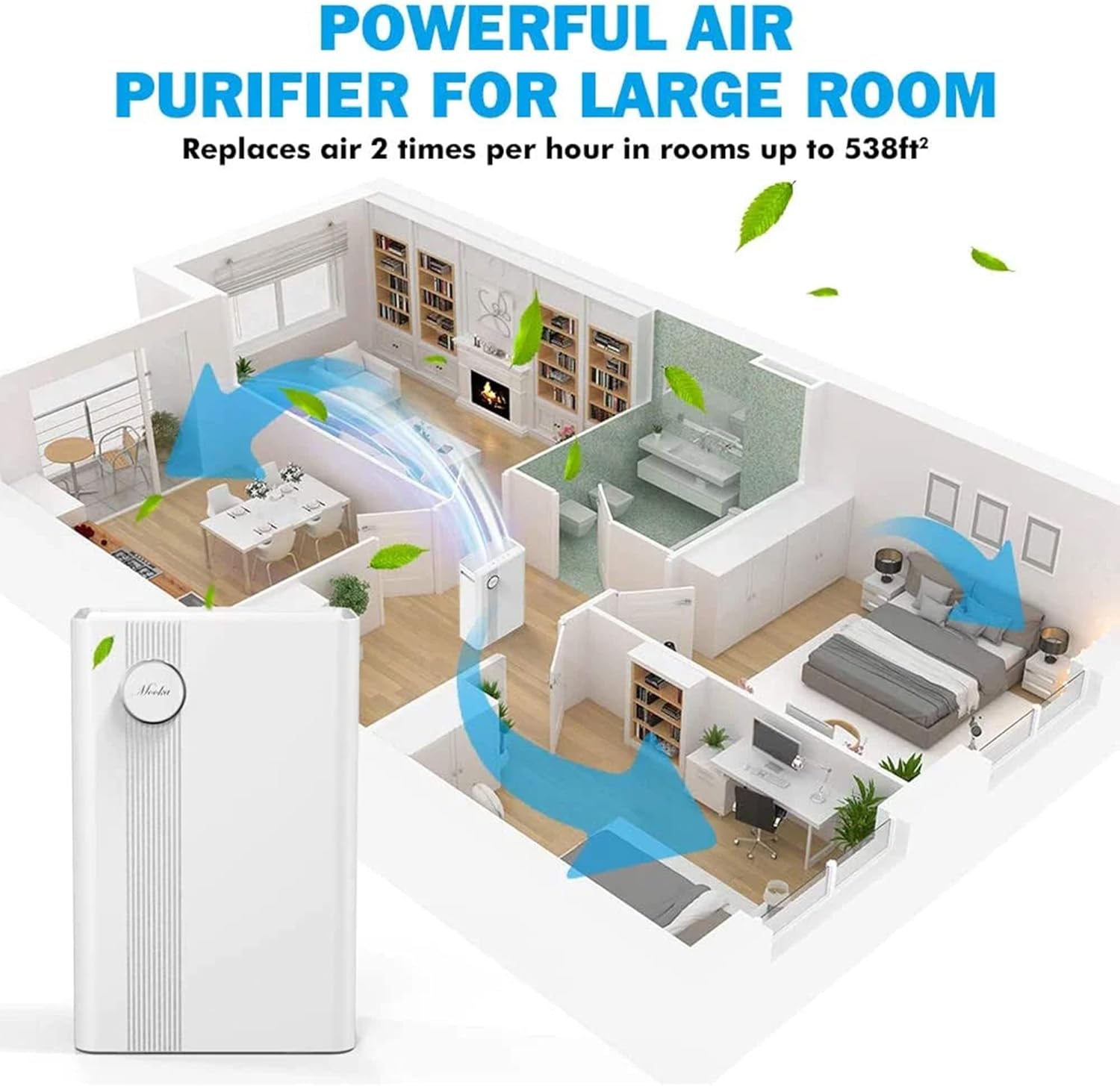
Image: An overhead diagram of a home layout showing an air purifier placed centrally, with arrows indicating air circulation throughout different rooms like the living room, dining area, and bedroom.
Operating Instructions
Control Panel Overview
The control panel is located on the top of the unit and features intuitive touch buttons for easy operation.
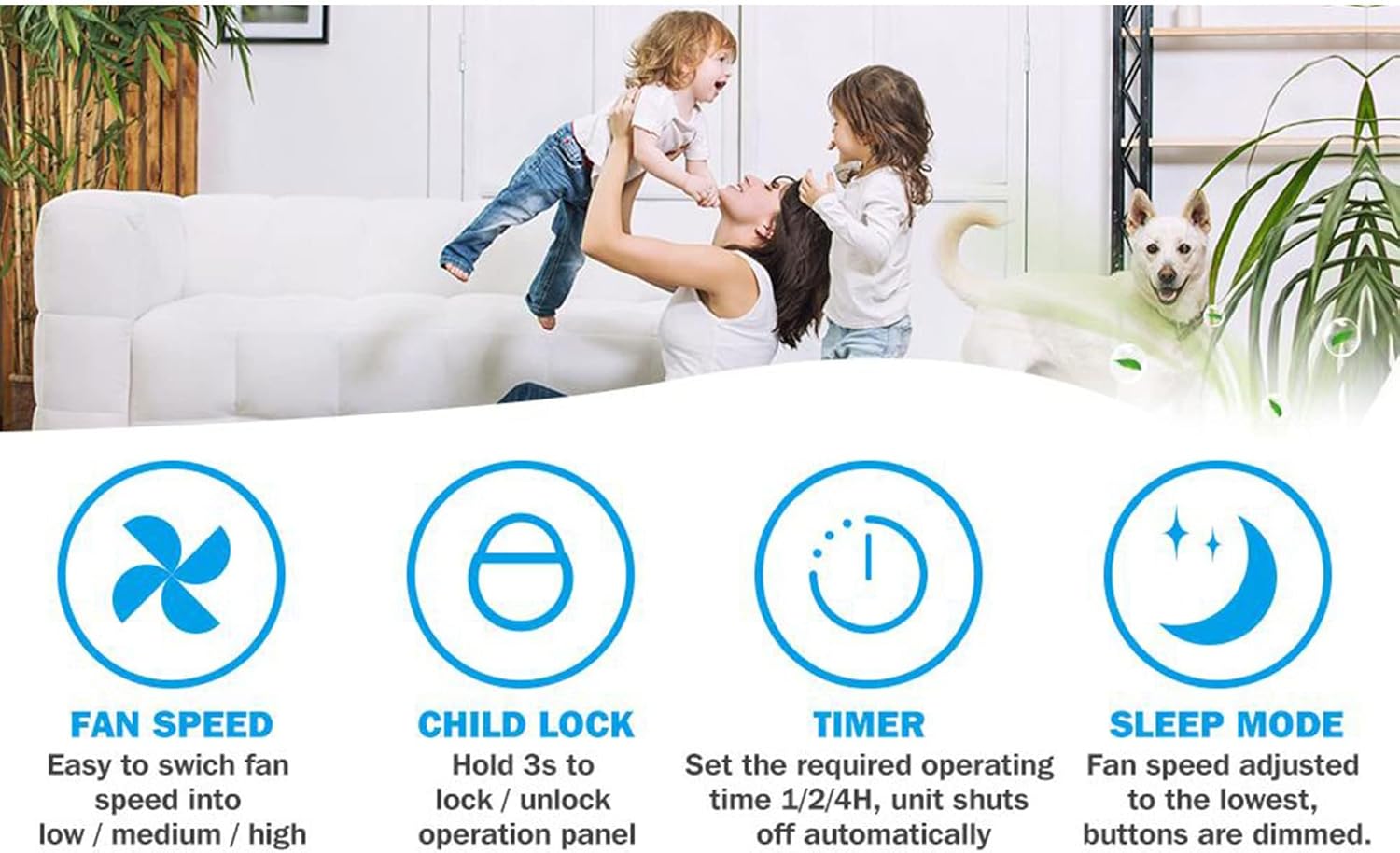
Image: A top-down view of the MOOKA Air Purifier's control panel, displaying buttons for On/Off, Fan Speed, Child Lock, Timer, and Sleep Mode.
Power Button (ON/OFF)
Press to turn the air purifier on or off.
Fan Speed Button (SPEED)
Press to cycle through fan speed modes: Low, Medium, Fast.
Child Lock Button (LOCK)
Press and hold for 3 seconds to activate or deactivate the child lock function. When activated, the control panel buttons will be unresponsive to prevent accidental changes by children or pets.
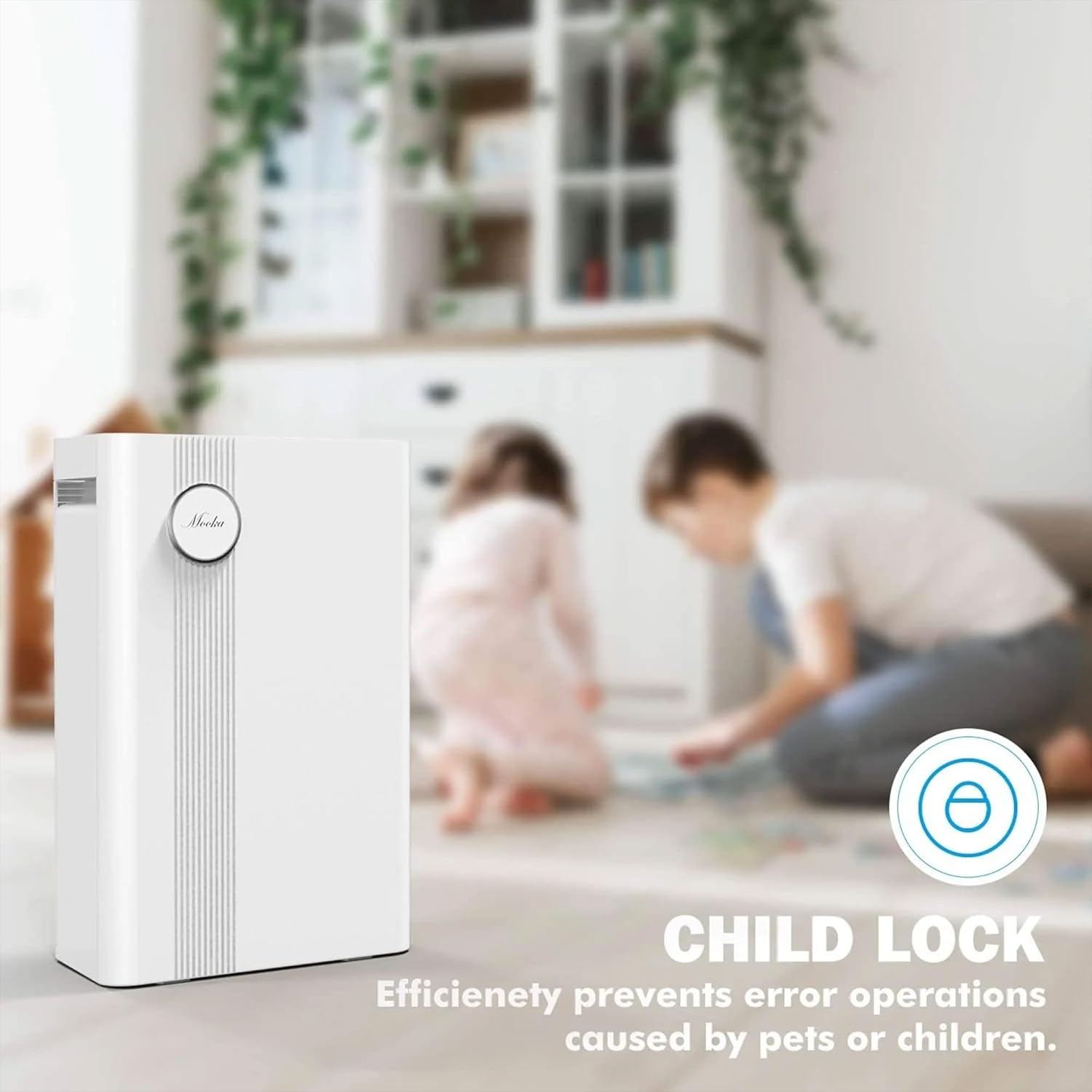
Image: The MOOKA Air Purifier positioned in a room where children are playing, with an icon highlighting the Child Lock feature, indicating its ability to prevent unintended operation.
Timer Button (TIMER)
Press to set the operating time for 1 hour, 2 hours, or 4 hours. The unit will automatically shut off after the selected time.
Sleep Mode Button (SLEEP)
Press to activate Sleep Mode. In this mode, the fan speed is adjusted to the lowest setting (23dB) for quiet operation, and the control panel lights are dimmed to minimize disturbance during sleep.

Image: A woman sleeping peacefully in a bedroom, with the MOOKA Air Purifier nearby. Text overlays indicate various noise levels: 10dB (leaves rubbing), 23dB (Sleep Mode), and 40dB (office), emphasizing the quiet operation of the purifier in sleep mode.
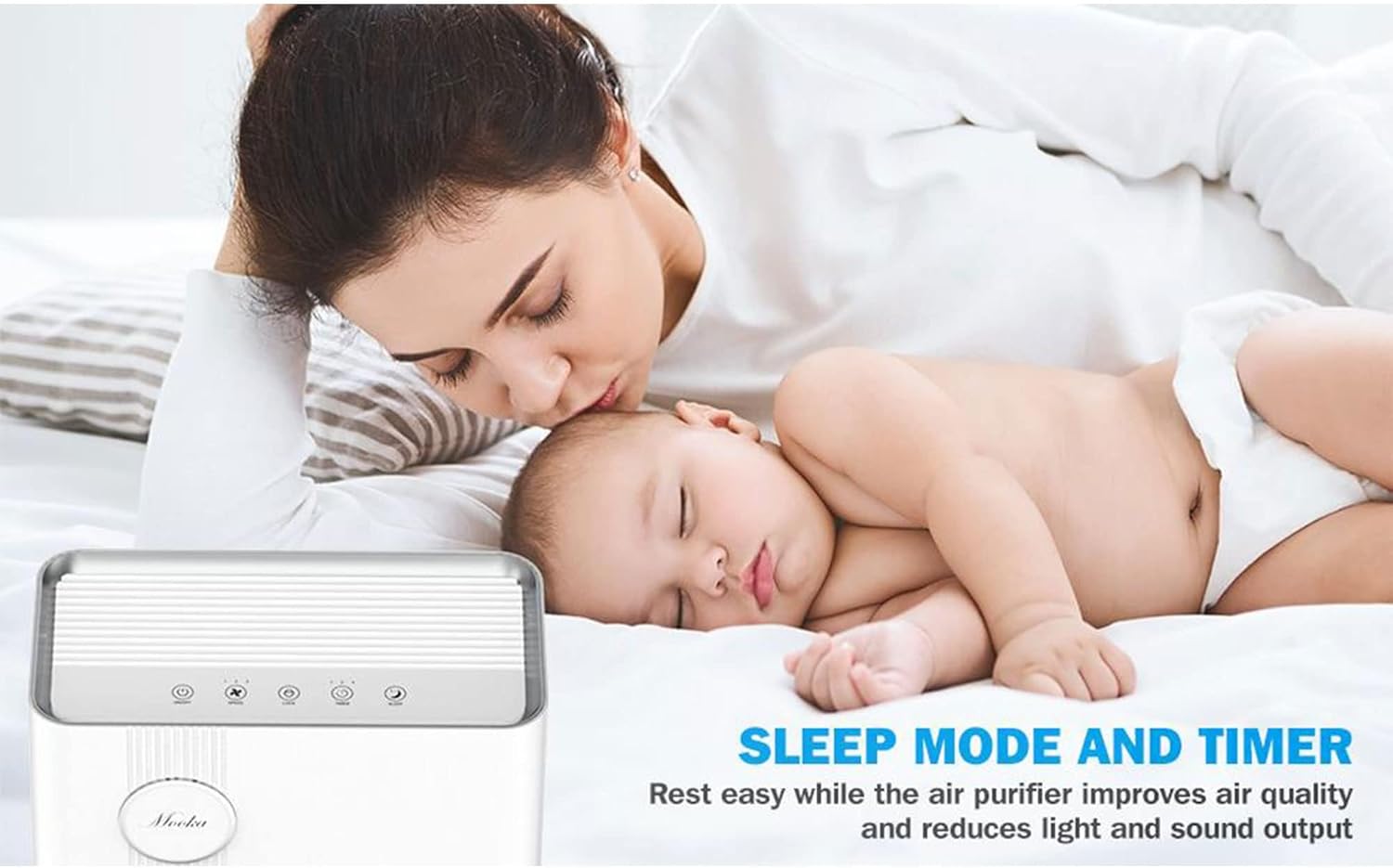
Image: A mother and baby sleeping soundly, with the MOOKA Air Purifier in the foreground, illustrating how the Sleep Mode and Timer functions contribute to a peaceful environment by improving air quality and reducing light/sound output.
Maintenance
Filter Replacement
The air purifier is equipped with a filter lifetime counter. When the filter needs replacement, three lights on the timer will illuminate to remind you. It is recommended to replace the filter every 3-6 months, depending on usage and air quality.
To reset the filter lifetime counter after replacing the filter, press and hold the Timer and Fan Speed buttons simultaneously for 3 seconds.

Image: A visual representation of the filter replacement process, showing a new filter being inserted into the air purifier, with green leaves indicating fresh air.
Cleaning the Unit
- Always unplug the unit before cleaning.
- Wipe the exterior of the air purifier with a soft, dry cloth.
- Do not use abrasive cleaners or solvents.
- Regularly vacuum the pre-filter to extend its lifespan and maintain efficiency.
Troubleshooting
| Problem | Possible Cause | Solution |
|---|---|---|
| Unit does not turn on. | Not plugged in; power outlet issue; filter not installed correctly or plastic bag not removed. | Ensure the power cord is securely plugged into a working outlet. Check if the filter's plastic bag has been removed and the filter is correctly seated. |
| Airflow is weak or purification is ineffective. | Filter is dirty or clogged; air inlets/outlets are blocked. | Clean or replace the filter. Ensure there are no obstructions around the air inlets and outlets. |
| Filter replacement reminder lights are on, but filter was just replaced. | Filter lifetime counter was not reset. | Press and hold the Timer and Fan Speed buttons simultaneously for 3 seconds to reset the counter. |
| Child Lock cannot be deactivated. | Button not held long enough. | Press and hold the Child Lock button for a full 3 seconds until it deactivates. |
Specifications
| Feature | Detail |
|---|---|
| Brand | MOOKA |
| Model Number | KJ203F-142-01 |
| Color | White |
| Product Dimensions | 6.7"D x 13"W x 20.1"H |
| Floor Area Coverage | Up to 1800 Square Feet |
| Noise Level | 23 dB (Sleep Mode) |
| Particle Retention Size | 0.3 Micrometer |
| Controller Type | Button Control |
| Item Weight | 7.96 pounds |
| UPC | 850048669253 |

Image: A diagram showing the dimensions of the MOOKA Air Purifier: 13 inches wide, 6.7 inches deep, and 20.1 inches high.
Warranty and Support
MOOKA offers a 1-year return and replacement policy for this product. For any questions or assistance, please contact MOOKA customer service.
- Customer Service: 24/7 Live Chat support is available.
- Refund Policy: 30-day No-hassle Refund.
For more information and support, please visit the official MOOKA website or contact their customer service channels.
Related documentsKJ203F-142-01


Ask a question about this manual
Ask about setup, troubleshooting, compatibility, parts, safety, or missing instructions. Manuals+ will review the question and use this page’s manual context to help answer it.