
EasySMX V07W
EasySMX Wireless Gaming Headset User Manual
Model: V07W
Your comprehensive guide to setup, operation, and maintenance.
1. Introduction
The EasySMX V07W Wireless Gaming Headset offers a versatile audio solution for gamers across multiple platforms. Featuring 2.4G wireless, Bluetooth 5.2, and 3.5mm wired connectivity, it provides ultra-low latency for gaming and broad compatibility with various devices. Designed for comfort during extended use, it includes a detachable noise-cancelling microphone and immersive Hi-Fi stereo sound with 50mm drivers.
2. Package Contents
Please check the box for the following items:
- EasySMX V07W Wireless Gaming Headset
- 2.4G USB Dongle
- Detachable Noise Cancelling Microphone
- 3.5mm Audio Cable
- Type-C Charging Cable
- User Manual (this document)

Figure 2.1: Contents of the EasySMX V07W Headset package, including the headset, USB dongle, detachable microphone, 3.5mm audio cable, and Type-C charging cable.
3. Product Overview
Familiarize yourself with the various components and controls of your EasySMX V07W Wireless Gaming Headset.

Figure 3.1: The EasySMX V07W Wireless Gaming Headset, showcasing its sleek design and integrated RGB lighting on the earcups.
3.1 Controls and Indicators

Figure 3.2: Detailed diagram highlighting the LED button, Power button, USB-C Charging Jack, Indicator Light, Microphone, 3.5mm Audio Jack, Volume Control Wheel, and Mute button on the headset.
- Power Button: Press and hold to power on/off the headset.
- LED Button: Controls the RGB lighting effects on the earcups.
- Volume Control Wheel: Adjusts the audio output volume.
- Mute Button: Mutes or unmutes the microphone.
- USB-C Charging Jack: For charging the headset's internal battery.
- 3.5mm Audio Jack: For wired connection to compatible devices.
- Microphone Port: Connects the detachable noise-cancelling microphone.
3.2 Key Features
- Multi-Mode Connectivity: Supports 2.4G Wireless USB, Bluetooth 5.2, and 3.5mm Wired connections for broad compatibility.
- Immersive Audio: Equipped with 50mm drivers and dual-chamber design for stereo Hi-Fi level sound and 3D surround sound experience.
- Detachable Noise-Cancelling Microphone: Provides clear voice communication and can be removed when not needed.
- Comfortable Design: Lightweight with soft memory foam earmuffs and an adjustable headband for extended wear.
- RGB Lighting: Dynamic RGB gradient lighting on earcups for enhanced aesthetics.
- Long-Lasting Battery: Built-in 1200mAh lithium battery provides up to 25 hours of continuous use (at 50% volume in Bluetooth mode).
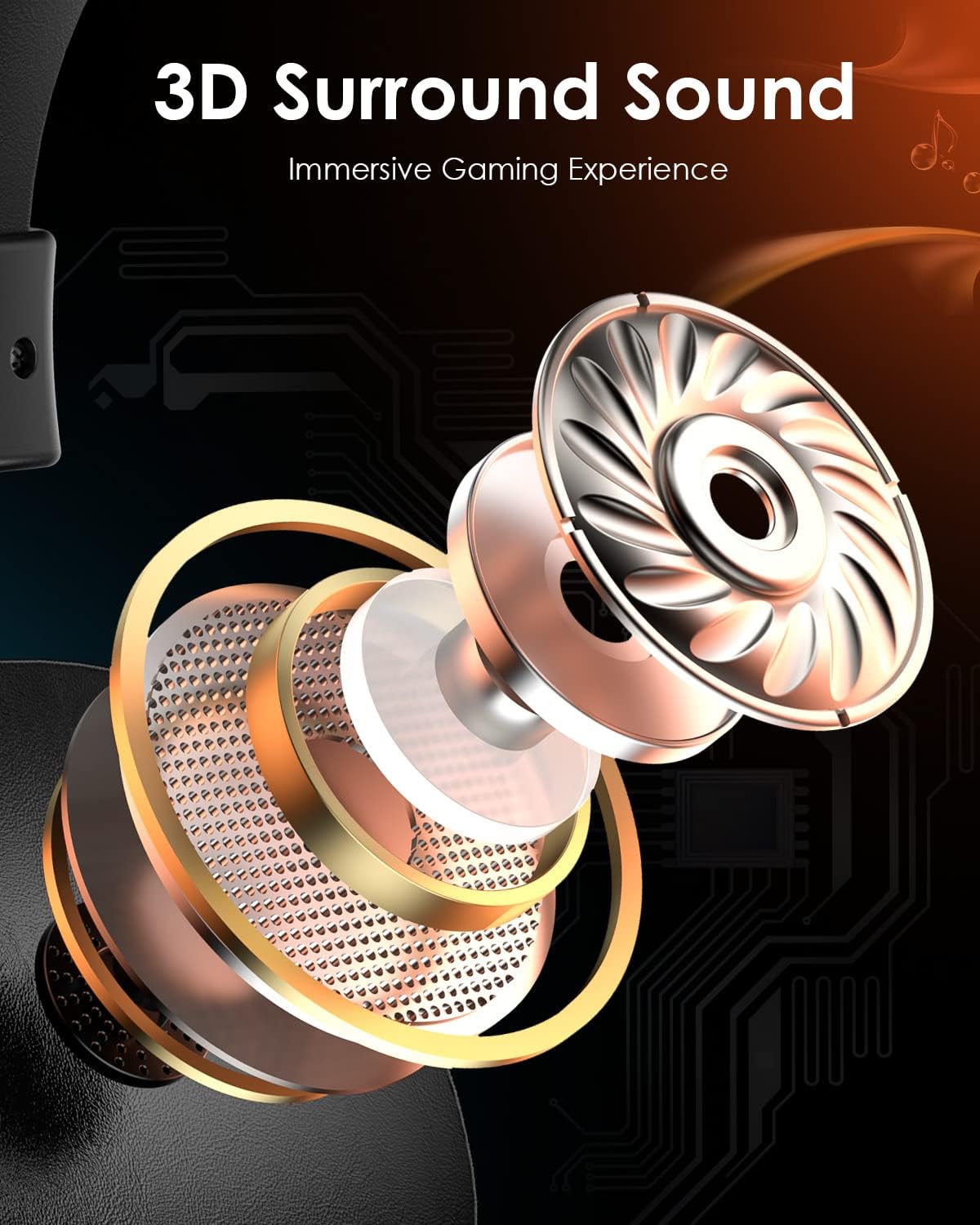
Figure 3.3: An exploded view illustrating the components that contribute to the headset's 3D surround sound capability, enhancing the immersive gaming experience.
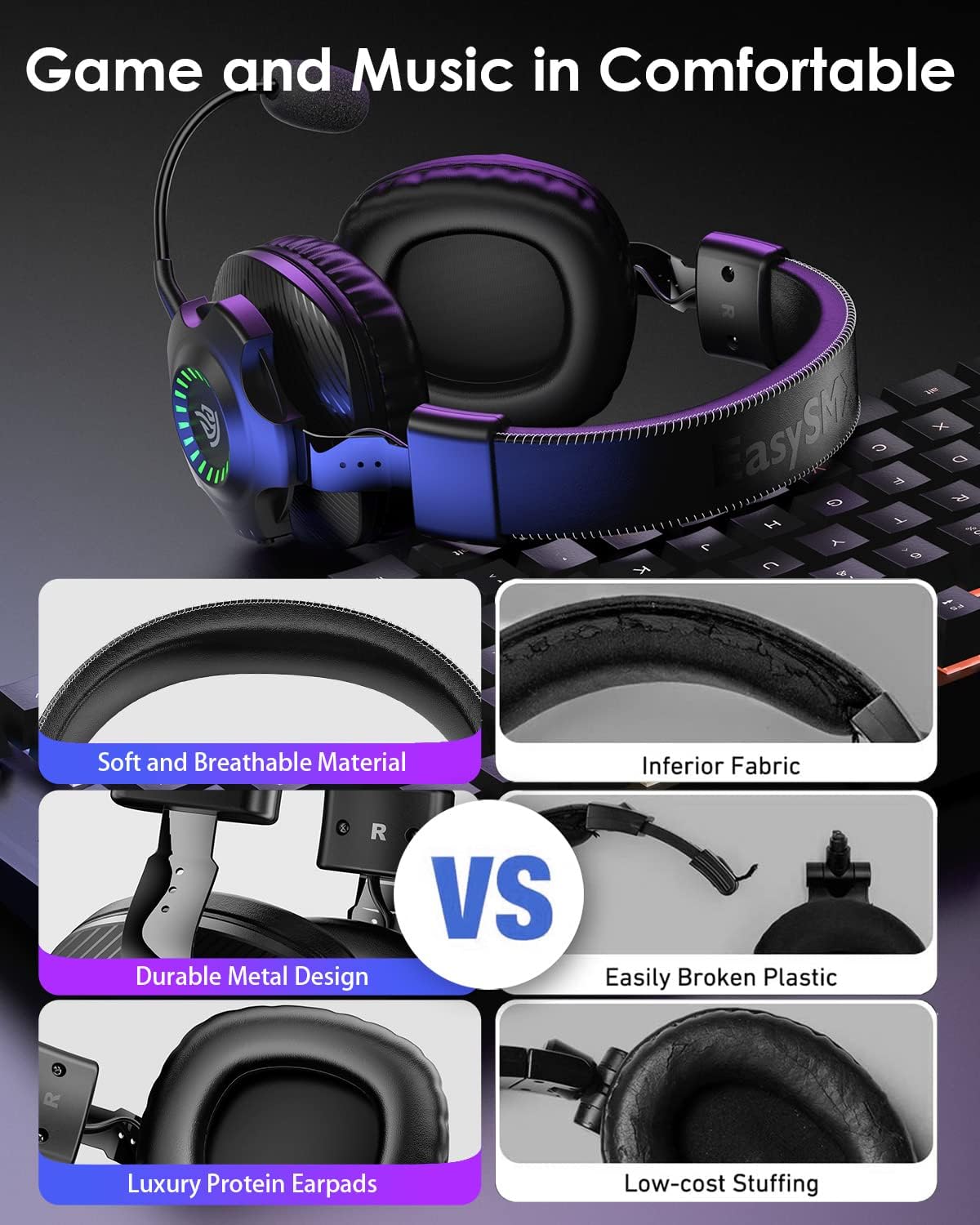
Figure 3.4: Visual comparison highlighting the soft and breathable material, durable metal design, and luxury protein earpads for superior comfort.
4. Setup
Before using your EasySMX V07W headset, ensure it is fully charged. Connect the Type-C charging cable to the headset's USB-C port and a power source. The indicator lights will show charging status.
4.1 Attaching the Microphone
The microphone is detachable. Align the microphone's 3.5mm jack with the port on the left earcup and push firmly until it clicks into place. To remove, gently pull the microphone straight out.
4.2 Powering On/Off
Press and hold the Power Button on the earcup for approximately 3 seconds to turn the headset on or off. You will hear an audible prompt.
5. Operating Instructions
The EasySMX V07W headset supports three connection modes: 2.4G Wireless, Bluetooth, and 3.5mm Wired. Choose the appropriate mode based on your device and preference.

Figure 5.1: Overview of the three available connection modes and compatible devices for each mode.
5.1 2.4G Wireless Connection (for PC, PS4, PS5, Nintendo Switch)
- Plug the 2.4G USB dongle into an available USB port on your PC, PS4, PS5, or Nintendo Switch dock.
- Power on the headset by holding the Power Button. The headset will automatically attempt to pair with the dongle.
- Once connected, the indicator light on the dongle and headset will stabilize.
- On your device, ensure the EasySMX V07W headset is selected as the audio input and output device in sound settings.
5.2 Bluetooth Connection (for Mobile Phones, Laptops, Mac, Nintendo Switch)
- Power on the headset.
- Activate Bluetooth on your mobile phone, laptop, Mac, or Nintendo Switch.
- On your device, search for "EasySMX V07W" in the Bluetooth device list and select it to pair.
- The headset will indicate a successful connection.
5.3 3.5mm Wired Connection (for Xbox One/Series X/S, PC, PS4/PS5 Controller, Nintendo Switch, Mobile Phones)
- Ensure the headset is powered off for wired use.
- Connect one end of the provided 3.5mm audio cable to the 3.5mm audio jack on the headset.
- Connect the other end of the 3.5mm audio cable to the audio port on your device (e.g., Xbox controller, PC audio jack, phone).
- Audio will now be transmitted via the wired connection. Note: RGB lighting and wireless functions are not available in wired mode.
5.4 Device Compatibility Matrix

Figure 5.2: A detailed compatibility matrix showing audio and microphone support for different devices across 2.4GHz USB, Bluetooth, and Wired connections.
6. Maintenance
To ensure the longevity and optimal performance of your EasySMX V07W headset, follow these maintenance guidelines:
- Cleaning: Use a soft, dry cloth to wipe down the headset. For earcups, a slightly damp cloth can be used, but ensure no moisture enters the speaker grilles.
- Storage: Store the headset in a cool, dry place away from direct sunlight and extreme temperatures.
- Charging: Charge the headset regularly, even if not in frequent use, to maintain battery health. Avoid overcharging.
- Handling: Avoid dropping the headset or subjecting it to strong impacts. Do not pull on cables excessively.
7. Troubleshooting
If you encounter issues with your EasySMX V07W headset, please refer to the following common troubleshooting steps:
- No Sound/Low Volume:
- Check the volume control wheel on the headset and your device's volume settings.
- Ensure the headset is properly connected (dongle inserted, Bluetooth paired, or 3.5mm cable fully plugged in).
- Verify that the headset is selected as the default audio output device in your system settings.
- Microphone Not Working:
- Ensure the detachable microphone is securely plugged into its port.
- Check if the microphone mute button on the headset is disengaged.
- Verify that the headset microphone is selected as the default input device in your system's sound settings.
- For PC, check privacy settings to ensure applications have access to the microphone.
- Connection Issues (Wireless/Bluetooth):
- Ensure the headset is fully charged.
- Move closer to the USB dongle or Bluetooth device to reduce interference.
- Try re-pairing the headset (for Bluetooth) or re-inserting the USB dongle (for 2.4G wireless).
- Avoid using the headset near other strong wireless signals (e.g., Wi-Fi routers).
- RGB Lights Not Working:
- Press the LED button on the earcup to cycle through lighting modes or turn them on/off.
- Ensure the headset has sufficient battery charge.
For more detailed troubleshooting, please refer to the official Troubleshooting Guide (PDF) available online.
8. Specifications
Key technical specifications for the EasySMX V07W Wireless Gaming Headset:
| Feature | Specification |
|---|---|
| Model Name | V07W |
| Connectivity Technology | 2.4GHZ Wireless, Bluetooth 5.2, 3.5mm Jack Wired |
| Headphones Jack | 3.5 mm Jack |
| Audio Driver Type | Dynamic Driver (50mm) |
| Frequency Range | 20 Hz - 20,000 Hz |
| Audio Latency | 15 Milliseconds (2.4G) |
| Bluetooth Range | 10 Meters |
| Battery Capacity | 1200mAh Lithium Ion |
| Charging Time | 4 Hours |
| Continuous Use (Wireless) | Up to 25 Hours (50% volume, Bluetooth mode) |
| Item Weight | 0.085 ounces (approx. 2.4 grams) |
| Ear Placement | Over Ear |
| Noise Control | Active Noise Cancellation (Microphone) |
| Compatible Devices | Windows, Nintendo Switch, PlayStation 4, PlayStation 5, Xbox One (wired only) |
9. Warranty and Support
EasySMX products are designed and manufactured to the highest quality standards. For information regarding warranty coverage, technical support, or service inquiries, please visit the official EasySMX website or contact their customer service directly.
You can also find more information and support resources on the EasySMX Store on Amazon.
Related documentsV07W


Ask a question about this manual
Ask about setup, troubleshooting, compatibility, parts, safety, or missing instructions. Manuals+ will review the question and use this page’s manual context to help answer it.