
1. Introduction
This manual provides essential instructions for the safe and effective use of your GUY-TECH AC Adapter, designed as a compatible power supply for the Casio CTK-3500 Keyboard Piano. Please read this manual thoroughly before use to ensure proper operation and longevity of the product.
2. Safety Instructions
- Ensure the adapter is used only with compatible devices, specifically the Casio CTK-3500 Keyboard Piano.
- Do not expose the adapter to water, moisture, or extreme temperatures.
- Avoid dropping or subjecting the adapter to severe impact.
- Do not attempt to open or modify the adapter. This can lead to electric shock or product damage.
- Keep the adapter and cable away from heat sources and sharp objects.
- Unplug the adapter from the wall outlet when not in use for extended periods.
- If the adapter or cable appears damaged, discontinue use immediately and seek a replacement.
3. Product Overview
The GUY-TECH AC Adapter provides reliable DC power to your Casio CTK-3500 Keyboard Piano. It features a 5-foot cable for flexible placement and an LED indicator to confirm power status.
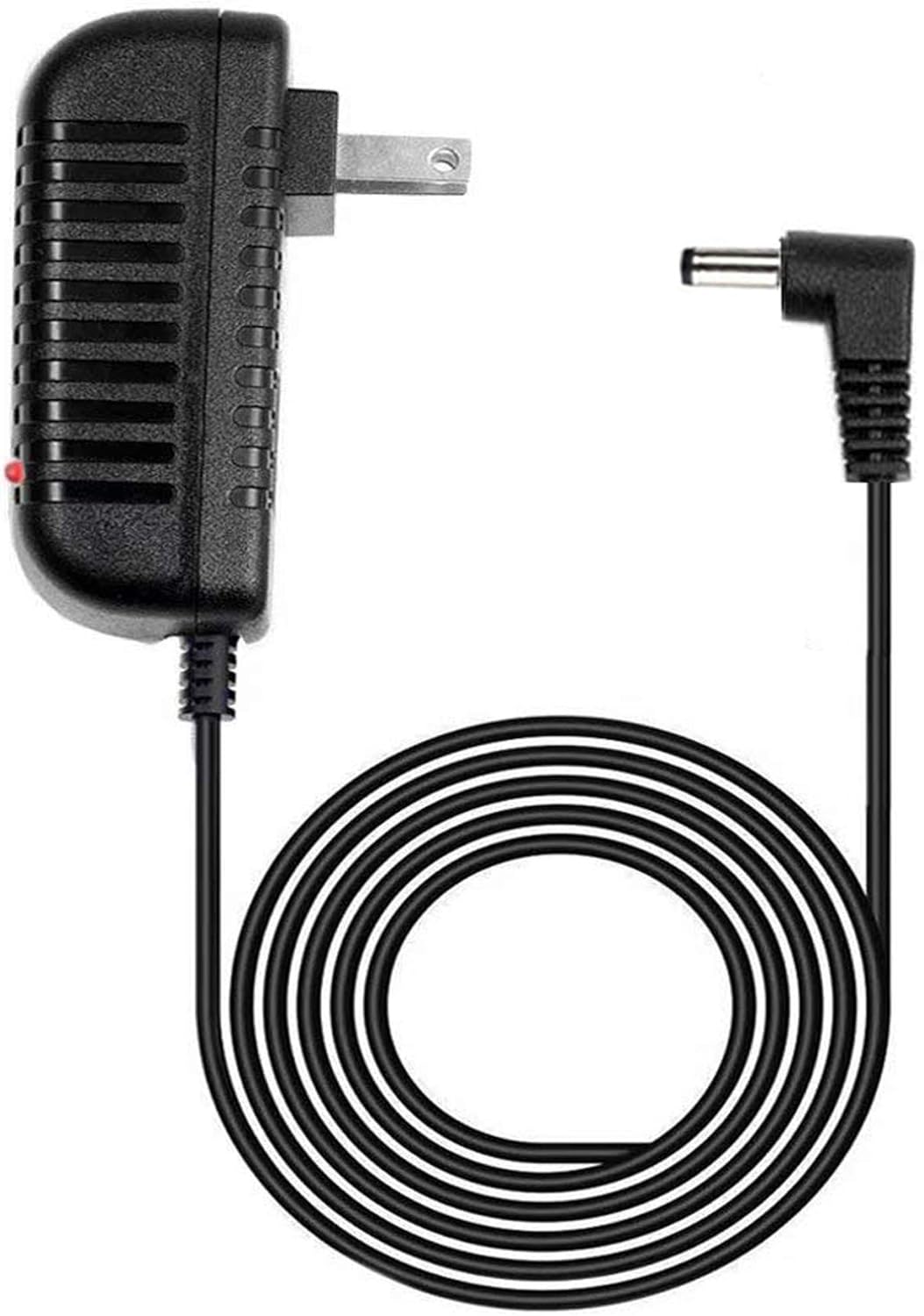
Figure 1: GUY-TECH AC Adapter. This image shows the power adapter unit with a standard US plug, connected to a coiled 5-foot cable ending in a barrel connector. A small red LED indicator is visible on the adapter unit.

Figure 2: Key Features. This image highlights two key features: a '5 FEET' label indicating the cable length and an 'LED light' label indicating the presence of a power indicator.
4. Setup and Connection
- Verify Compatibility: Before connecting, ensure your device is a Casio CTK-3500 Keyboard Piano. Using this adapter with incompatible devices may cause damage.
- Connect to Keyboard: Locate the DC input jack on your Casio CTK-3500 Keyboard Piano. Insert the barrel connector of the GUY-TECH AC Adapter firmly into this jack.
- Connect to Power Outlet: Plug the AC adapter into a standard 100V-240V wall outlet.
- Power Indicator: The LED indicator on the adapter will illuminate, confirming that power is being supplied.
5. Operating Instructions
Once connected as described in Section 4, your Casio CTK-3500 Keyboard Piano will receive power. Turn on your keyboard using its power switch. The adapter operates continuously when plugged into a live outlet and connected to the device. The LED indicator provides a visual confirmation of power flow.
6. Maintenance and Care
- Cleaning: Disconnect the adapter from the power outlet and the keyboard before cleaning. Wipe the adapter and cable with a soft, dry cloth. Do not use liquid cleaners or solvents.
- Storage: When not in use, store the adapter in a cool, dry place, away from direct sunlight and extreme temperatures. Avoid tightly coiling the cable to prevent damage.
- Cable Inspection: Periodically inspect the cable for any signs of wear, cuts, or fraying. If damage is observed, replace the adapter immediately.
7. Troubleshooting
- No Power to Keyboard:
- Ensure the adapter is securely plugged into both the wall outlet and the keyboard.
- Check if the wall outlet is functional by plugging in another device.
- Verify that the LED indicator on the adapter is illuminated. If not, the adapter may not be receiving power or may be faulty.
- Confirm that your keyboard's power switch is in the 'ON' position.
- LED Indicator Not Lighting Up:
- Check the wall outlet for power.
- Ensure the adapter is fully inserted into the wall outlet.
- If the issue persists, the adapter may be faulty.
- Intermittent Power:
- Check all connections for looseness.
- Inspect the cable for damage. A damaged cable can cause intermittent power.
If troubleshooting steps do not resolve the issue, please contact the seller for further assistance.
8. Specifications
| Brand | GUY-TECH |
| Compatible Model | Casio CTK-3500 Keyboard Piano |
| Input Voltage | 100V - 240V AC (Worldwide Compatible) |
| Output Voltage | 9 Volts DC |
| Connector Type | Barrel Connector |
| Cable Length | 5 Feet |
| Special Features | LED Indicator, Over Voltage Protection, Over Current Protection, Short Circuit Protection |
| Item Weight | 5 ounces |
9. Warranty Information
Specific warranty details for this GUY-TECH AC Adapter are provided by the seller at the time of purchase. Please refer to your purchase documentation or contact the seller directly for information regarding warranty coverage and terms.
10. Customer Support
For any questions, technical assistance, or support regarding your GUY-TECH AC Adapter, please contact the seller through your original purchase platform. Provide your order number and a detailed description of your inquiry for prompt assistance.

