
Creative Outlier ONE V2 (EF0850-cr)
Creative Outlier ONE V2 Wireless Bluetooth Headphones
User Manual
Introduction
This manual provides essential information for the proper use, setup, and maintenance of your Creative Outlier ONE V2 Wireless Bluetooth Headphones. Please read this manual thoroughly before using the product to ensure optimal performance and longevity.
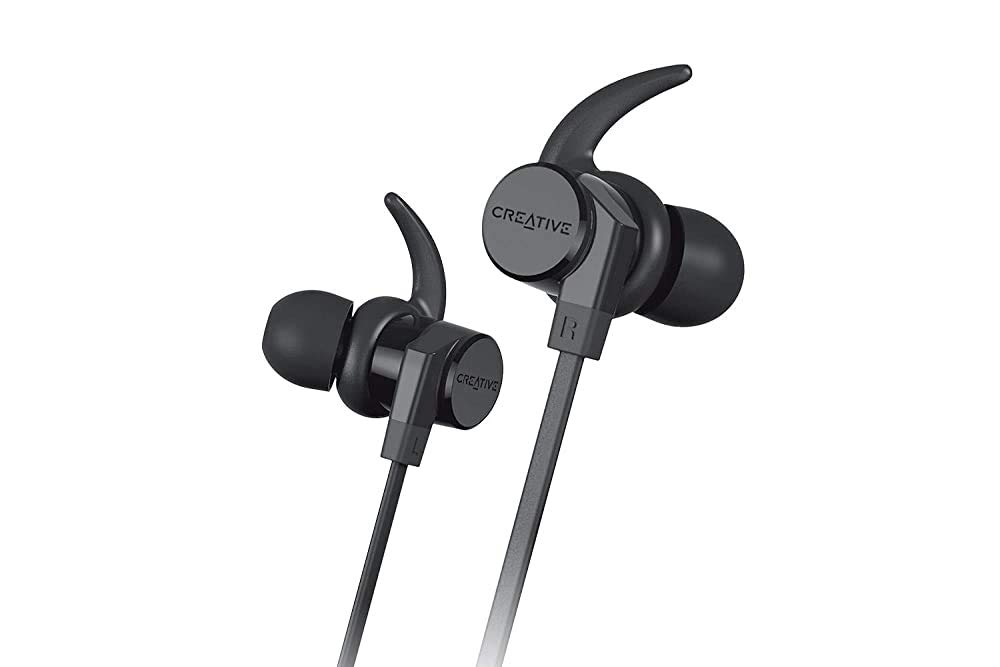
Image: Creative Outlier ONE V2 Wireless Bluetooth Headphones, showcasing the sleek black design with ear hooks and inline controls.
Package Contents
Verify that all items listed below are present in your product packaging:
- Creative Outlier ONE V2 Wireless Bluetooth Headphones
- USB Charging Cable (Micro USB)
- Silicone Ear Tips (various sizes: S, M, L)
- Secure Ear Hooks (various sizes)
- Carrying Pouch

Image: Diagram illustrating the contents included in the Creative Outlier ONE V2 package, including the headphones, ear tips, ear hooks, micro USB cable, and carrying pouch.
Product Features
- Extended Battery Life: Enjoy up to 9.5 hours of audio playback on a single charge. A quick 15-minute charge provides 1 hour of playback.
- IPX5-Certified Sweatproof: Designed to withstand sweat and accidental splashes, making them ideal for workouts and outdoor activities.
- Ergonomic, Tangle-Free Cable: Lightweight at 15g (0.53 Oz) with a sleek, flat matte-black behind-the-neck cable design for comfortable wear and reduced tangling.
- Secure Magnetic Earbuds: The earbuds feature magnets that allow them to securely clip together around your neck when not in use, preventing loss.
- Noise-Isolating Aura Seal Silicone Ear Tips: Fitted with soft silicone tips that block out ambient noise, delivering outstanding deep bass and balanced audio.
- Convenient All-in-One Controls: Easily manage music playback, calls, and smart assistant activation with intuitive inline buttons.
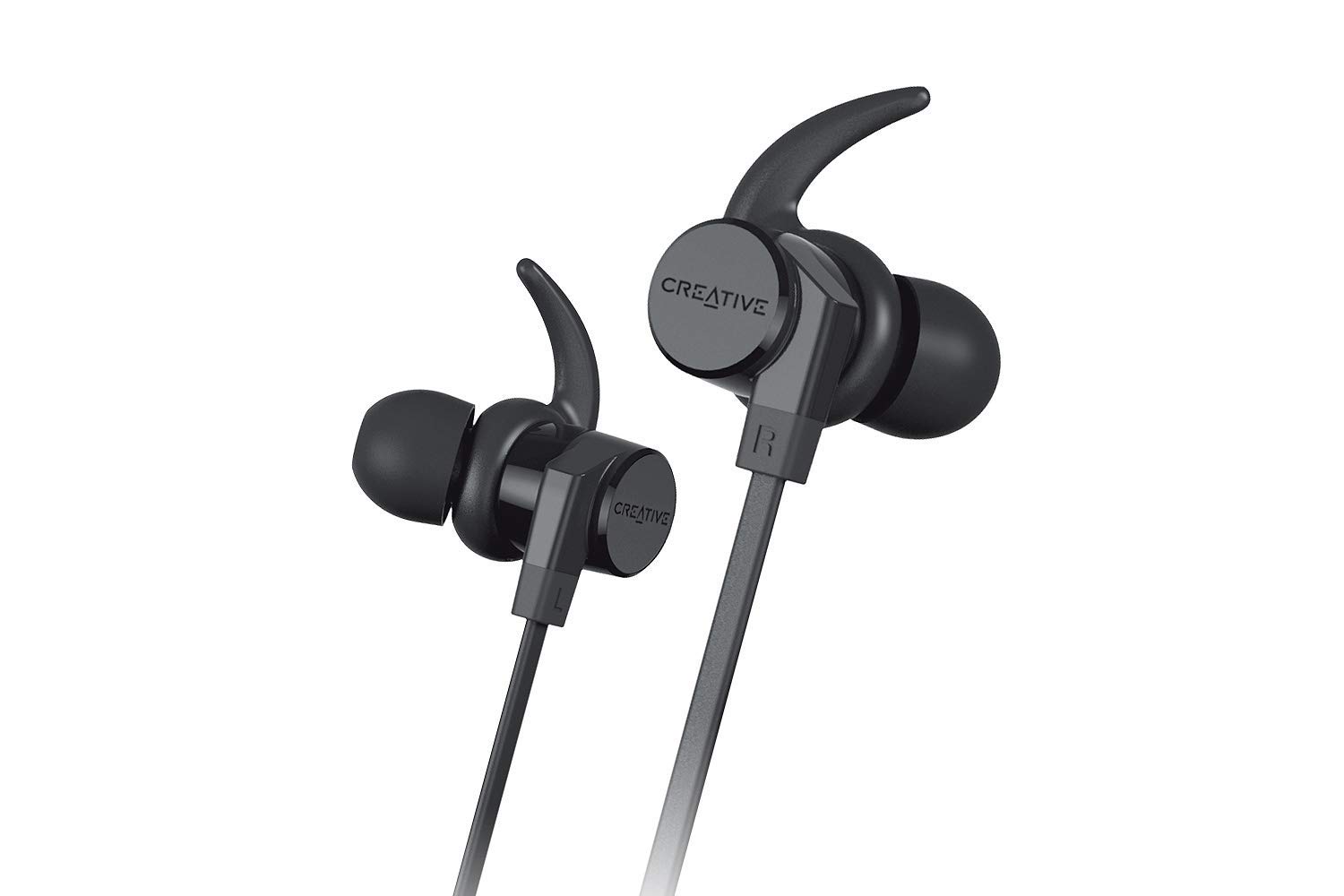
Image: A person running outdoors, illustrating the long battery life suitable for active use.

Image: Close-up of the earphones resting on a wet surface with water droplets, demonstrating their IPX5 sweatproof rating.
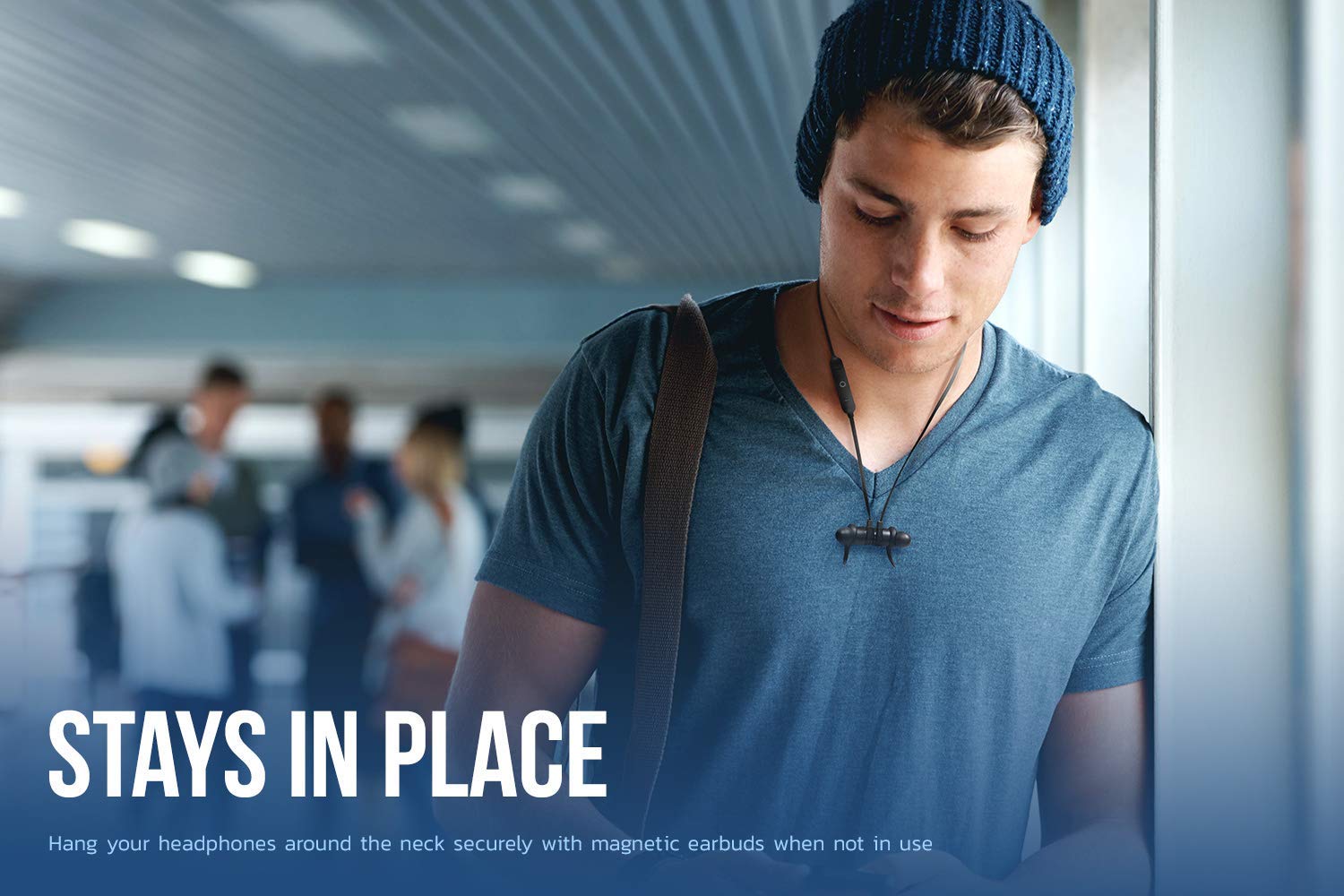
Image: A person wearing the headphones with the earbuds magnetically connected around their neck, illustrating the secure fit feature.

Image: A detailed diagram of the inline control module, indicating buttons for Volume Up/Next Track, Power (ON/OFF)/Play/Pause/Smart Assistant, and Volume Down/Prev. Track.
Setup
Charging the Headphones
- Locate the Micro USB charging port on the inline control module.
- Connect the provided USB charging cable to the headphones and a power source (e.g., computer USB port, USB wall adapter).
- The LED indicator will illuminate during charging and change color or turn off when fully charged.
Bluetooth Pairing
- Ensure the headphones are turned off.
- Press and hold the Power button on the inline control module until the LED indicator flashes rapidly (usually blue and red), indicating pairing mode.
- On your Bluetooth-enabled device (smartphone, tablet, computer), go to the Bluetooth settings.
- Search for available devices and select "Creative Outlier ONE V2" from the list.
- Once connected, the LED indicator on the headphones will typically show a solid blue light or flash slowly.
Operating Instructions
Power On/Off
- Power On: Press and hold the Power button for approximately 3 seconds.
- Power Off: Press and hold the Power button for approximately 3 seconds.
Music Playback
- Play/Pause: Press the Power button once.
- Volume Up: Press the '+' button.
- Volume Down: Press the '-' button.
- Next Track: Press and hold the '+' button.
- Previous Track: Press and hold the '-' button.
Call Management
- Answer/End Call: Press the Power button once.
- Reject Call: Press and hold the Power button for 2 seconds.
Smart Assistant (Siri/Google Assistant)
- Activate: Double-press the Power button.
Maintenance
- Cleaning: Use a soft, dry cloth to wipe the headphones. For ear tips, remove them and clean with mild soap and water, then dry thoroughly before reattaching.
- Storage: Store the headphones in the provided carrying pouch when not in use to protect them from dust and damage. Avoid storing in extreme temperatures.
- Water Resistance: While IPX5-certified sweatproof, avoid submerging the headphones in water. Dry them completely if they get wet from sweat or splashes before charging or storing.
- Battery Care: To preserve battery life, avoid fully discharging the headphones frequently. Charge them regularly, even if not in use for extended periods.
Troubleshooting
| Problem | Possible Cause | Solution |
|---|---|---|
| Headphones do not power on. | Low battery. | Charge the headphones fully. |
| Cannot pair with device. | Headphones not in pairing mode; device Bluetooth off; interference. | Ensure headphones are in pairing mode. Turn device Bluetooth off/on. Move closer to device. |
| No sound or low volume. | Volume too low; headphones not connected; incorrect audio output. | Increase volume on headphones and device. Reconnect headphones. Check device audio settings. |
| Intermittent connection. | Distance from device; interference. | Reduce distance between headphones and device. Avoid strong Wi-Fi signals or other Bluetooth devices. |
Specifications
| Feature | Detail |
|---|---|
| Model Number | EF0850-cr |
| Connectivity Technology | Bluetooth 5.0 |
| Water Resistance Level | IPX5 (Sweatproof) |
| Battery Life | Up to 9.5 hours |
| Charging Time | 15 minutes charge for 1 hour playback |
| Microphone | Built-In |
| Control Type | Inline Buttons (Touch Control) |
| Cable Feature | Tangle Free |
| Item Weight | 99.8 g (approx. 0.22 lbs) |
| Product Dimensions | 1.91 x 2.79 x 3.4 cm (0.75 x 1.1 x 1.34 inches) |
| Material | Silicone |
| UPC | 786513543998 |
Warranty and Support
This product comes with a minimum six-month supplier-backed warranty, ensuring peace of mind regarding its performance and quality.
For technical support, warranty claims, or further assistance, please refer to the contact information provided with your purchase documentation or visit the official Creative website.
Please retain your proof of purchase for warranty purposes.
Related documentsOutlier ONE V2 (EF0850-cr)


Ask a question about this manual
Ask about setup, troubleshooting, compatibility, parts, safety, or missing instructions. Manuals+ will review the question and use this page’s manual context to help answer it.