1. Introduction
This manual provides detailed instructions for the proper use, setup, and maintenance of your boAt Airdopes 131 Bluetooth Truly Wireless Earbuds. Please read this manual thoroughly before using the product to ensure optimal performance and longevity.

Image 1.1: The boAt Airdopes 131 Truly Wireless Earbuds in Midnight Blue, shown with their charging case.
2. What's in the Box
Verify that all items listed below are present in your product packaging:
- 1 x boAt Airdopes 131 Truly Wireless Earbuds (Left and Right)
- 1 x Charging Case
- 1 x USB Type-C Charging Cable
- 1 x User Manual
- 2 x Additional Ear Tips (various sizes)
3. Product Overview
The boAt Airdopes 131 are designed for a seamless audio experience. Key features include:
- Truly Wireless Design: Freedom from cables for unrestricted movement.
- Bluetooth v5.0: Stable and efficient wireless connectivity.
- IWP™ Technology: Instant Wake N' Pair for automatic connection upon opening the case.
- 13mm Dynamic Drivers: For immersive sound quality.
- Multifunction Button Control: Easy management of music, calls, and voice assistant.
- Built-in Microphone: For clear stereo calling.
- Type-C Charging Port: For convenient charging of the case.
- Voice Assistant Support: Quick access to your device's voice assistant.

Image 3.1: An illustration of the boAt Airdopes 131 charging case with an earbud, highlighting features like IWP Technology, Bluetooth V5.0, 650mAh battery, Type-C charging, Instant Voice Assistant, and Multifunction Controls.
4. Setup
4.1 Charging the Device
Before initial use, ensure both the charging case and earbuds are fully charged.
4.1.1 Charging the Case
- Connect the USB Type-C charging cable to the charging port on the case.
- Connect the other end of the cable to a USB power adapter (not included) or a computer's USB port.
- The LED indicators on the case will show charging status. A full charge typically takes approximately 1.5 hours.
4.1.2 Charging the Earbuds
- Place the earbuds into their respective slots in the charging case.
- Ensure the case has sufficient charge or is connected to a power source.
- The earbuds will begin charging automatically. The LED indicators on the earbuds will confirm charging status.

Image 4.1: The boAt Airdopes 131 earbuds illustrating the ASAP Charge feature, providing 90 minutes of playback from a 5-minute charge.
The Airdopes 131 offer up to 3 hours of playback per earbud charge and an additional 12 hours with the charging case. With ASAP™ Charge, 5 minutes of charging can provide up to 90 minutes of playback.
4.2 Initial Pairing (IWP™ Technology)
The Airdopes 131 feature Instant Wake N' Pair (IWP™) Technology for quick and effortless connection.
- Ensure the earbuds are inside the charging case and the case is charged.
- Open the lid of the charging case. The earbuds will automatically power on and enter pairing mode.
- On your smartphone or Bluetooth-enabled device, open the Bluetooth settings.
- Search for "Airdopes 131" in the list of available devices and select it to connect.
- Once connected, you will hear an audio prompt, and the LED indicators on the earbuds will change.

Image 4.2: A visual representation of the IWP Technology, showing a smartphone displaying a pairing notification for "Airdopes 131" as the charging case lid is opened.
4.3 Connecting to a New Device
To connect to a different device, first disconnect from the currently paired device. Then, follow the initial pairing steps (Section 4.2) to connect to the new device.
5. Operating Instructions
The Airdopes 131 feature intuitive multifunction button controls on each earbud.
5.1 Power On/Off
- Power On: Open the charging case lid (IWP™ Technology) or long-press the Multifunction Button on both earbuds for 3 seconds.
- Power Off: Place the earbuds back into the charging case and close the lid, or long-press the Multifunction Button on both earbuds for 5 seconds.
5.2 Music Controls
- Play/Pause: Single tap the Multifunction Button on either earbud.
- Next Track: Double tap the Multifunction Button on the right earbud.
- Previous Track: Double tap the Multifunction Button on the left earbud.
5.3 Call Controls
- Answer/End Call: Single tap the Multifunction Button on either earbud.
- Reject Call: Long press the Multifunction Button on either earbud for 2 seconds.
5.4 Voice Assistant
Activate your device's voice assistant (e.g., Google Assistant, Siri) with a single press.
- Activate Voice Assistant: Single press the Multifunction Button on either earbud.
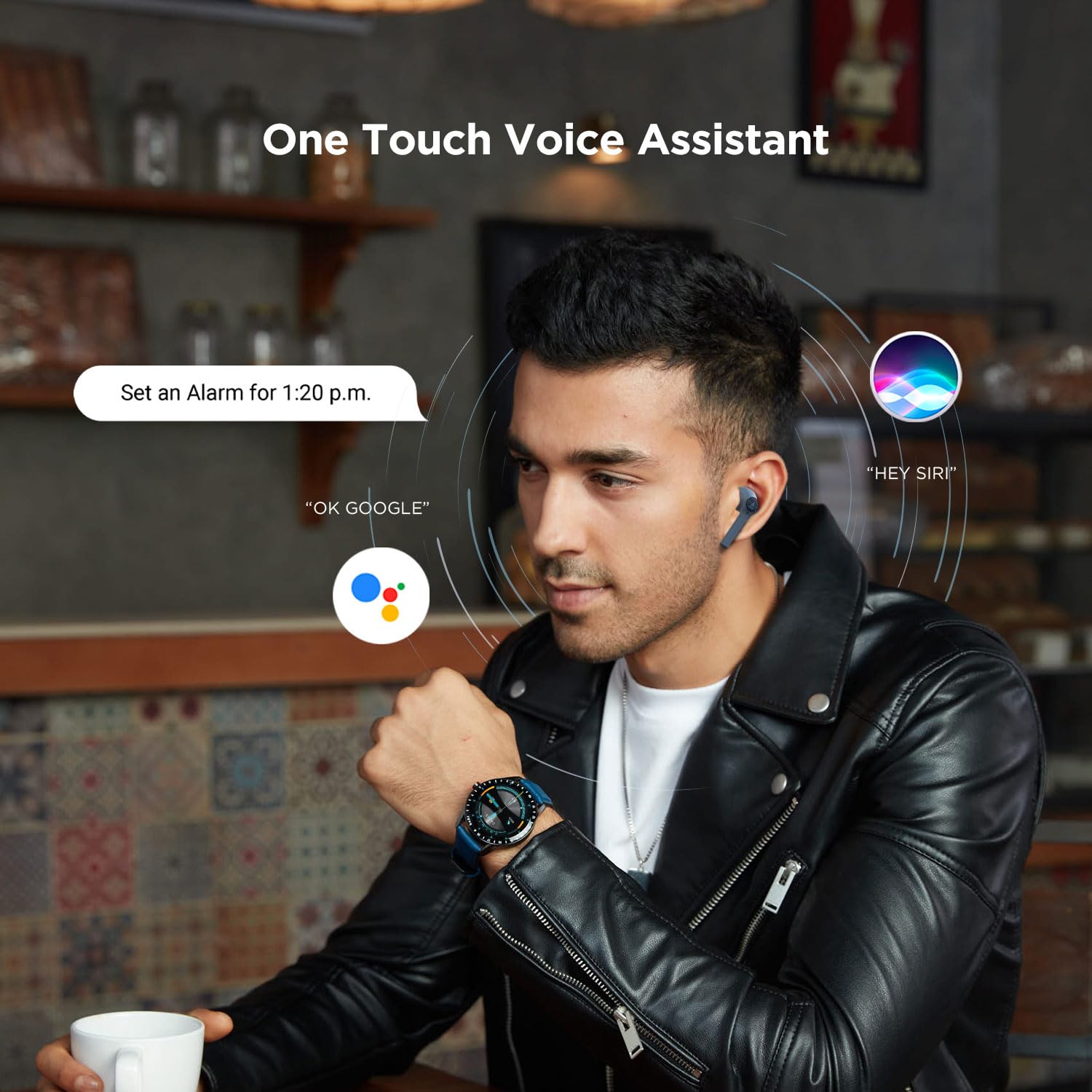
Image 5.1: A user interacting with a voice assistant via the boAt Airdopes 131 earbuds, demonstrating the "One Touch Voice Assistant" feature.
6. Maintenance
Proper maintenance ensures the longevity and optimal performance of your Airdopes 131.
6.1 Cleaning
- Use a soft, dry, lint-free cloth to clean the earbuds and charging case.
- Do not use harsh chemicals, cleaning solvents, or strong detergents.
- Avoid getting moisture into any openings.
6.2 Storage
- When not in use, store the earbuds in their charging case to protect them and keep them charged.
- Store the device in a cool, dry place, away from extreme temperatures and direct sunlight.
6.3 Battery Care
- To preserve battery life, charge the device regularly, even if not in frequent use.
- Avoid fully discharging the battery frequently.
7. Troubleshooting
If you encounter issues with your Airdopes 131, refer to the following common solutions:
| Problem | Solution |
|---|---|
| Earbuds not pairing with device. |
|
| Only one earbud is working. |
|
| Charging case not charging. |
|
| Low volume or poor sound quality. |
|
8. Specifications
| Feature | Detail |
|---|---|
| Model Name | Airdopes 131 |
| Connectivity Technology | Bluetooth |
| Wireless Communication Technology | Truly Wireless |
| Bluetooth Version | 5.0 |
| Bluetooth Range | 10 Metres |
| Audio Driver Type | Dynamic Driver (13mm) |
| Frequency Range | 20Hz-20kHz |
| Earbud Battery Life | Up to 3 Hours per charge |
| Total Playtime (with case) | Up to 12 Hours |
| Charging Time (Case) | Approximately 1.5 Hours |
| Charging Port | USB Type-C |
| Microphone Format | Built-In |
| Control Type | Multifunction Button, Voice Control |
| Water Resistance Level | Water Resistant |
| Item Weight | 7 Grams (earbuds) |
| Product Dimensions | 5.3 x 2.5 x 2.5 cm |
| Material | Plastic |
| Compatible Devices | iOS, Android, Windows |
9. Warranty and Support
For warranty information and customer support, please refer to the official boAt website or contact their customer service directly.
- Official Website: Visit the boAt Store on Amazon for product information and support.
- Customer Service: Contact boAt customer support for technical assistance, warranty claims, or service inquiries.

Image 9.1: A smartphone displaying the boAt Hearables App with a QR code for scanning and exploring. The app offers features like streaming music, listening to audiobooks, and accessing user help guides. Scan the QR code to access the app: https://l.ead.me/bdAX6k


