
ZEALOT S32
ZEALOT S32 Portable Bluetooth Speaker User Manual
Model: S32
Brand: ZEALOT
Introduction
The ZEALOT S32 Portable Bluetooth Speaker is designed to deliver clear, powerful stereo sound with enhanced bass, suitable for both indoor and outdoor use. Featuring IPX5 waterproof rating, multiple play modes, and a built-in HD microphone, the S32 offers versatility and convenience for various audio needs. This manual will guide you through the features and functions of your new speaker.
What's Included
Please check the package contents to ensure all items are present:
- 1 x ZEALOT S32 Speaker
- 1 x Charge Cable
- 1 x User Guide

Image: The ZEALOT S32 Portable Bluetooth Speaker in Camo finish.
Product Overview
Familiarize yourself with the various components and ports of your S32 speaker.

Image: Detailed diagram showing the charging port, USB port, TF card slot, power on indicator, AUX port, and control buttons (power/mode, volume down/previous, volume up/next).
- Power Button: Long press to power on/off. Double click to switch modes.
- Volume Down / Previous Track Button: Click for previous track, long press for volume down.
- Volume Up / Next Track Button: Click for next track, long press for volume up.
- Charging Port: For charging the speaker.
- USB Port: For playing music from USB flash drives.
- TF Port: For playing music from Micro SD cards (up to 32GB).
- AUX Port: For wired audio connection via 3.5mm audio cable.
Setup
Charging the Speaker
Before first use, fully charge the speaker. Connect the provided charge cable to the speaker's charging port and a USB power source. The power indicator will show charging status and turn off when fully charged. A full charge takes approximately 3 hours.
Bluetooth Pairing
- Ensure the speaker is powered off.
- Long press the Power button to turn on the speaker. It will automatically enter Bluetooth pairing mode, indicated by a flashing LED.
- On your device (smartphone, tablet, etc.), enable Bluetooth and search for available devices.
- Select "ZEALOT-S32" from the list. Once connected, the speaker will emit a confirmation tone, and the LED indicator will stop flashing.
Dual Pairing (TWS Function)
To achieve a 20W loud stereo audio experience, you can pair two S32 speakers together.
- Turn on both S32 speakers. Ensure they are not connected to any other Bluetooth device.
- On either of the two speakers, double-click the '-' (volume down) button. The speakers will attempt to pair with each other.
- Wait approximately 8 seconds for the speakers to connect. Once successfully paired, one speaker will act as the master and the other as the slave.
- Connect your phone or other Bluetooth device to the master speaker ("ZEALOT-S32").
- Play music, and sound will be output through both speakers for a stereo effect.
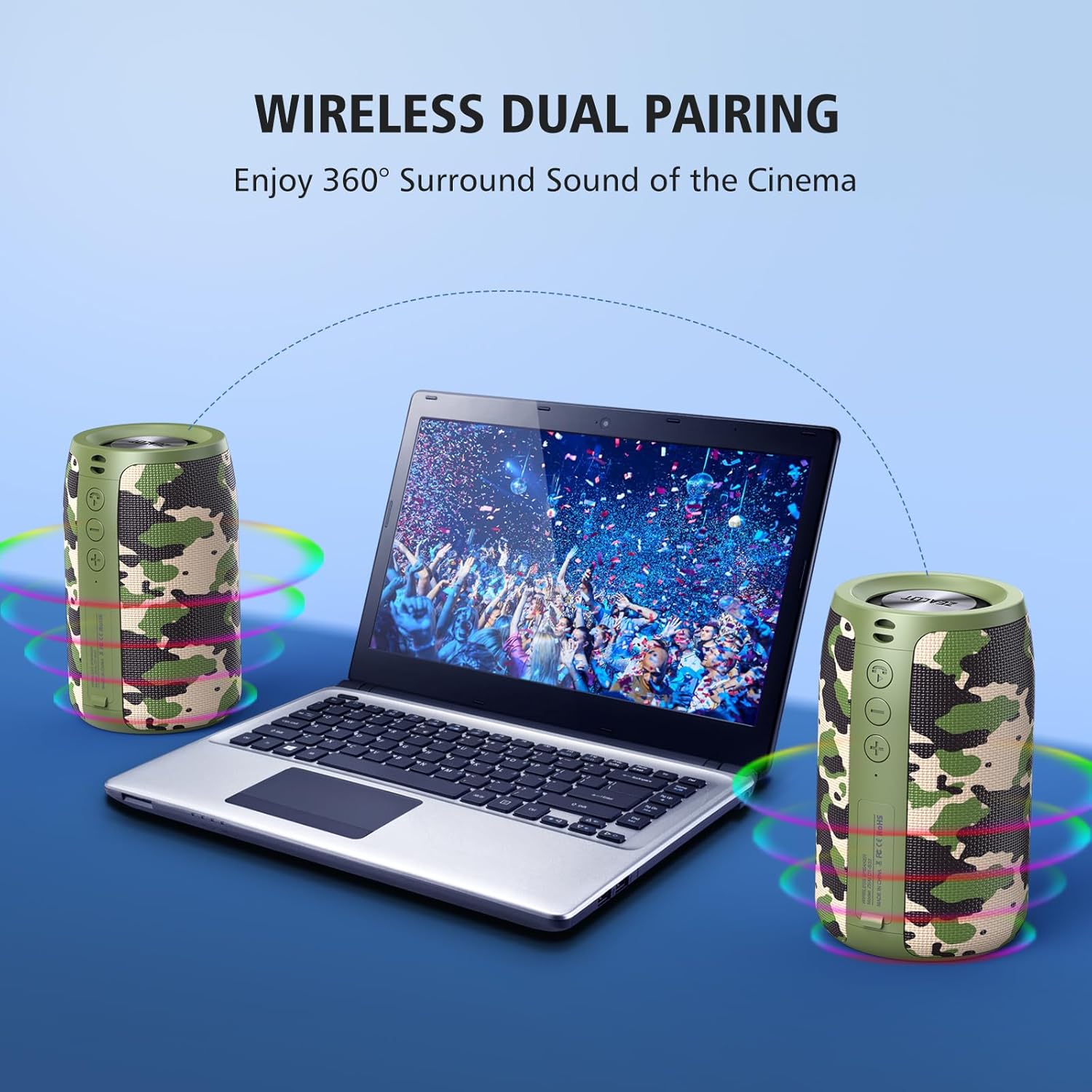
Image: Two ZEALOT S32 speakers demonstrating the wireless dual pairing feature, connected to a laptop for enhanced stereo sound.
Operating Instructions
Play Modes
The S32 speaker supports multiple play modes:
- Bluetooth Mode: Connect wirelessly to your Bluetooth-enabled devices.
- Flash Drive Mode: Insert a USB flash drive into the USB port to play MP3 audio files.
- Micro SD Card Mode: Insert a Micro SD card (up to 32GB) into the TF port to play MP3 audio files.
- AUX Mode: Connect an external audio device using a 3.5mm AUX cable to the AUX port.
To switch between modes, double-click the Power button.

Image: The S32 speaker illustrating its multi-functional capabilities, compatible with phones, pads, TVs, MP3 players, and PCs via various input methods.
Making Calls (Built-in HD Microphone)
When connected via Bluetooth, the S32's built-in noise-cancelling microphone allows you to make and receive calls hands-free.
- Answer Call: Press the Power button once.
- End Call: Press the Power button once during a call.
- Reject Call: Long press the Power button.
Portability and Durability
The S32 is designed for portability and outdoor use, featuring a compact cylindrical design and IPX5 waterproof rating.

Image: The S32 speaker conveniently attached to a backpack, highlighting its portable design for outdoor activities.

Image: The S32 speaker positioned near a pool, illustrating its IPX5 waterproof capability, making it suitable for beach or pool environments.
Maintenance
To ensure the longevity and optimal performance of your ZEALOT S32 speaker, follow these maintenance guidelines:
- Cleaning: Use a soft, dry cloth to wipe the speaker's surface. For stubborn dirt, a slightly damp cloth can be used, but ensure no water enters the ports.
- Storage: Store the speaker in a cool, dry place away from direct sunlight and extreme temperatures.
- Battery Care: To preserve battery life, avoid fully discharging the speaker frequently. Charge it regularly, even if not in use for extended periods (e.g., once every 3 months).
- Water Resistance: While IPX5 waterproof, avoid submerging the speaker in water. Ensure all port covers are securely closed before exposure to water splashes or light rain.
- Avoid Impacts: Protect the speaker from drops and impacts, which can damage internal components.
Troubleshooting
If you encounter issues with your S32 speaker, refer to the following common problems and solutions:
| Problem | Possible Cause | Solution |
|---|---|---|
| Speaker does not turn on. | Low battery; Power button not pressed correctly. | Charge the speaker fully. Long press the power button for 3-5 seconds. |
| Cannot pair via Bluetooth. | Speaker is not in pairing mode; Device's Bluetooth is off; Speaker is connected to another device. | Ensure speaker is in pairing mode (flashing LED). Turn off and on your device's Bluetooth. Disconnect from other devices. |
| No sound or low volume. | Volume too low on speaker or device; Incorrect mode selected; Audio file issue. | Increase volume on both speaker and device. Double-click power button to cycle modes. Test with a different audio file. |
| Dual pairing fails. | Speakers already connected to a device; Incorrect pairing steps. | Ensure both speakers are disconnected from other devices. Follow dual pairing steps precisely (double-click '-' on one speaker). |
| Sound distortion. | Volume too high; Low battery; Interference. | Reduce volume. Charge the speaker. Move speaker away from other electronic devices. |
Official Product Videos
For visual guidance on features and operation, please refer to the official product videos below:
Video: An overview of the S32 Bluetooth Speaker, highlighting its outdoor portability and mini size.
Video: Demonstrating the portable and wireless features of the S32 Bluetooth Speaker.
Specifications
Detailed technical specifications for the ZEALOT S32 Portable Bluetooth Speaker:
| Feature | Specification |
|---|---|
| Model Name | S32 |
| Speaker Type | Outdoor |
| Connectivity Technology | Wireless (Bluetooth) |
| Wireless Communication Technology | Bluetooth |
| Bluetooth Range | 10 Meters (32.8 Feet) |
| Speaker Maximum Output Power | 10 Watts |
| Audio Output Mode | Stereo |
| Frequency Response | 20 KHz |
| Battery Life | Up to 12 Hours (at 50% volume) |
| Battery Capacity | 2500 Milliamp Hours |
| Charging Time | 3 Hours |
| Water Resistance Level | IPX5 Waterproof |
| Product Dimensions | 2.91"D x 2.91"W x 4.84"H |
| Item Weight | 12.32 ounces |
| Material | Metal & Plastic |
| Special Features | Built-in microphone, USB, IPX5 waterproof, Stereo, Stereo pairing |
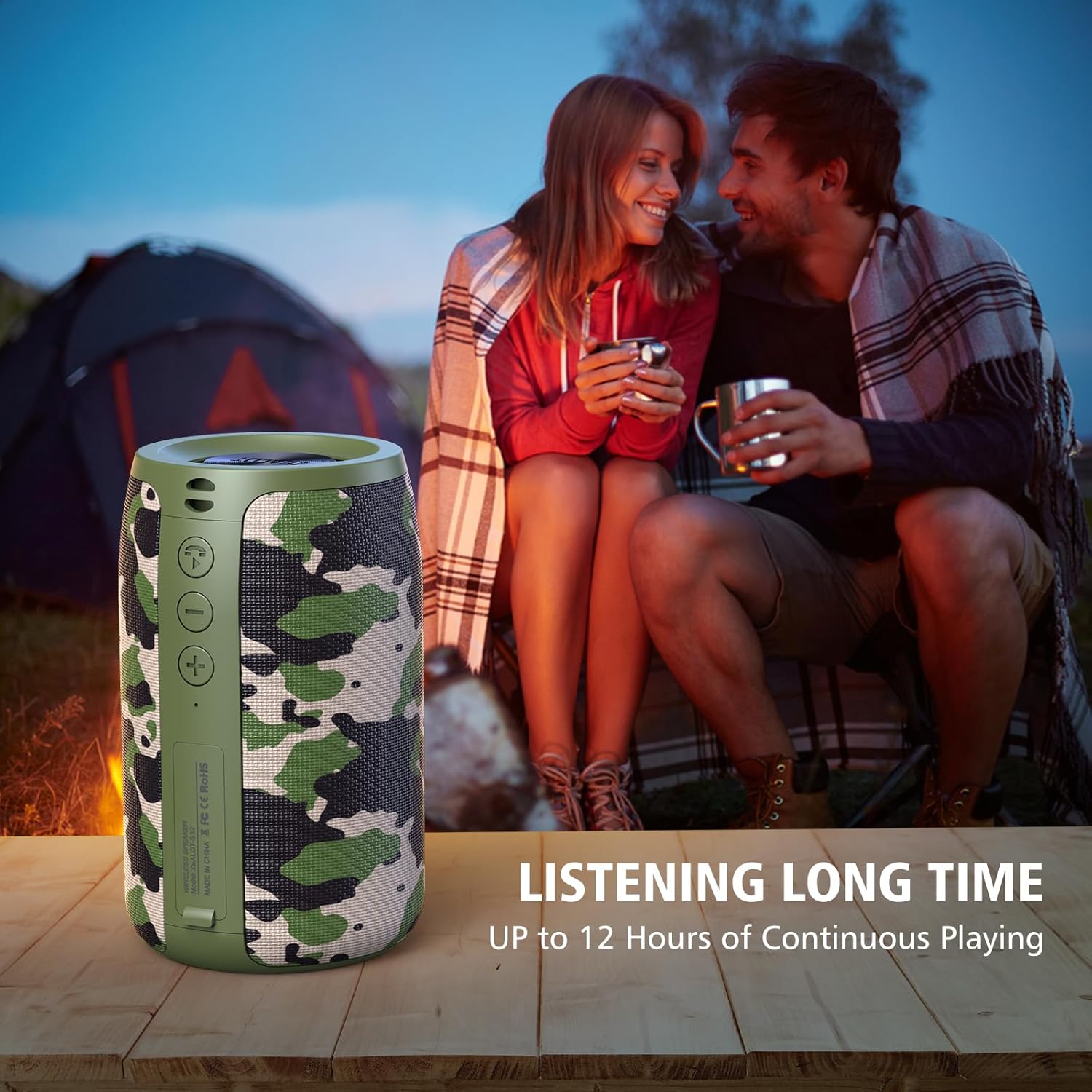
Image: The S32 speaker providing music during an outdoor evening, emphasizing its extended playtime of up to 12 hours.
Warranty and Support
Warranty Information
The ZEALOT S32 Portable Bluetooth Speaker comes with a limited warranty. Please refer to the warranty card included in your package for specific terms and conditions. This typically covers manufacturing defects for a specified period from the date of purchase.
Customer Support
For further assistance, technical support, or warranty claims, please contact ZEALOT customer service through the contact information provided on the product packaging or the official ZEALOT website. You may also refer to the official user guide PDF for additional details: Download User Guide (PDF).
Related documentsS32


Ask a question about this manual
Ask about setup, troubleshooting, compatibility, parts, safety, or missing instructions. Manuals+ will review the question and use this page’s manual context to help answer it.