
1. Introduction
Thank you for choosing the AWEI Y330 Wireless Bluetooth Speaker. This manual provides essential information for the proper setup, operation, and maintenance of your device. Please read it carefully before use to ensure optimal performance and longevity.
The AWEI Y330 is a portable wireless speaker featuring Bluetooth connectivity, dual speaker units, FM radio, and TF card support. It is designed for outdoor use, offering stereo sound with a subwoofer effect.
2. Product Overview
Familiarize yourself with the components and controls of your AWEI Y330 speaker.

Image: Top view of the AWEI Y330 speaker, highlighting the control buttons and their functions. From left to right, buttons include: Volume Down / Last Song, Mode Switch, Play/Pause / Answer Call, Volume Up / Next Song, and Power On/Off.
Package Contents:
- AWEI Y330 Wireless Bluetooth Speaker
- USB Charging Cable
- 3.5mm Audio Cable (AUX)
- User Manual
3. Setup
3.1 Charging the Speaker
Before first use, fully charge the speaker. The built-in battery has a capacity of 1200mAh (3.7V).
- Connect the provided USB charging cable to the speaker's charging port.
- Connect the other end of the USB cable to a compatible USB power adapter (e.g., 5V/500mA) or a computer's USB port.
- The charging indicator light will illuminate.
- Charging typically takes 3-4 hours. The indicator light will change or turn off once charging is complete.
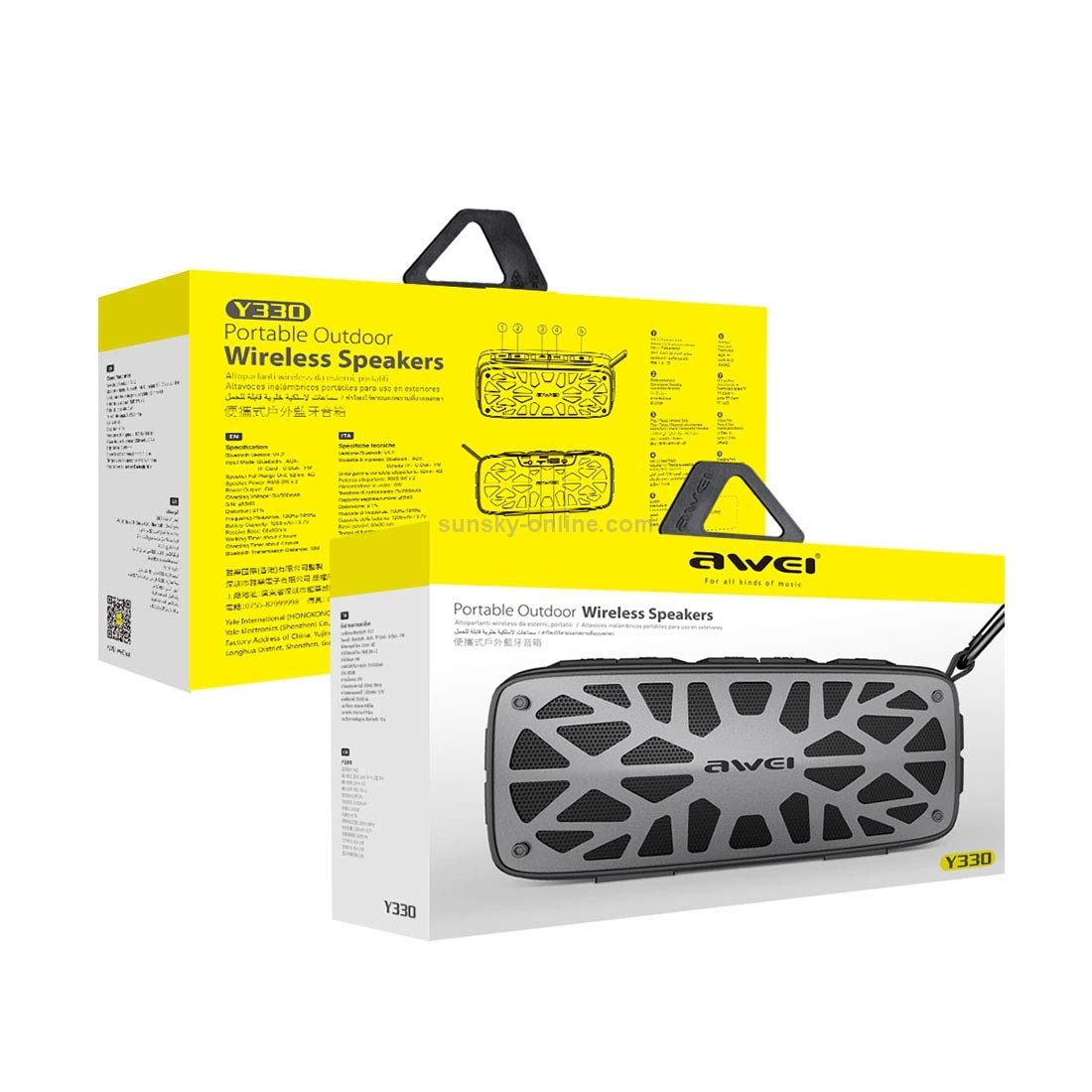
Image: The AWEI Y330 speaker shown with text indicating 'LARGE POWER LONG TIME', '1200mAh /3.7V' battery capacity, '3-4 H charge', and '4h playing time'.
3.2 Power On/Off
- To power on: Press and hold the Power button until you hear an audible prompt.
- To power off: Press and hold the Power button until the speaker turns off.
4. Operating Instructions
4.1 Bluetooth Mode
This mode allows wireless audio streaming from Bluetooth-enabled devices.
- Ensure the speaker is powered on and in Bluetooth mode (indicated by an audible prompt or LED). If not, press the Mode button to switch to Bluetooth mode.
- Enable Bluetooth on your smartphone, tablet, or other device.
- Search for available Bluetooth devices. You should see "AWEI Y330" in the list.
- Select "AWEI Y330" to pair. Once paired, you will hear a confirmation sound.
- You can now play audio from your device through the speaker.
4.2 AUX Mode
Connect external audio devices using the 3.5mm audio cable.
- Connect one end of the 3.5mm audio cable to the AUX port on the speaker.
- Connect the other end to the headphone jack or audio output of your external device.
- Press the Mode button on the speaker until it enters AUX mode.
- Play audio from your external device.
4.3 TF Card / U Disk Mode
Play audio files directly from a TF card or USB flash drive.
- Insert a TF card into the designated slot or a USB flash drive into the USB port.
- Press the Mode button to switch to TF card or U Disk mode. The speaker will automatically detect and play audio files.
4.4 FM Radio Mode
Listen to FM radio stations.
- Press the Mode button to switch to FM radio mode.
- To auto-scan for stations: Press and hold the Play/Pause button. The speaker will scan and save available stations.
- To switch stations: Use the Next Song or Last Song buttons.
4.5 Call Functions
The speaker features a built-in HD microphone for hands-free calls when connected via Bluetooth.
- To answer an incoming call: Press the Play/Pause / Answer Call button once.
- To end a call: Press the Play/Pause / Answer Call button once during a call.
- To reject an incoming call: Press and hold the Play/Pause / Answer Call button.
4.6 Volume and Track Control
- Volume Up: Short press the Volume Up button.
- Volume Down: Short press the Volume Down button.
- Next Track: Long press the Volume Up button.
- Previous Track: Long press the Volume Down button.
5. Maintenance
5.1 Cleaning
- Wipe the speaker with a soft, dry cloth.
- Do not use abrasive cleaners, alcohol, or chemical solvents, as these may damage the surface.
5.2 Storage
- Store the speaker in a cool, dry place away from direct sunlight and extreme temperatures.
- If storing for an extended period, charge the battery every 3 months to maintain its lifespan.
5.3 Water Resistance
The AWEI Y330 speaker is designed to be waterproof. However, avoid submerging it in water for prolonged periods or exposing it to high-pressure water jets. Ensure the charging port cover is securely closed to maintain water resistance.
6. Troubleshooting
- Speaker does not power on:
Ensure the battery is charged. Connect the speaker to a power source and try again. - Cannot connect via Bluetooth:
Ensure the speaker is in Bluetooth pairing mode. Turn off and on Bluetooth on your device. Move the speaker closer to your device (within 10 meters). Clear previous Bluetooth connections on your device and try pairing again. - No sound:
Check the volume levels on both the speaker and your connected device. Ensure the correct mode (Bluetooth, AUX, TF Card, FM) is selected. - FM radio reception is poor:
Move the speaker to an open area. The audio cable can sometimes act as an antenna; try connecting it even if not using AUX mode. - Speaker automatically turns off:
The battery might be low. Recharge the speaker.
7. Specifications

Image: The AWEI Y330 speaker with text indicating 'Heavy Bass', 'Dual units', '6W Rated power', '2x52mm Full frequency magnetic boron unit', and '50x90mm Bass passive radiator unit'.
| Feature | Specification |
|---|---|
| Model | Y330 |
| Speaker Type | Subwoofer |
| Connectivity | Bluetooth V4.2, 3.5mm AUX, TF Card, U Disk |
| Transmission Distance | 10 meters |
| Output Power | 3W * 2 (Total 6W) |
| SNR (Signal-to-Noise Ratio) | 85dB |
| Impedance | 32 Ω |
| Frequency Response | 100Hz - 1kHz |
| Battery Capacity | 1200mAh, 3.7V |
| Charging Time | 3-4 hours |
| Working Time | Up to 4 hours |
| Microphone | Yes, built-in HD microphone |
| Waterproof | Yes |
| Product Dimensions | 5D x 19W x 8H Centimeters |
| Item Weight | 0.7 Kilograms |
8. Warranty and Support
8.1 Warranty Information
The AWEI Y330 Wireless Bluetooth Speaker comes with a 6-month warranty from the date of purchase. This warranty covers manufacturing defects under normal use. It does not cover damage caused by misuse, accidents, unauthorized modifications, or normal wear and tear.
8.2 Customer Support
For technical assistance, warranty claims, or any questions regarding your AWEI Y330 speaker, please contact your retailer or the manufacturer's customer service department. Refer to the product packaging or the official AWEI website for contact details.