
1. Introduction
Thank you for choosing the Cecotec ReadyWarm 2500 Thermal Flat Radiator. This manual provides essential information for the safe and efficient operation, installation, and maintenance of your new radiator. Please read this manual thoroughly before using the appliance and retain it for future reference.
This radiator features 12 aluminum elements, 1800 W power, and a slim design, offering efficient heating for indoor spaces. It includes multiple heating modes, a programmable timer, and remote control for user convenience.
2. Safety Information
Important Safety Instructions:
- Read all instructions before using this radiator.
- Do not cover the radiator. Covering the radiator can lead to overheating and fire.
- Keep all combustible materials, such as furniture, pillows, bedding, papers, clothes, and curtains, at least 1 meter (3 feet) from the front and sides of the radiator.
- Do not use the radiator in bathrooms, laundry areas, or similar indoor locations where water may be present. Never locate the radiator where it may fall into a bathtub or other water container.
- Do not operate any radiator with a damaged cord or plug, or after the radiator malfunctions, has been dropped, or damaged in any manner. Return radiator to authorized service facility for examination, electrical or mechanical adjustment, or repair.
- This radiator is hot when in use. To avoid burns, do not let bare skin touch hot surfaces. Use handles when moving this radiator.
- Close supervision is necessary when any radiator is used by or near children or invalids and whenever the radiator is left operating unattended.
- The radiator is equipped with an Overprotection System that automatically shuts off the heating elements in case of overheating to prevent damage and ensure safety.
- Ensure the voltage indicated on the rating label corresponds to your mains voltage.
3. Package Contents
Verify that all components are present and in good condition:
- Cecotec ReadyWarm 2500 Thermal Flat Radiator (12 Module)
- Remote Control
- Foot parts (for freestanding installation)
- Wall stand and mounting hardware (for wall-mounted installation)
- Instruction Manual
4. Product Overview
Familiarize yourself with the main components of your Cecotec ReadyWarm 2500 radiator.

Figure 1: The Cecotec ReadyWarm 2500 Thermal Flat Radiator, shown with its included feet for freestanding placement. This image displays the full unit from an angled perspective, highlighting its slim profile and integrated control panel.

Figure 2: The radiator positioned in a modern room, demonstrating its aesthetic integration into a living space. The unit is placed against a dark wall, with a side table and lamp nearby, illustrating its compact and unobtrusive design.
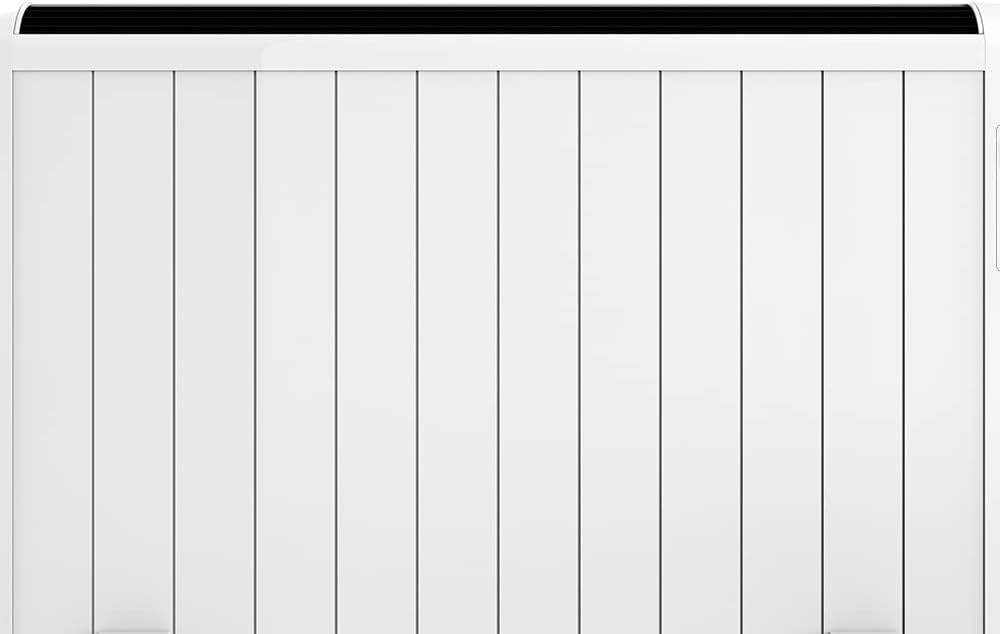
Figure 3: A direct front view of the Cecotec ReadyWarm 2500 radiator, showcasing its 12 aluminum heating elements and overall minimalist design. This perspective emphasizes the flat panel structure.

Figure 4: A detailed close-up of the SmartControl LED screen and control buttons located on the side of the radiator. The buttons include power, mode selection, timer, and temperature adjustments, along with the Cecotec ReadyWarm branding.

Figure 5: The remote control for the Cecotec ReadyWarm 2500 radiator, shown next to the unit. The remote provides convenient access to all functions, mirroring the controls on the radiator's panel.

Figure 6: Another close-up of the radiator's LED display, showing a temperature reading of 33.0°C and a graphical representation of the timer settings. This image highlights the digital interface for precise control.
5. Setup and Installation
The Cecotec ReadyWarm 2500 radiator can be installed as a freestanding unit or wall-mounted.
5.1 Freestanding Installation
- Carefully unpack the radiator and all accessories.
- Attach the provided foot parts to the base of the radiator using the screws. Ensure they are securely fastened.
- Place the radiator on a stable, level surface, ensuring it is at least 1 meter (3 feet) away from any combustible materials.
- Plug the power cord into a suitable electrical outlet.
5.2 Wall-Mounted Installation
- Select a suitable wall location, ensuring it is structurally sound and clear of electrical wiring or plumbing. Maintain a minimum distance of 1 meter (3 feet) from combustible materials.
- Using the provided wall stand and mounting hardware, mark the drilling points on the wall.
- Drill holes and insert wall plugs if necessary.
- Securely attach the wall stand to the wall.
- Carefully mount the radiator onto the wall stand, ensuring it is stable and level.
- Plug the power cord into a suitable electrical outlet.
6. Operating Instructions
The Cecotec ReadyWarm 2500 radiator can be operated using the control panel on the unit or the remote control.
6.1 Power On/Off
- Press the Power button (usually marked with a circle and vertical line) on the control panel or remote control to turn the radiator on or off.
6.2 Setting the Temperature
- Use the Up (▲) and Down (▼) arrow buttons on the control panel or remote to adjust the desired temperature. The current temperature setting will be displayed on the LED screen.
6.3 Heating Modes
The radiator offers three heating modes:
- Day Mode (5-35°C): Standard heating for daytime use.
- Night Mode (5-25°C): Reduced heating for nighttime or when less warmth is required.
- Antifrost Mode (5-15°C): Maintains a minimum temperature to prevent freezing.
- Press the Mode button (often represented by a sun, moon, or snowflake icon) to cycle through these modes.
6.4 Timer Function
The radiator features a programmable timer for up to 24 hours, 7 days a week, with an auto-off function.
- Press the Timer button (often represented by a clock icon) to access the timer settings.
- Use the Up and Down buttons to set the desired operating times and days.
- Confirm your settings to activate the timer. The radiator will automatically turn on and off according to your programmed schedule.
7. Maintenance
Regular maintenance ensures the longevity and efficient operation of your radiator.
7.1 Cleaning
- Always unplug the radiator and allow it to cool completely before cleaning.
- Wipe the exterior surfaces with a soft, damp cloth. Do not use abrasive cleaners, solvents, or harsh chemicals, as these can damage the finish.
- Ensure no water enters the interior of the radiator.
- Clean the air inlets and outlets regularly to prevent dust buildup, which can affect performance. Use a soft brush or vacuum cleaner attachment.
7.2 Storage
- If storing the radiator for an extended period, clean it thoroughly and store it in a cool, dry place.
- It is recommended to store the radiator in its original packaging to protect it from dust and damage.
8. Troubleshooting
If you encounter issues with your radiator, refer to the following common problems and solutions:
| Problem | Possible Cause | Solution |
|---|---|---|
| Radiator does not turn on. | No power supply. Power button not pressed. | Check if the power cord is securely plugged into a working outlet. Press the Power button on the unit or remote control. |
| Radiator is on but not heating. | Temperature setting is too low. Overheating protection activated. | Increase the desired temperature setting. Unplug the radiator, allow it to cool for 30 minutes, then plug it back in. Ensure no obstructions are covering the unit. |
| Remote control is not working. | Batteries are depleted or incorrectly inserted. Obstruction between remote and radiator. | Replace batteries with new ones, ensuring correct polarity. Remove any obstructions and ensure direct line of sight. |
| Radiator emits an unusual smell. | New unit smell (normal for first use). Dust accumulation. | This is normal during the first few uses and will dissipate. Ensure good ventilation. Unplug and clean the radiator as per maintenance instructions. |
If the problem persists after attempting these solutions, please contact customer support.
9. Specifications
| Brand | Cecotec |
| Model Number | 05334 |
| Product Dimensions | 63 x 10.5 x 109 cm |
| Weight | 8 kg |
| Power / Wattage | 1800 watts |
| Voltage | 24 Volts (Please verify local power requirements) |
| Material | Stainless Steel |
| Number of Heating Modes | 3 (Day, Night, Antifrost) |
| Special Features | Digital Display, Energy Efficient, On/Off Timer, Overheat Protection, Remote Control |
| Form Factor | Wall / Freestanding |
| Indoor/Outdoor Usage | Indoor |
| Heating Method | Radiant |
| Mounting Type | Wall Mount / Floor Stand |
10. Warranty and Support
Specific warranty information for the Cecotec ReadyWarm 2500 Thermal Flat Radiator is not provided in this document. For details regarding warranty coverage, terms, and conditions, please refer to the warranty card included with your product or visit the official Cecotec website.
For technical support, spare parts, or service inquiries, please contact Cecotec customer service through their official channels. Ensure you have your product model number (05334) and purchase details available when contacting support.


