
Fenton FT10LED
Fenton Portable Battery-Powered DJ Music System FT10LED User Manual
Model: FT10LED | Brand: Fenton
1. Introduction
Thank you for purchasing the Fenton FT10LED Portable Battery-Powered DJ Music System. This versatile 10-inch 450W Bluetooth speaker is designed for portable audio entertainment, featuring integrated LED party lights and a wireless microphone. This manual provides essential information for safe operation, setup, and maintenance of your device.

Figure 1: Fenton FT10LED Portable DJ Music System, including the main speaker unit, a wireless microphone, and a remote control.
2. Safety Instructions
- Read all instructions carefully before use.
- Keep the device away from water, moisture, and extreme temperatures.
- Do not open the casing; refer all servicing to qualified personnel.
- Use only the specified power adapter for charging.
- Avoid prolonged listening at high volumes to prevent hearing damage.
- Ensure proper ventilation around the unit during operation.
3. Package Contents
Please check that all items are present upon unpacking:
- Fenton FT10LED Portable Speaker Unit
- Wireless Microphone
- Remote Control
- Power Adapter
- User Manual (this document)
4. Product Overview
4.1. Main Unit Features
The FT10LED is designed for portability and ease of use, featuring a retractable handle and wheels for transport.

Figure 2: The FT10LED features a retractable handle and wheels for easy portability, allowing it to be transported like a trolley.
4.2. Control Panel and Connections
The rear panel houses all controls and input/output connections. Familiarize yourself with these components before operation.
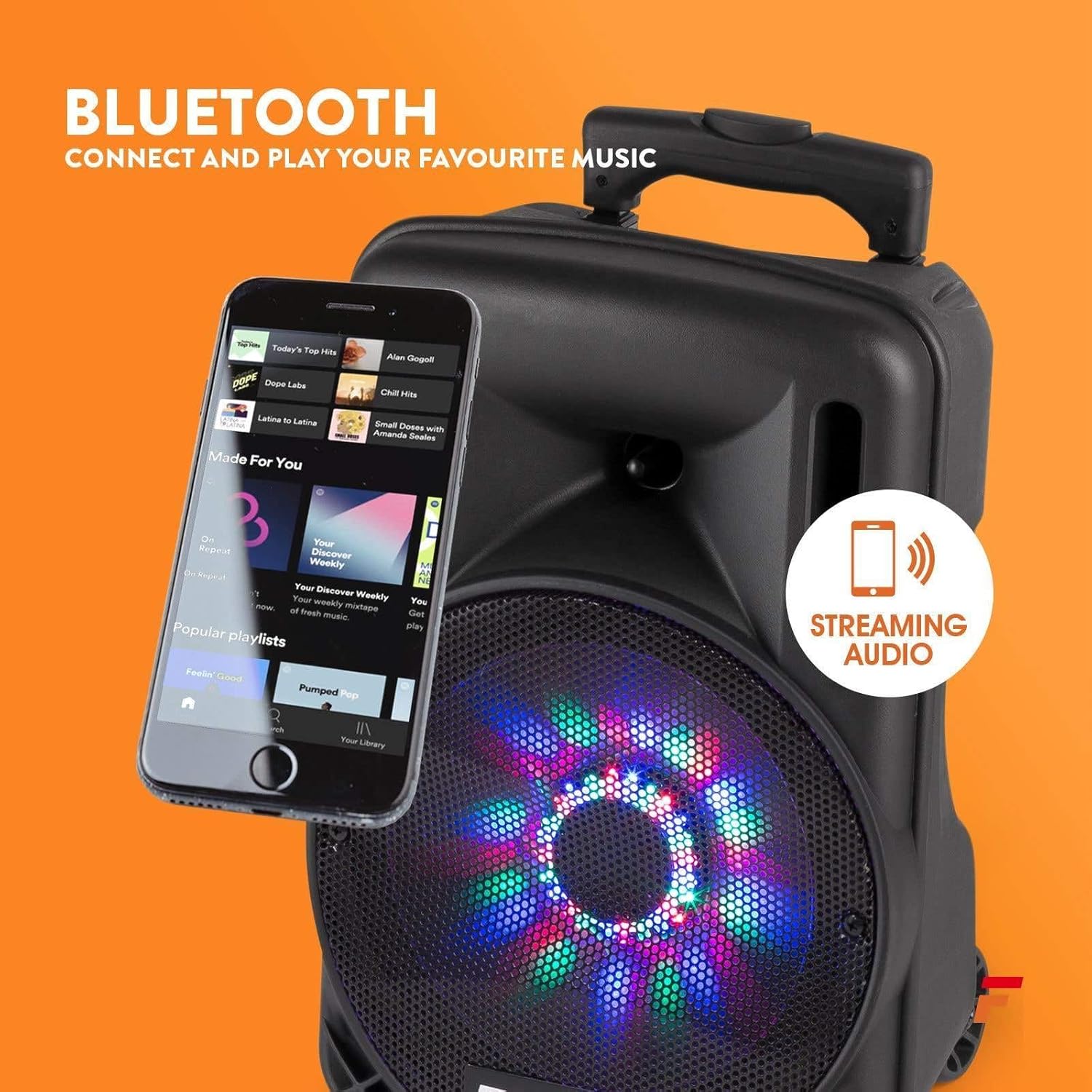
Figure 3: Detailed view of the rear control panel, including media player controls, volume knobs, input ports, and power switches.
- Media Player Display: Shows current mode and track information.
- Mode Button: Switches between Bluetooth, USB, SD, and AUX input.
- Media Player Controls: Play/Pause, Skip Forward/Backward, Record.
- Master Volume: Adjusts the overall output volume.
- Mic Volume: Adjusts the volume of the connected microphone.
- Echo Control: Adjusts the echo effect for the microphone.
- AUX Input: 3.5mm jack for connecting external audio devices.
- USB/SD Slot: For playing audio files from USB drives or SD cards.
- Mic Input: 6.3mm jack for connecting a wired microphone (if applicable).
- Charge/Full Indicator: LED indicating battery charging status.
- Power Switch: Turns the unit ON/OFF.
- LED Switch: Turns the front LED lights ON/OFF.
- Power Input: For connecting the power adapter.
5. Setup
5.1. Initial Charging
Before first use, fully charge the speaker's internal battery. Connect the power adapter to the unit's power input and plug it into a suitable power outlet. The "Charge" indicator will illuminate. It will turn "Full" when charging is complete.
5.2. Powering On/Off
Locate the Power Switch on the rear panel. Flip it to the "ON" position to power on the speaker. Flip it to "OFF" to power off.
5.3. Wireless Microphone Setup
The included wireless microphone is pre-paired with the speaker. Ensure the microphone has fresh batteries and is switched on. The speaker will automatically detect it.
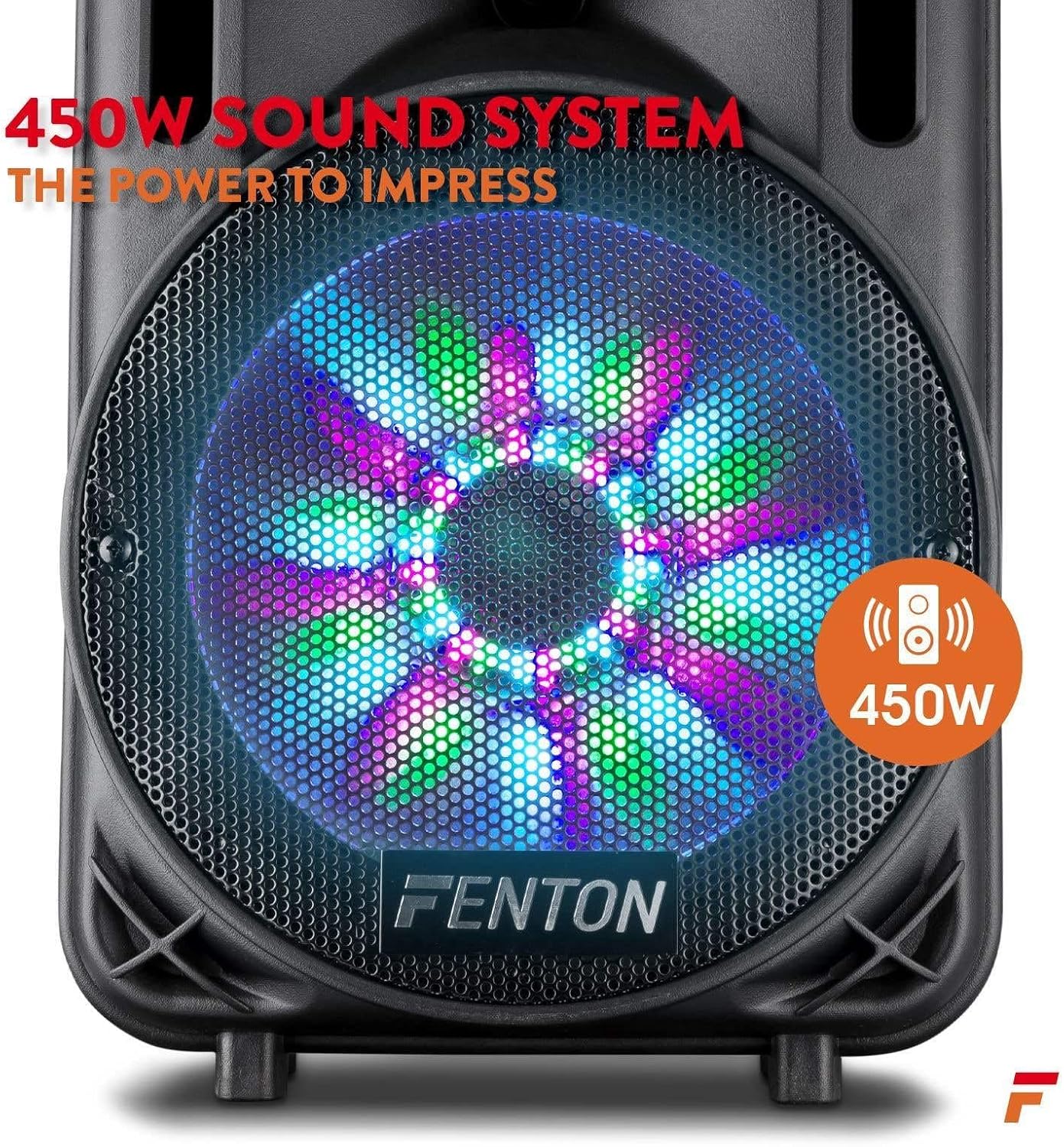
Figure 4: The wireless microphone is ready for use once powered on. The image also shows the USB/SD slot for media playback.
6. Operating Instructions
6.1. Selecting Input Mode
Press the Mode Button repeatedly to cycle through available input sources: Bluetooth, USB, SD, and AUX. The selected mode will be displayed on the media player screen.
6.2. Bluetooth Pairing
- Turn on the speaker and select Bluetooth mode using the Mode Button. The display will show "BLUE" or a similar indicator.
- Enable Bluetooth on your smartphone, tablet, or other audio device.
- Search for "Fenton FT10LED" (or similar name) in your device's Bluetooth settings.
- Select the speaker to pair. Once connected, a confirmation sound may play.
- You can now stream audio wirelessly from your device to the speaker.

Figure 5: Wirelessly stream music from your Bluetooth-enabled device to the FT10LED speaker.
6.3. USB/SD Card Playback
Insert a USB flash drive or SD card (with audio files in MP3 format) into the corresponding slot. The speaker will automatically switch to USB/SD mode and begin playback. Use the media player controls (Play/Pause, Skip) to manage your music.
6.4. AUX Input
Connect an external audio source (e.g., CD player, laptop) to the AUX Input using a 3.5mm audio cable. Select AUX mode using the Mode Button. Control playback from your external device.
6.5. Microphone Usage
Ensure the wireless microphone is powered on. Adjust the microphone's volume using the Mic Volume knob on the rear panel. Use the Echo Control knob to add an echo effect to your voice.
6.6. LED Party Lights
The speaker features integrated LED lights on the woofer that react to the music. To turn these lights ON or OFF, use the LED Switch on the rear panel.

Figure 6: The speaker's woofer features dynamic LED lights that synchronize with the audio.
7. Maintenance
- Cleaning: Use a soft, dry cloth to clean the exterior of the speaker. Do not use abrasive cleaners or solvents.
- Battery Care: For optimal battery life, avoid fully discharging the battery frequently. Recharge the unit regularly, especially if stored for extended periods.
- Storage: Store the speaker in a cool, dry place away from direct sunlight and extreme temperatures.
8. Troubleshooting
| Problem | Possible Cause | Solution |
|---|---|---|
| No power | Battery discharged; Power switch OFF; Power adapter not connected. | Charge the battery; Turn the power switch ON; Connect the power adapter securely. |
| No sound | Volume too low; Incorrect input mode; Device not paired (Bluetooth); Cable not connected (AUX). | Increase Master Volume; Select correct input mode; Pair Bluetooth device; Check AUX cable connection. |
| Microphone not working | Microphone OFF; Low microphone battery; Mic Volume too low. | Turn microphone ON; Replace microphone batteries; Increase Mic Volume. |
| Bluetooth connection unstable | Device too far; Obstructions; Interference. | Move device closer to speaker; Remove obstructions; Avoid other wireless devices. |
9. Specifications
| Feature | Detail |
|---|---|
| Brand | Fenton |
| Model | FT10LED |
| Power Output | 450W |
| Connectivity Technology | AUX, Bluetooth, USB |
| Compatible Devices | Television, Laptop, Smartphone, Tablet |
| Power Source | Battery Powered |
| Dimensions (L x W x H) | 31.5 x 30 x 50 cm (12.4 x 11.8 x 19.7 inches) |
| Weight | 4.8 Kilograms (10.6 lbs) |
| Material | Wood |
| Color | Black or Grey |
10. Warranty and Support
For warranty information and technical support, please refer to the documentation provided with your purchase or contact your retailer. Keep your proof of purchase for any warranty claims.
Related documentsFT10LED


Ask a question about this manual
Ask about setup, troubleshooting, compatibility, parts, safety, or missing instructions. Manuals+ will review the question and use this page’s manual context to help answer it.