
1. Introduction and Overview
The CallToU Wireless Caregiver Pager System is designed to provide reliable and convenient assistance for seniors, patients, and individuals with disabilities at home. This system allows caregivers and residents to communicate effectively, ensuring help is available at the touch of a button. It features a portable call button and plug-in receivers, offering flexibility and peace of mind.
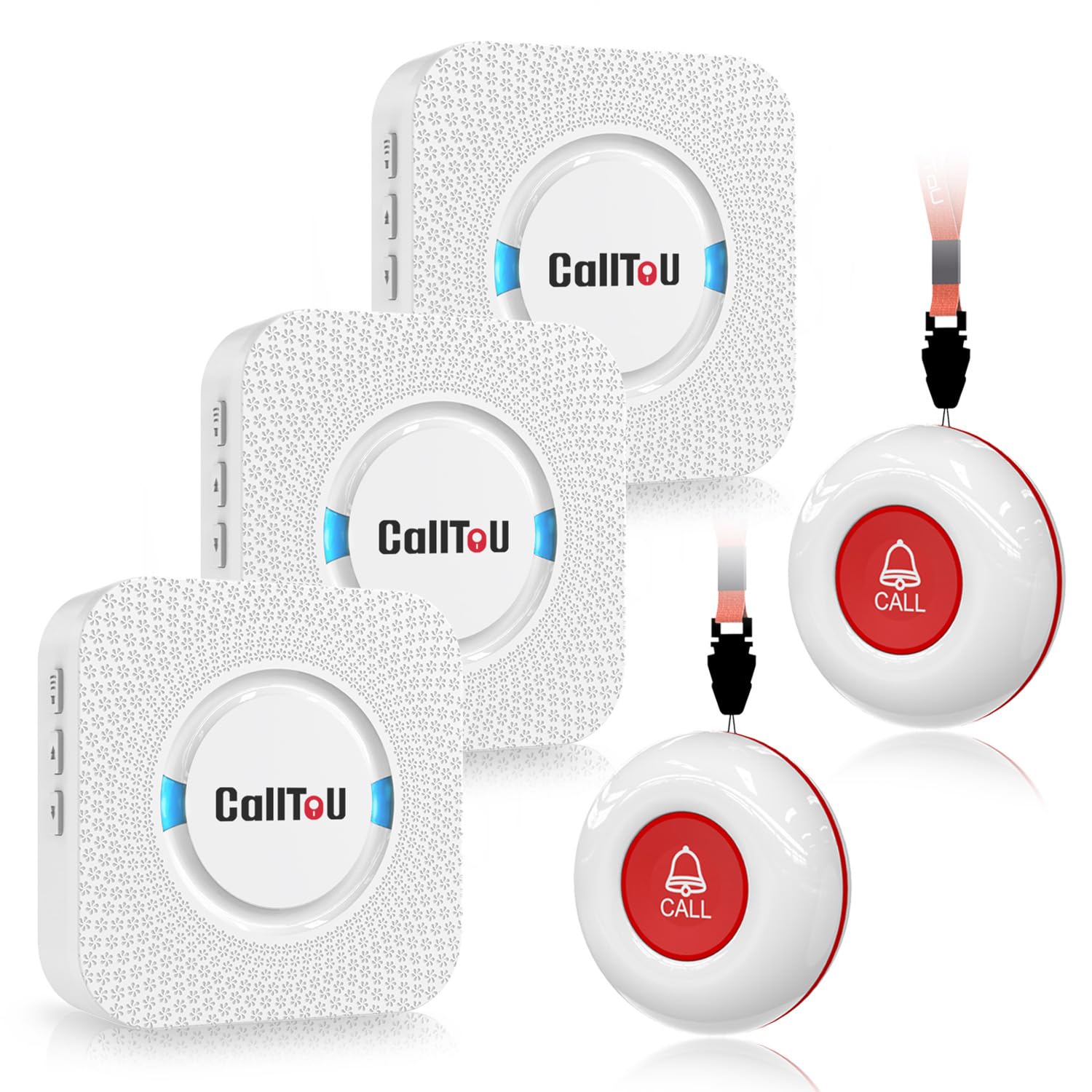
Image: The CallToU Wireless Caregiver Pager System components.
The system is designed for ease of use, with pre-paired components and simple controls. Its robust design ensures durability and functionality in various home environments.
Video: An overview of the CallToU Wireless Caregiver Pager Set, demonstrating its components and general use.
2. Package Contents
Your CallToU Wireless Caregiver Pager System package includes the following items:
- 3 x Plug-in Receivers
- 2 x Waterproof Call Buttons (Transmitters)
- 2 x 12V Batteries (pre-installed in call buttons)
- 1 x User Manual
- 1 x Neck Strap/Lanyard
- 1 x Small Screwdriver (for battery replacement)
- Adhesive pads/brackets (for mounting call buttons)
3. Product Features
- Wireless Communication: Enables caregivers and residents to communicate effectively within a range of 500+ feet in open areas.
- Portable Call Button: Can be worn around the neck with a strap, or secured with a bracket or double-sided adhesive.
- Plug-in Receivers: Easily plug into any standard electrical outlet in various rooms (bedroom, kitchen, living area).
- Customizable Ringtones: Choose from 55 distinct ringing tones.
- Adjustable Volume: 5 levels of adjustable volume, ranging from 0dB (silent with LED flash) to 110dB.
- Waterproof and Dustproof: Both call buttons and receivers are IP55 rated, suitable for use in bathrooms or outdoors.
- Expandable System: Supports up to 30 call buttons for comprehensive coverage.

Image: The pager system provides all-day guarding in various locations.

Image: The call button is IP55 waterproof, portable, and has a replaceable battery.
4. Setup
The CallToU Caregiver Pager System is designed for quick and easy setup. The call buttons and receivers are pre-paired at the factory, so no manual pairing is required for initial use.
- Plug in the Receiver: Insert the receiver into a standard electrical outlet in the desired room.
- Install the Call Button: Place the call button where it is easily accessible to the person needing assistance. This can be done by:
- Using the provided neck strap to wear it as a pendant.
- Securing it to a surface (e.g., bedside, bathroom wall) using the included bracket or double-sided adhesive.
- Start Monitoring: The system is now ready for use. When the call button is pressed, the receiver will sound an alert.

Image: Simple plug-and-play setup for the caregiver pager.
5. Operating Instructions
Using the CallToU Caregiver Pager System is straightforward:
- To Send an Alert: Press the large red


