Introduction
The Victor M250S Electronic Mouse Trap is designed to provide effective and humane mouse control indoors. This device utilizes high-voltage shock technology to eliminate mice quickly and cleanly, offering a no-touch, no-see disposal experience. It is suitable for use in homes and businesses where rodent activity is observed.
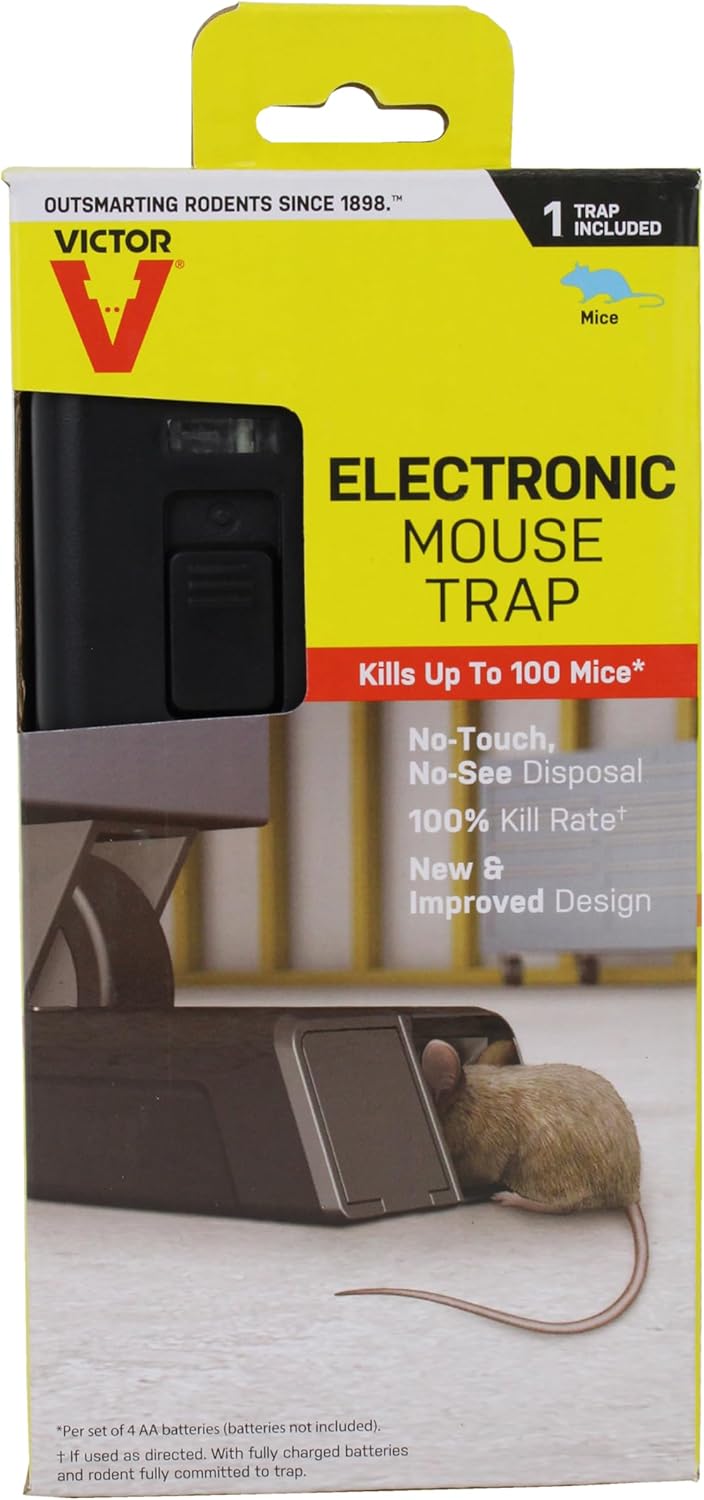
Image: Victor M250S Electronic Mouse Trap in its packaging.
Setup Instructions
1. Battery Installation
The trap requires 4 AA batteries (not included). Locate the battery compartment, typically on the underside or side of the unit. Insert the batteries according to the polarity indicators (+/-) inside the compartment. Securely close the battery cover.

Image: The Victor M250S Electronic Mouse Trap showing its dimensions.
2. Baiting the Trap
Open the kill chamber by sliding the top cover. Apply a small, pea-sized amount of high-protein bait (such as peanut butter or hazelnut spread) into the designated bait cup located at the back of the trap. Ensure bait does not touch the metal plates, as this can interfere with operation.

Image: Diagram highlighting the built-in bait cup and other innovative features of the trap.
3. Trap Placement
Place the trap along a wall in areas where you have observed rodent activity. Mice tend to travel along walls, so positioning the trap with the entrance facing the wall increases the likelihood of a catch. Ensure the trap is placed in a dry, indoor location.
Video: A demonstration on how to use the Victor M250S Electronic Mouse Trap, including baiting and placement.
Operating Instructions
1. Activating the Trap
Once baited and placed, switch the trap to the 'ON' position. A green LED light will flash once to indicate that the trap is active and ready for use. The trap is now armed.
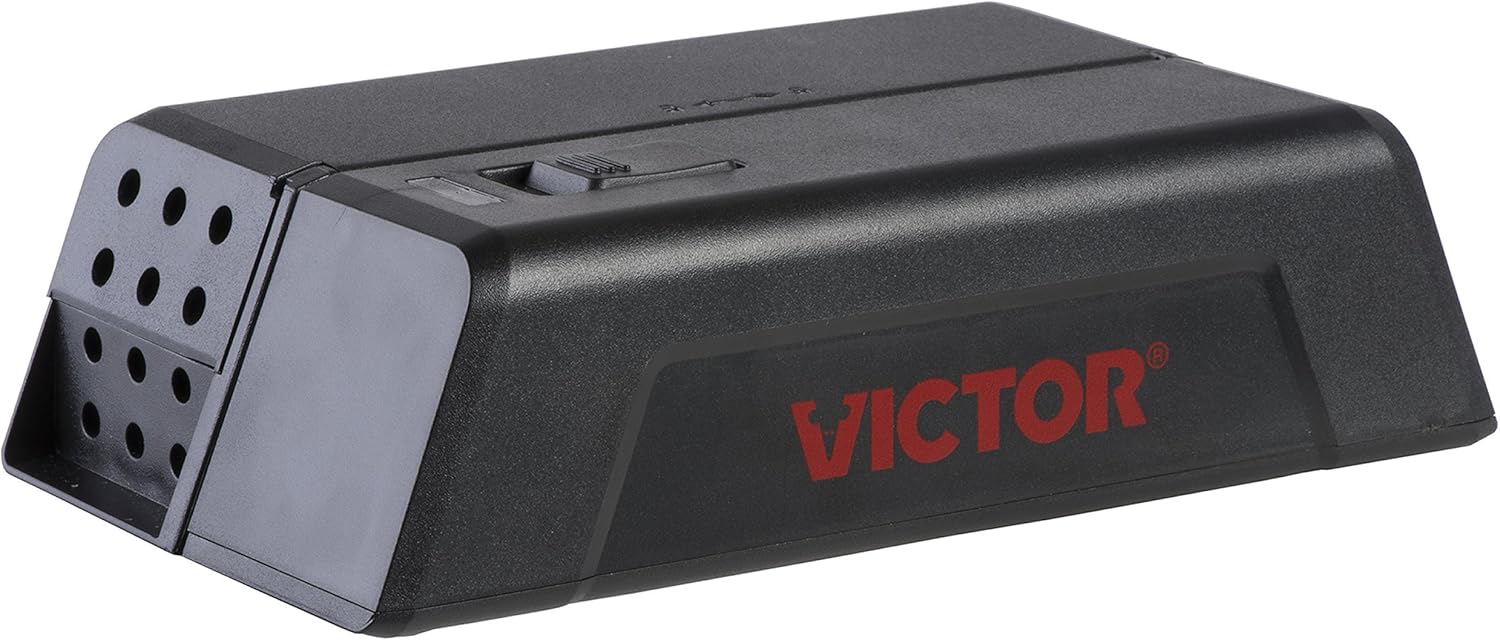
Image: The Victor M250S Electronic Mouse Trap in its armed, closed state.
2. Rodent Capture Notification
When a mouse enters the trap and makes contact with the metal plates, it receives a high-voltage shock. After a successful catch, the green LED light on top of the trap will flash continuously for up to 24 hours, signaling that a rodent has been caught.

Image: Diagram showing the concept of humane, high-voltage shock for quick elimination.
Maintenance
1. Rodent Disposal
To dispose of a caught rodent, first switch the trap to the 'OFF' position. Then, open the kill chamber and simply tip the trap to release the rodent directly into a trash receptacle. This design ensures no-touch, no-see disposal.

Image: Diagram showing the no-see, no-touch method for disposing of a caught rodent.
2. Cleaning the Trap
After each disposal, it is recommended to clean the kill chamber. The removable chamber and improved plate access facilitate easy cleaning. Use a damp cloth or paper towel to wipe down the interior surfaces, ensuring no bait residue remains on the metal plates. Allow the trap to dry completely before re-baiting and re-arming.

Image: The Victor M250S Electronic Mouse Trap with its kill chamber open, showing the internal plates for cleaning.
3. Battery Replacement
The trap is capable of killing up to 100 mice per set of 4 AA batteries. When the batteries are low, the LED indicator light will flash red. Replace all 4 AA batteries with new ones to ensure optimal performance.
Troubleshooting
- Trap Not Activating: Ensure the trap is switched to the 'ON' position and that fresh batteries are correctly installed. The green LED should flash once upon activation.
- No Catches: Review trap placement. Mice prefer to travel along walls; ensure the entrance is flush against a wall. Experiment with different types of high-protein bait. Ensure bait is placed only in the bait cup and not on the metal plates.
- Mice Escaping: The trap features beveled columns designed to hold mice in place over the electrified plates. Ensure the trap is placed in a low-traffic area where it won't be disturbed, allowing mice to fully enter.
- Low Battery Indication: If the LED light flashes red, replace all 4 AA batteries immediately.
Specifications
- Brand: Victor
- Model: M250S
- Color: Black
- Style: 1 Trap
- Material: Metal
- Product Dimensions: 3.52"L x 1.98"W x 7"H
- Item Weight: 7 ounces (0.2 Kilograms)
- Number of Pieces: 1
- Is Electric: Yes
- Target Species: Mouse
- Unit Count: 1.0 Count
- Batteries: 4 AA batteries required
- Manufacturer: Woodstream Corp
- UPC: 072868840210, 072868250521
Warranty Information
For detailed warranty information, please refer to the official Victor website or contact Woodstream Corporation customer service. Keep your purchase receipt for warranty claims.
Customer Support
If you encounter any issues or have questions regarding your Victor M250S Electronic Mouse Trap, please visit the official Victor website for FAQs and support resources, or contact Woodstream Corporation directly. Contact information can typically be found on the product packaging or the manufacturer's website.


