
Disney 712725020163
Split/Second - Sony PSP Instruction Manual
Model: 712725020163 | Brand: Disney
1. Introduction
Welcome to the world of Split/Second, an intense action racing game developed by Disney for the Sony PSP platform. This game immerses players in a high-octane reality television show where the city itself is your weapon. Competitors race to the finish line in environments rigged for destruction, allowing players to trigger devastating events that dynamically alter the track and create new routes. Your ultimate goal is to become the season champion by mastering the art of destruction and precision driving.
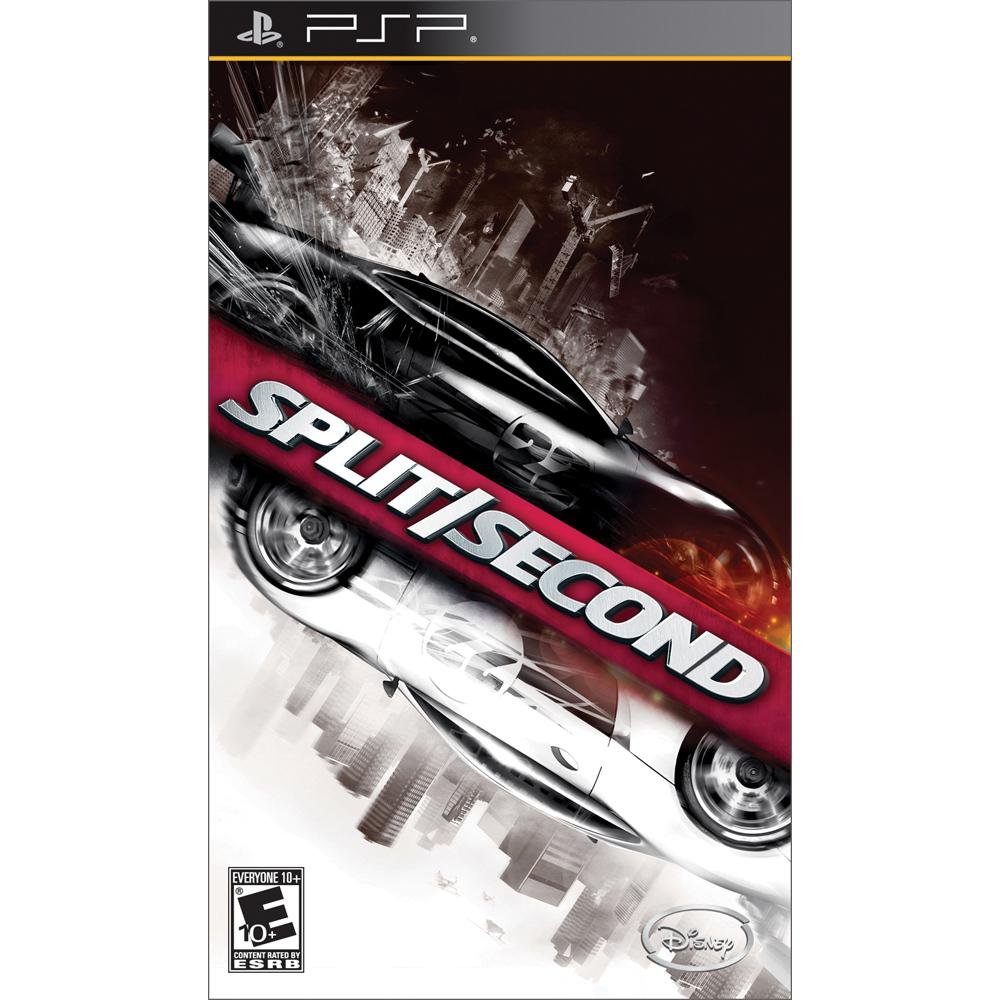
Figure 1.1: The official game cover for Split/Second on Sony PSP. It features two stylized racing cars, one black and one white, with the game title prominently displayed against a backdrop of a city skyline and explosive effects, emphasizing the game's destructive racing theme.
2. Setup
2.1. Inserting the UMD Disc
- Ensure your Sony PSP system is powered off.
- Locate the UMD (Universal Media Disc) slot on the back of your PSP.
- Open the UMD compartment cover.
- Carefully insert the Split/Second UMD disc with the label facing away from the PSP, until it clicks into place.
- Close the UMD compartment cover securely.
2.2. Starting the Game
- Power on your Sony PSP system.
- Navigate to the "Game" icon on the PSP XMB (XrossMediaBar) menu.
- Select "UMD" from the Game menu.
- Highlight the Split/Second game icon and press the X button to start the game.
- Follow the on-screen prompts to create a player profile and adjust initial game settings.
3. Operating
3.1. Basic Controls
| Action | PSP Button |
|---|---|
| Steer Left/Right | Analog Stick / D-Pad Left/Right |
| Accelerate | R Button |
| Brake / Reverse | L Button |
| Trigger Power Play | Triangle / Square / Circle / X Buttons (Contextual) |
| Camera View | Select Button |
| Pause Game | Start Button |
3.2. Power Play Mechanics
The core mechanic of Split/Second is the "Power Play" system. As you race, you accumulate "Power Play" energy by drifting, drafting, and performing near misses. Once you have enough energy, you can trigger environmental events to hinder opponents or open new paths. These events range from exploding fuel tanks to collapsing bridges, drastically changing the race dynamics.
- Minor Power Plays: Require less energy and typically involve smaller explosions or obstacles.
- Major Power Plays: Require full energy and result in massive, track-altering destruction. Timing is crucial for maximum impact.
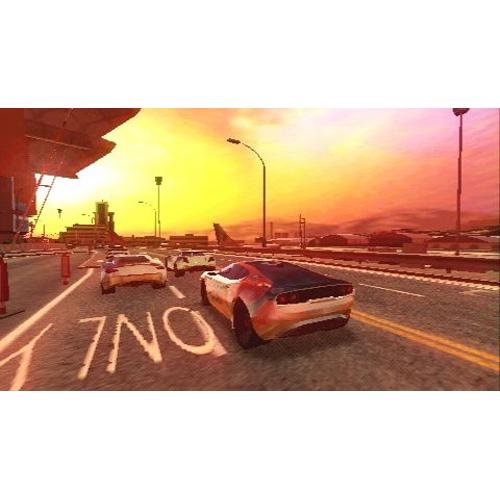
Figure 3.1: An in-game screenshot showing multiple racing cars on a wide track during sunset. The environment appears to be an urban setting with industrial elements in the background, typical of the game's destructible environments.
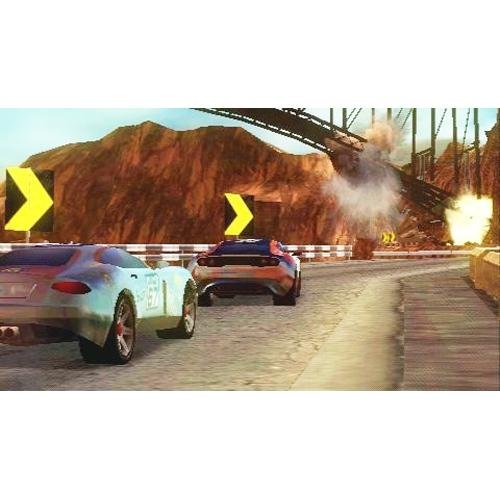
Figure 3.2: An in-game screenshot depicting a racing car approaching a section of the track where a large explosion is occurring, likely triggered by a Power Play. Debris is visible, indicating the destructive nature of the game's mechanics.
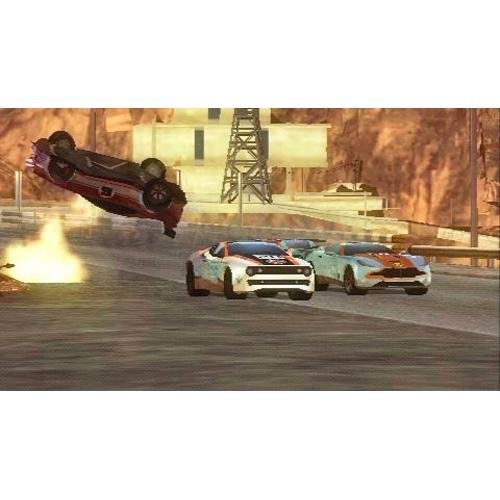
Figure 3.3: An in-game screenshot showing a racing car in mid-air, flipping over, with an explosion visible nearby. This illustrates the direct impact of Power Plays on opponent vehicles and the dynamic chaos of the races.

Figure 3.4: An in-game screenshot featuring two racing cars navigating through an industrial environment with large pipes and structures. The track appears to be part of a complex, urban setting, highlighting the varied race locations.
3.3. Game Modes
- Season: Progress through a series of events to become the season champion. This is the primary single-player experience.
- Quick Race: Jump into a single race on any unlocked track with customizable settings.
- Multiplayer: Compete against friends via Ad Hoc connection (local wireless).
4. Maintenance
4.1. UMD Disc Care
- Always handle the UMD disc by its edges to avoid touching the data surface.
- Store the UMD in its original case or a protective UMD case when not in use.
- Keep the UMD away from direct sunlight, extreme temperatures, and high humidity.
- To clean the UMD, gently wipe the clear plastic casing with a soft, dry, lint-free cloth. Do not use abrasive cleaners or solvents.
4.2. PSP System Care
- Keep your PSP system clean by wiping it with a soft, dry cloth.
- Avoid dropping the system or exposing it to excessive shock.
- Do not expose the PSP to liquids or extreme temperatures.
5. Troubleshooting
5.1. Common Issues and Solutions
- Game Not Loading:
- Ensure the UMD disc is inserted correctly and the compartment cover is closed.
- Check the UMD disc for visible damage or dirt. Clean if necessary.
- Restart your PSP system.
- Lag or Performance Issues:
- Ensure your PSP's battery is sufficiently charged or connected to power.
- Close any other applications running in the background (if applicable for your PSP model).
- Clean the UMD disc.
- Controls Unresponsive:
- Ensure your hands are not obstructing any buttons or the analog stick.
- Restart the game and/or the PSP system.
If you continue to experience issues, please refer to the official Sony PSP user manual for general system troubleshooting or contact Disney Interactive support.
6. Specifications
| Feature | Detail |
|---|---|
| Product Title | Split/Second - Sony PSP |
| Platform | Sony PSP |
| Manufacturer | Disney |
| Model Number | 712725020163 |
| Release Date | November 16, 2010 |
| ESRB Rating | Everyone 10+ |
| Item Weight | 1.6 ounces |
| Product Dimensions | 7.01 x 4.13 x 0.59 inches |
| Language | English |
7. Warranty and Support
For specific warranty information regarding your Split/Second game disc, please refer to the documentation included with your original purchase or visit the official Disney Interactive website. Warranty terms typically cover manufacturing defects and may vary by region.
For technical support or gameplay assistance, please visit the Disney Interactive support portal or consult online gaming communities for the Sony PSP platform. Ensure you have your game's model number (712725020163) ready when seeking support.
Note on Videos: No official product videos from the seller were available for embedding in this manual.