

TRIDONIC basicDIM Wireless User Interface
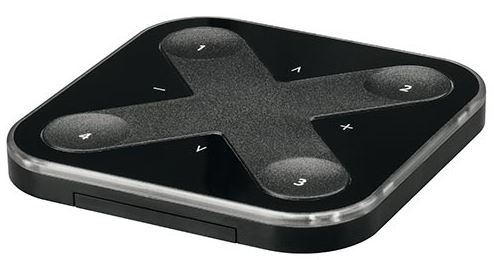
OVERVIEW

ASSEMBLY
Pull the tab off

Install wall mount

Open Tridonic 4remote BT App

- Hereby, Tridonic declares that the radio equipment type basicDIM Wireless User
- Interface is in compliance with Directive 2014/53/EU.
- Hereby, Tridonic declares that the radio equipment type basicDIM Wireless User
- Interface is in compliance with Directive UK SI 2017 No. 1206.
- The full text is available at the following internet address:
https://trid.help/en28002213cer
https://trid.help/en28002420cer
Press any button and take into use

Documents / Resources
 | basicDIM Wireless User Interface |
References
- trid.help/en28002213certrid.help
- trid.help/en28002420certrid.help
- User Manualmanual.tools
Published: February 11, 2023