Bubuka
The JBL Grip is a compact, portable Bluetooth speaker designed to deliver bold JBL Pro Sound with ambient lighting. It features a durable, waterproof, dustproof, and drop-proof design, making it suitable for various environments. This manual provides essential information for setting up, operating, and maintaining your JBL Grip speaker.
Naon dina Box
Upon unboxing your JBL Grip, ensure all the following items are present:
- 1 x JBL Grip Portable Bluetooth Speaker
- 1 x Pituduh Mimiti Gancang (QSG)
- 1 x Lambaran Kasalametan
- 1 x Kartu Garansi
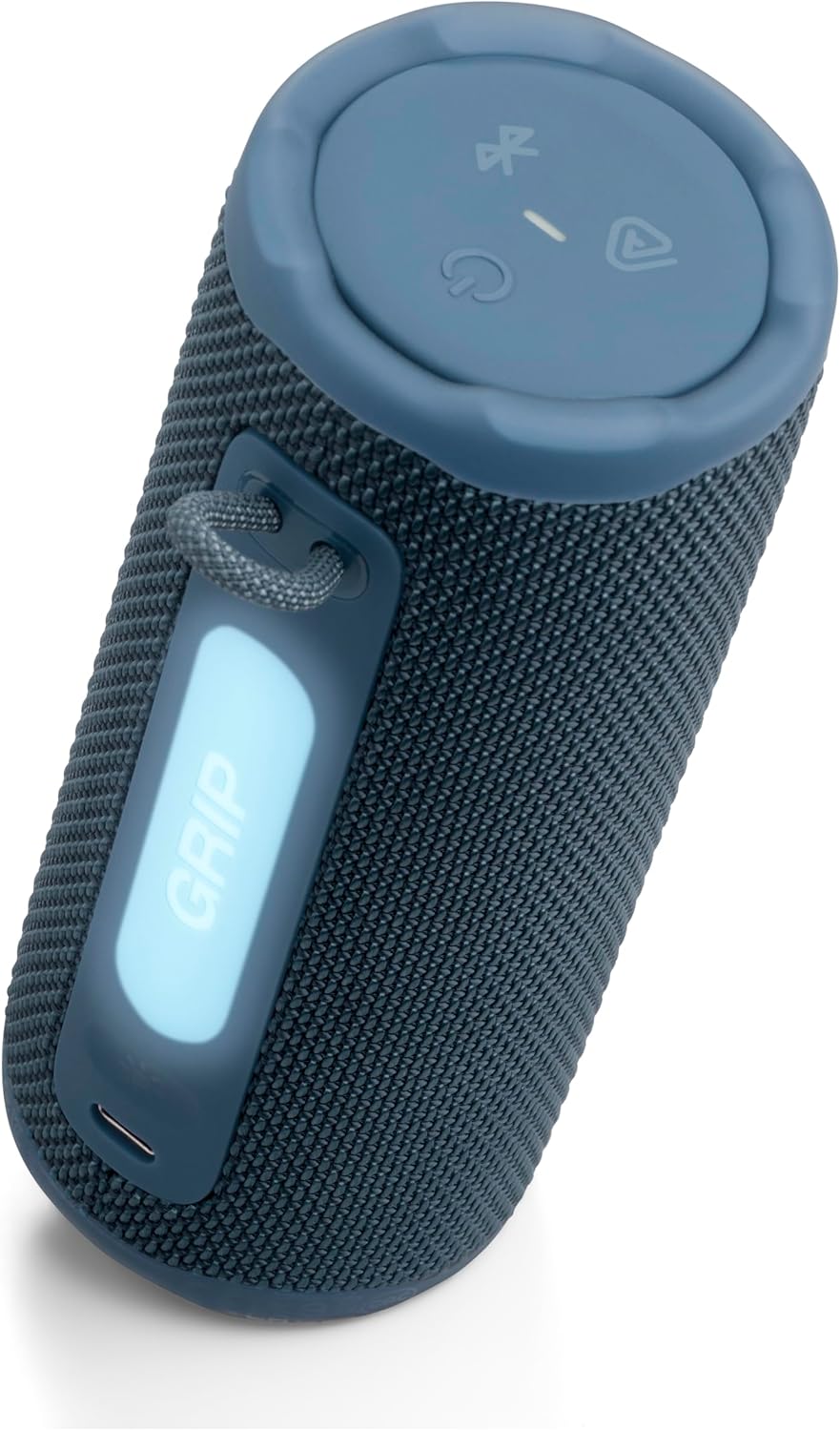
Image: JBL Grip speaker and its Quick Start Guide, as found in the product packaging.
Disetél
Daya Hurung/Pareuman
To power on the JBL Grip, press and hold the power button located on the top panel until the indicator light illuminates. To power off, press and hold the power button again until the light turns off.
Sambungan Bluetooth
When powering on the JBL Grip for the first time, it will automatically enter Bluetooth pairing mode. The Bluetooth indicator light will flash. On your device (smartphone, tablet, etc.), enable Bluetooth and select 'JBL Grip' from the list of available devices to connect. For subsequent connections or to pair with a new device, press the Bluetooth button on the top panel to enter pairing mode.
Aplikasi JBL Portable
Enhance your experience by downloading the JBL Portable app. The app allows for advanced control over ambient light settings, equalizer adjustments, and multi-speaker connections. Scan the QR code in the Quick Start Guide or search for 'JBL Portable' in your device's app store.
Video: This official JBL 'How To' video demonstrates the unboxing, initial Bluetooth setup, and app connection process for the JBL Grip speaker.
Ngoperasikeun
Kadali
- Kontrol volume: Use the '+' and '-' buttons on the speaker's top panel to adjust the volume.
- Puter / Reureuh: Press the play button (triangle icon) once to play or pause audio.
- Skip Track: Press the play button twice to skip to the next track.
- Lagu Sateuacanna: Press the play button three times to go back to the previous track.

Image: The top panel of the JBL Grip, illustrating the control buttons for power, Bluetooth, Auracast, volume, and media playback.
Cahaya Ambient
The JBL Grip features a built-in ambient light on its back panel. Press the light show button (sun icon) to cycle through various light themes and color options. Further customization, including brightness and additional light shows, is available through the JBL Portable app.

Image: The JBL Grip speaker showcasing its ambient light feature, glowing blue in an evening urban environment.
Multi-Speaker Connection with Auracast™
The JBL Grip supports Auracast™ for multi-speaker connections. To stereo pair two JBL Grip speakers, use the JBL Portable app. To connect multiple JBL Auracast™-enabled speakers for a larger sound experience, press the Auracast™ button (triangle with waves icon) on all desired speakers. Ensure the primary speaker is connected to your device first.

Image: Multiple JBL Grip speakers demonstrating multi-speaker connection with Auracast, shown partially submerged in water.
Fitur
- Kandel JBL Pro Sora sareng AI Sound Boost: Delivers powerful audio with punchy bass and clear highs. AI Sound Boost analyzes music in real-time to optimize output and minimize distortion.
- Nepi ka 14 Jam Playtime: Enjoy up to 12 hours of continuous playback, with an additional 2 hours available via Playtime Boost.
- Ambient Light Customization: Features an integrated ambient light on the back panel with various themes and color options, customizable through the JBL Portable app.
- Waterproof, Dustproof, and Drop-Proof (IP68): Built to withstand harsh conditions with an IP68 rating, protecting against water and dust. Its robust design allows it to survive drops of up to 1 meter onto concrete.
- Auracast™ Multi-Speaker Connectivity: Easily stereo pair two Grip speakers or connect multiple JBL Auracast™-enabled speakers for an expanded soundstage.

Image: The JBL Grip speaker positioned on a picnic table, emphasizing its 'Bold JBL Pro Sound' feature in an outdoor setting.
Ngecas
The JBL Grip is charged via a USB-C port located on the back panel. Connect a USB-C cable (not included) to the speaker and a compatible power source. The light indicator on the top panel will turn red during charging. The speaker is equipped with USB-C charging protection, which will activate a warning sound if you attempt to charge it while water, salt, or other foreign substances are present in the connector.
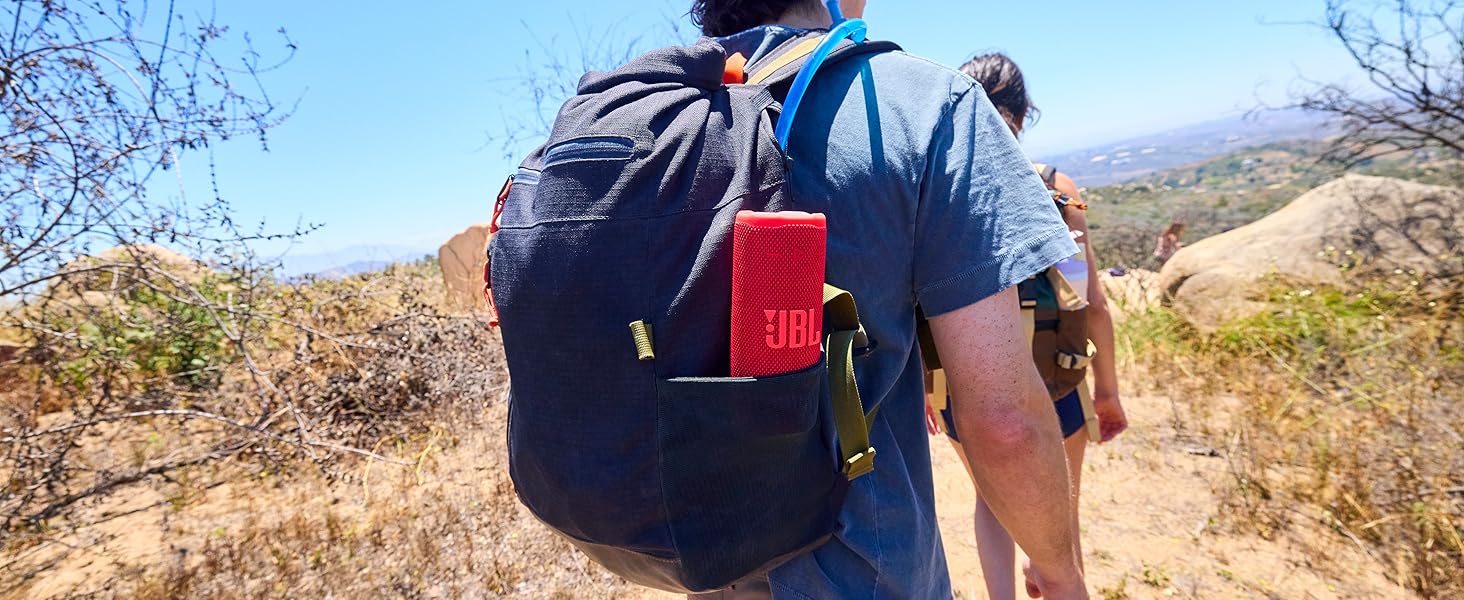
Image: The JBL Grip speaker connected to a USB-C charging cable, showing the charging indicator light.
Pangropéa
To ensure the longevity and optimal performance of your JBL Grip speaker, follow these maintenance guidelines:
- beberesih: Ngagunakeun lemes, damp lawon pikeun ngabersihkeun bagian luar spiker. Ulah nganggo bahan kimia anu kasar atanapi bahan anu abrasif.
- Paparan cai: After exposure to water, ensure the USB-C port is completely dry before charging to prevent damage.
- Panyimpenan: Simpen spéker di tempat anu tiis sareng garing jauh tina sinar panonpoé langsung sareng suhu anu ekstrim upami henteu dianggo kanggo waktos anu lami.
- Perawatan batré: For optimal battery life, avoid fully discharging the battery frequently. Charge the speaker regularly.
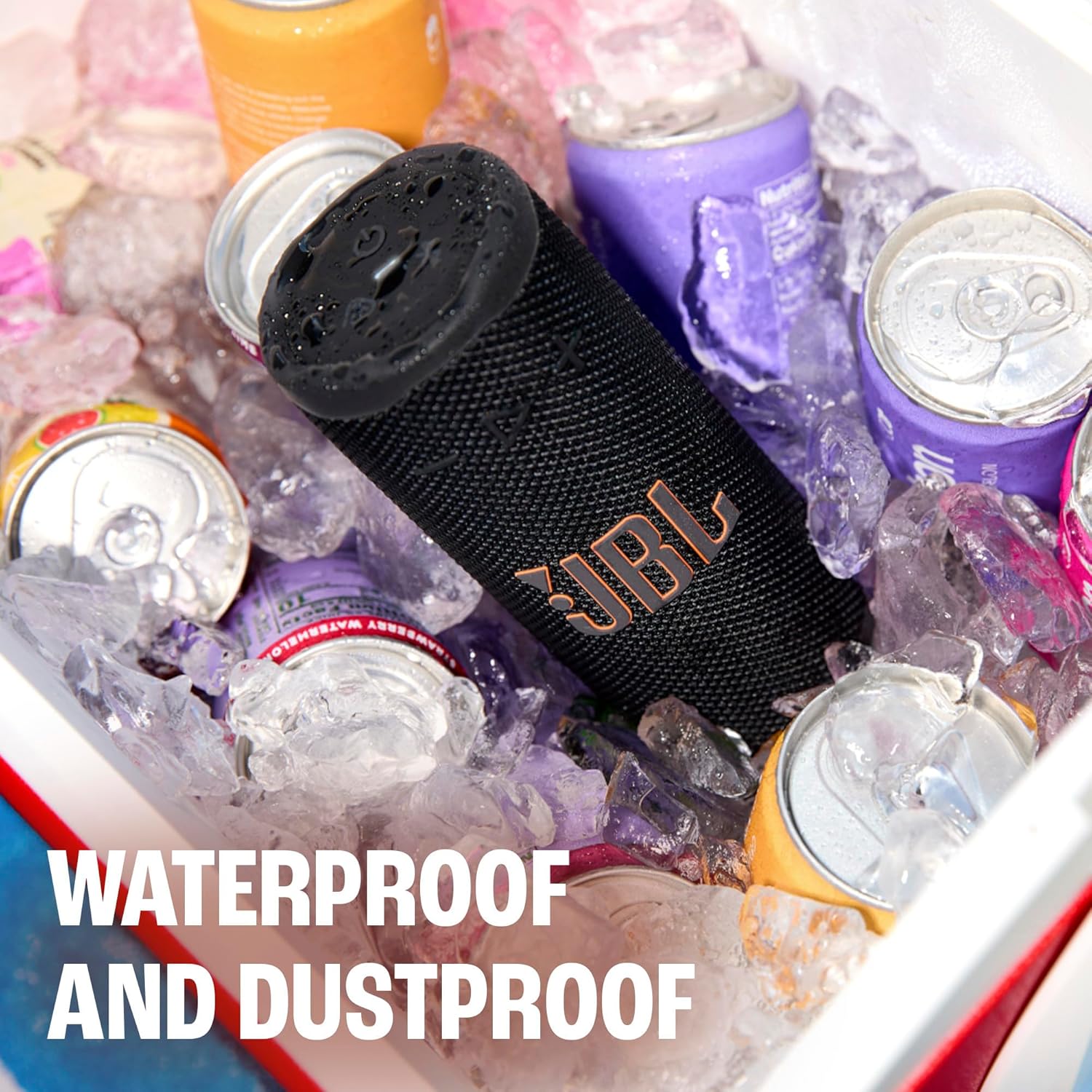
Image: The JBL Grip speaker in a cooler filled with ice and water, illustrating its waterproof and dustproof capabilities.
Pamérésan masalah
If you encounter issues with your JBL Grip, refer to the following common troubleshooting steps:
- Henteu aya kakuatan: Ensure the battery is charged. Connect the speaker to a power source using a USB-C cable.
- Masalah Nyapasangkeun Bluetooth: Make sure the speaker is in pairing mode (flashing Bluetooth indicator). Turn off and on Bluetooth on your device, then try reconnecting. If issues persist, try forgetting the device on your phone and re-pairing.
- Henteu aya sora: Pariksa tingkat polumeu dina speaker sareng alat Anjeun nu disambungkeun. Pastikeun spiker dipasangkeun leres via Bluetooth.
- Perhatosan ngecas: If a warning sound occurs during charging, disconnect the cable and ensure the USB-C port is completely dry and free of debris before attempting to charge again.
- Konéktipitas Aplikasi: Ensure your speaker's firmware is up to date via the JBL Portable app.
spésifikasi
| Fitur | Spésifikasi |
|---|---|
| Ngaran modél | JBL Pakem |
| Nomer Modél Item | JBLGRIPBLUAM |
| merek | JBL |
| Tipe Speaker | Speaker Speaker |
| Téhnologi konektipitas | Bluetooth 5.4 |
| Speaker Maksimum Kaluaran Power | 16 Watt |
| Waktu maén | Nepi ka 14 jam (12 jam + 2 jam nganggo Playtime Boost) |
| Tingkat Résistansi Cai | IP68 (Waterproof & dustproof) |
| Anti Jatuh | Up to 1 meter onto concrete |
| Métode kontrol | Aplikasi, Tombol |
| Dimensi produk | 2.56 "D x 2.52" W x 6" H |
| Item Beurat | 13.6 ons |
| Bahan | Plastik, Silikon |
| Sumber Daya | Batré Powered (1 batré Litium Polimér diperlukeun) |

Image: A visual representation of the JBL Grip speaker's dimensions, including height, width, and depth.
Garansi & Rojongan
The JBL Grip comes with a limited warranty. Please refer to the included Warranty Card for detailed information regarding coverage, terms, and conditions. For technical support, product registration, or additional assistance, visit the official JBL website or contact customer service as indicated in your product documentation.


