1. Bubuka
This instruction manual provides comprehensive guidance for your Samsung Galaxy Watch Pro 5 45mm LTE Smartwatch. It covers essential information for setup, operation, maintenance, and troubleshooting to ensure optimal use of your device. The Galaxy Watch Pro 5 is designed with advanced features for health, fitness, and outdoor activities, including robust tracking capabilities and durable construction.
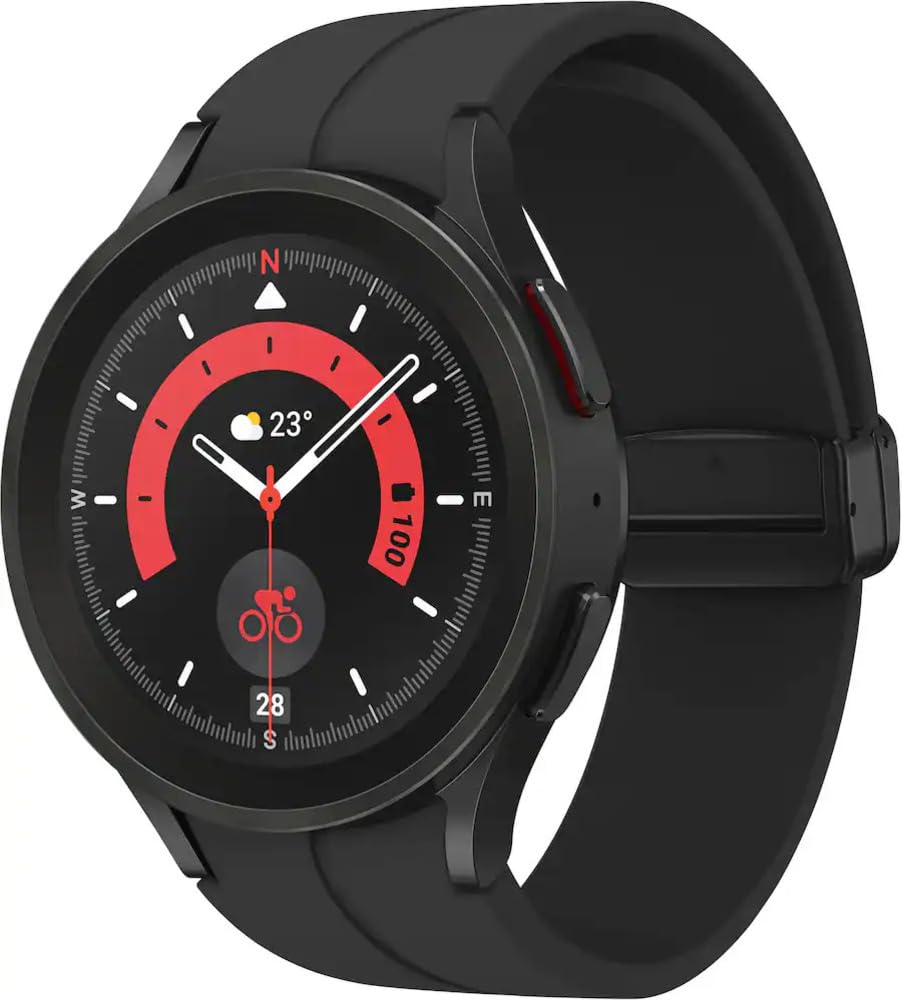
Gambar 1: Hareupeun view of the Samsung Galaxy Watch Pro 5 45mm LTE Smartwatch.
2. Setélan
2.1 Naon dina Box
- Smart Watch
- Watch tali
- Carjer nirkabel
- Gancang Mimitian Guide
2.2 Ngecas Awal
Before first use, fully charge your Galaxy Watch Pro 5. Connect the wireless charger to a power source and place the watch onto the charging pad. The watch display will indicate charging status. A full charge typically takes under 2 hours.

Figure 2: Samsung Galaxy Watch Pro 5 with its wireless charger.
2.3 Alat papasangan
To pair your smartwatch with your smartphone (Android 8.0 or later, 1.5GB RAM or more), download the Samsung Health app (version 6.22 or later) from the Google Play Store. Follow the on-screen instructions in the app to complete the pairing process. Ensure Bluetooth is enabled on your smartphone.
3. Parentah Operasi
3.1 Pintonan sareng Napigasi
The Galaxy Watch Pro 5 features a vibrant AMOLED display. Navigate through menus and apps by swiping across the screen. Use the physical buttons on the side for quick access to functions or to return to the home screen.
3.2 Pelacakan Kaséhatan sareng Kabugaran
The smartwatch offers comprehensive health and fitness tracking:
- Palatihan Saré Lanjutan: Atur kualitas sare anjeun sacara umum nganggo pelacak sare canggih anu ngadeteksi sareng nganalisis jadwal saretages. Develop better sleep habits by analyzing your sleep patterns.
- Analisis Komposisi Awak (BIA): Get body composition data directly on your wrist, including readings on body fat, skeletal muscle, body water, basal metabolic rate, and Body Mass Index (BMI).
- Akurasi Sensor anu Ditingkatkeun: Stay updated on your wellness with an accurate heart rate thanks to an improved, curved Samsung BioActive Sensor that gets closer to your skin.
- Pelacakan Latihan Otomatis: Automatically track over 90 exercises, including running, rowing, swimming, and complex activities like HIIT.

Figure 3: Watch display showing health tracking features like heart rate and body composition.

Figure 4: Watch display showing advanced sleep coaching data.
3.3 GPS Route Tracking & Track Back
Utilize the all-new Route Tracking feature to follow GPX-format routes directly on your watch for hiking or cycling. The Track Back feature helps you return to your starting point, ensuring you stay on course with voice or vibration-guided turn-by-turn navigation.

Figure 5: Watch display showing GPS route tracking during an outdoor activity.
3.4 Konéktipitas
The Galaxy Watch Pro 5 supports LTE and Bluetooth connectivity. Experience a seamless Galaxy Connected Experience when synced with other Galaxy devices, allowing them to work in perfect harmony.
Video 1: Official Samsung video showcasing the design and features of the Galaxy Watch5 series.
4. Pangropéa
4.1 Ngecas
Regularly charge your smartwatch using the provided wireless charger. For optimal battery life, avoid completely draining the battery before recharging.
4.2 beberesih
Clean your watch and strap regularly with a soft, dry cloth. If exposed to water, rinse with fresh water and dry thoroughly to prevent residue buildup.
4.3 Tahan cai
The Galaxy Watch Pro 5 is water-resistant up to 5 feet of water for up to 30 minutes, consistent with its IP68 rating. It is not intended for scuba diving. Avoid excessive, sudden temperature changes and high-velocity activities. Always rinse and dry the watch after wet use.
4.4 Durability
The watch features a 2x stronger sapphire crystal glass display and a super-tough titanium case, designed to withstand intense activities in rough outdoor environments.
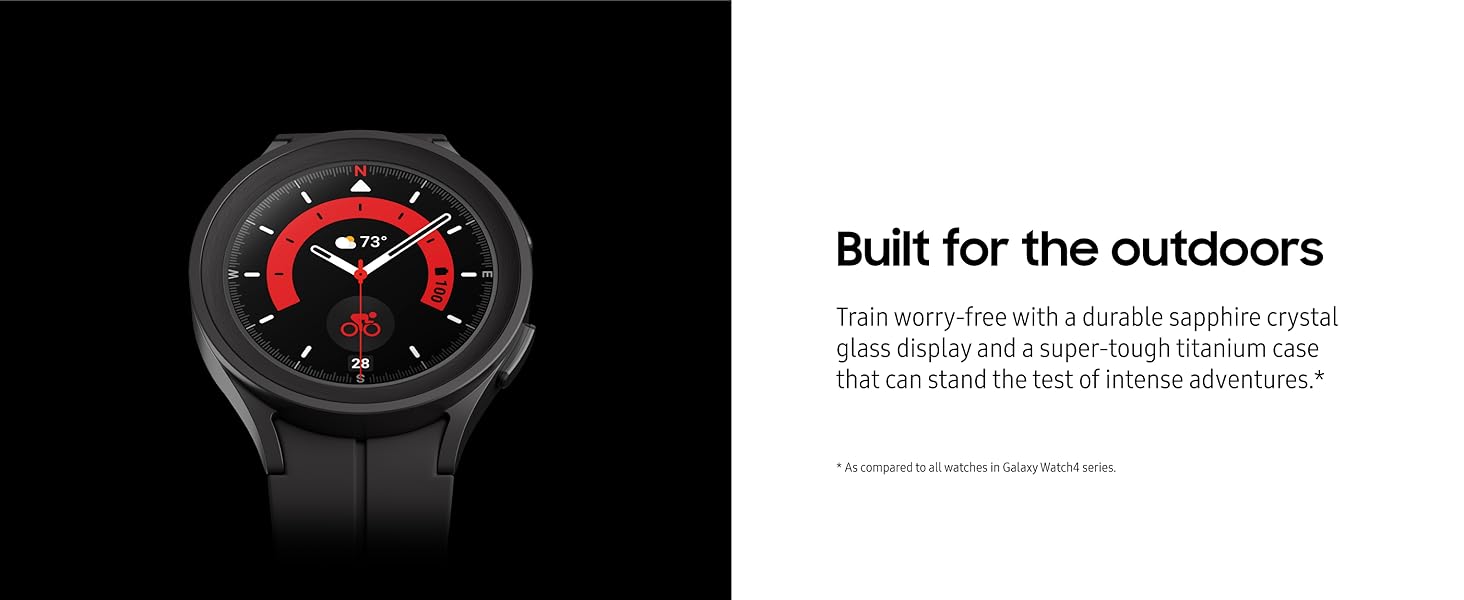
Figure 6: Close-up of the Samsung Galaxy Watch Pro 5 highlighting its durable construction.
5. Cara ngungkulan
5.1 Isu umum
- Masalah konektipitas: Pastikeun Bluetooth diaktipkeun dina telepon anjeun sareng jam tangan aya dina jangkauan. Pareuman terus hurungkeun deui kadua alat upami masalah masih aya.
- Solokan batré: Adjust screen brightness, reduce notifications, and disable unnecessary features to conserve battery.
- Aplikasi Teu Ngabales: Try restarting the specific app on the watch or restarting the watch itself.
5.2 Reset pabrik
If you encounter persistent issues, a factory reset may resolve them. Navigate to Settings > General > Reset on your watch. Be aware that this will erase all data on your watch.
6. Spésifikasi
| Fitur | Spésifikasi |
|---|---|
| Dimensi produk | 1.79 x 1.79 x 0.41 inci |
| Item Beurat | 1.64 ons (46.5 gram) |
| Nomer modél | SM-R925UZKAXAA |
| Ukuran layar | 45 milimeter |
| Kapasitas Panyimpenan Mémori | 16000 MB |
| RAM Mémori Dipasang Ukuran | 1.5 GB |
| Sistem operasi | Nganggo OS |
| Téhnologi konektipitas | Bluetooth, LTE |
| Standar Komunikasi Nirkabel | 802.11a/g/n/ac, Bluetooth |
| GPS | Diwangun-di GPS |
| Komposisi sél batré | Litium Ion |
7. Garansi jeung Rojongan
7.1 Émbaran jaminan
Your Samsung Galaxy Watch Pro 5 comes with a limited manufacturer's warranty. For detailed information regarding warranty coverage, terms, and conditions, please refer to the official Samsung websitus atanapi kartu garansi anu kalebet sareng produk anjeun.
7.2 Rojongan Palanggan
Pikeun pitulung salajengna, rojongan teknis, atawa inquiries jasa, mangga buka rojongan resmi Samsung website or contact Samsung customer service directly. Contact details can typically be found on the Samsung websitus atanapi dina pituduh mimiti gancang produk anjeun.


