
Вовед
This manual provides detailed instructions for the safe and effective use of your PHILIPS SFL1121P Rechargeable LED Flashlight. Please read this manual thoroughly before operating the device and retain it for future reference.

Image: The PHILIPS SFL1121P flashlight shown with its USB-C charging cable.
Поставување
Почетно полнење
Before first use, fully charge the flashlight. The device features a hidden USB Type-C charging port.
- Locate the hidden USB Type-C charging port on the flashlight.
- Поврзете го испорачаниот USB Type-C кабел со приклучокот за полнење на фенерчето.
- Поврзете го другиот крај од USB кабелот со компатибилен USB извор на напојување (на пр., компјутер, адаптер за ѕид).
- Индикаторското светло ќе свети црвено за време на полнењето и ќе свети зелено кога ќе се наполни целосно.
- Времето на полнење е приближно 2 часа.

Image: Close-up of the PHILIPS SFL1121P showing the USB Type-C charging port.
Упатства за работа
Basic Flashlight Operation
The PHILIPS SFL1121P offers five lighting modes for various situations.
- Вклучување/исклучување: Press the power button once for a single click to turn on the flashlight. Press again to cycle through brightness modes. Long press to enter continuous dimming mode.
- Режим на возење велосипед: A single click of the power button will cycle through the following brightness modes: High, Medium, Low.
- Континуирано затемнување: Press and hold the power button to activate continuous dimming, allowing linear adjustment of brightness. Release the button at your desired brightness level.
- Режим на строб: Double-click the power button to activate the flashing mode (strobe).
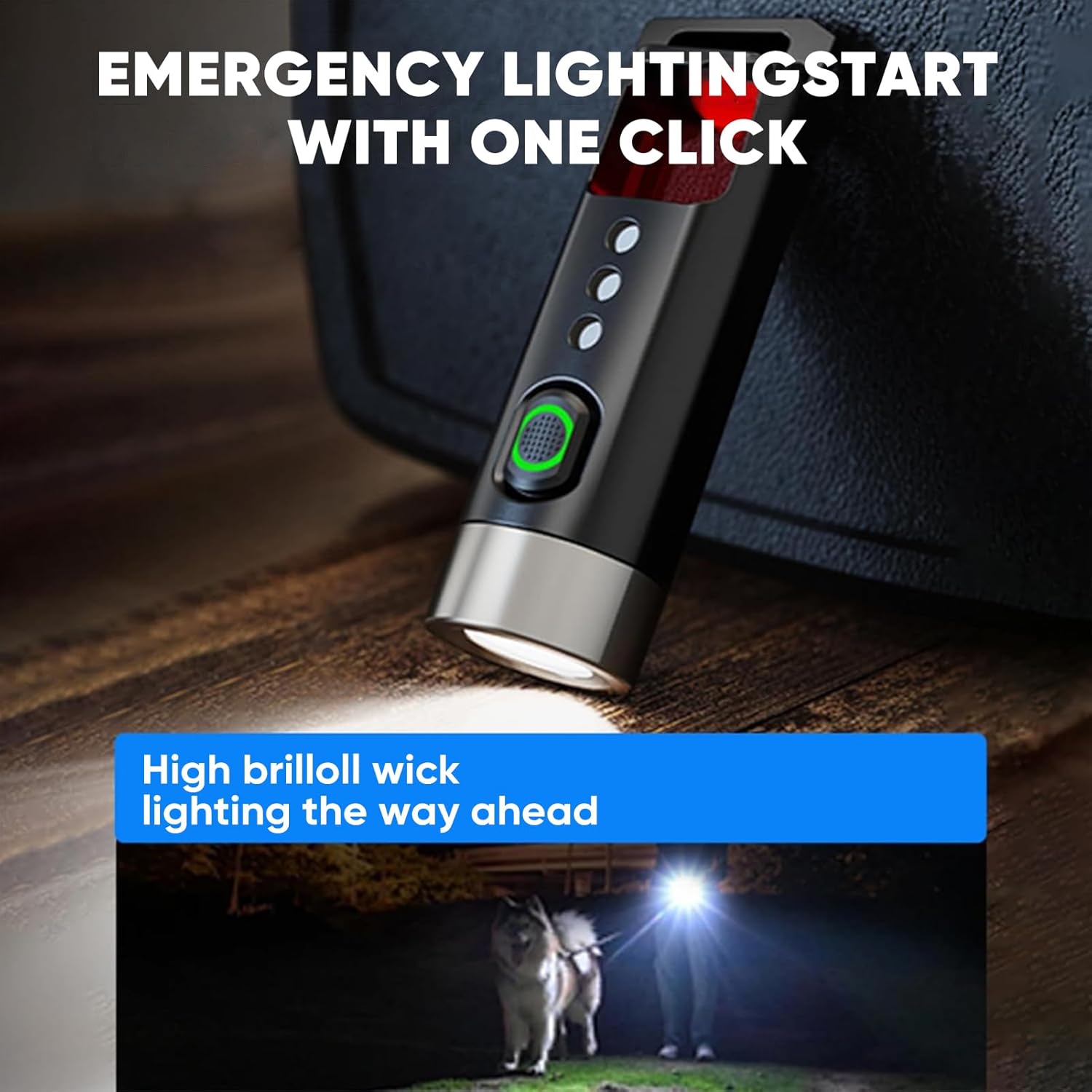
Image: The flashlight demonstrating its high brightness mode, lighting a path.
Anti-Peeping Detection Mode
This feature allows you to detect hidden cameras or surveillance equipment.
- Double-click the power button to activate the flashing mode.
- Hold the product upright at a 90° angle and close to your eyes. Look directly through the tail detection filter window, avoiding oblique angles.
- Scan the surrounding environment. If a reflective red dot is observed, it may indicate a hidden camera.
- For best results, use this mode in a dimly lit environment.
- Ensure the detection distance is less than 5 meters.
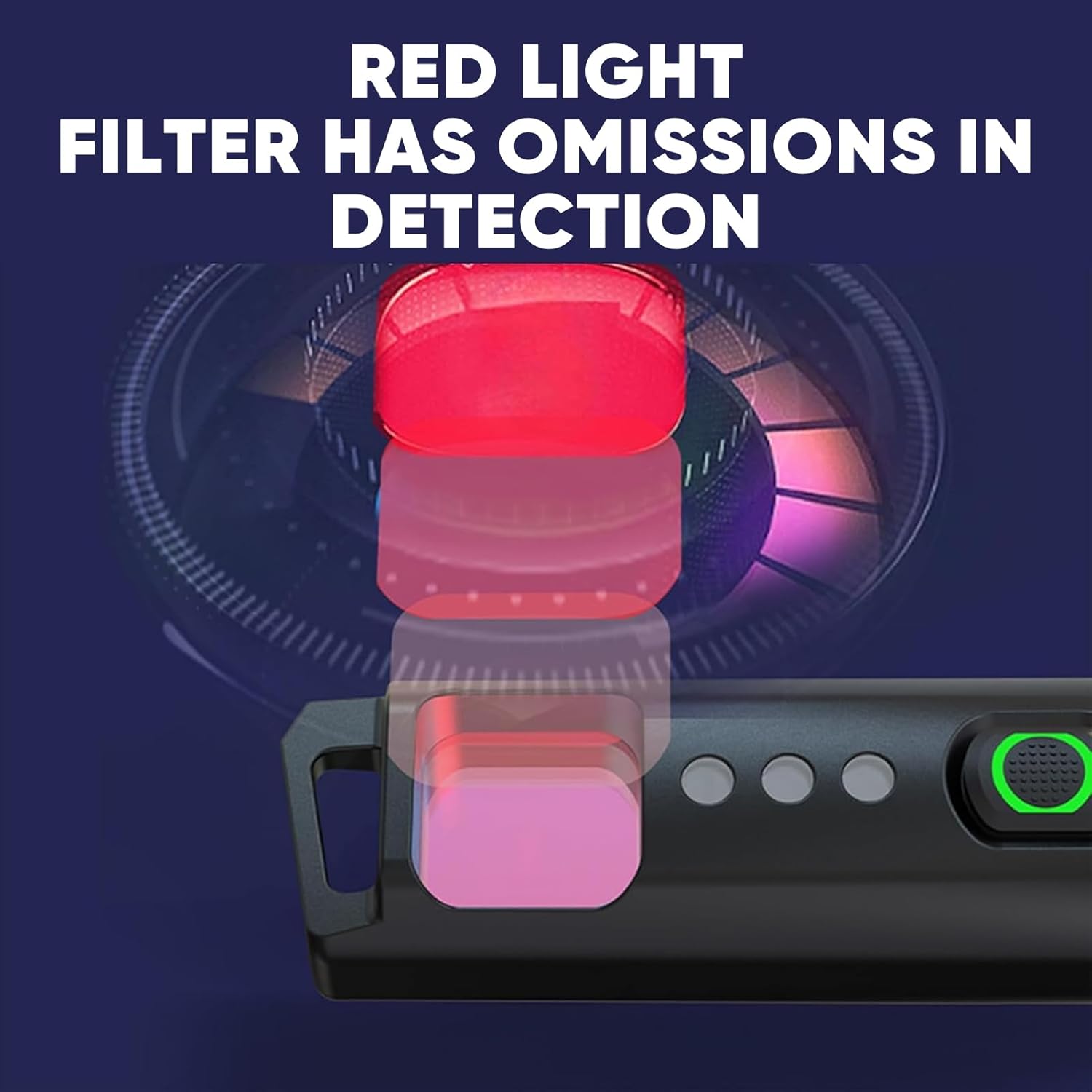
Image: A user demonstrating the anti-peeping detection mode by looking through the filter.
Tail Opener Function
The tail of the flashlight is designed with a blunt head to safely open packages or other items without using sharp tools.
- Use the blunt end of the flashlight's tail to gently pry open package seals or tape.
- This feature is intended for light-duty tasks and should not be used as a pry tool for heavy-duty applications.

Image: The tail opener feature being used to open a package.
Карактеристики и спецификации
Клучни карактеристики
- Multifunctional Anti-Peeping Detection: Equipped with a red light detection mode to scan for hidden cameras.
- Safe and Convenient Tail Opener: Blunt head design for opening packages, replacing traditional knives.
- Пет режими на осветлување: High, Medium, Low, Strobe, and Continuous Dimming for versatile illumination.
- Smart Power Indicator: Green light for >70% battery, red light for <30% battery, preventing sudden power loss.
- Лесен и пренослив: Weighs only 12.5g, compact design for easy carrying on a keychain, in a pocket, or backpack.
- Полнење со USB Type-C: Hidden charging port for convenient and long-lasting battery life.

Image: The compact PHILIPS SFL1121P flashlight, highlighting its portability.
Технички спецификации
| Спецификација | Детал |
|---|---|
| Бренд | ФИЛИПС |
| Број на модел | SFL1121P |
| Осветленост | 200 лумени (макс) |
| Lamp Моќ | 3W |
| Тип на батерија | 120 mAh (Lithium Metal) |
| Battery Life (Medium Light) | 25 минути |
| Растојание на зрачење | 50 метри |
| Нето тежина на производот | 12.5 гр |
| Големина на производот | 62.5 x 20 x 16.5 mm |
| Anti-Drop Height | 1 метар |
| Начин на полнење | USB тип-C |
| Материјал | Aluminum (Note: Customer reviews indicate plastic body, but product specifications state Aluminum. Please verify upon receipt.) |

Image: Detailed product parameters including dimensions, weight, and battery life.
Одржување
- Чистење: Избришете ја батериската ламба со мека, гamp крпа. Не користете абразивни средства за чистење или растворувачи.
- Складирање: Чувајте ја батериската ламба на ладно и суво место подалеку од директна сончева светлина и екстремни температури.
- Нега на батеријата: To prolong battery life, avoid completely discharging the battery. Recharge promptly when the red indicator light appears.
- Отпорност на вода: The flashlight has an IPX4 rating, meaning it is resistant to splashing water from any direction. It is not designed for submersion.
Решавање проблеми
- Фенерчето не се вклучува:
- Ensure the battery is charged. Connect to a USB Type-C power source and check the indicator light.
- Verify that the flashlight is not in a locked mode (if applicable, though not specified for this model, it's a common flashlight feature).
- Светлината е слаба или трепка:
- Батеријата можеби е празна. Наполнете ја фенерчето.
- Ensure the flashlight head and tail cap are securely tightened.
- Anti-peeping mode not working effectively:
- Ensure you are in a dimly lit environment for optimal detection.
- Maintain a detection distance of less than 5 meters.
- Hold the flashlight at a 90° angle to your eye when looking through the filter.
Гаранција и поддршка
For warranty information, technical support, or service inquiries, please refer to the product packaging or contact PHILIPS customer service directly. Keep your purchase receipt as proof of purchase for warranty claims.
Online support may be available through the official PHILIPS webсајт или овластени трговци на мало.